

The rubber mounting pins are double-sided, leaving a little extra tab to pull on from the opposite side you’ve installed. The problem is that the longest side of the pin is 20mm and the fan is 25mm thick… so you cannot grab the pins with your fingers, and they certainly are not accessible to pull from outside the case. Unless you want to grab a flashlight and some strong tweezers then these pins are practically useless. I recommend using a rubber gasket and and case screws anyway to make things extra secure.
One thing to consider when using these fans is the integrated speed switch. Since the switch is attached to the fan then it really isn’t feasible to switch the speeds on-the-fly. Additionally, the extra wiring can look a little messy, even if you do wrap it around the fan housing and secure it. If you don’t want to deal with fan buses but still want a silence-able fan then this method is the way to go.
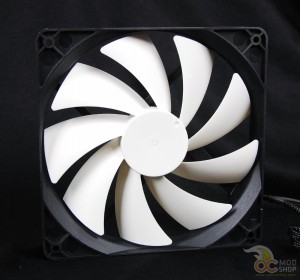
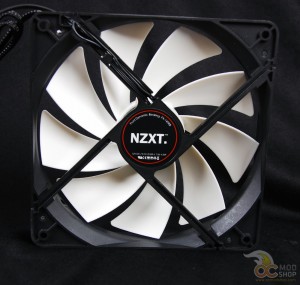
Once the fans were installed, we set the switch to the lowest setting and turned them on. We measured the noise of the fan using our trusty Radio Shack noise level meter, and tested several other fans from previous reviews at the same distance using the same settings. We then tested each fan at Low, Medium, and High settings and recorded the results. We only tested 120mm fans, as we had no other 140mm fans in the lineup to test against.


3 comments
[…] NZXT FX Enthusiast 140mm & 120mm Fans @ OCModShop […]
Is there really a difference with fans? I mean, why order one from a website if there's a generic one in the store? Does the name brand one actually make a difference?
[…] NZXT FX Enthusiast 140mm Fan @ OCModShop […]
Comments are closed.