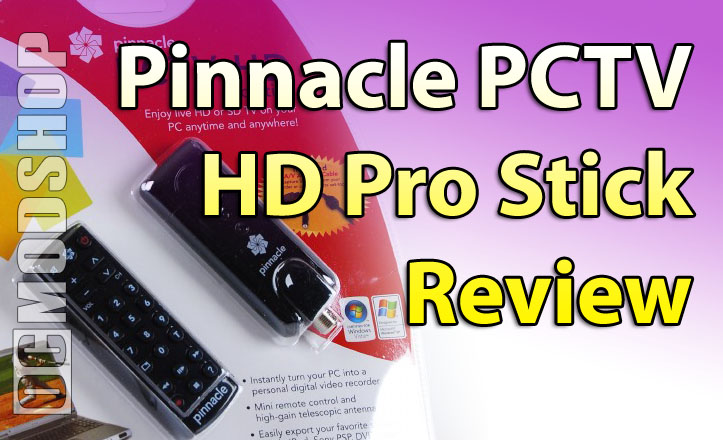
Installing the PCTV HD Pro Stick Hardware
Installation of the PCTV was a breeze, Windows Vista Ultimate found the USB device as soon as I plugged it in. Before deciding to install the Pinnacle TV Center software, I figured I would give Windows Media Center a try. Windows Media Center was able to located the newly plugged in tuner and asked me to configure the device. It found the tuner as a Digital Tuner and with the antenna connected it was able to tune into all of the local HDTV Over the Air (OTA) stations I was able to locate. When I connected my cable line to the PCTV Pro Stick, Media Center was not able to locate any of the analog channels. After I ran into this issue, I figured it was time to install the TVCenter PRO software. (Editor’s note: The unit does not work in Vista x64, even with beta drivers).
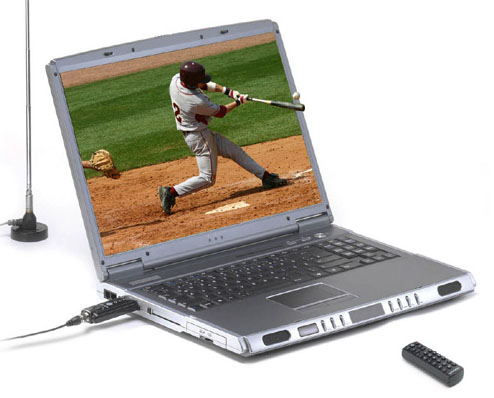
Installing the TVCenter PRO software.
Instead of installing the TVCenter PRO software that was on the CD included in the package, I went ahead to Pinnacle’s website (www.pinnaclesys.com) and installed the latest version of the software. The installation process for the TVCenter PRO software was very simple and easy to follow.
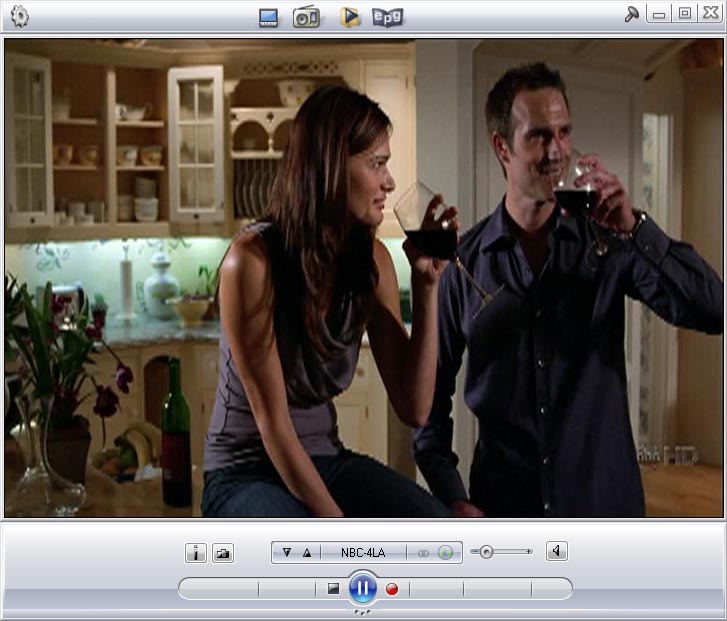
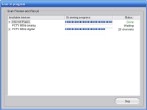
After the installation is complete, the TVCenter PRO software starts up to configure the PCTV HD Pro Stick and scan all the channels. Since I was having trouble seeing my analog cable TV channels, I decided to configure the TVCenter to work with cable TV first. After the initial scan, I was delightfully surpised to see that I could watch all analog channels through their software. After this successfully worked, I closed the TVCenter PRO software and went back into Media Center. Media Center reconfigured itself and was now able to see all the analog channels. Know that this all worked was a big plus for me as I like to use Media Center as my primary interface.
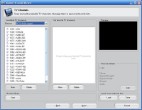
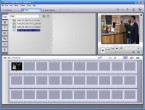
Going back into the TVCenter PRO software, I tried configuring their Electronic Program Guide (EPG):
First, I was disappointed to find out that I would have to pay for guide service after the first year. After accepting this and waiting a good 15 minutes for the Guide Data to load, I was disapointed to see that you would have to manually map the actual channel to the guide data. (Not Fun.)
After mapping the channels, the guide worked well!