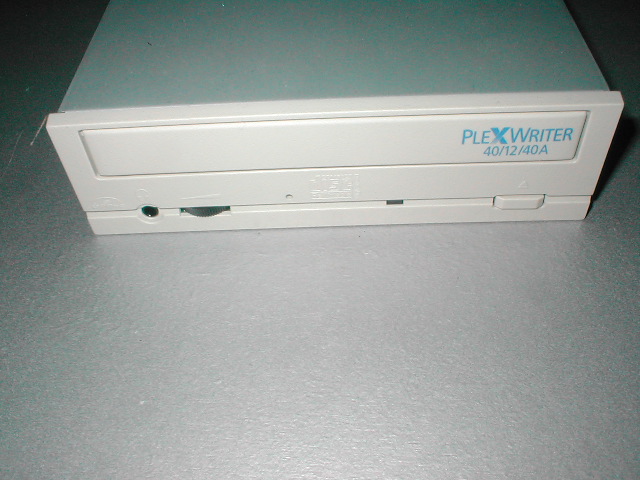
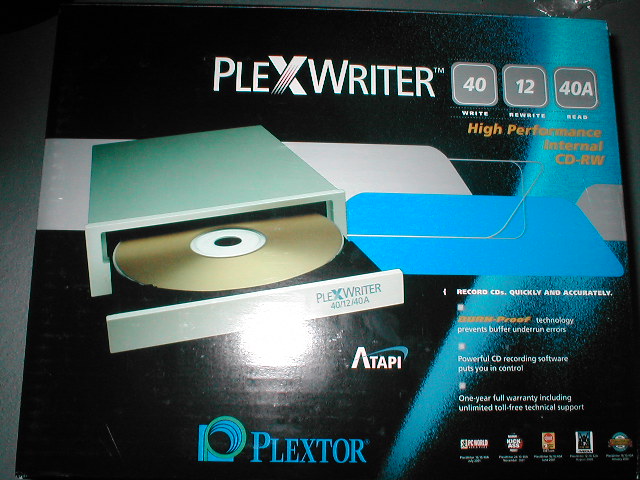
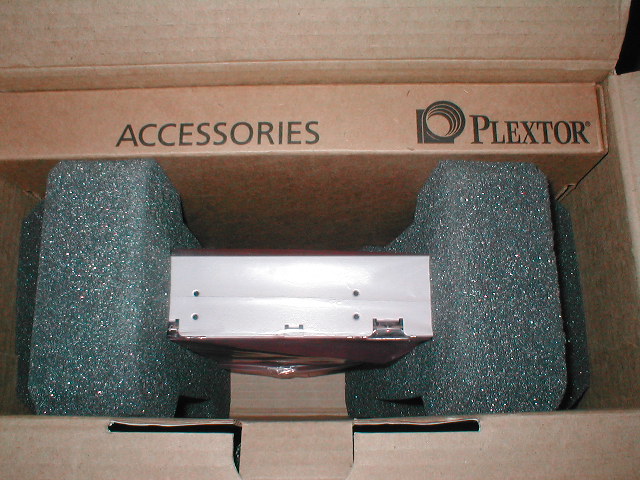
The box of the CDRW is really nice looking, sporting all of its features and specifications. The inside of the box has the CDRW all bundled up in some Styrofoam and there is a box for all of the accessories.
- Plextor PlexWriter PX-W4012TA CD-RW Drive
- Plextor PlexWriter 40/12/40A Manual
- ATAPI Drive Installation Manual/Poster
- Plextor PlexWriter ATAPI Software CD – Revision 1.11
- 1 Plextor 80 minute CD-R Disc
- 1 Plextor 74 minute High Speed 4x-12x CD-RW Disc
- IDE Cable
- Bag of screws, jumpers and emergency eject tool
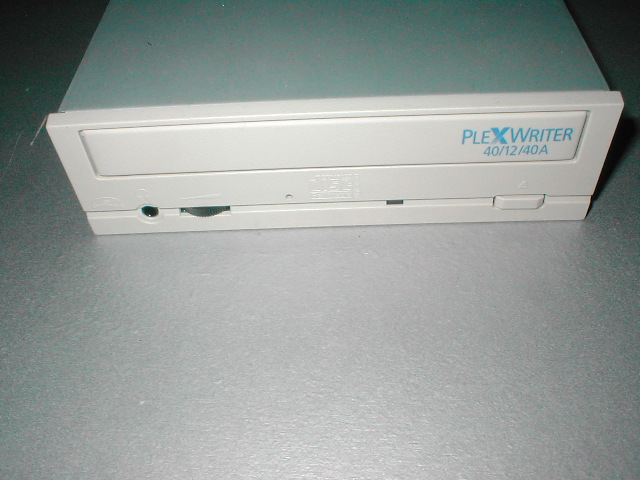
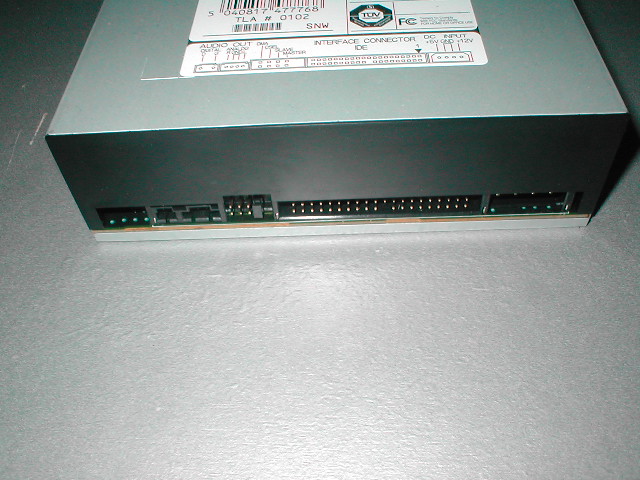
The front of the CDRW says PlexWriter 40/12/40A, it also has the logo for BURN-proof on it. The LED for the CDRW is a dual amber and green which light up depending on what the CDRW is doing at the time. This CDRW runs pretty cool so there is no fan on the back of the drive like there is on some of the older models. The CDRW ships with no DMA jumper installed which means the drive is set to Ultra DMA. This setting should work in most cases, so you don’t have to do anything. In some cases a computer may lock up with Ultra DMA enabled. If this happens you can change it to Multiwood DMA mode by installing the jumper across the pins to the left of the mode jumper.
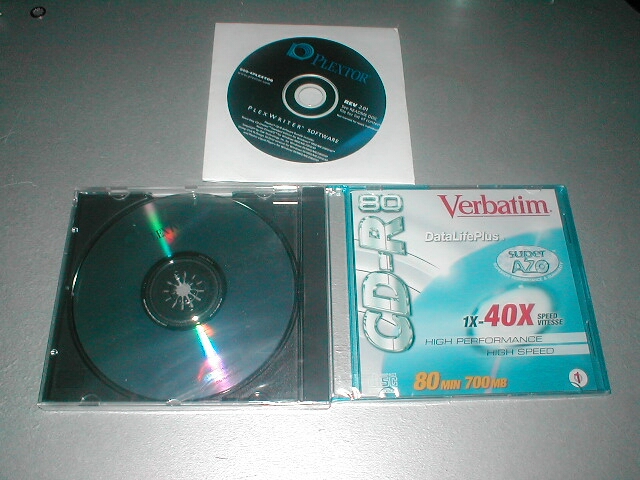
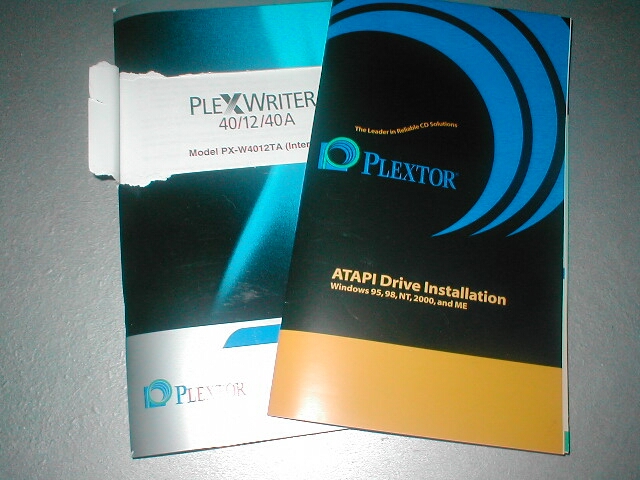
The PlexWriter 40/12/40A comes with a Verbatim 80 minute 40x CD-R in a slim jewel case and a 74 minute 10x CD-RW in a regular jewel case. I find it a little odd that this CDRW is able to write at 12x but only a 10x CD-RW is included. We will have to see if this drive is able to rewrite at 12x. The drive also comes with a manual and quick start guide, it seems that most companies in the hardware industry are starting to provide these quick start manuals which I really like. I don’t think you or I should have to dig through a big manual to find the little bit of information we need to get up and running quickly.
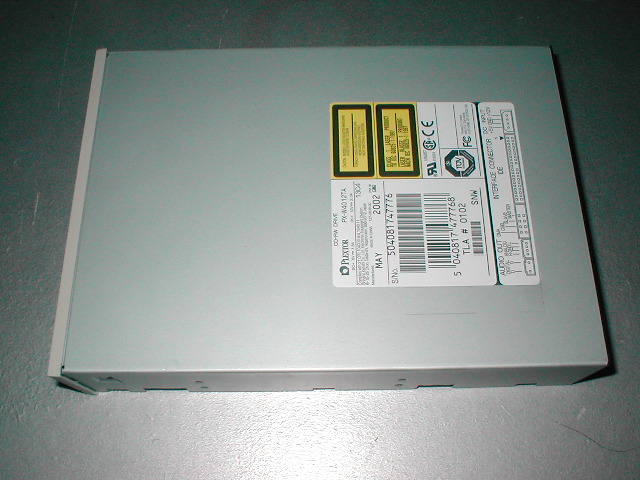
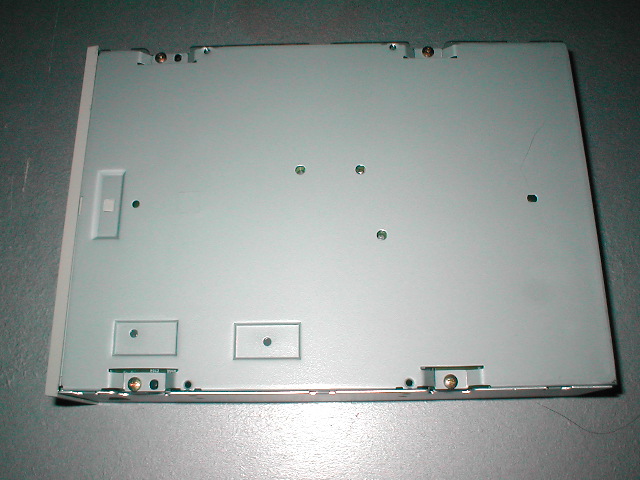
The top and bottom of the drive are really nothing special, the top just has the sticker with the serial # and other information such as manufacture date and firmware revision. I am wondering if and when a company is going to make a drive with a window in it.
This CDRW comes bundled with a few software titles, including: Easy CD Creator 5.1 which is Roxio’s main burning software; DirectCD 5.1 which is Roxio’s packet writing software, it will allow you to drag and drop files to burn; Plextor Liquid Player which is a custom version of Liquid Audio’s Liquid Player; Stomp Click’N Design 3D which is a cool program allowing you to make custom labels for your CD; and Plextor Manager 2000 which lets you create and listen to audio CDs