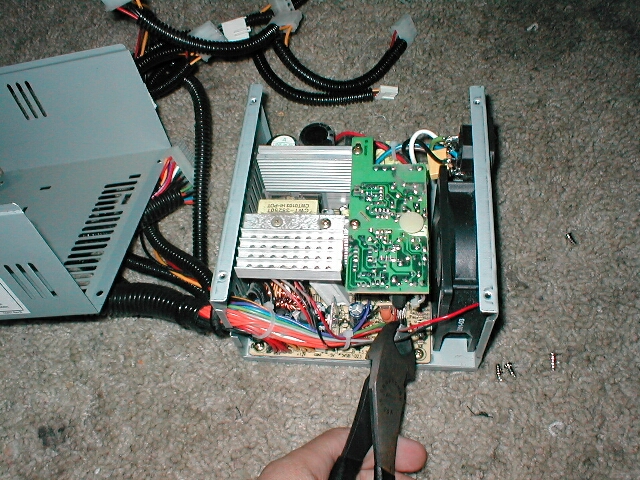
Take your new quiet power supply and put it back in your case. Rescrew your power supply into your case and make sure the wires for the new fan dont get stuck or trapped anywhere.


The Panaflo I installed is a 2 pin motherboard connector. Take the 2 pin or 3 pin connector and connect it to the closest motherboard header. Plug all of your power connectors back into their respective spots and power up your computer.


Conclusion
Now that you are finished changing the fan in your power supply your computer will be much quieter. Also with the PP-403X there is a “smart fan” feature where when your computer is being used the fan spins faster and when it goes back to idle the fan slows down. This was the most irritating thing about the power supply. Now that your new quiet fan is connected to your motherboard it will no longer spin up and down. I hope this guide was helpful and please feel free to email me with any suggestions, questions or comments.