
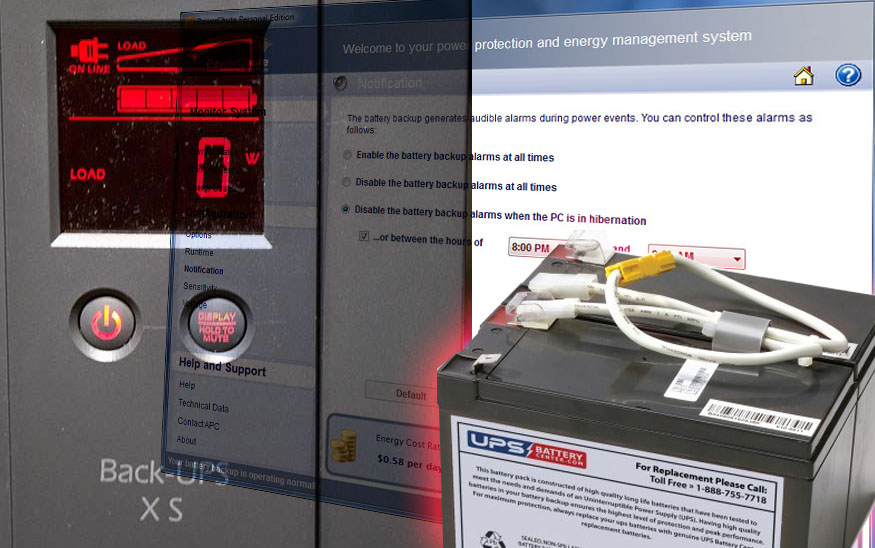
Setting the screen to “always on”
There are a few settings you can tweak without using the APC PowerChute software, but these tweaks must be done when the UPS is off. Since the unit is off now is as good a time as any.
If you have one of the fancy systems with an LCD screen and want to keep it on all the time, then press the “display” button for 10 seconds until the screen turns on. Press the display button until the display meter changes. Once the screen turns off (after a few seconds of not pressing anything) then your setting has changed.
Setting the AC tolerance
You can also change how tolerant the UPS is to the AC line quality before it switches over to battery power. While the UPS is off, press and hold the power button for 10 seconds until the LCD screen comes on. Press the power button to the desired setting:
- 1 battery bar = low tolerance
- half battery bars = medium tolerance
- full battery bars = high tolerance
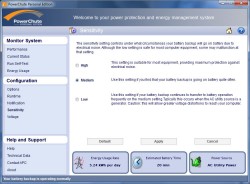 You can also change the sensitivity via PowerChute
Once the LCD screen turns off the setting has been saved.
You can now turn on your UPS as normal by pressing and releasing the power button.
Reset the install date and calibrate battery
The batteries you get from APC should already have a decent charge, but you may notice that your UPS reports that its “estimated battery time” is zero. You have to set some things using APC’s PowerChute software. If your UPS is on a Linux system then you may have to temporarily connect the UPS’s USB cable to a Windows PC and install the PowerChute software to change these settings.
Click on the “Self Test” button. You will see an option to set the battery change date. Click that before trying to calibrate the new battery.
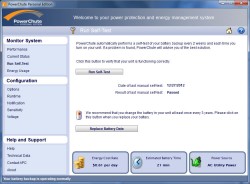
After you have done that, run the Self test. After about a minute your APC UPS should report normal usage and you should see a normal standby time.
We were alerted to a problem when the “estimated backup time” was zero yet we had a full battery meter. After installing the new battery and calibrating, our servers can now run for a full 25 minutes on battery backup, which is what we experienced previously.


