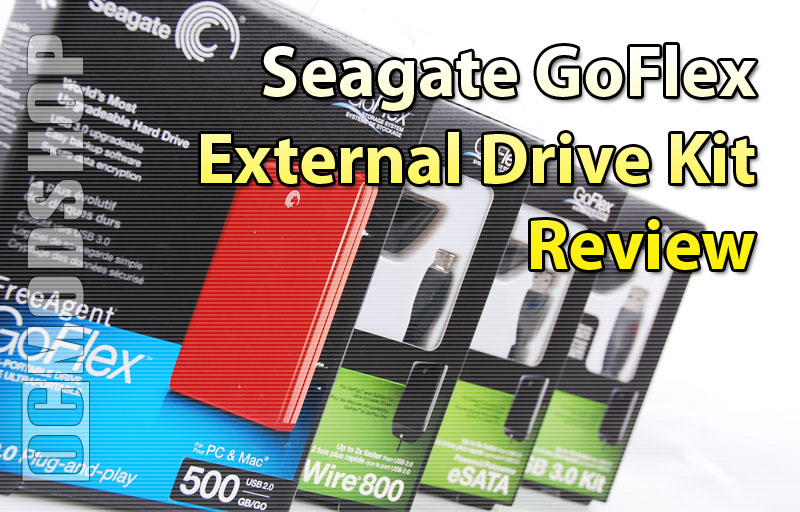
The drive is encased in shiny plastic and has rounded corners. The drive is featureless except for the Seagate logo on the front top of the drive. The back of the drive has an embedded internal connector. The connector looks similar to SATA, but is just different enough to be proprietary to The GoFlex system. Power and activity lights are included on the adapter portion of the cable, which lights up when plugged in properly.
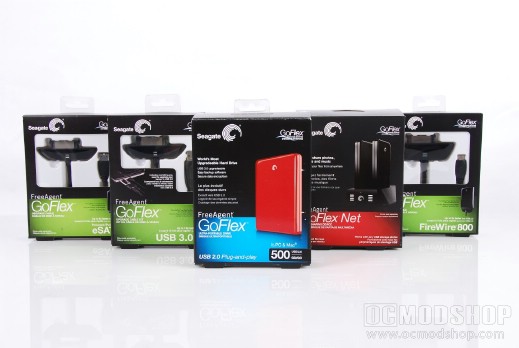
The (almost) complete GoFlex suite: The drive, all the cables, and GoFlex Net (missing GoFlex TV)
Getting a drive up and running is a very quick and painless process (for a PC). After unpacking the drive, all you have to do is plug the adapter into the back of the drive and then connect to your computer. The USB 2.0 cable is removable, but all of the other adapter’s cables are permanently attached. The cables are all rather short, too (1 and 1/2 feet, or 48 centimeters), so the GoFlex is clearly targeted at laptop users. When testing this drive, we barely had enough lead to place the drive on top of the PC when plugging into the motherboard’s back USB ports.
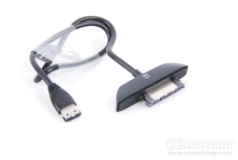
The GoFlex drive and eSATA adapter
The drive is pre-formatted with the NTFS filesystem, so Mac users will either have to install software to read the drive, or reformat it.
Included software
The Seagate FreeAgent GoFlex comes pre-installed with 4 pieces of softare: The Seagate Dashboard, Memeo Instant Backup, drivers for Seagate’s USB 3.0 PC Card Adapter, and a Mac installer (to read the pre-formatted NTFS format). Included when you install the suite is Memeo Sync, Memeo Share, and Memeo Send. The Seagate Dashboard and Memeo Backup software is basically a marketing device to entice you to purchase their software, as you receive nag screens almost constantly about all of the other Memeo software you should buy. The Dashboard does not provide any useful functionality like SMART information, but allows you to set the power-down timeout and LED settings. “Testing” the drive tells you nothing more than “the drive is functioning normally”. Most people will just delete the included software, and believe me you’re not missing anything if you do.
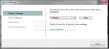
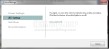
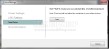
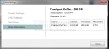
Seagate Dashboard Drive Options are rather sparse
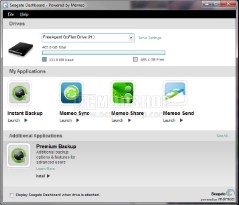
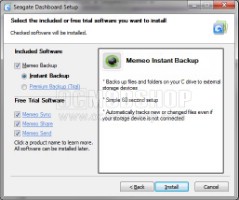
The Seagate Dashb… I mean Memeo Marketing Tool
The internal drive is a 5200 rpm SATA laptop hard drive, so it doesn’t get very hot. Using an infrared thermometer, we measured the temperature of the plastic shell, which reached 95 degrees after several hours of data swapping (the same as other ultraportable hard drives we’ve tested).
Read the next page to find out how the drive performs with all of these interfaces…