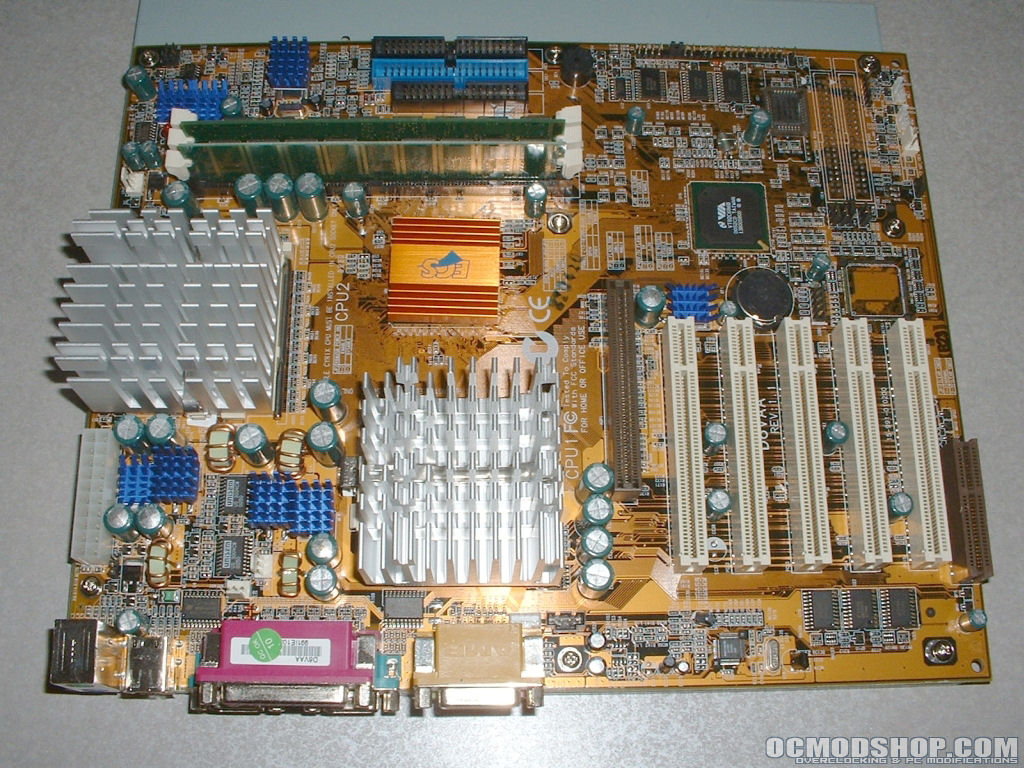
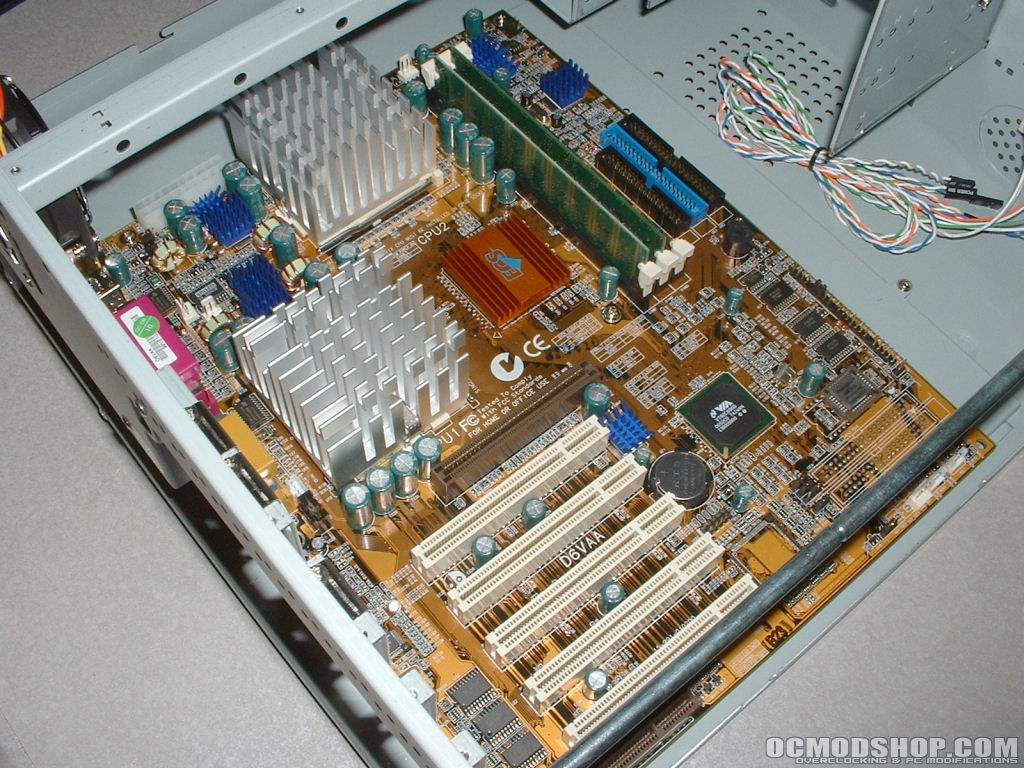
The removable motherboard try made installation of my motherboard much easier and faster. With my processors, heatsinks, and memory installed I mounted the motherboard to the tray then installed the tray back into the case.
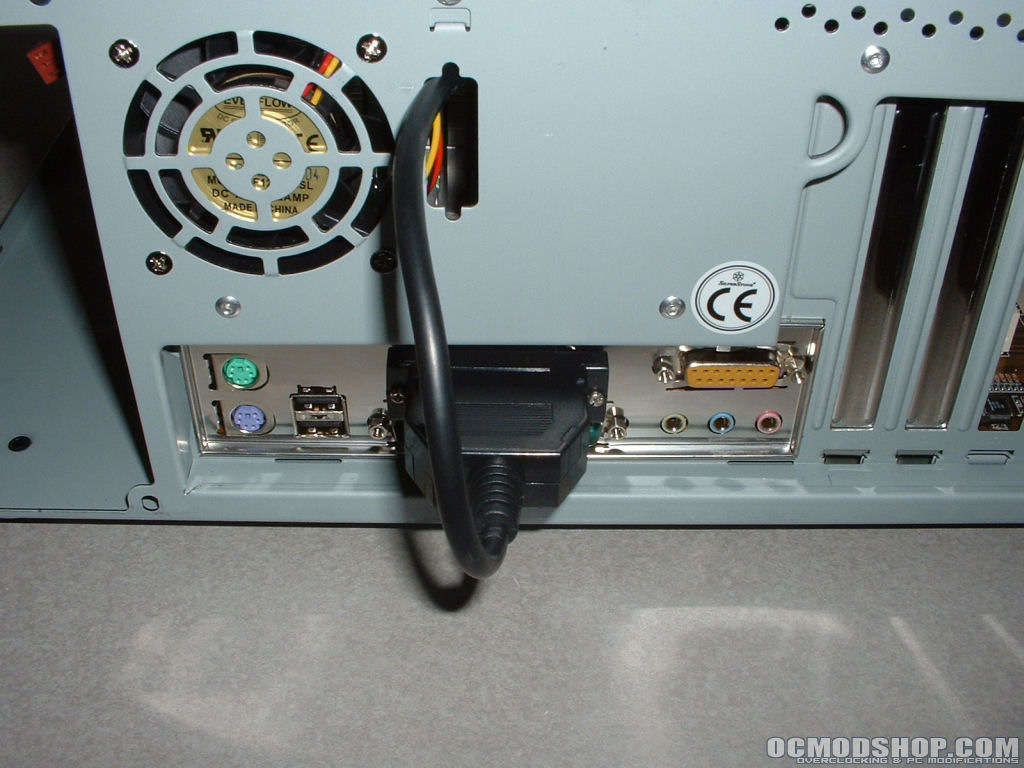
As I mentioned before the parallel cable for the VFD runs through one of the PCI slots which makes that particular slot unusable. Because I want the ability to use all of my PCI slots I rerouted the cable. On the back of the case next to the 60mm fan is a punch-out that looks to be for a gameport. Seeing how I have no need for this punch-out I put it to use and ran the cable through it. To do this I just unplugged the VFD and ran it through the back of the case since the parallel connector is much to large to fit through the hole. With that done I installed my Plextor PX-708A DVD±RW and Thermaltake 350w PurePower Fanless PSU, both went in without a problem. Next were all of my PCI cards which included a video card, modem, gigabit NIC, and SATA RAID card.
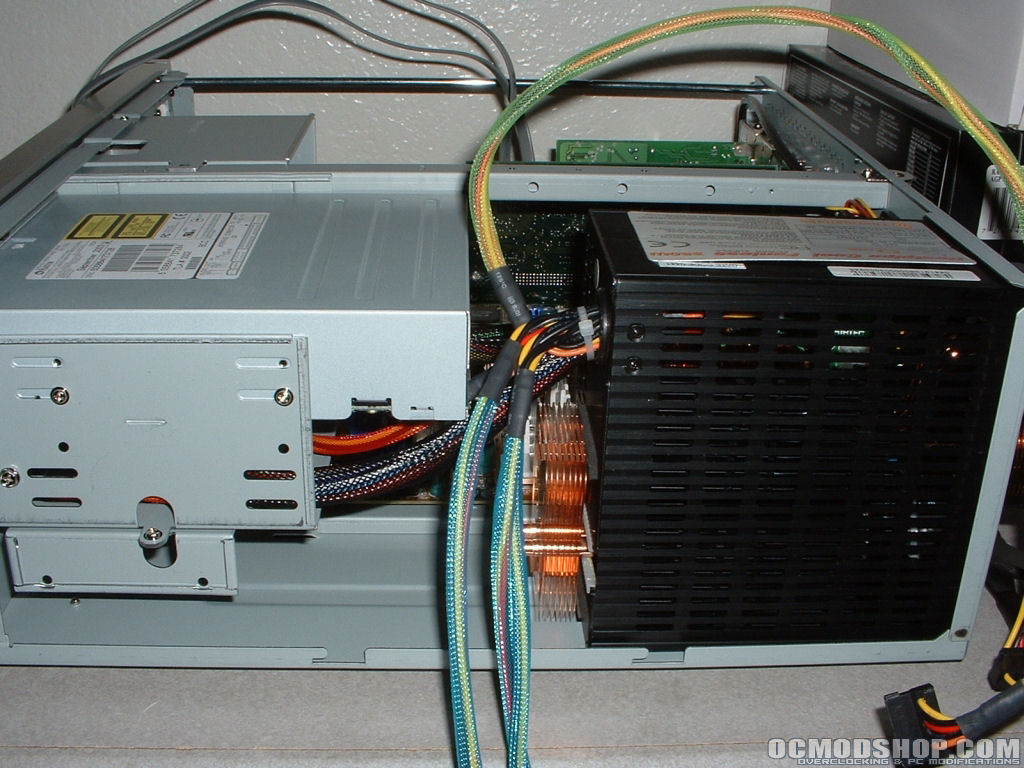
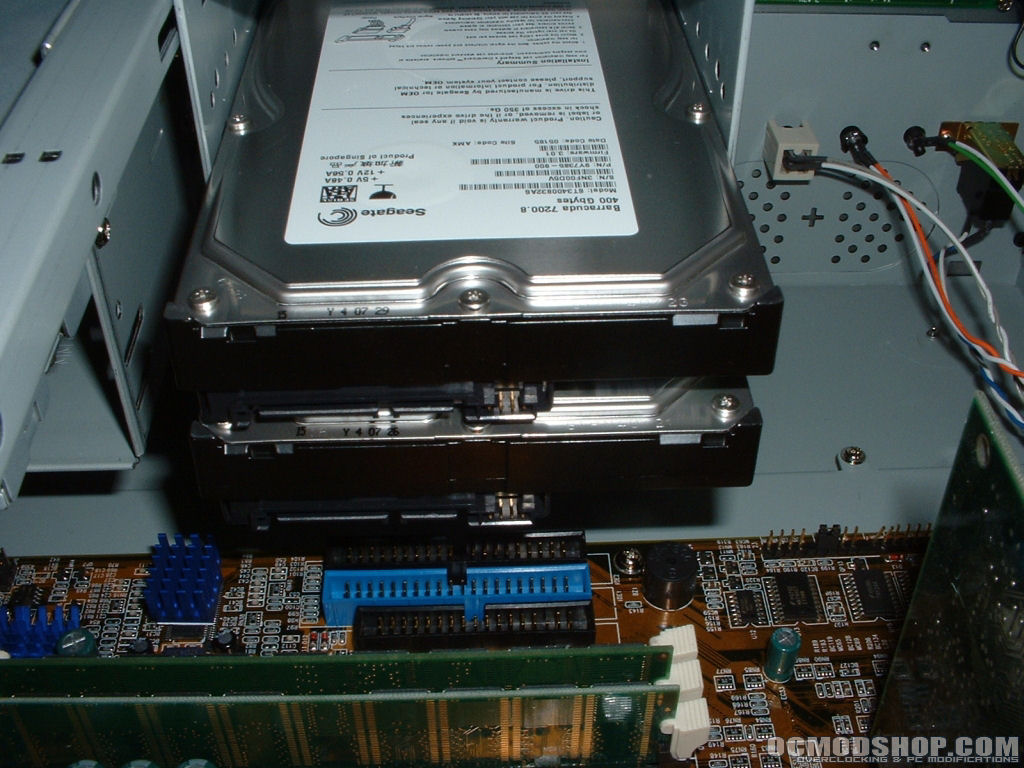
Installation of my hard drives is where I ran into some problems. I was unable to use the 3.5″ cage below the Plextor drive because a capacitor on my motherboard was in the way. This particular motherboard is somewhat old in comparison to many of the newest boards on the market but I still should have been able to use the cage.
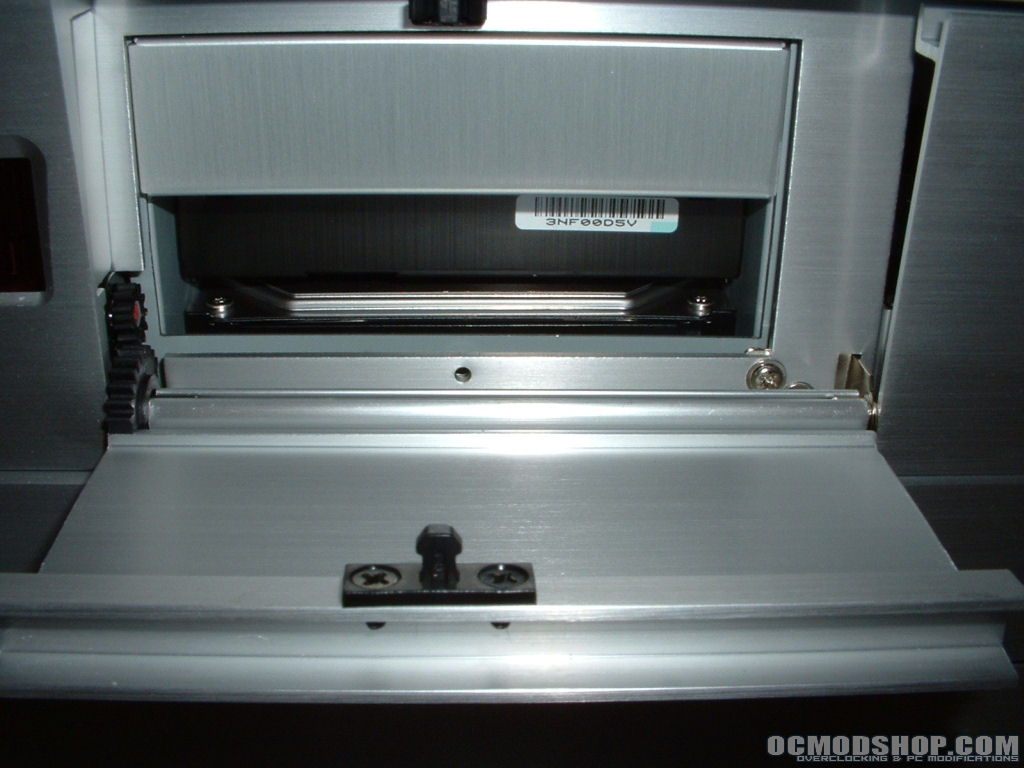
Because of this I had to mount both 400GB SATA Seagate hard drives in the front 3.5″ cage. I ran into another problem here because when you use two hard drives you are not able to use both bay covers which makes it so you can see the drive with the door open. I am quite sure that this cage is supposed to be able to hold more than a single hard drive because on the side it is marked for hard drives and floppy in each of the three openings.
VFD Functionality
a VFD is a great piece of hardware to have especially for a HTPC or server. This particular VFD is a 16×2 line that uses a NEC D16314AGJ chip. Nothing included with the case was provided that even mentioned the VFD or how to setup and use it.
On SilverStone’s website is a link to a manual that describes how to setup and use the VFD. You will first want to power down your system and connect the parallel cable to your motherboards port and plug a 4-pin molex connector in to power the unit. With the unit hooked up you will want to go into your BIOS and set your parallel port to EPP.
After you have done this and booted into windows you will need to install the driver file. You will need to fill out a small form and click submit which will allow you to download the EXE file. After installing the driver you will want to download and install LCD Smartie which is an open source LCD/VFD software program.
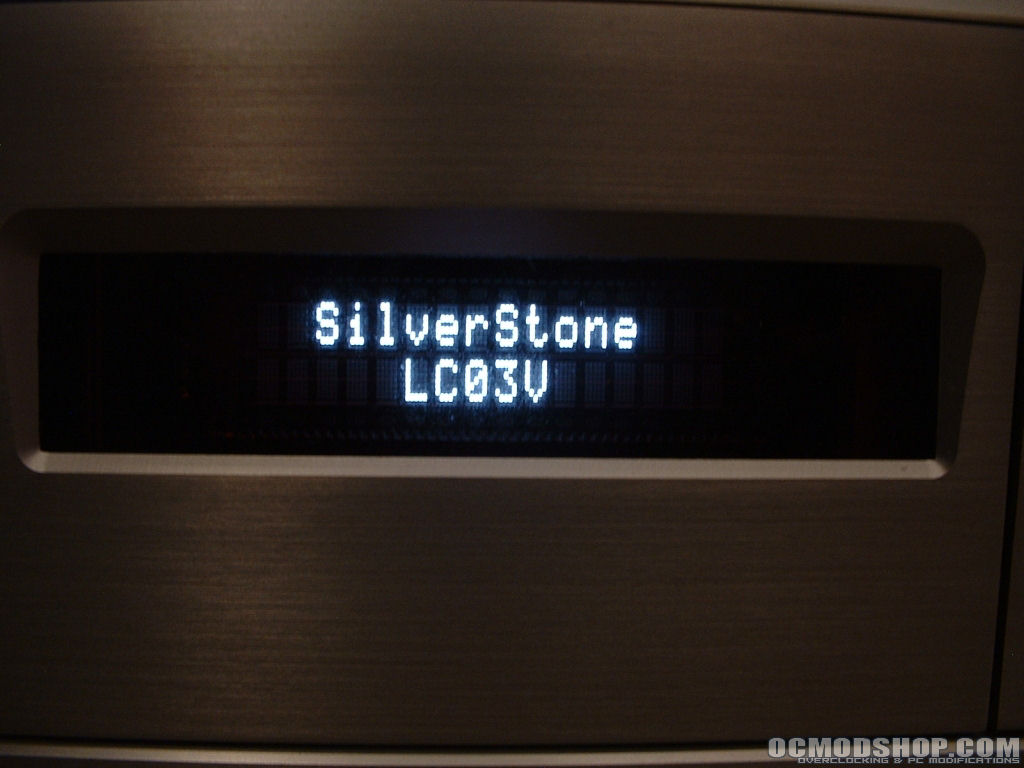
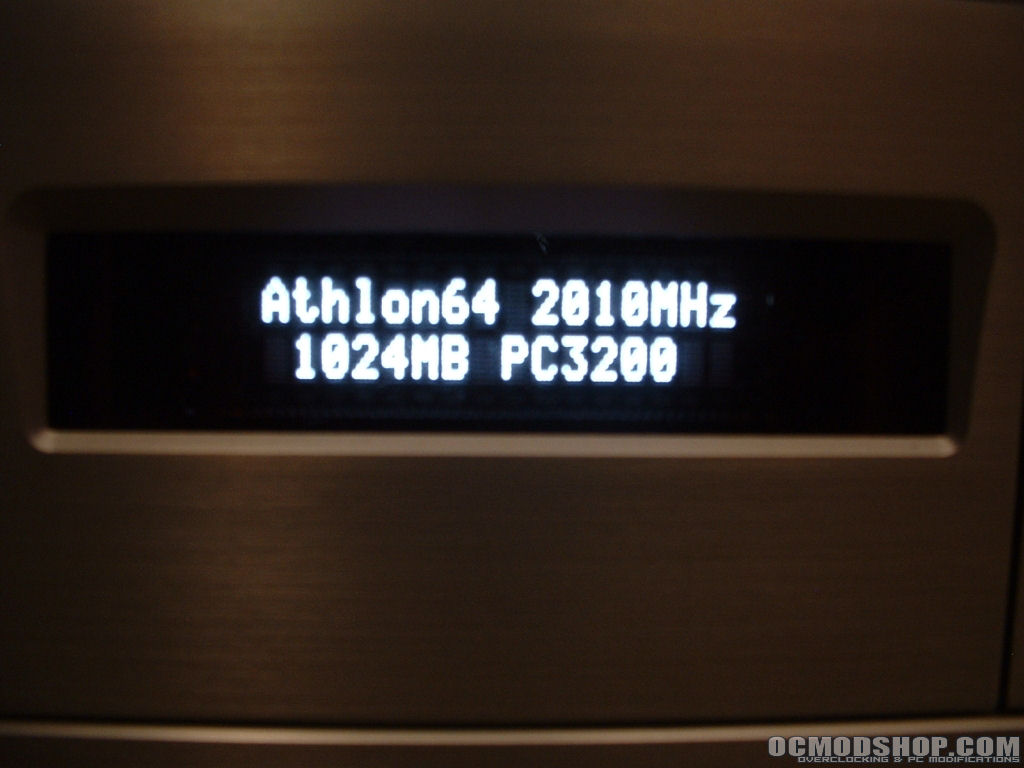
After installing LCD Smartie you will need to configure it, set the scroll interval to 300, the LCD Size to 2 x 16, and the LCD Settings to Parallel (HD44780). With this all setup you should be able setup your VFD to many different things. Below are two pictures of the VFD in action, you can set it up to do just about anything and if it doesn’t exist you could always write a plugin since its open source.
Conclusion
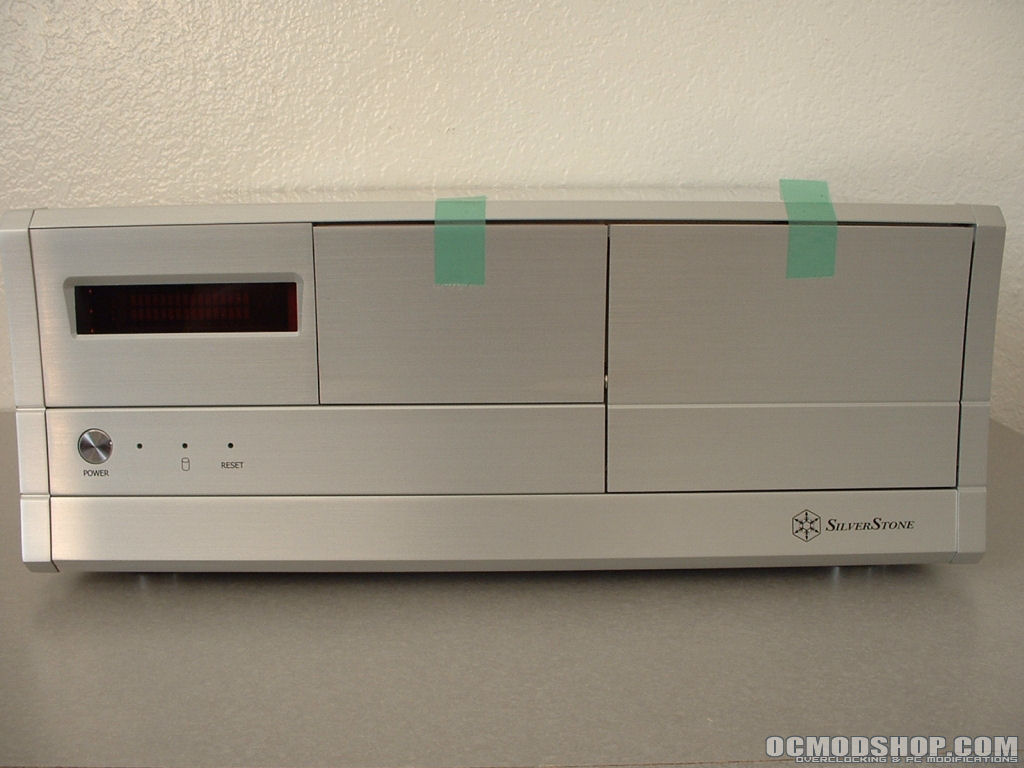
Overall this is a really good case and would be great for your HTPC or server if you plan on building one. The paint job on this case is amazing and the aluminum bezel will really stand out in your house.
The removable motherboard tray and drive cages make installation much easier and faster which is always a good thing. The VFD and bright blue LEDs will add a lot to the case from a functional and aesthetic standpoint.
For my project I hope to have it be silent and use no fans, however if needed there is a 60mm exhaust fan as well as a punch-out for an 80mm intake fan below the drive cages.
From a end user standpoint this case is great and would be a great choice, however since I am a reviewer I must also point out the flaws. The fact that the VFD software was not provided is very disappointing, especially with the cost of this case. SilverStone should really have included a CD with the software, driver, and documentation for it. They could have also done a better job routing the cable for the VFD.
Most of the time not all of your slots are going to be used, however if you do need all your slots and one is blocked you wont be happy. Finally there is the 3.5″ drive cage flaw, at least in my opinion. I was not able to use the single 3.5″ drive cage, which I will give fault to my motherboard. However I should have been able to use all three slots in the larger 3.5″ drive cage. Either I am totally missing something or there is a design flaw with this setup, and yes I did read the manual.
So taking all of these pros and cons into consideration I am going to give this case a 8/10. I would like to thank SilverStone for making this review possible.

Pros:
- Mirror coating paint job
- Brushed aluminum bezel
- Removable motherboard tray
- Removable 3.5″ drive cage
- Built in VFD
- Bright blue power and HDD LEDs
- Great external 3.5″ and 5.25″ design
- 60mm exhaust fan
- Optional 80mm bottom fan
Cons:
- VFD manual & software not included
- 3.5″ cage design flaw
- Parallel cable poorly routed