
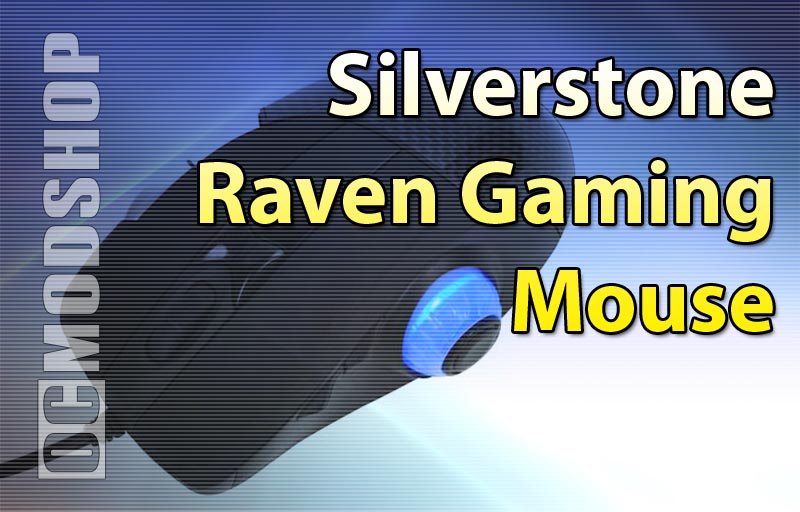
As mentioned before, the game works in two basic modes: Normal and Game. You must turn the mouse upside down and flip a switch in order to switch between these modes. This isn’t a big deal I suppose, as most people probably have to get several things ready before playing a PC game.
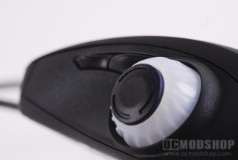
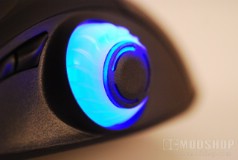
The Normal setting is designed for basic desktop use. The scroll buttons operate as you would expect in web browsers and spreadsheets, the right pinky buttons operate as Page Up and Page Down buttons. The thumbwheel works as a Flip 3D wheel, which most people don’t use as a mechanism for switching tasks. The large (and overly clickable) thumbwheel button changes the DPI by default, switching between 400 and 3200dpi. The regular thumb buttons (Forward and Backward) are greatly displaced by the thumbwheel, and are extremely hard to reach. In my opinion, the placement should have been reversed so the thumbwheel took more effort to reach and the normal thumb buttons were accessible.
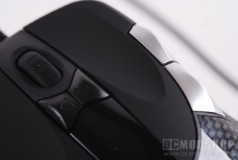
The Game mode changes the operation of the mouse greatly, and also allows for greater customization. Because there are so many things to customize, you should use the included mouse software. In this mode you can customize the X and Y resolution independantly, which can be very helpful in First Person shooters where you want to keep your aim on the horizon as much as possible. Snipers may want a greater Y resolution, however. You can also change these settings on-the-fly directly on the mouse, if you so choose.
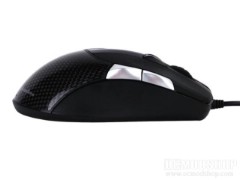
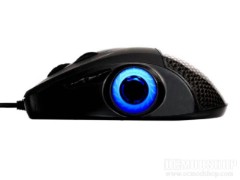
Of course, you can assign any function to any button in Game mode, and assign a profile name. When you switch to this mode, the profile name appears in the bright OLED window. Unfortunately, the window will probably be covered by your hand, so you must lift your hand to see what mode you are in. The thumbwheel button is used to switch profiles, and as mentioned earlier is very easy to click accidentally, so you may find yourself in a mode optimized for a different game, which could end up reducing your kill count or get yourself gibbed. Instead of naturally double-tapping to jump away from fire, you will instead switch to a different profile, which will most certainly get you killed.
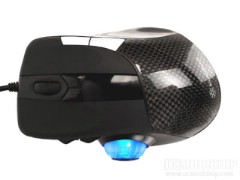
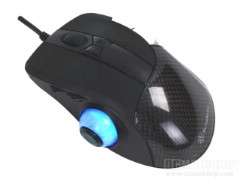
Regardless of what mode you are in, the thumbwheel is just in the way, and requires you to hold the mouse in a different way. Silverstone recommends placing your thumb on top of the thumbwheel, but this is just not a natural way most people hold their mice. This is the same usability dynamic used in the Microsoft Natural Wireless 600 mouse (reviewed here). Instead of moving the mouse with your wrist, you end up pushing the mouse around sloppily with your entire arm. This is fine if you want to make huge sweeping motions, but most people want accuracy, especially when taking headshots in PC games.

Using a new type of device isn’t necessarially a bad thing. Take ergonomic keyboards for example; people either love them or hate them and most people can’t swtich from one to the other once they get used to them. Same thing with game controllers vs. the mouse/keyboard combination for gaming. The point is that you can get used to the unique usability this mouse offers, but you may be better off getting a mouse with the same features without the huge learning curve.


