

Installation is simple for this LCD/light module, all you need to do is plug the ATX power supply adapter into the motherboard and the power supply ATX plug into the adapter, this will now power the unit. After you have that done you will need to plug the HDD LED jumper into the pass-through cable for the LCD/light module and then plug the pass-through cable into the motherboard. You can also put the thermal probe wherever you want depending on what you want to monitor. I just left the probe inside of the case so that it would display the case temperature.
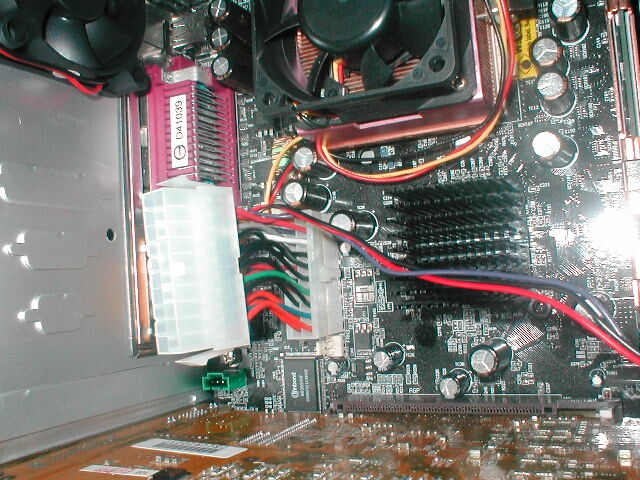
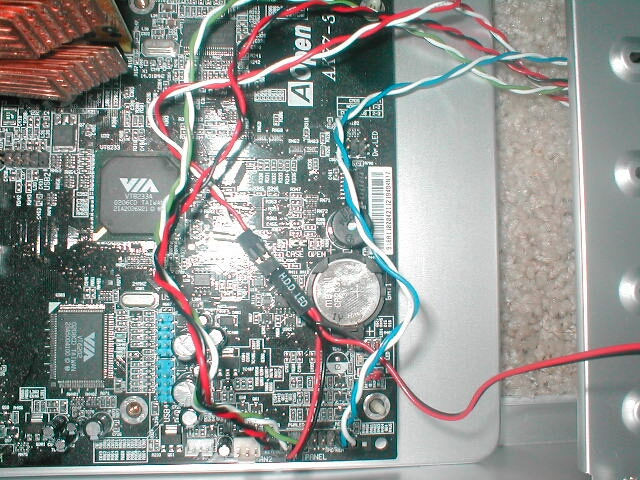
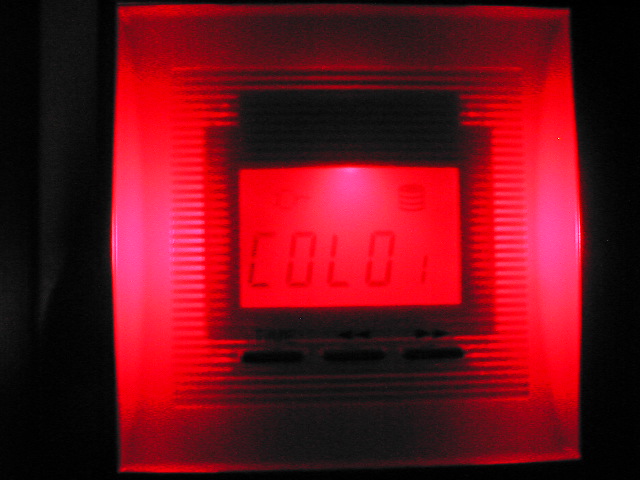
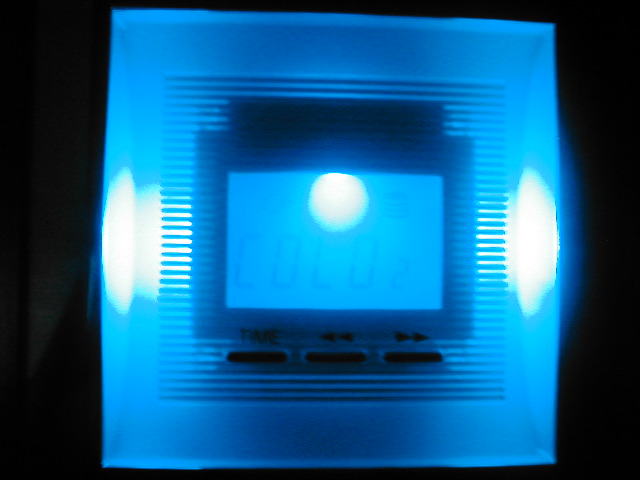
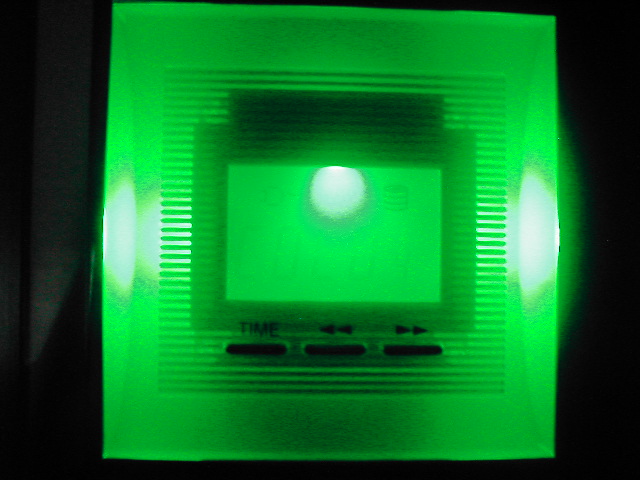
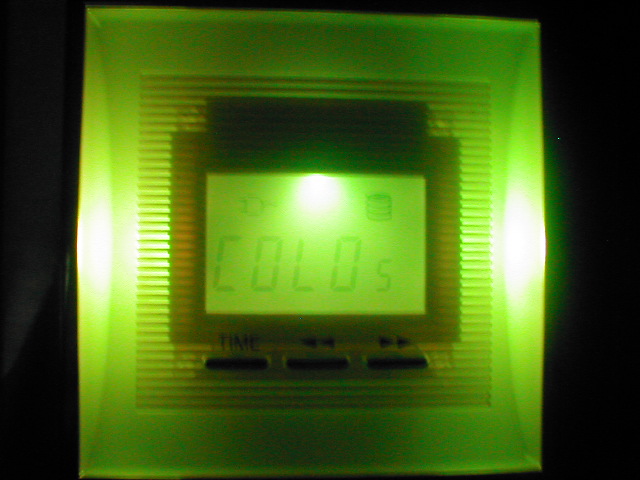
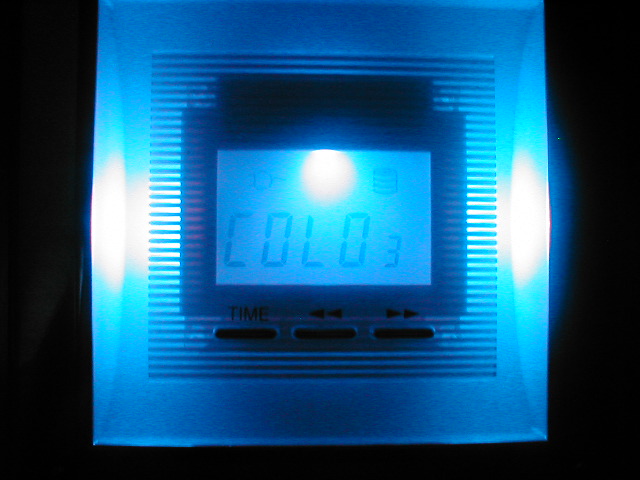
The LCD/light module has seven different colors to chose from which are: red, dark blue, violet, green, yellow, white, and light blue. There are 2 different modes for the colors; Auto mode which automatically changes the colors every two seconds and manual mode which is one color only that you can set. The LCD/light module will display the system power status, HDD status, time, and temperature in both Celsius and Fahrenheit which is read from the thermal probe. The time button is actually the mode button, it lets you set the time, and color of the display. The right button moves between time and temperature and while in temperature the left button changes it from Celsius to Fahrenheit. The LCD is really easy to use and works really well. The thing I do not like about this display is that the time is only in military time rather than AM/PM, it would be nice to have the option to change it.
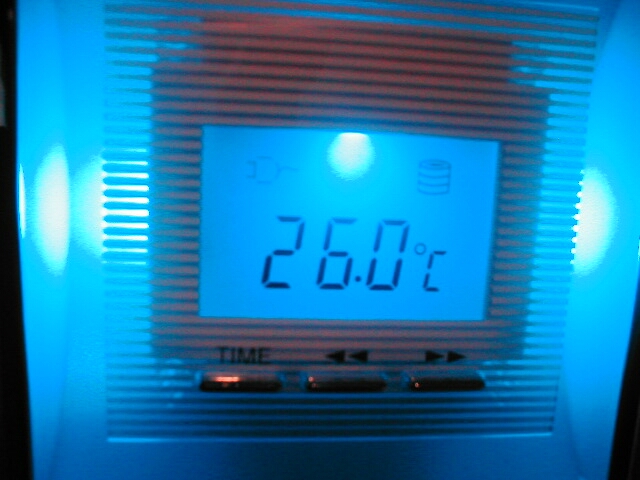
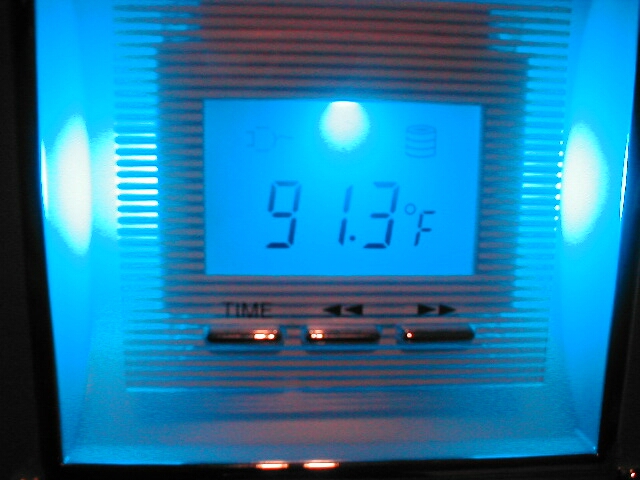
Like always my camera does not take good pictures of lighted things like cold cathodes, LEDs, or in this case the LCD. Most of the bluish colors look the same so below is a animated .gif from SkyHawk which shows the colors better. I have also used my digital camera to make a movie of the colors changing but again my camera is just that, a camera not a camcorder. The file is a 1.1MB .MOV file meaning you will need Quicktime, if you don’t have it go here to download it.
Conclusion
When I first saw this case to be honest I thought it was going to be lame, of course when I judge things before I actually see them I am usually incorrect. This case is awesome, not only does it look cool but it has a lot of good features and a pretty good design. I really love the LCD/light module on the front of the case and I think that SkyHawk did a great job coming up with a new idea that has not been done yet.
They have also included some nice features with this case like the front USB/firewire/audio, thumbscrews, and a fan duct. The case really looks good because of the brushed aluminum and is really light because of that fact. The handles on the side panels make getting in and out of the case really easy and fast.
There are a few downsides to this case however: you don’t get a power supply, removable motherboard tray, or all needed expansion slot covers. I also do not like the design of the front intake fan or the motherboard standoffs, I will be talking to SkyHawk about these things and hopefully they will be addressed.
The negative aspects of this case are not really that big of a deal for a few reasons: You may not need a power supply and if you did you might not want the stock one which would make the case more expensive. Also, expansion slot covers are very inexpensive. I really like this case and think Skyhawk has done a really great job with it,
I would recommend this case to you if you are looking for a good, low price aluminum case with some cool features. Overall I am going to give this case an 9/10 and award it the OCmodshop Seal of approval, I would like to thank SkyHawkUSA for providing me with this case to review, look forward to more SkyHawk case
reviews in the future.
Pros

- LCD/light module
- Looks awesome
- Fan duct included
- Thumbscrews included
- Side panel handles
- Lightweight
- Front USB, firewire, and audio
- Instructions included
Cons
- No power supply
- No removable motherboard tray
- Poor front fan intake
- Non-reusable expansion slot covers
- Poor motherboard standoff design

