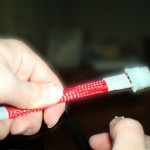
Once you have the Speed Strip installed to the CPU all you have to do is put it back into your motherboard socket and you are ready to start overclocking. When I was trying to install my CPU back into the socket the Speed Strip kept falling off because it was not tight enough on the pins. To fix this I simply put a small piece of tape on the Speed Strip to hold it in place. Though this is not that big of a problem and the fix is simple, it is still a negative aspect. It would be nice if the Speed Strip was tight to the pins so that tape wasn’t necessary. Even a piece of tape would have been nice instead of having to find some of my own.
Test Bed
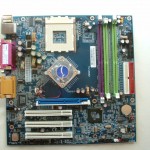
- Albatron KX400+ Pro
- 1800+ Thoroughbred
- 256MB XtremeDDR PC3500
- 30GB Western Digital HDD
- 300w PSU
- ATi Rage128
- 10/100 NIC
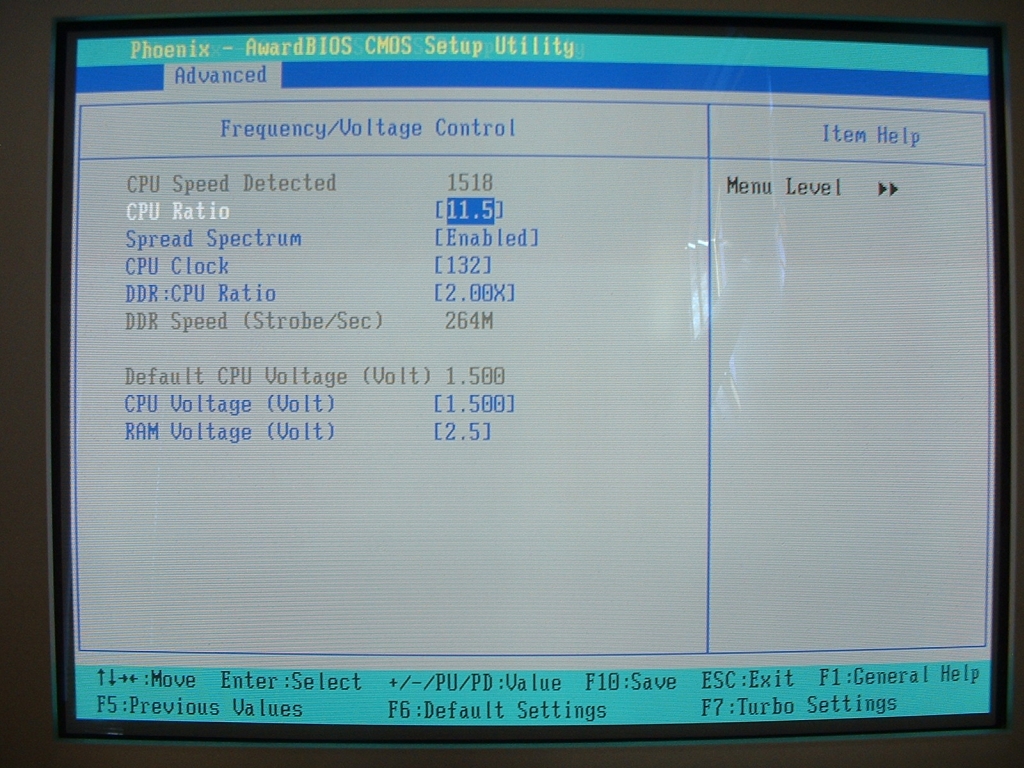
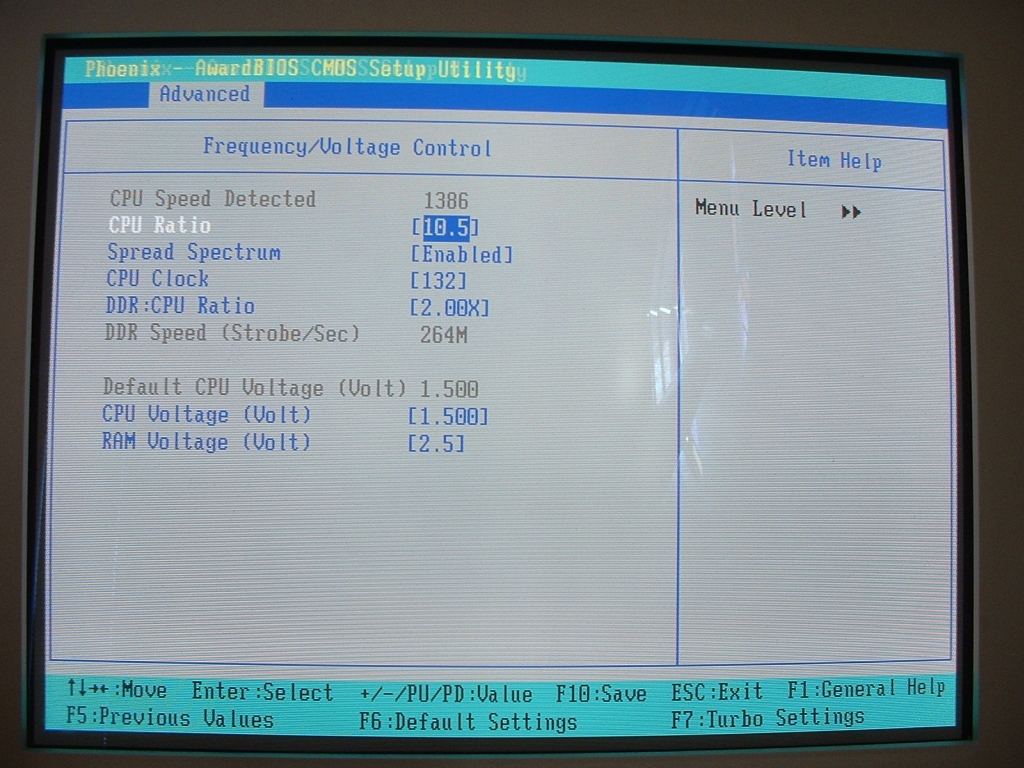
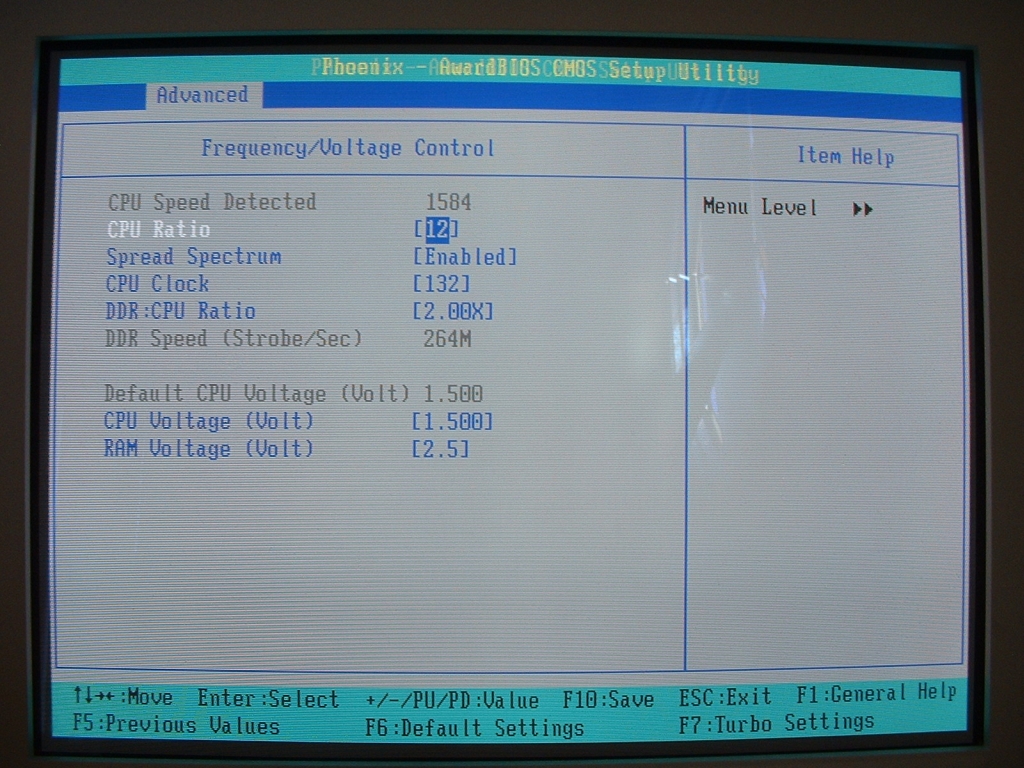
I wasn’t able to use this product on my normal test bed because it has an Abit NF7-S. The motherboard has a technology called 5-bit FID Override which basically allows you to unlock your CPU without unlocking it physically. So I had to use it on my old system which has the above hardware in it, which isn’t too old. I booted up my system and went into the BIOS, from there I changed the multiplier up and down to make sure it worked like it said it would. Every multiplier I tried worked perfectly and not once did I encounter a problem. Below are screen shots of the BIOS showing my Athlon XP at the stock 1800+ speed (11.5×133), underclocked to a 1600+ (10.5×133), and overclocked to a 1900+ (12×133).
 |
 |
 |
|
stock 11.5 multiplier
|
underclocked 10.5 multiplier
|
overclocked 12 multiplier
|
Conclusion
This product is a really good idea and will help anyone who is looking to overclock their CPU as much as possible. If your motherboard allows you to change the multiplier of your CPU without physically unlocking it you do not need this product. If you have a motherboard that does not allow you to change the multiplier on your CPU without it being physically unlocked you should love this thing. In the past I have spent a lot of time physically unlocking CPUs by hand which can be a real pain because the bridges are so small. With this Speed Strip I was able to take my CPU out, install it, reinstall my CPU, and change my multiplier in about 10 minutes. Overall I am going to give this product a 9/10 and awarding it the OCmodshop Seal of Approval. I would like to thank Speed Strip for sending me this to review.
Pros:
 Simple to install
- Unlocks your AXDA Thoroughbred or Barton
- Easy to read Instructions included
- Only costs about $15
Cons:
- Most newer motherboards will not need this to unlock multipliers
- Falls off easily when installing to the socket