Installation for the rheobus was really easy. All you really do is plug your fans into the unit, plug the Molex connector in, and screw it into a free drive bay. Now this unit uses only fans with bare wire leads, so if you wanna use it with most case fans you’re going to have to cut some wires. This seems to be the best way to really do it though, at least compared with other rheobuses which use 3-pin fan headers and the like, since this is most compatible and, since the wires don’t need connectors, you can lengthen them to your hearts content. Here we can see the fan connectors:
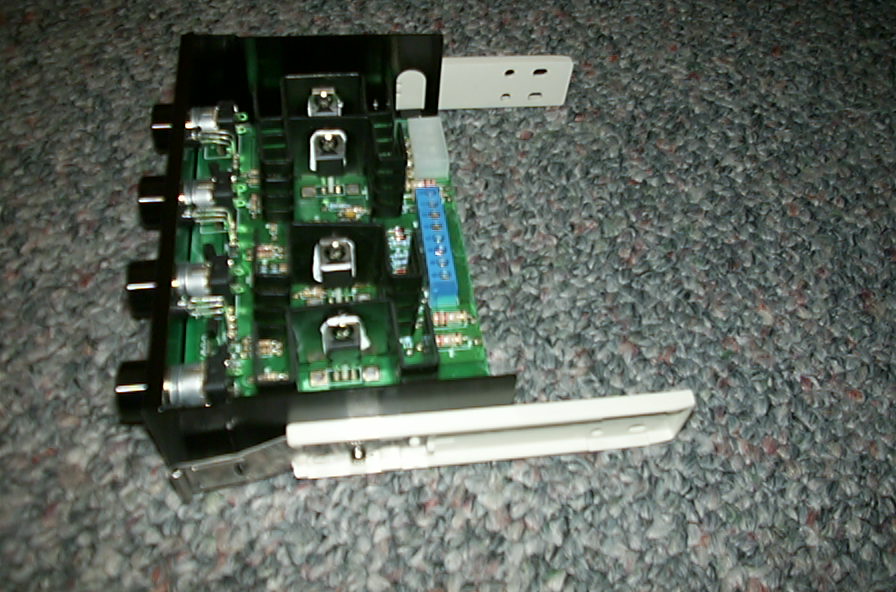
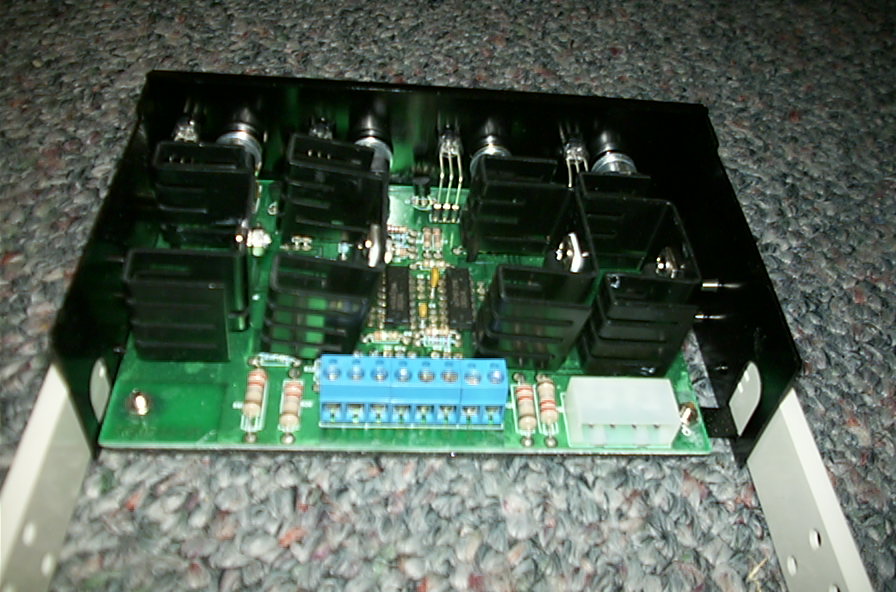
As you can see my computer case uses drive rails instead of screwing the drives directly into the case. This actually worked out really well for this rheobus, since I could just pull it out whenever I needed to add an additional fan. Also, as a side note, this unit has 20 watts of power, which should allow you to control more than one fan with each knob.
All in all, installation was a snap. The only problem that I had with the unit in the installation process was the screw-down terminals. I would have liked to see the spring type wire connecting terminals, since the screws required you to have a really small, flathead screwdriver available, and you gotta get in there and get it just right. With spring terminals I think the work could be minimized, since you could just pop the wires in and be good to go.
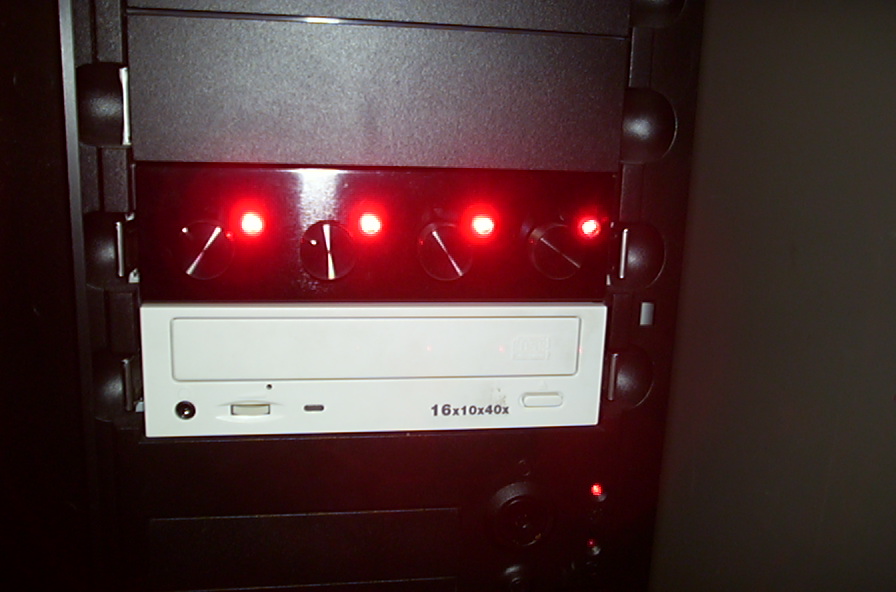
One of the neat features with this unit is that it has dual-colored LEDs. When each knob is turned off, the light is off. When the power being fed to the fan is ~7 volts and below, the light is bright red. Above 7V the light exudes a bright blue, which matches really well with any case, and is a lot nicer looking than some of the red/green units available out there. Let me warn you that these LEDs are really bright, so don’t try to sleep in the same room while this thing is on (unless light doesn’t bother you ^_^). You can see just what I mean in these pictures:
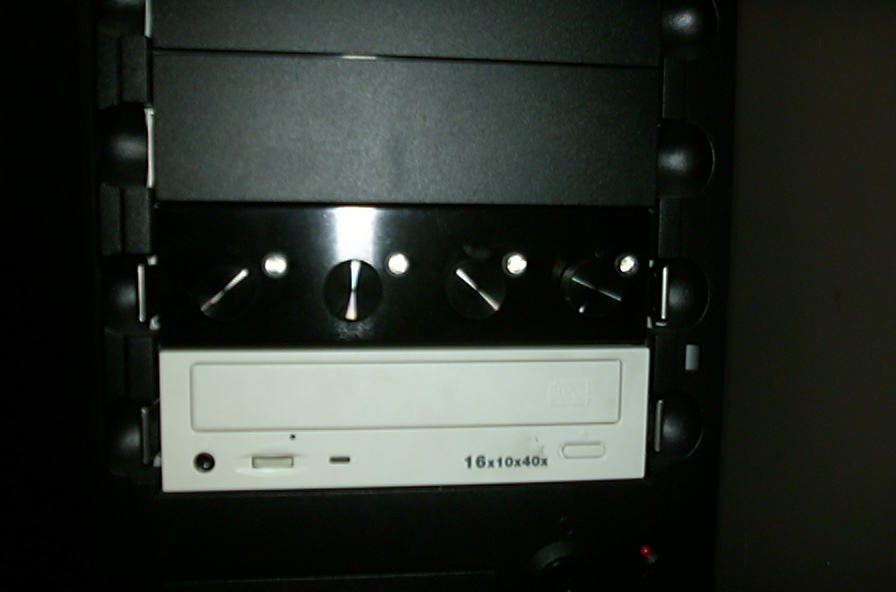
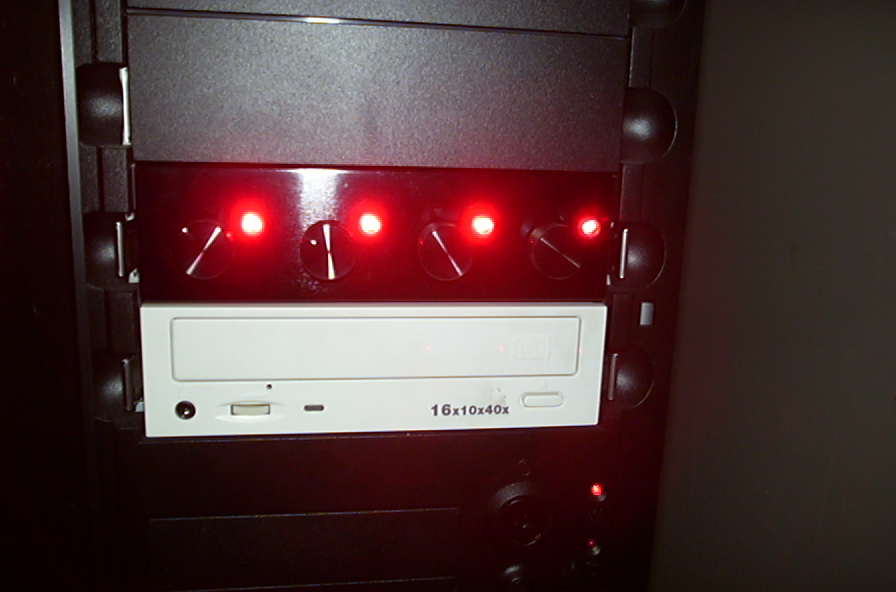
As you can see, the colors are really nice. As to its performance? Well, since we can’t really benchmark the unit, I really have to go with my personal take on the subject. I hooked up 4 80mm case fans to the unit, one on each channel. When turned all the way up they were as loud as you would expect, which is good since it means we aren’t losing any power to the fans (ie they are running close to their standard 12v).
At around 7v, or where the light changed from blue to red, there was a definite reduction in noise from the computer, which is really nice to have. The only problem I could find with the unit is that as I began to get lower on the voltage scale the fans would just stop completely, even when the unit was still on. Now I highly doubt that this is the fault of the unit, as it is more likely that the fans just don’t have enough juice to get up and move at the lower voltage settings.
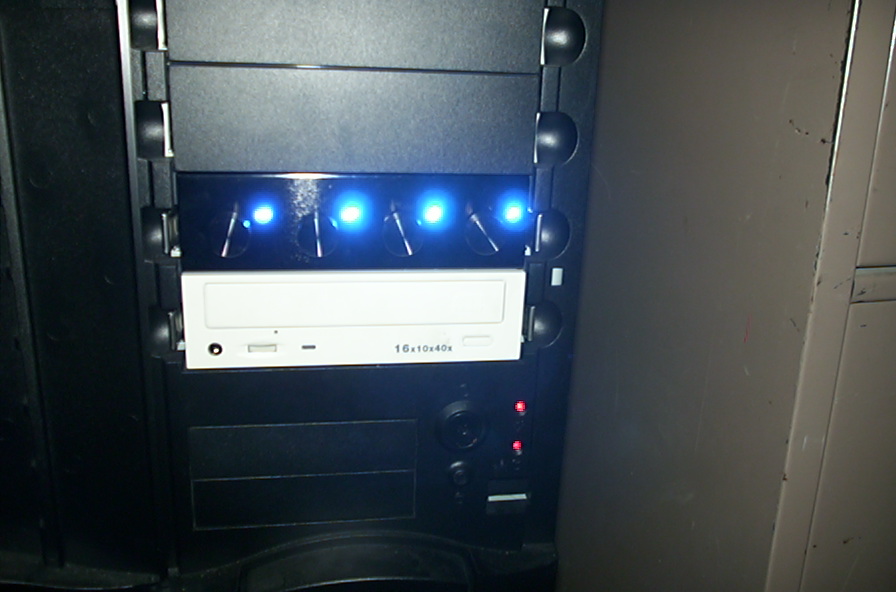
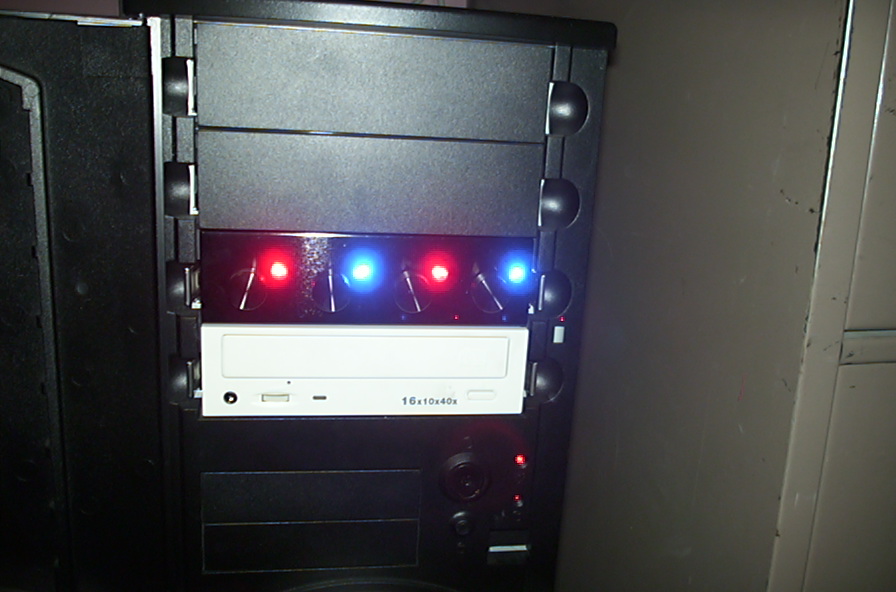
The need for a rheobus is a personal one, although I think that it is a very good investment. It allows you to turn up the cooling power when doing cpu/hard drive/video intensive tasks, such as playing video games or stress testing components, and also allows you to turn down the volume for times when you really don’t need massive cooling (ie sitting at the computer typing a review or reading the forums).
I really like to have this ability handy, and its really nice that it’s also such an attractive piece of equipment. For me, the ability to turn my fans off when I go to bed is a lifesaver, since I can download files all night and not be irritated by the noise of the higher output fans.
I also need to mention how slick this looks with my black case. It matches the color really well. They also have a regular brushed aluminum unit for those of you with Lian-Lis and the like. Like I said before, you can always mount the knobs in your own 5.25″ faceplate so the unit will look more stock and match your style better, so it’s completely up to you. This is easy to do as well, since you are provided with the template to help you drill the necessary holes so that it will look more professional.