
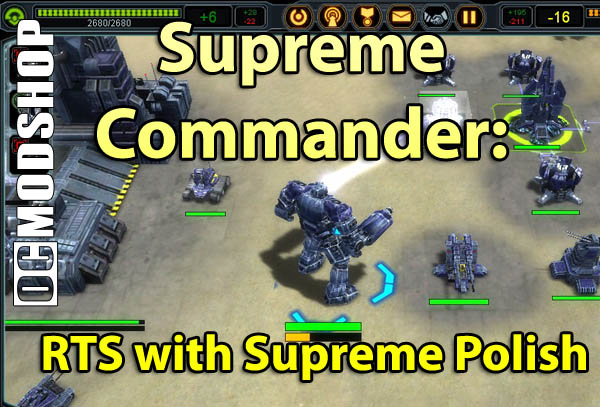
SupCom is a game of massive scales. Huge armies, huge maps and near-infinite strategies for completing each mission. It’d be hard to control all this without a good interface. Fortunately, they got it. Know all those little quirks that always make their way into otherwise good RTS games? I can honestly say it seems they fixed them. Every one.
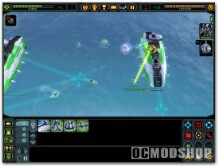
Unit selection defaults to combat units when boxing a whole bunch. Setting up patrol routes is a breeze. When ferrying units across water, you can set the carrier to automatically pick up and drop off units once you’ve set the parameters. When upgrading a tech tree step, you can even place “pre-orders” for the newly available units and set waypoints for them before you’re anywhere done with the actual upgrade.
The list goes on and on. It’s clear GPG put a lot of thinking into all these crucial details, but the real showstopper is the map management. Traditional scroll-at-edge-of-screen works fine for small maps, but what about gigantic battlefields that would take a good 30 seconds to scroll from one end to the other?
The answer is a seamless zoom, not unlike Civilization IV or Black & White, except better. You still have a minimap (SupCom supports dual screens, if you so prefer) but who needs it? Constantly zooming in and out between hotspots using the mouse wheel becomes second nature within minutes, switching automatically between showing actual units vs. map symbols.
