
Go to http://www.gametap.com and download one of the two clients, Lite or DeLuxe (recommended). Sign up for an account, enter your credit card info and shazam, you have your login ID and password. Fire it up, log in and try to not get overwhelmed by the sheer quantity of games.
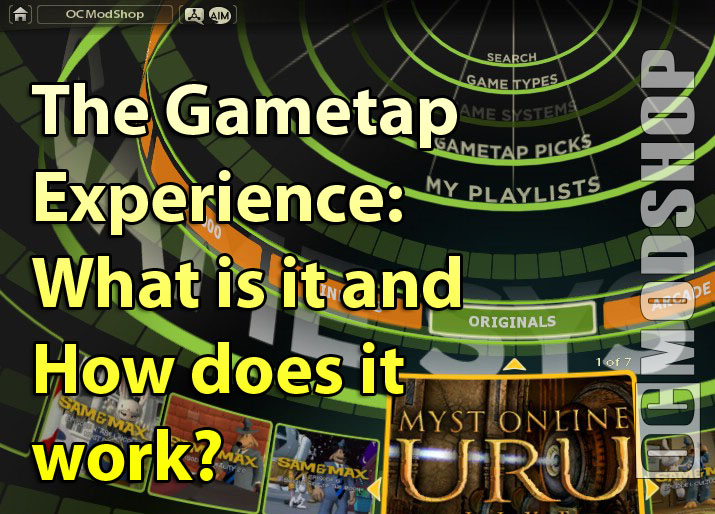
First off, the interface is very simple. At the top-center, you have the main categories; search (by name), game types (RPG, action etc.), game systems (Windows, NeoGeo), Gametap picks (recommendations) and My Playlists (for quick-jumping to favorites later).
Once you’ve chosen a main category, say game systems, you can then pick Dreamcast, and voila, you get every available game on that system in an alphabetic-scroll directory.
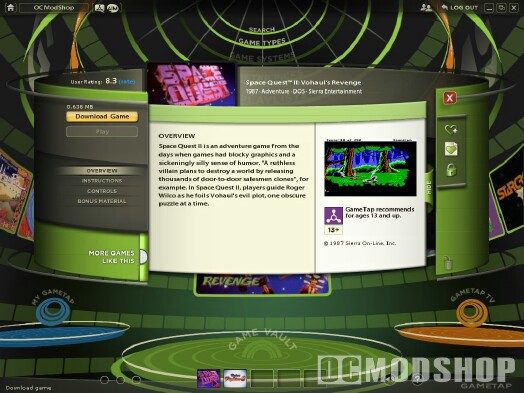
For example, you want to take Crazy Taxi for a spin. Click it to open an info screen with screen shots, description, instructions and download information. If you like what you see, click download. You get a time estimate and a video feed for entertainment while you wait, or you can set it to download in the background if you have something already downloaded from earlier. And yes, you can stop halfway through a 2 Gb download and resume later.
Once the game is downloaded you simply hit “play” and that’s it. Next time, you can jump straight to the game within seconds from the menu. And that’s as tough as it gets. My four-year old daughter figured out how to download the Reader Rabbit games on her own in a matter of minutes. Odds are you will too.
