
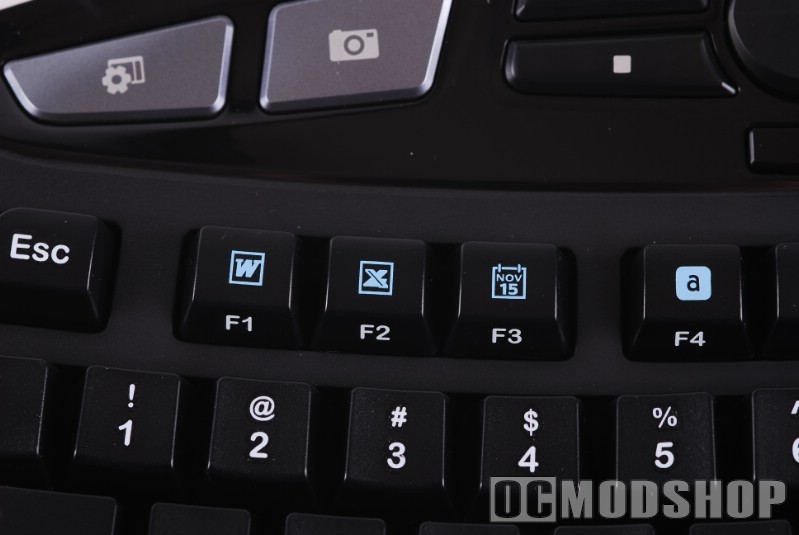
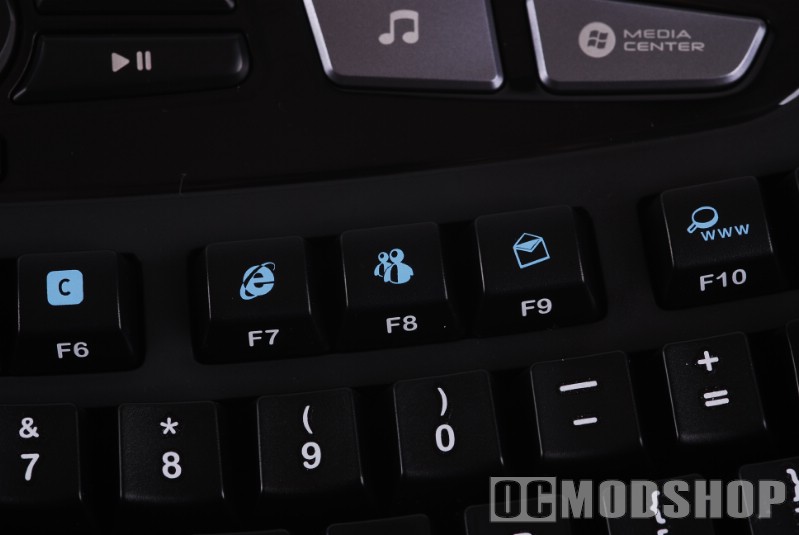
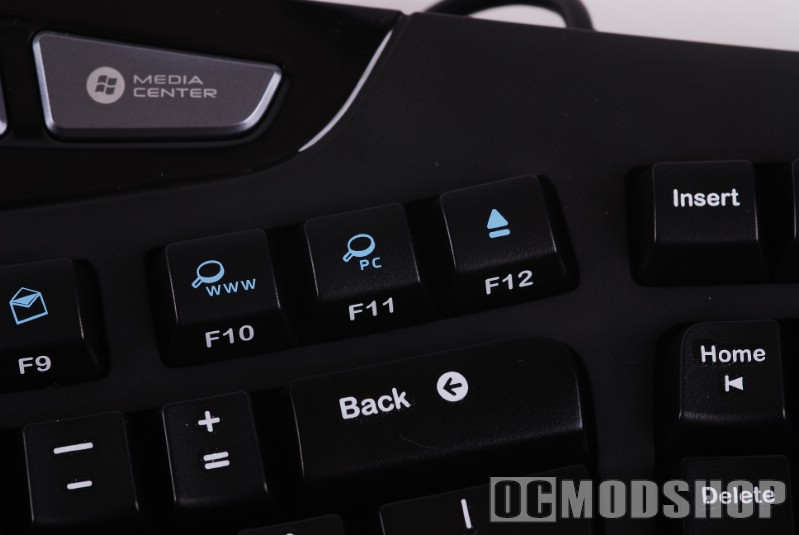
The F keys are different than Microsoft’s methodology. I’m all for replacing the ambiguous “F” keys with something that’s more meaningful, but Microsoft keeps trudging ahead with their horrible F-lock mechanism. Not only are the alternate functions of the F-keys not useful, but the usability is horrible… you can never remember if the “locked” state is the normal function or the new Microsoft function.
Logitech takes a different approach to the Function keys. The “alternate click” key (between the right Alt and Control keys) has been replaced by “Fn” keys similar to the extra accessible functions of a keyboard. The Function keys operate like a normal F-key, until you use the Fn key to trigger its alternate use. This, in my opinion, is a much more usable system. Unfortunately this functionality doesn’t work out of the box, and requires Logitech software to work. I am never a fan of another layer of software for something as basic as a keyboard.

 |
 |
 |
||||||||||||||||||||||||||||||
|
Logitech Wave Fn Functions
|
|
||||||||||||||||||||||||||||||
 |
|
 |