
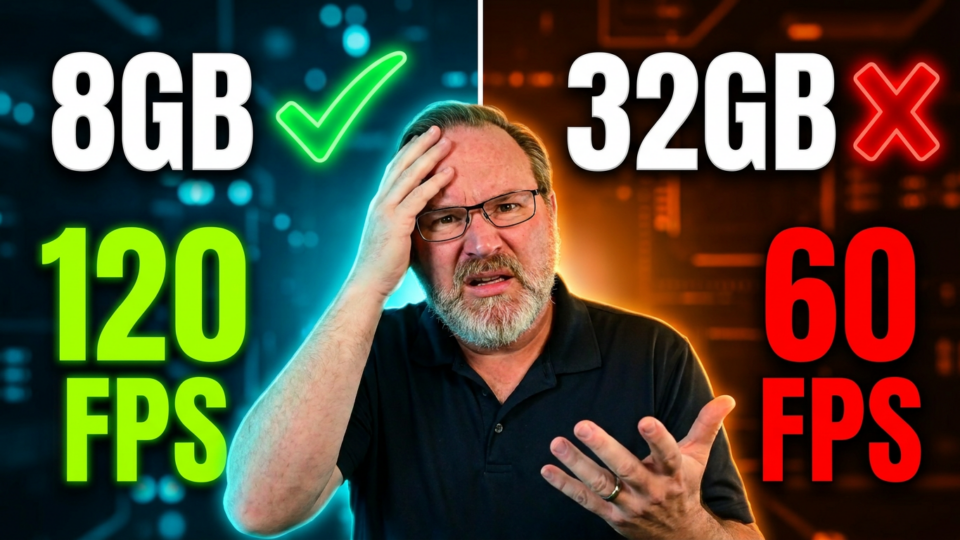
Is 16GB of RAM enough for PC gaming in 2026? We test 10 games across three memory configurations to see if you actually need an upgrade.
pcgaming #16gbram
Many gamers assume more memory always equals better performance, but the reality is more nuanced. This analysis compares 16GB, 32GB, and 64GB setups to isolate exactly how system memory impacts frame rates and load times during actual gameplay. We break down the data to help you decide if your current 16GB RAM capacity is holding you back or if your budget is better spent elsewhere.
While higher RAM amounts provide benefits in specific scenarios, system configuration remains a critical factor in overall stability. By the end of this breakdown, you will understand whether 16GB of RAM is sufficient for your specific gaming needs or if it is time to invest in a memory upgrade. We analyze the performance gaps to ensure you make an informed decision for your PC build.
Subscribe for weekly hardware performance breakdowns, and comment below if you are currently running 16GB or 32GB in your gaming rig.
Here’s where to buy more RAM
DDR5 RAM:
Corsair Vengeance RGB DDR5 (16GB): https://amzn.to/4etbB64
PNY Performance DDR5: (16GB)https://amzn.to/4vveJFX
Kingston FURY Beast RGB (8GB): https://amzn.to/4v78K9P
Lexar Thor Z RGB DDR5 (32GB): https://amzn.to/4aCea4v
Corsair Vengeance RGB DDR5 (32GB): https://amzn.to/4uyMGUv
Lexar ARES Gen2 RGB DDR5 (32GB): https://amzn.to/4uFK6MK
DDR5 laptop RAM:
A-Tech 8GB DDR5 5600Mhz: https://amzn.to/4uETMqJ
DDR4 RAM:
Kingston 8GB DDR4 2666: https://amzn.to/44bWjOa
G.SKILL RipjawsV DDR4 16GB: https://amzn.to/4xvFefI
Corsair Vengeance LPX DDR4 16GB: https://amzn.to/4eKoXfm
DDR4 laptop RAM:
A-Tech 8GB DDR4 (laptop): https://amzn.to/4ax7N2m
