
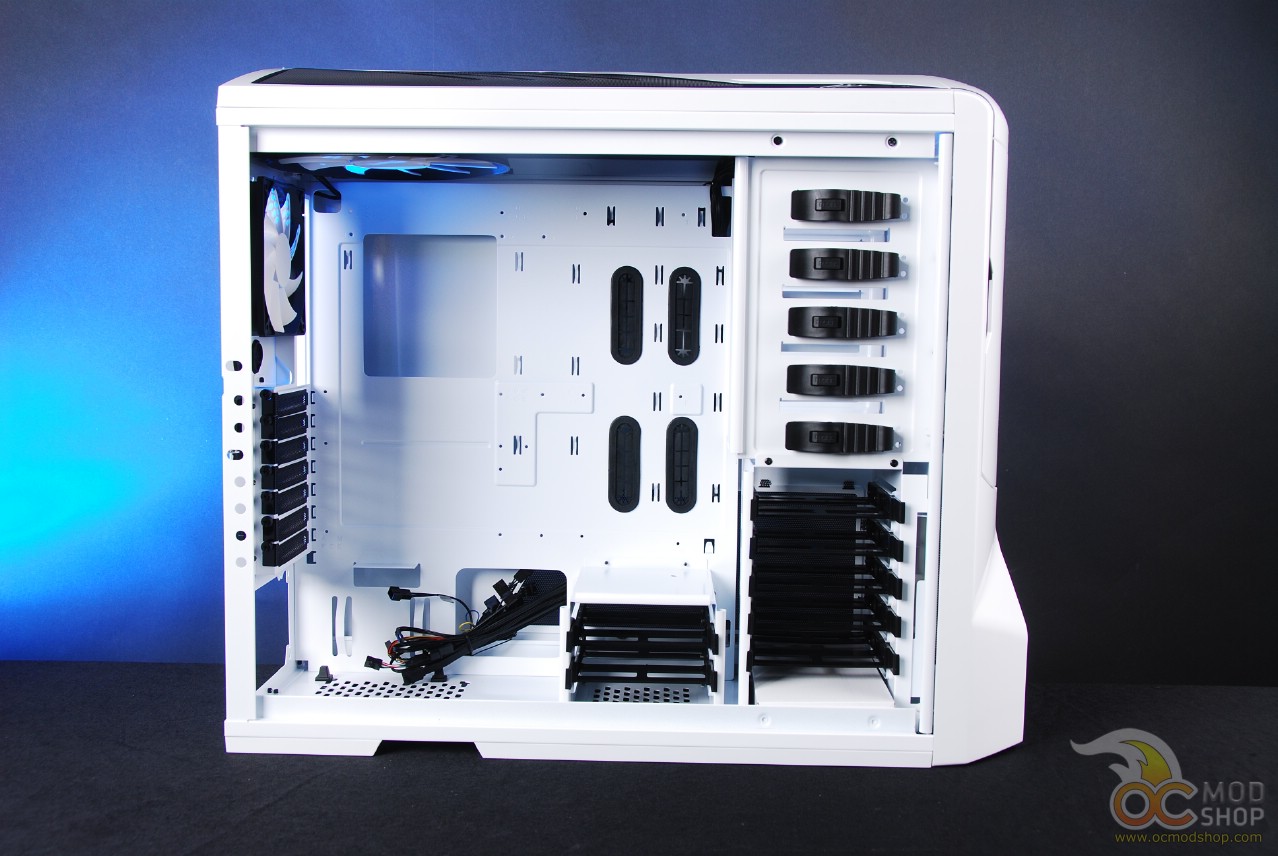
The inside of the NZXT Phantom has lots of spaces and holes that make it much easier to make a clean PC build. Not only are there ample holes, but many of them are grommeted with black rubber to prevent wires from becoming frayed on the case’s metal edges. There is also a cutout for the underside of your motherboard’s CPU area, so you don’t have to remove your motherboard if you decide to switch heatsinks.
The drive panel has been given a few features to make installation rather tool-less. The five 5.25″ externally facing drive bays have been given plastic tension mechanisms so that all you have to do is pull them pack, insert your drive, and return the tension mechanism back down.
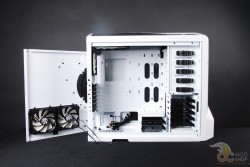
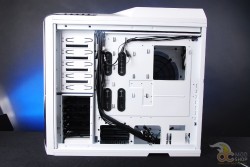
The five internal 3.5″ drive bays have been given black plastic screwless trays to rest in. The trays come with rubber and metal pegs to secure the drive. You first place the drive in the tray and then visually line up the drive’s screw holes through the tray’s “window”. You then insert the rubber plugs into the tray and then shift the drive up to lock the plugs into place. This is actually a nice design, as the drive is floating on rubber and has natural vibration resistance.





6 comments
[…] NZXT Phantom Case Review — OCmodshop.com. […]
[…] NZXT Phantom Case Review — OCmodshop.com. […]
[…] NZXT Phantom Case Review @ OCmodshop […]
If this case is "pre-modded", then how about a link to the "standard" case that isn't "pre-modded"?
Any box made from any material at all, advertised as a "computer case", is "pre-modded" if it has a single hole cut in it.
Therefore, every computer case is "pre-modded."
I agree with you. Pre-modded is used kind of tongue-in-cheek. Maybe I should say "it's got holes n' shit in it".
[…] AirStation 1750 802.11ac WiFi Router and AirStation 1300 Media BridgeOCModShop goes inside the NZXT Phantom CasePCSTATS shares its thoughts on the SanDisk Extreme 240GB SSD SDSSDX-240G-G25The SSD Review checks […]
Comments are closed.