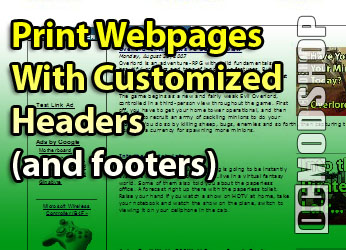
The headers and footers that always print along with the page when printing a page can be irritating. I know very well what page it was I printed, so it’s not useful to me to show the URL at the bottom of the page.
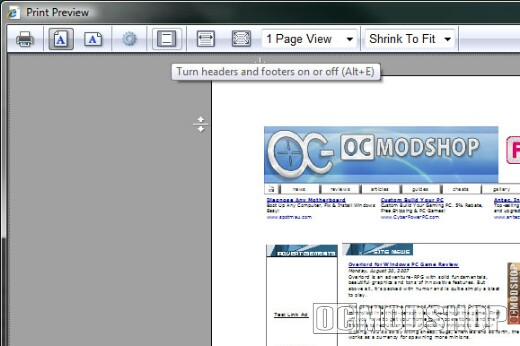
If you want to turn the headers off just for a one-time print, you can use the Print Preview window, and then click the button to “Turn headers and footers on or off”, shown below.
If you want to permanently turn these options off, you can use the Page Setup option instead.
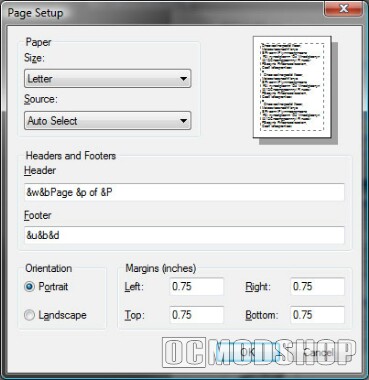
Just click on Page Setup, and then you should see this dialog.
You can just remove the text in the textboxes completely in order to get rid of the headers and footers, or you can change the options to display page numbers at the bottom, or really any combination you want.
Here’s a full list of the options that you can use (You could also find these in the Vista help files, or possibly the IE7 ones)
 |
 |
 |
||||||||||||||||||||||||
|
|
|
||||||||||||||||||||||||
 |
|
 |
You can combine these in any format you want.