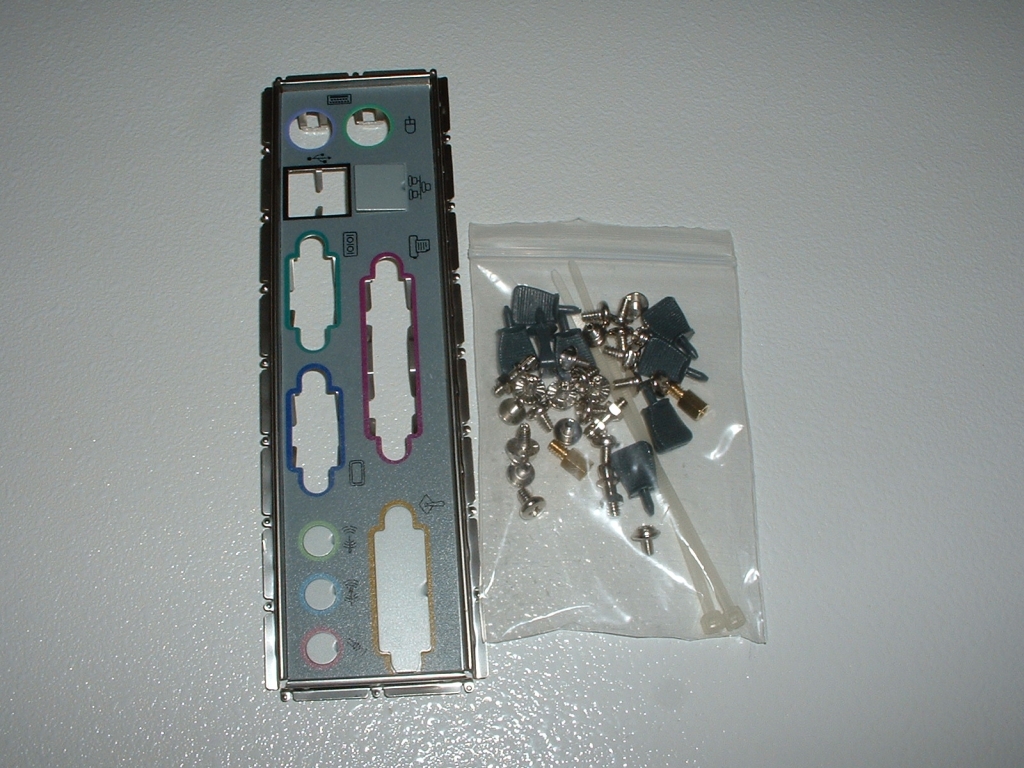
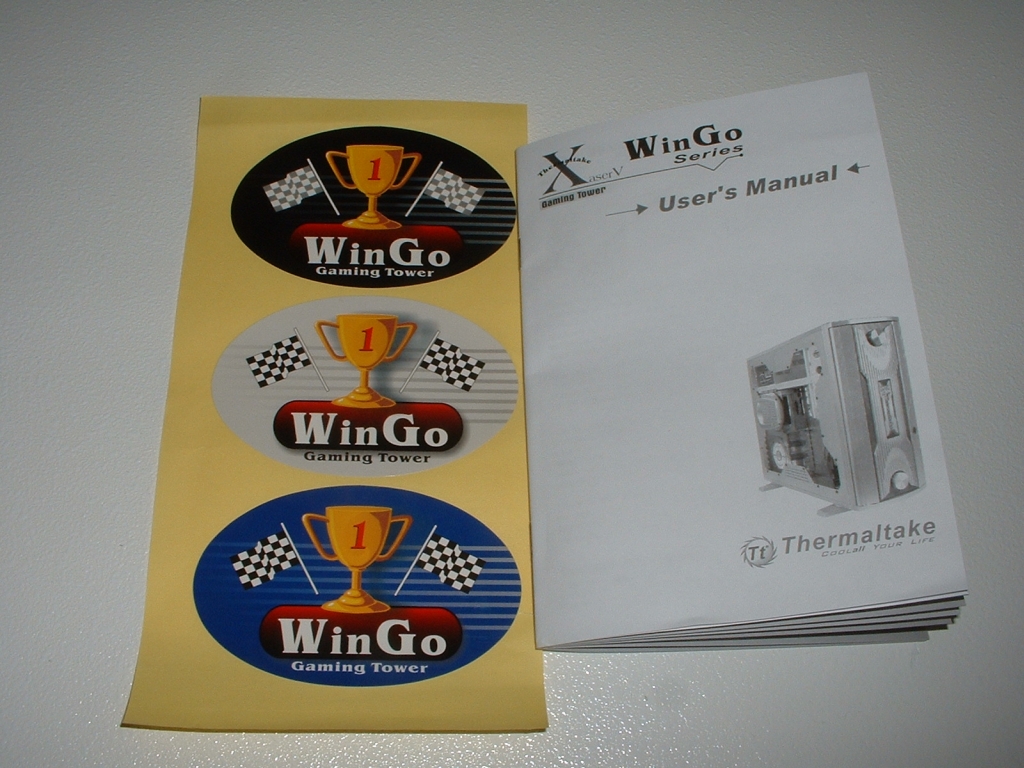
Inside the case come some accessories which include an I/O backplane, hardware, manual, and three stickers. The manual does a good job explaining the features of the case that are unique that you may have questions about.
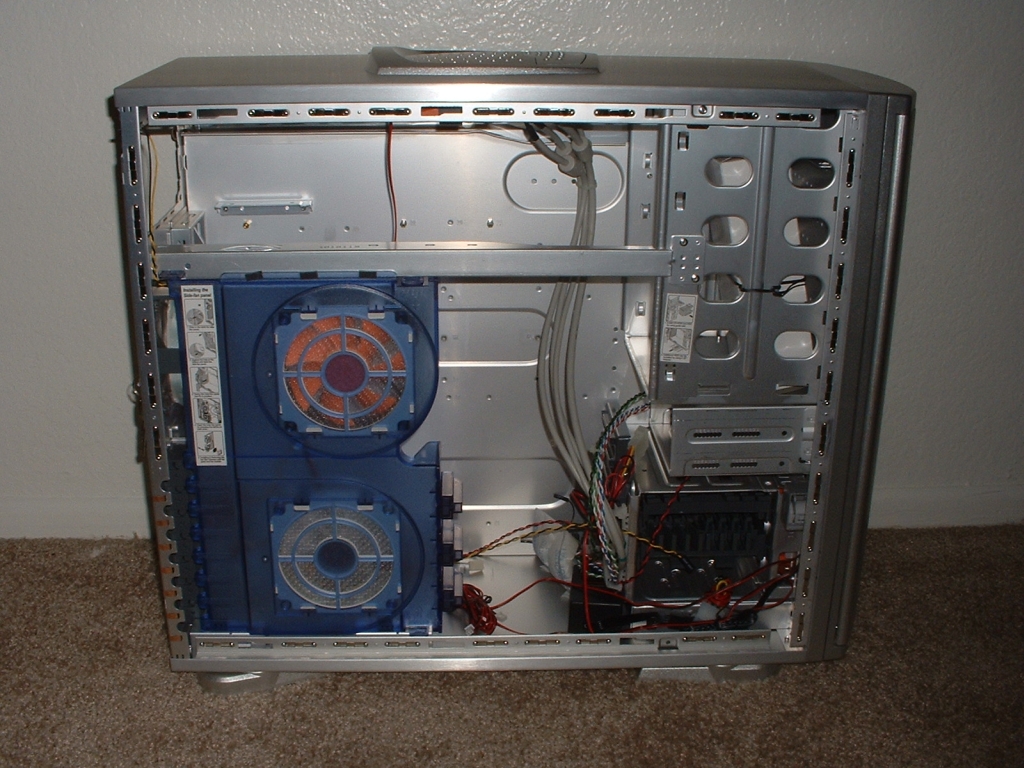
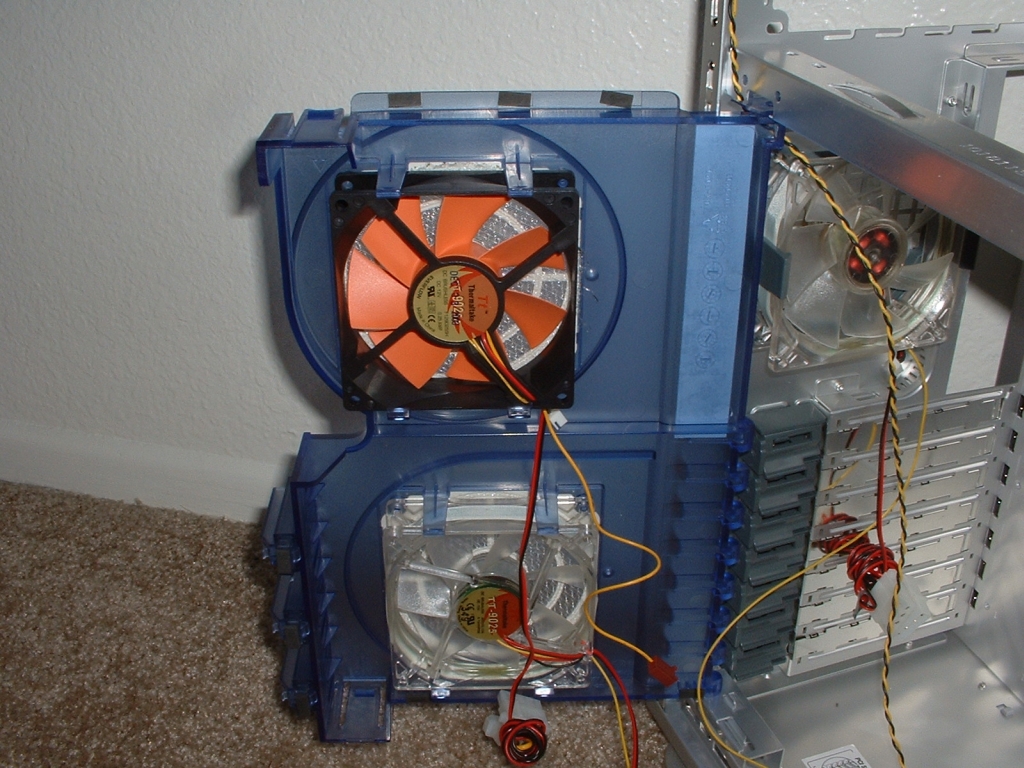
After taking the side panel off and looking inside the case you can see that it isn’t your standard OEM case. The first thing that caught my eyes was the two fans mounted to the plastic panel. These fans have special adapters that allow the plugs from the knobs on the front of the case to control their speed. The Door does unclip from the side and swing open so that you can easily work inside the case. On each fan you can see a small plug which is used to connect to the fan control knobs on the front of the case.
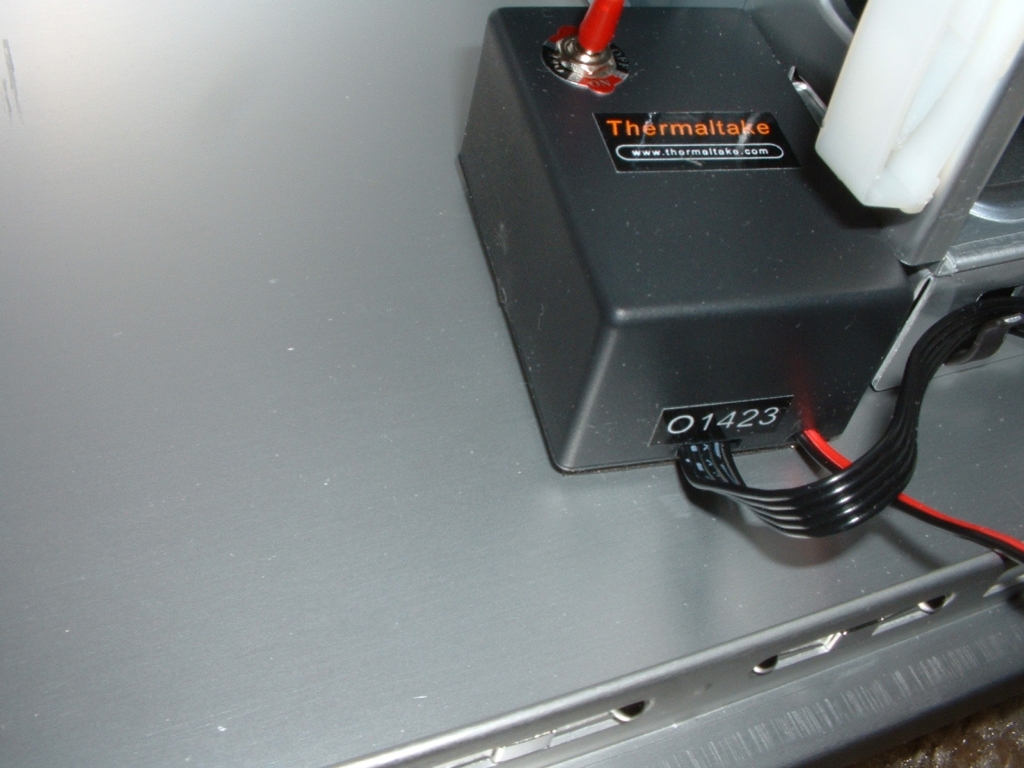
Inside of the case stuck to the bottom of the case is an inverter. This inverter is for the WinGo EL lamp which is basically a lit up section on the front of the case. You can use the inverter to turn the El lamp on, off, or set to flash depending on which you prefer. Below the case are the optional feet, you can either leave them tucked under the case or bring them out for better stability.
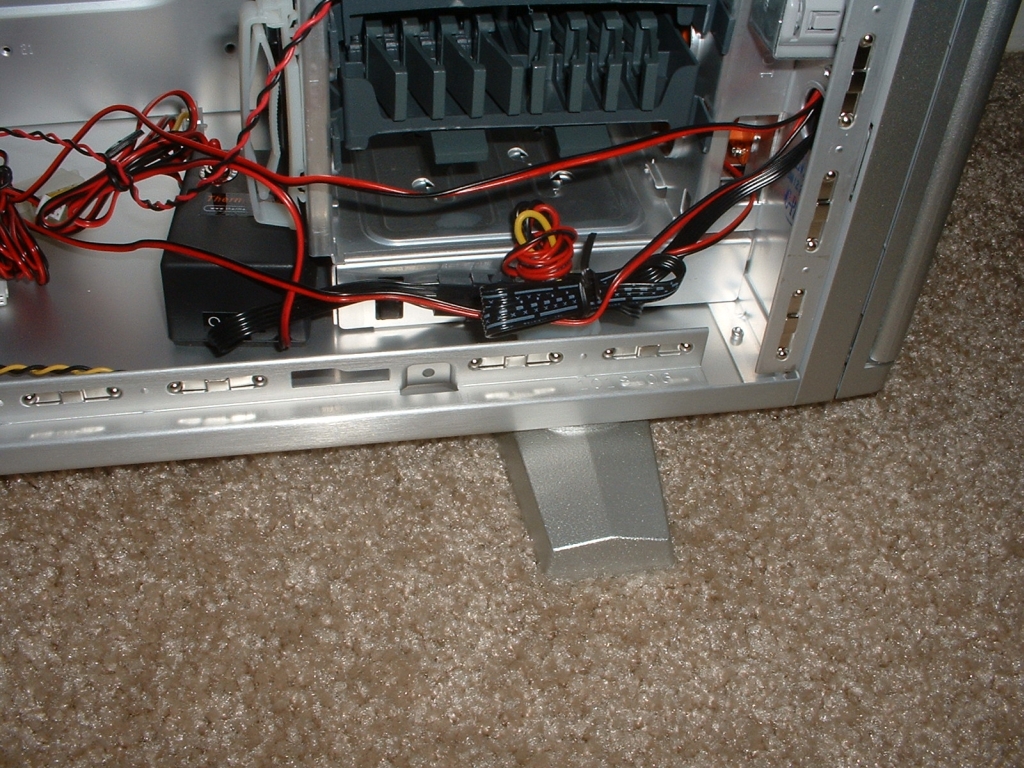
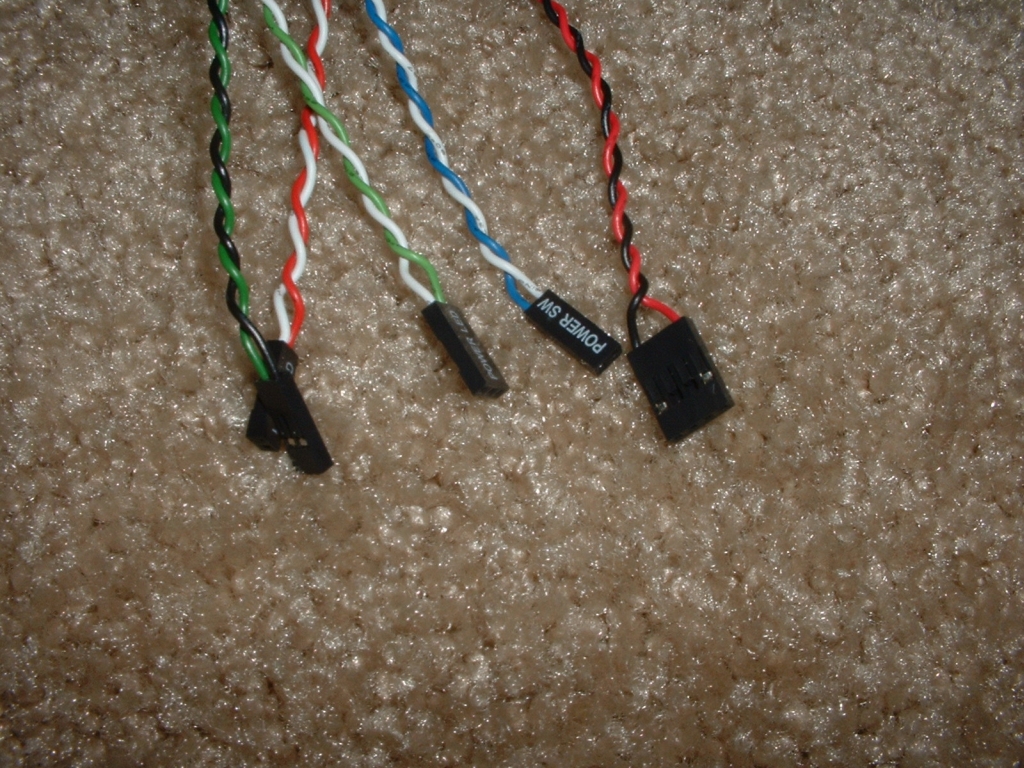
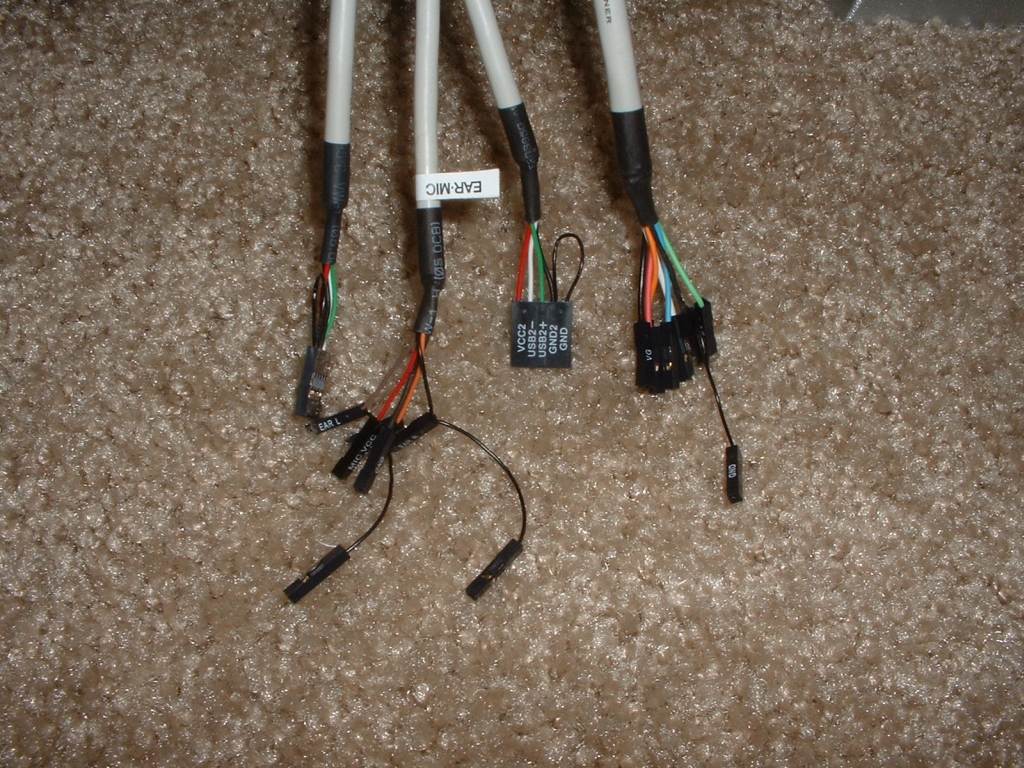
The first set of jumpers below are for the motherboard, these include the power, reset, LEDs, and speaker. The second set of jumpers are for the top USB, firewire, MIC, and audio out.