

This case is tool free which means it comes with drive rails for 5.25″ and 3.5″ drives. I put two on both my hard drive and CDROM so I could easily install them. Attaching the drive rails is simple, all you have to do is use push them into the screw holes. The small rails are for 3.5″ drives and the large rails are for 5.25″ drives.
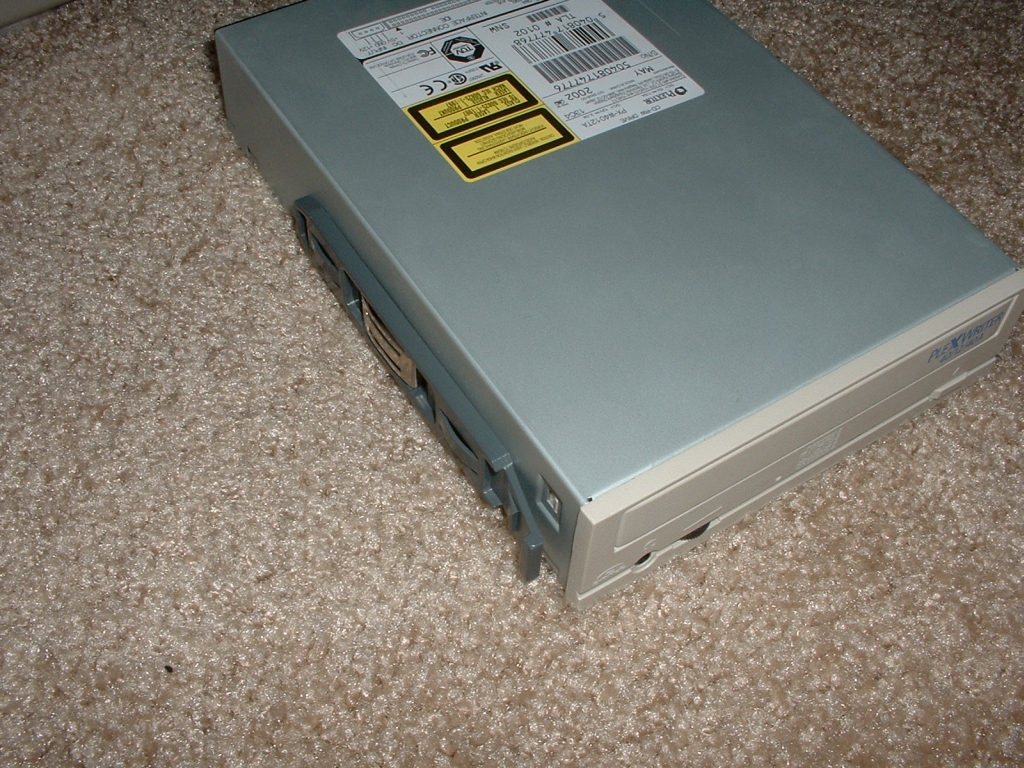
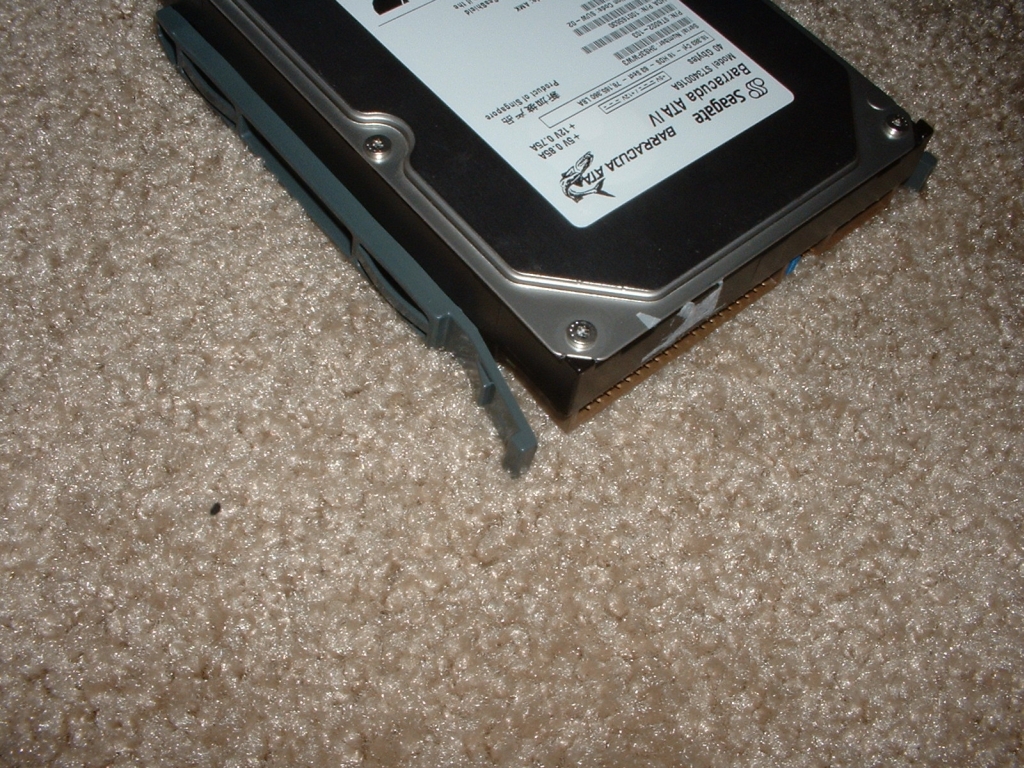
Once the rails are on the drives all you have to do is slide them in until the click into place. The CDROM was really easy to install because I just had to unlock the bezel, swing it open, and slide the drive in. The hard drive installation was also really easy because the cage is perpendicular to the case. This makes it really easy to just slide your hard drives in because you don’t have to get in the case.
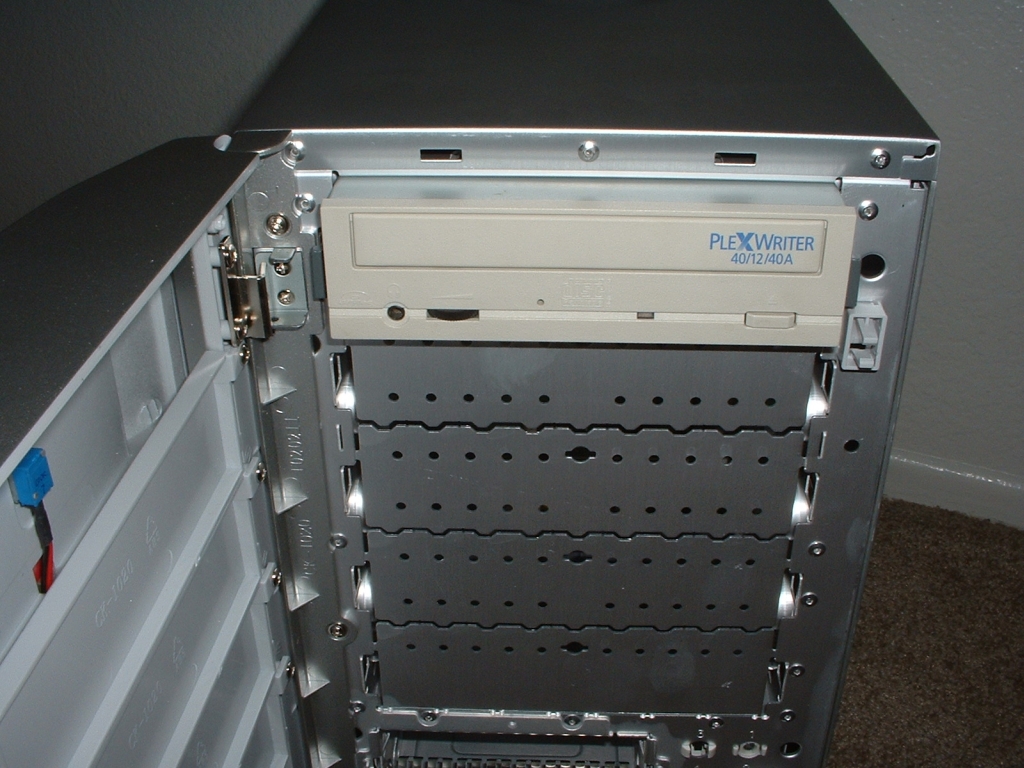
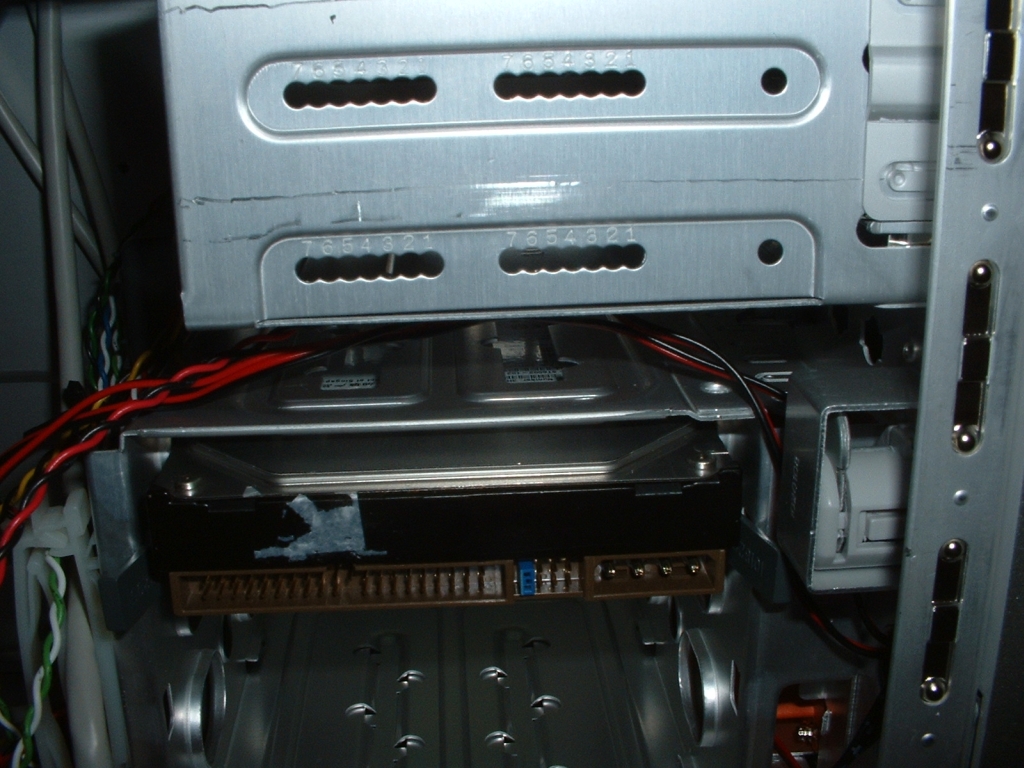
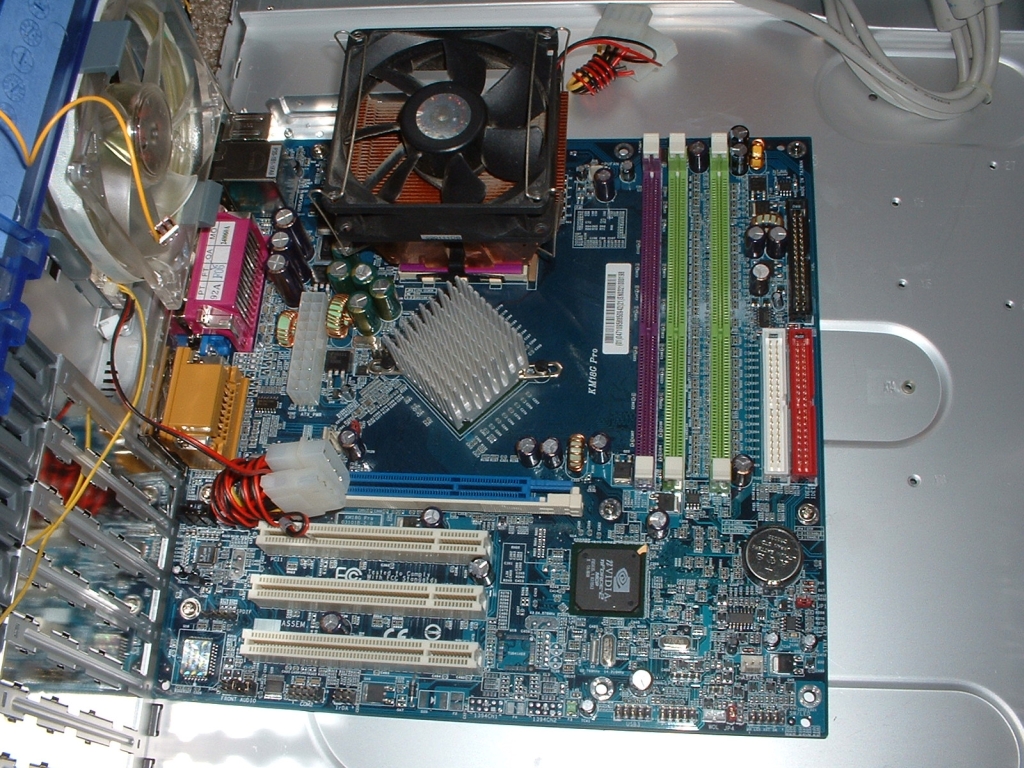
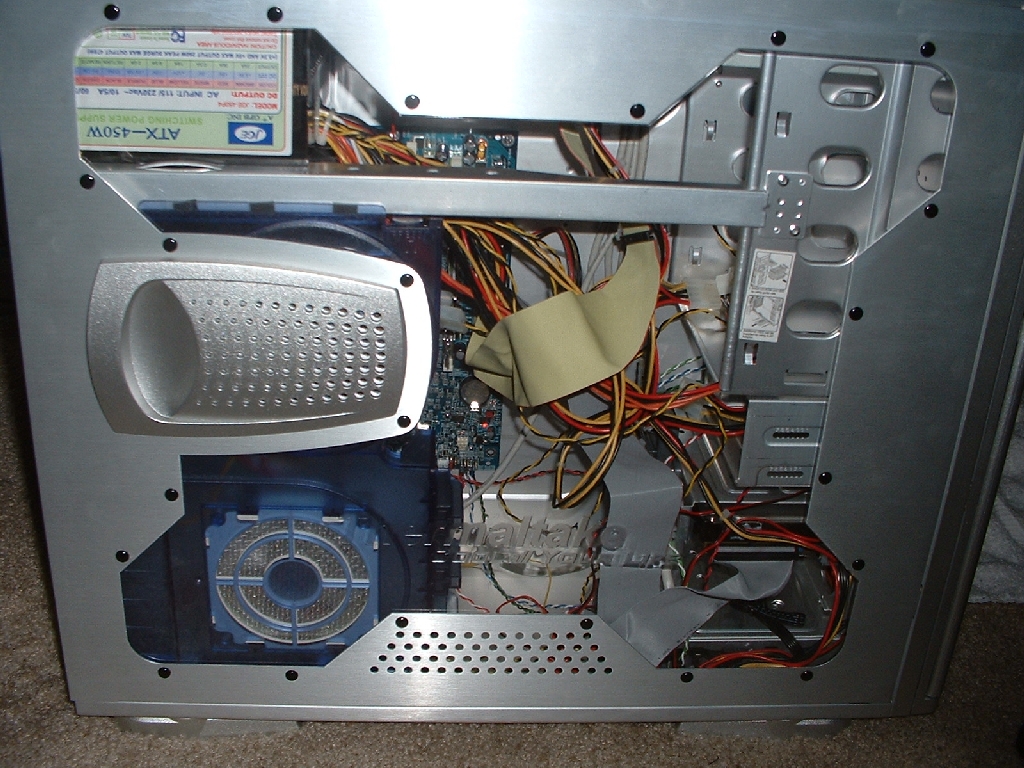
Installation of the main hardware went quite smoothly there was nothing really negative to comment on. Everything went into place correctly without any modification. After getting all the internal hardware installed I then hooked up the optional fans I wanted and cleaned up the inside of the case so that it looks presentable.
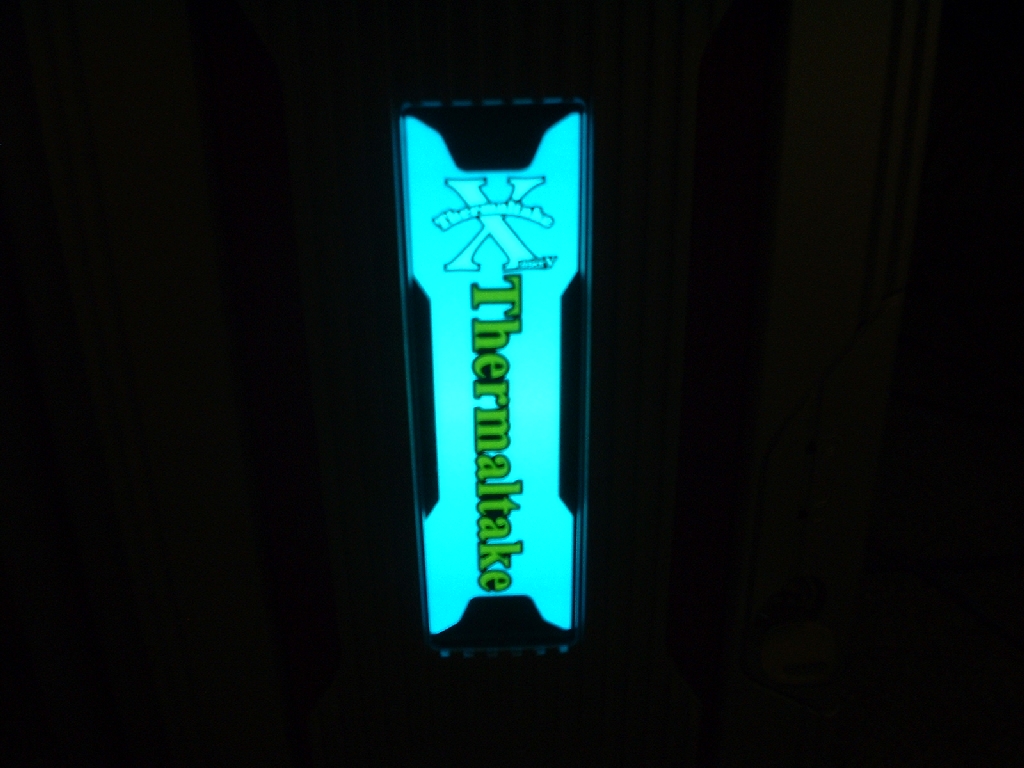
Like I mentioned before the front of the case has a door that has a glowing Thermaltake logo on it. You can set the inverter inside the case to on, off, and flashing. I currently have the case to just turn it on automatically, below is what it looks like when turned on. It’s a pretty nice touch however I don’t particularly like company branded things like this.
Conclusion
This being my first experience with a Thermaltake case I must say I am quite impressed. Though some of their previous Xaser series cases I did not like because of the aesthetics I do like this one. It looks great and even better works great. There are a ton of features that make the case really easy to use and maintain. There are also many features which promote functionality, cooling, aesthetics. This case looks to cost about $125 which could be a little expensive for some, however it is a worthy case if you want to spend the money. Overall I am very happy with this product and am going to award it a 10/10 and award it the OCmodshop Seal of Approval. I would like to thank Thermaltake for sending me this case to review.
Pros

- Comes with a window installed
- Ability to fully lock the case
- Easy access USB, fireware, and sound ports
- Screw less PCI chips
- Drive rails for 3.5″ and 5.25″ drives
- Retractable feet for stability
- 5 fans included
- 2 fan speed control knobs
- No sharp edges
- WinGo EL lamp for looks
Cons
- Maybe a bit expensive?
