
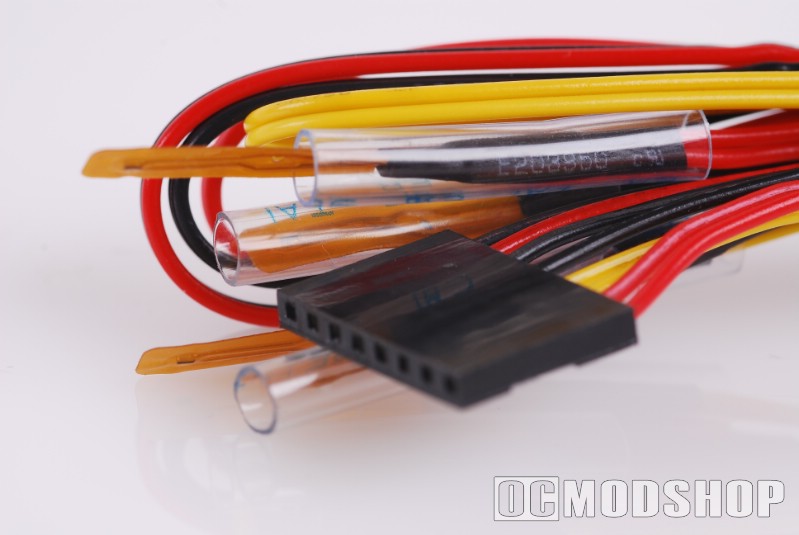
Opening the box to the Zalman ZM-MFC2 multi fan controller reveals the main unit, a small folded installation booklet, and a white box with all the cables and screws needed for installation, along with the external power voltage sensor. There are four temperature sensors included, but they are all connected to a single 8-pin plug.
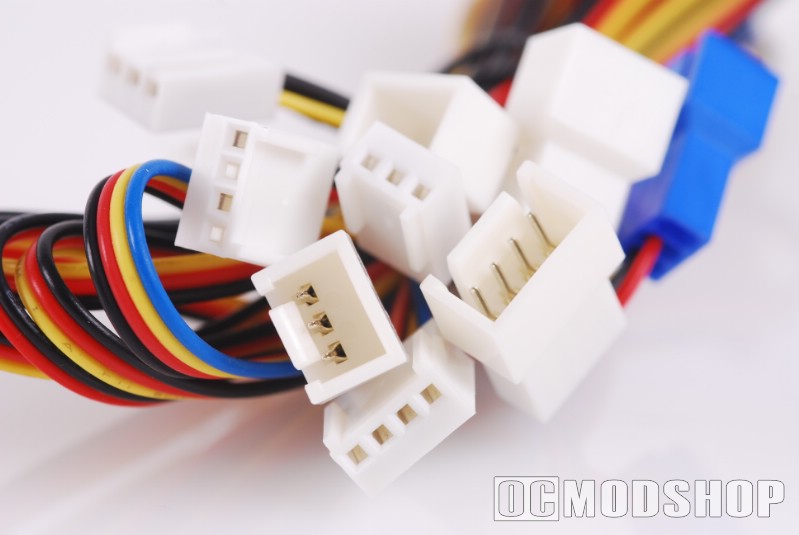
There are also several fan extension cables to help you customize your installation. Some of these cables support 3-pin fans, and other support 4-pin fans, and others are Y-cables, allowing the motherboard to detect the fan’s rotation speed.
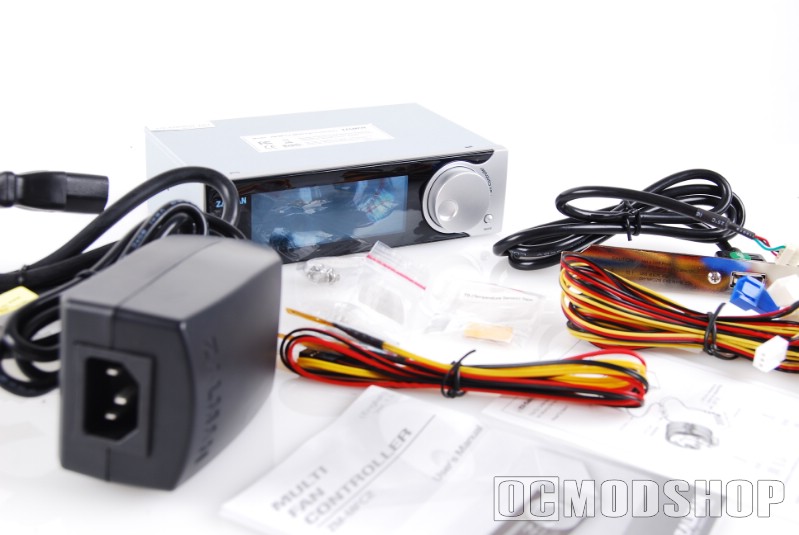
The front of the display looks rather simple with the power off. The face is shiny acrylic and on the right is a large job wheel and small button, which are used to make adjustments to each fan’s channel. When the unit is turned on, the multi-colored LCD comes alive with all sorts of information.
The way the LCD is implemented makes it look almost like a VFD, which would make the unit much more expensive. The giveaway that this is an LCD is the extremely shallow viewing angle, due to a cheap polarizing filter.
On the front panel is a power load meter, which displays a bar graph of your system’s power consumption in real time. Next to that is a numerical power load display, which shows the exact number of watts your PSU is using. Underneath that are four animated “fan status” icons, which spin when that fan’s channel is spinning. Each fan channel has a label (fan 1, fan 2, fan 3 and fan 4), an RPM display, and a corresponding temperature display.
The back of the unit is where all of the wires are connected. On the back are four fan plugs (three 3-pin and one 4-pin), an 8-pin temperature sensor connector, a CVS in port, and a standard 4-pin molex power connector.

The CVS unit is a black box that sits between your power outlet and power supply and measures the real-time consumption of your system. The unit has a female power plug, and a permanently attached male power plug (which is inserted into your computer’s PSU).
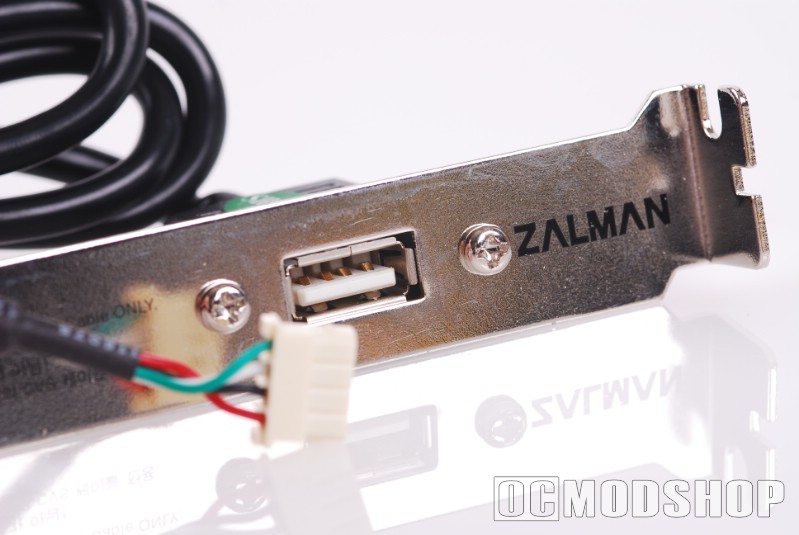
Another cable is permanantly attached to the CVS which looks like a USB cable, but is the data cable that connects to the “CVS in” on the back of the display.
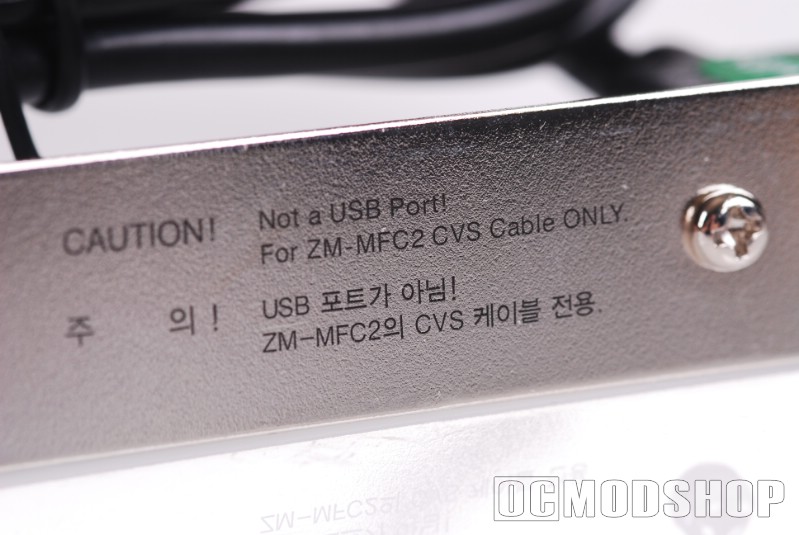
There is an included backplate with a female USB connector, which connects the external data cable to the internal display. There is a label on both the cable and backplate stating that “this is not a USB cable”, but they should have made the connection proprietary to avoid any inevitable confusion.