
The BIOS is the standard AWARD layout, you can see that the BIOS contains most of the same main sections as other motherboards do, but lets see what lies within each of these.
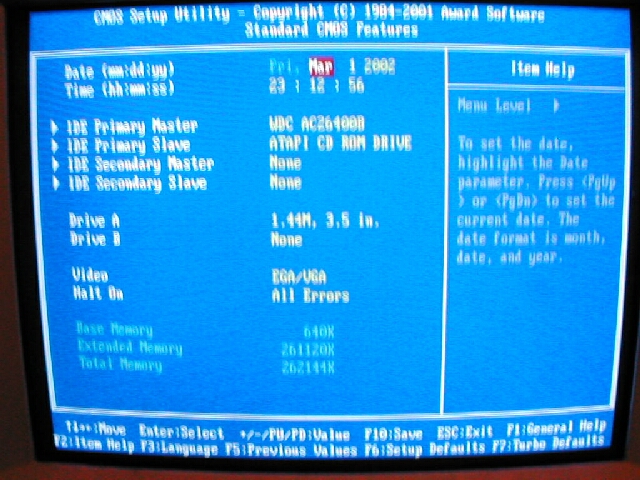
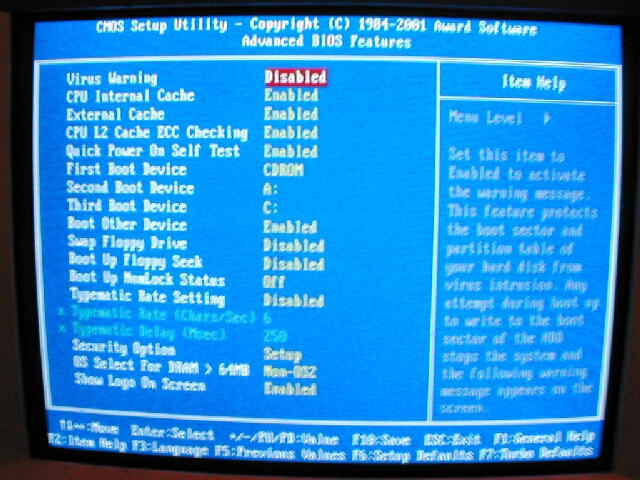
The “Standard CMOS Features” section is the same as almost every other board, it contains the time, drives, and some memory info. The “Advanced BIOS features” contains cache options, boot order, and some other optional settings.
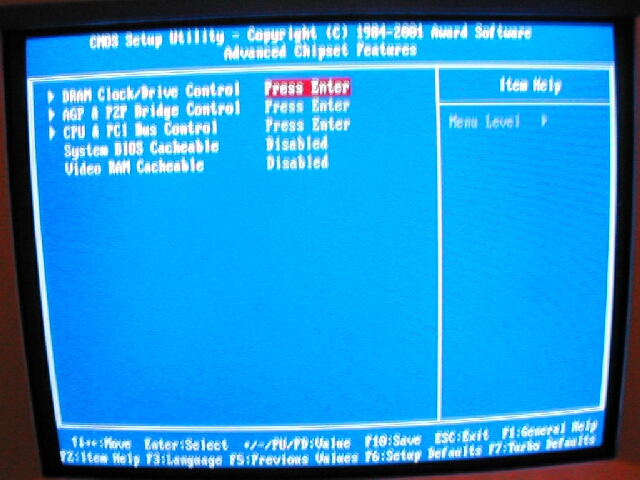
The “Advanced Chipset Features” menu has 3 submenus and 2 options. The 3 submenus are “DRAM Clock/Drive Control,” “AGP P2P Bridge Control,” and “CPU and PCI Bus Control.”
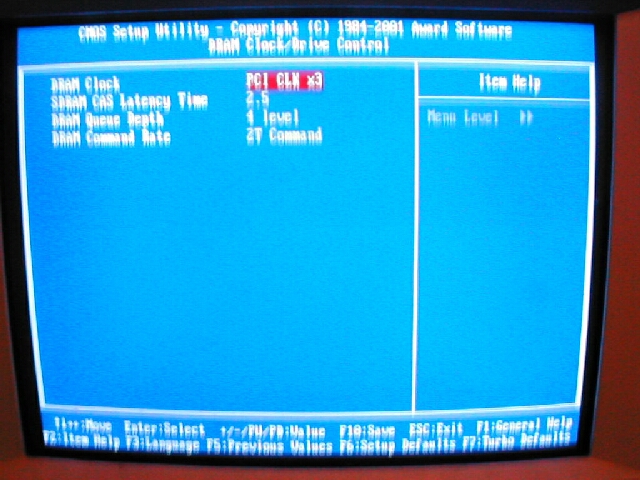
The 2 submenus of importance from the “Advanced Chipset Features” section are the “DRAM Clock/Drive Control” and “AGP P2P Bridge Control” I found the DRAM Clock/Drive Control menu to be very lacking in memory tweaking options. The only thing that is in there which is useful is the “SDRAM CAS Latency Time,” “DRAM Queue Length,” and “DRAM Command Rate.” The “AGP P2P Bridge Control” menu however was good, it has all the options you really need to get the most out of the AGP slot.
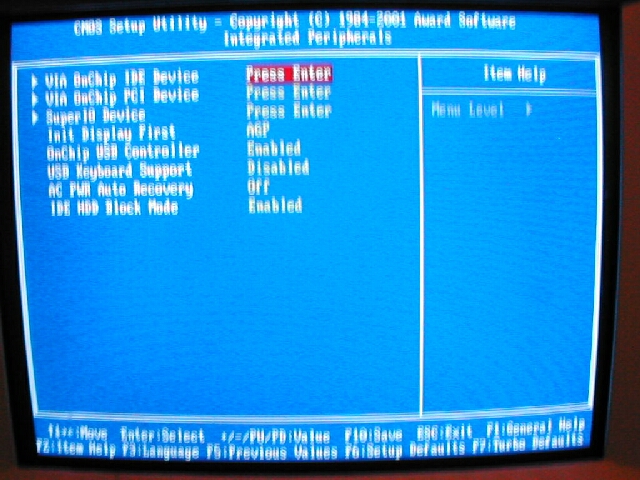
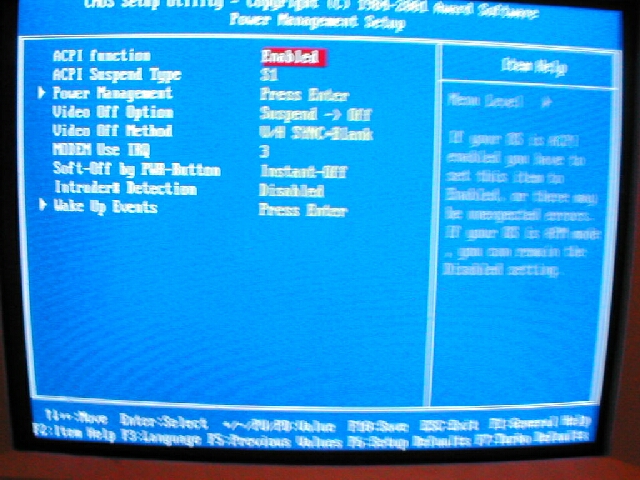
The “Integrated Peripherals” menu is where you can change all the settings for most of the onboard things such as the IDE, floppy, sound, modem and so on. The “Power Management Setup” section is where all the ACPI, power saving, and sleep options are.
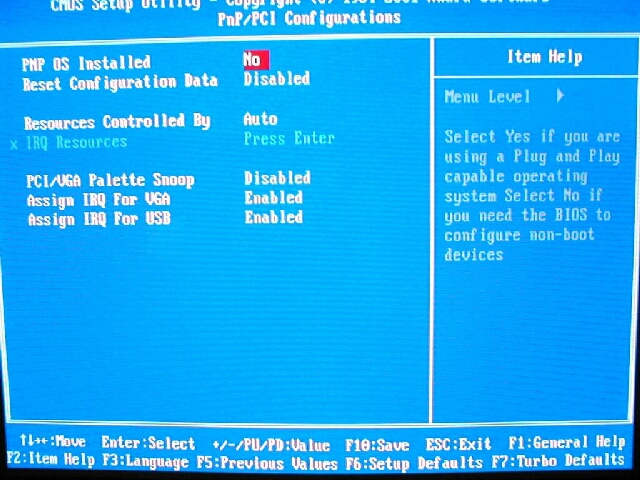
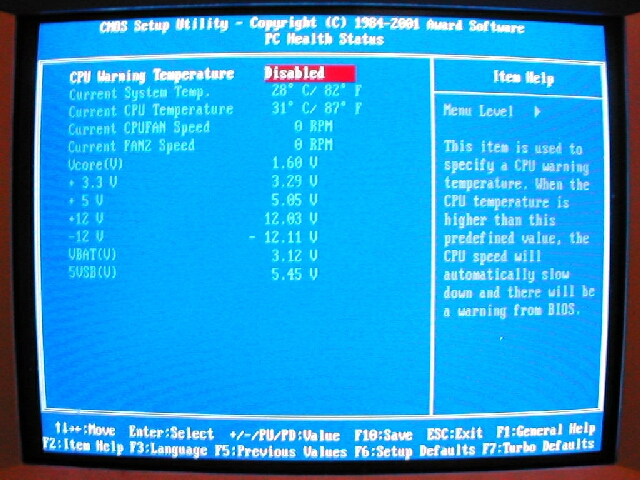
The “PNP/PCI Configurations” section is just that, you can choose some of your PNP and PCI options here. The “PC Health Status” is where you can see temperatures, fan RPM, and voltages of your system.
The “Frequency/Voltage Control” section is where you will find voltage and FSB settings. For the voltage you can select from 1.100v to 1.85v. To adjust the FSB settings you have two options, you can use the table or do it manually. The table is a stepping of FSB and the manual setting you can go from 130-248FSB in 1Mhz increments. I really like the fact that this board is able to go up to 248Mhz for a FSB, if you have some good hardware you could have a really good overclock. I don’t really see the point in having the “Table” setting I only used the “Manual” stting which is much better.

