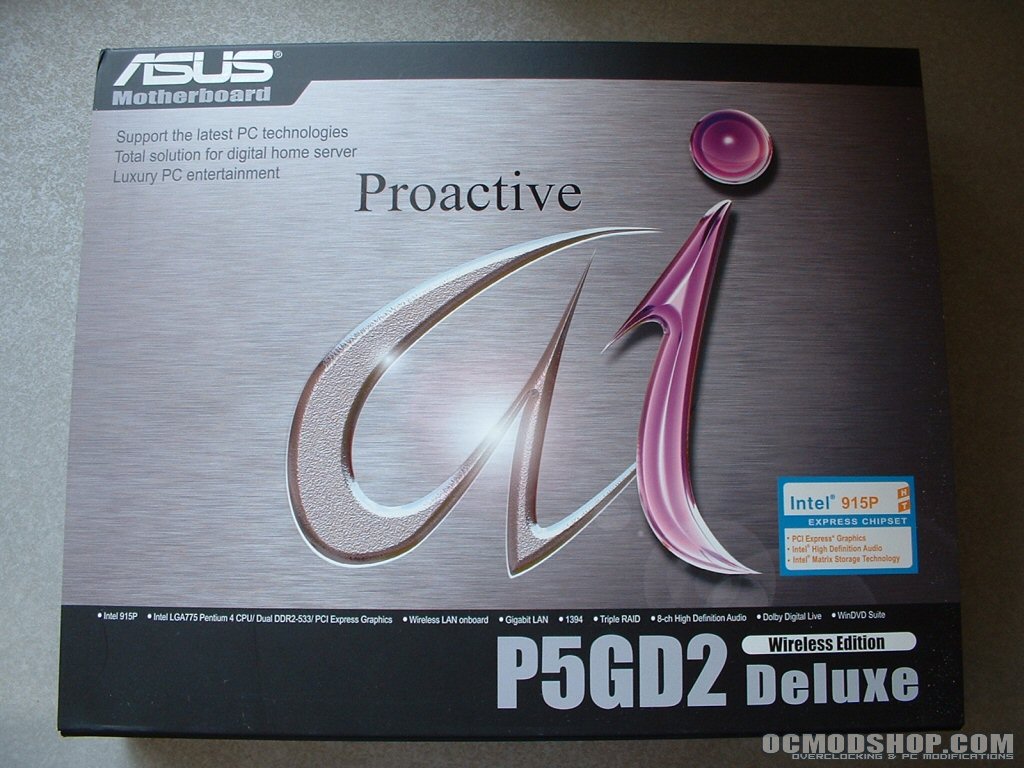
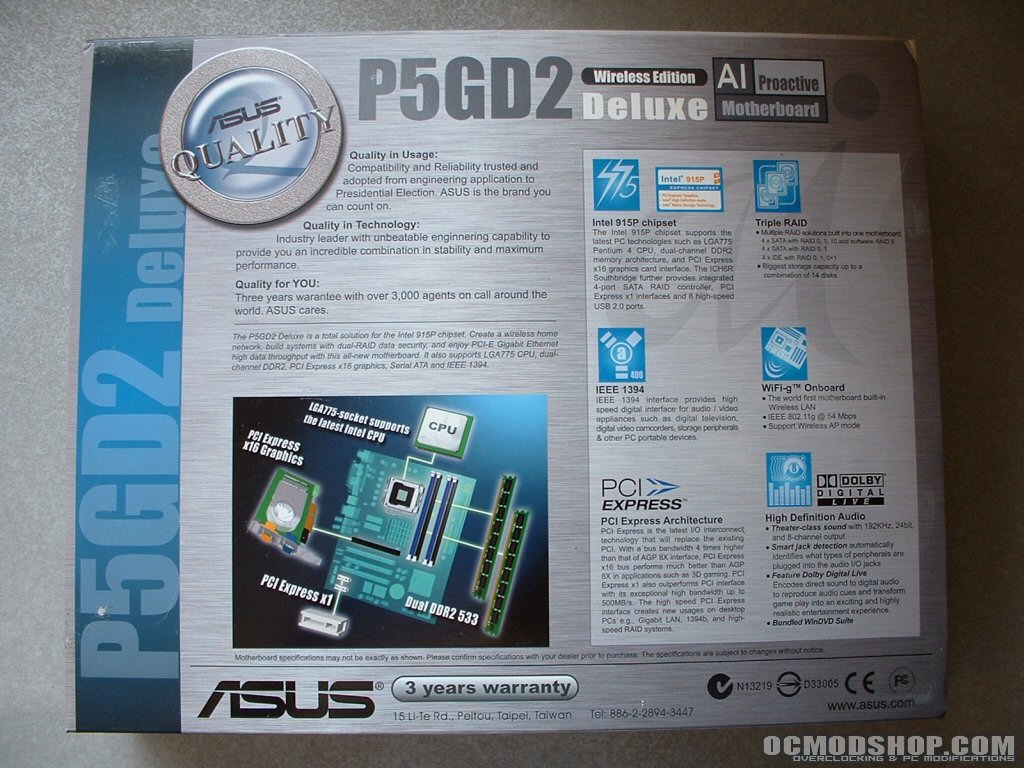
This Asus box looks really professional rather than something flashy and extravagant. The top of the box is nicely designed and has a flip up which provides more information underneath. The back of the motherboard touts its Intel 915P chipset and features like triple RAID, IEEE1394, WIFI-g onboard, PCI-Express, Dolby Digital Live audio, and DDR2. With many products the box represents the style of the product, and from this box I gather than Asus wants to market this board as a piece of high end professional hardware.
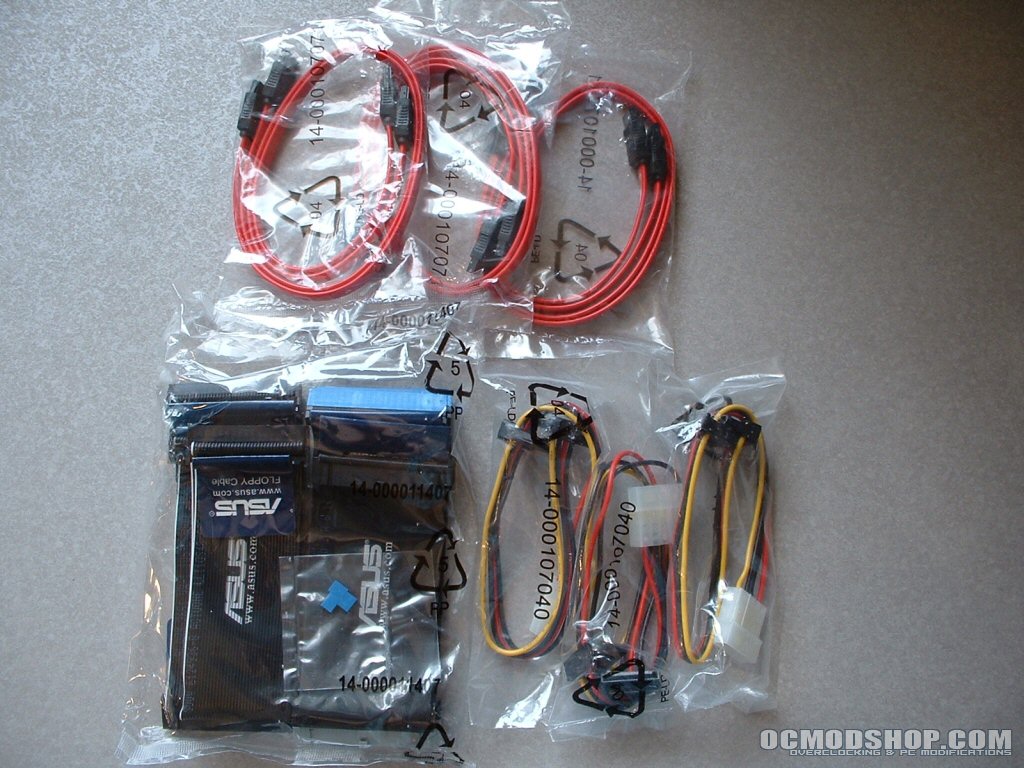
Because this board offers so much there are more accessories included than I have seen with any other motherboard. Six SATA cables are included with the motherboard since there are 8 SATA connections. Though you don’t get a cable for each connection you should have more than enough. Three Molex-SATA adapters are provided, each with two SATA power connectors.
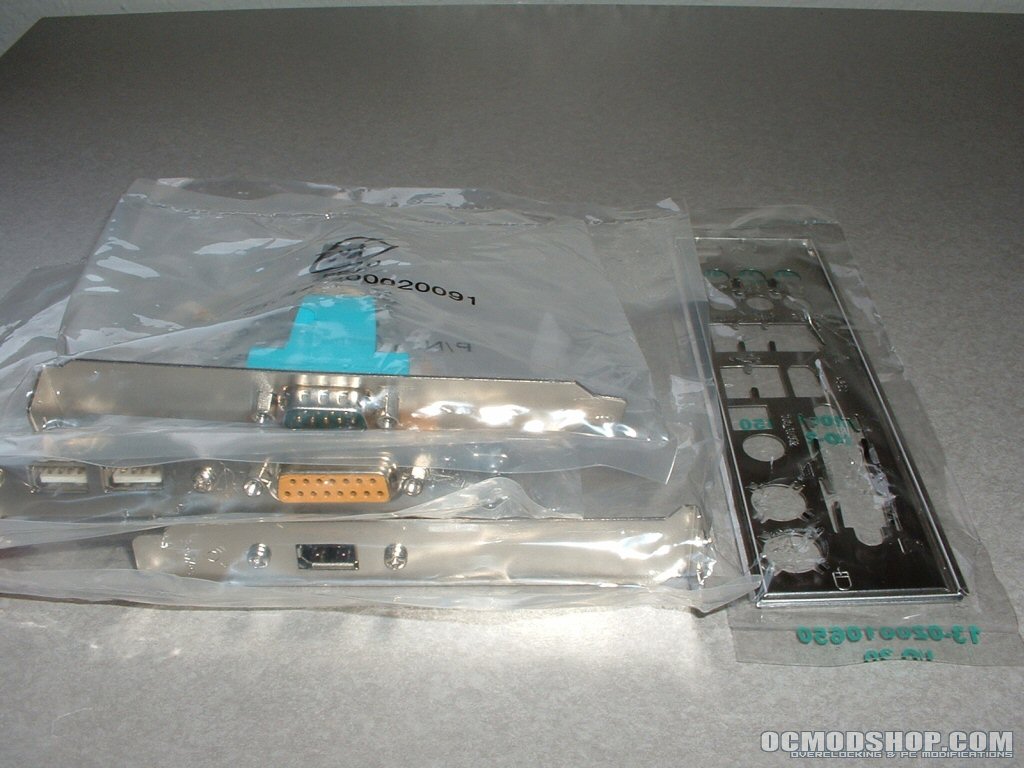
If you intend to take full advantage of SATA with this motherboard but don’t have a power supply with SATA connections these adapters will save you from buying a new one or the adapters separately. In addition the SATA accessories you also get two ATA133, one ATA33, and one floppy cable. Asus has gone above and beyond with the cables and adapters they have provided with this motherboard. Much of the time motherboard manufacturers are lacking in this area so it’s nice to see that Asus isn’t. Also included are three headers, one with a serial port, another with an IEEE1394, and the last with 2 USB 2.0 and game port. These headers can be used along with the ports on the motherboard which will be seen later.
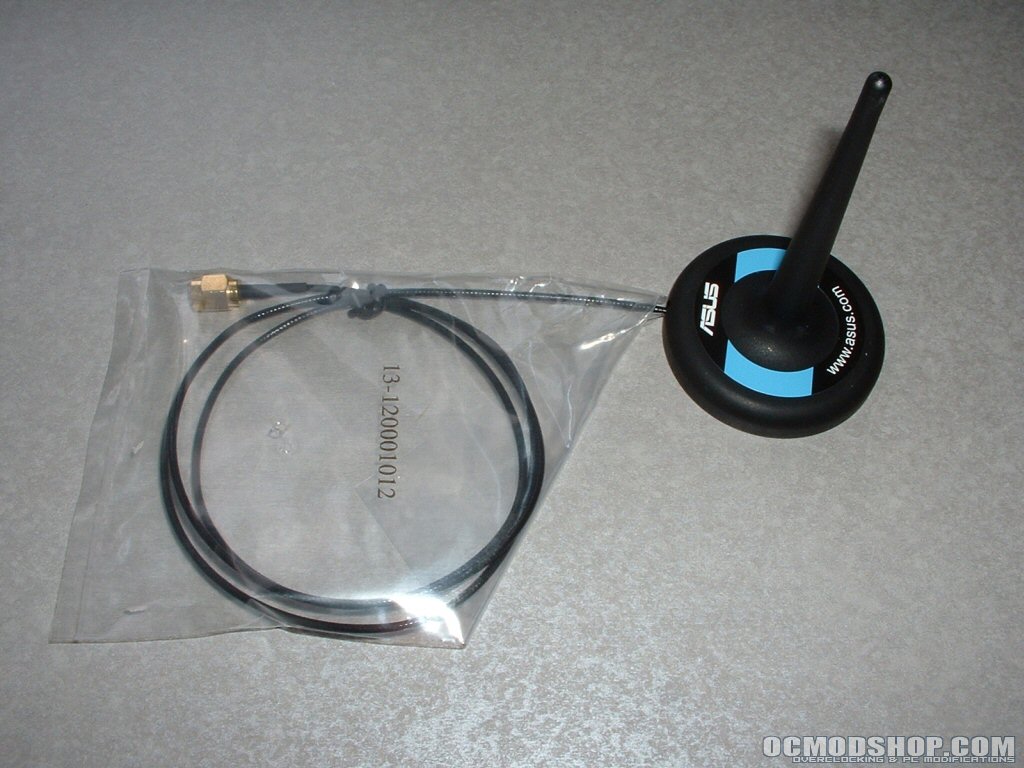
The motherboard has build-in WiFi G which is really nice to see onboard. Though wireless isn’t as fast or reliable as a wired connection it is quite useful for laptops and at times desktops. If you are in a where you are unable to run network cable but want to be on a broadband connection wireless could be your answer. Since one of the biggest problems with wireless networking is usually connection strength Asus has included an antenna. When you screw this antenna to the motherboard and place it somewhere closer to the access point you should get increased signal strength. It’s really nice that Asus has really thought out the wireless situation and the antenna should help a considerable amount which will be looked at later.
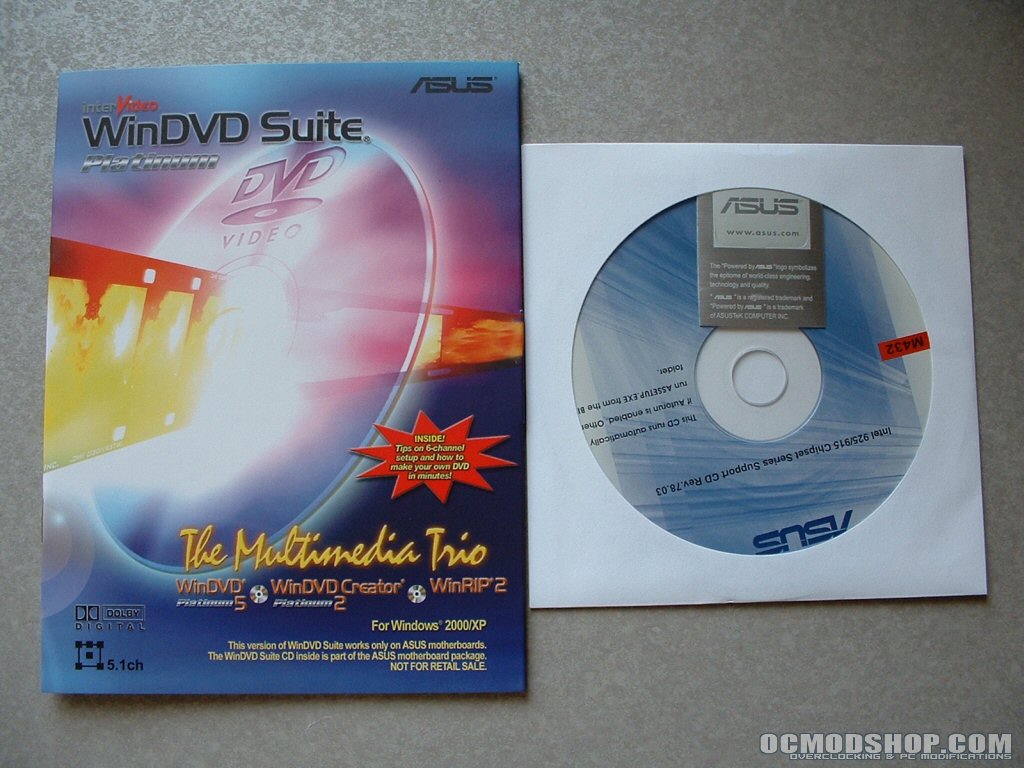
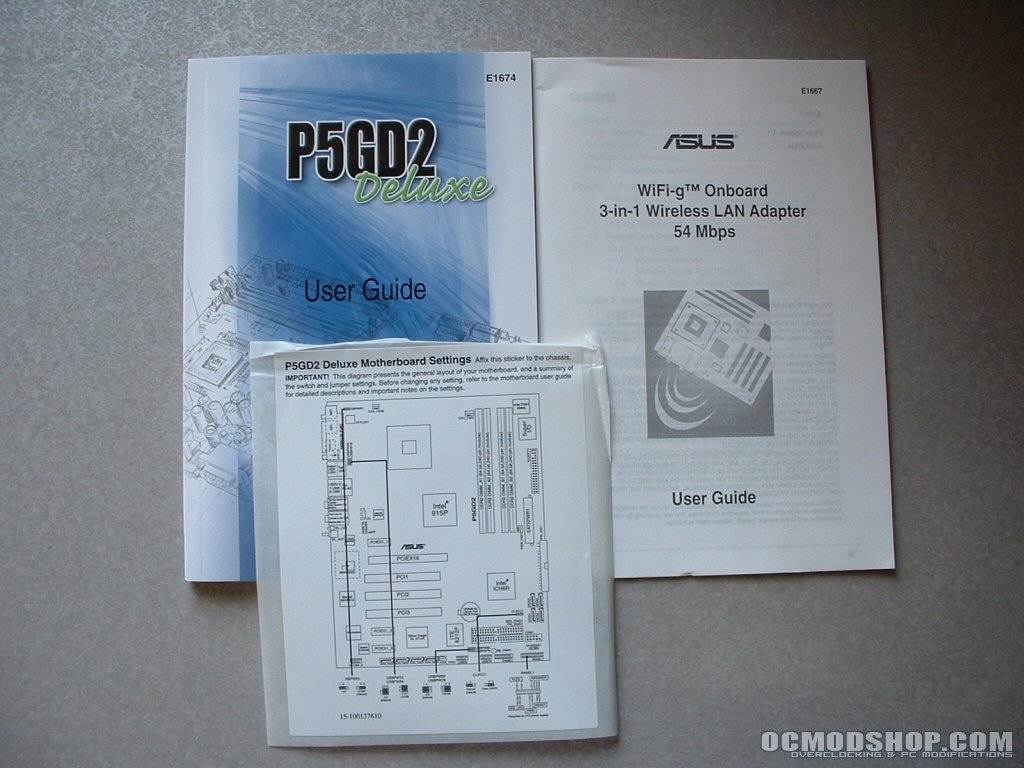
WinDVD suite includes: WinDVD 5 Platinum, WinDVD Creator 2 Platinum, and WinRip 2. With this suite of software you can watch DVDs, edit video for movies, and record and catalog your music collection. For more information on the software you can visit this link from Asus. There are three pieces of documentation provided, a motherboard user guide, motherboard settings, and WiFi-g user guide. All of the documentation is well written and easy to understand. The motherboard settings is sticker with jumper information that you can stick to the inside of your case for easy reference.
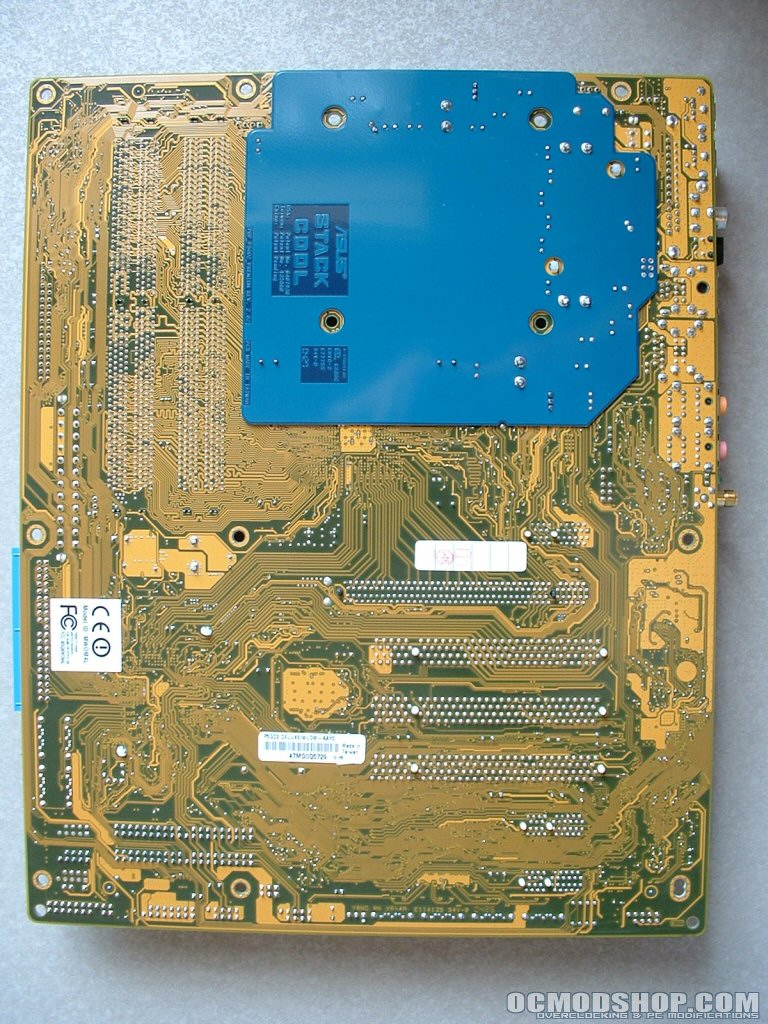
There is so much good stuff on this motherboard there will be a lot to look at as the review progresses. On the backside of the motherboard where the CPU is a new technology called Stack Cool. This new features utilizes a mini PCB stacked against the main PCB to conduct heat away from power components, resulting in a 10° Celsius reduction according to Asus. Since the only way to test this new feature would be to remove it I will have to take their word for it.
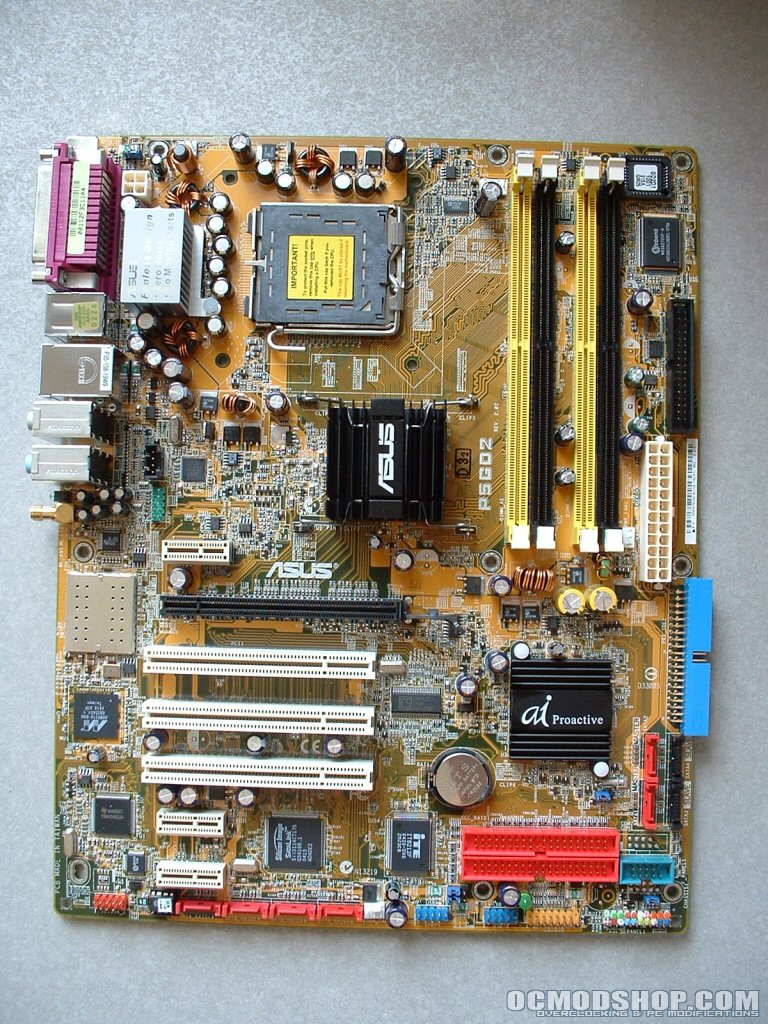
The back Panel has two PS/2, parallel, Optical + 1 x Coaxial S/PDIF Output, IEEE1394a, gigabit NIC, four USB 2.0, 8-channel audio, WLAN antenna jack. Its great to see all of these connectors built into the motherboard and hopefully sometime soon the legacy ports will be moved off and replaced by more USB and other connection.
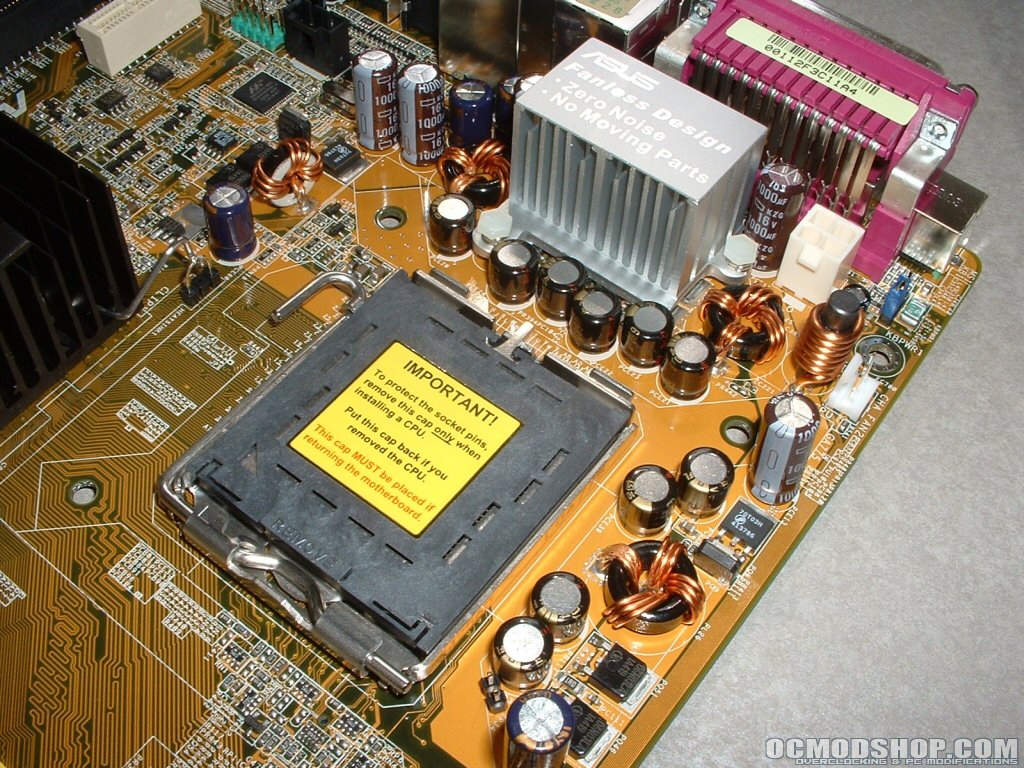
The socket is of course a new design now having pins in it removing the need for them to be on the processor. There are four holes around the socket which are used for mounting the new LGA775 heatsinks. There is a heatsink covering the mosfets at the top of the board so they don’t overheat since they normally get quite hot.
The 12v power connector and new 4-pin fan header are also in the top left hand corner of the motherboard. The 4-pin fan connector is new to these motherboard and implements Pulse Wave Modulation (PWM) which monitors your system and when idle reduces the fan voltage and RPM by half.

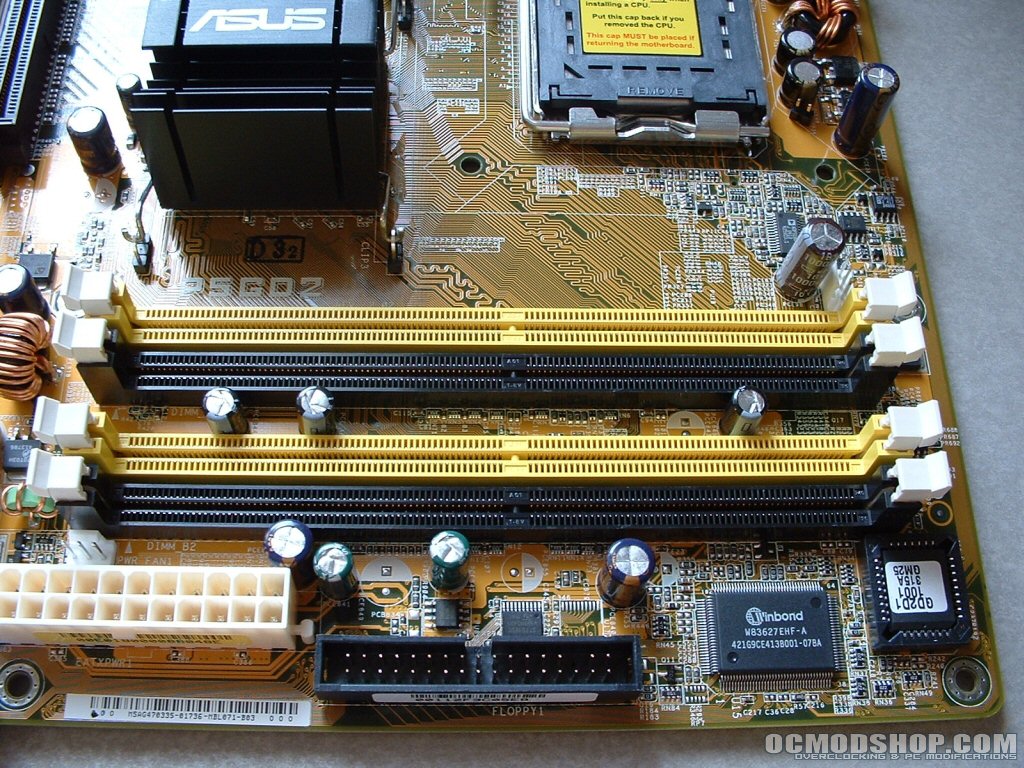
The DDR2 slots which look almost unchanged from DDR1 slots are in their typical spot in the top right corner of the motherboard. There is a single BIOS at very top right corner of the motherboard which a very odd place to be. Because there is only a single BIOS Asus has added a feature called CrashFree BIOS2. This feature is a BIOS auto-recovery function in a support CD which eliminates the need for a redundant BIOS thus decreasing the cost of the motherboard.
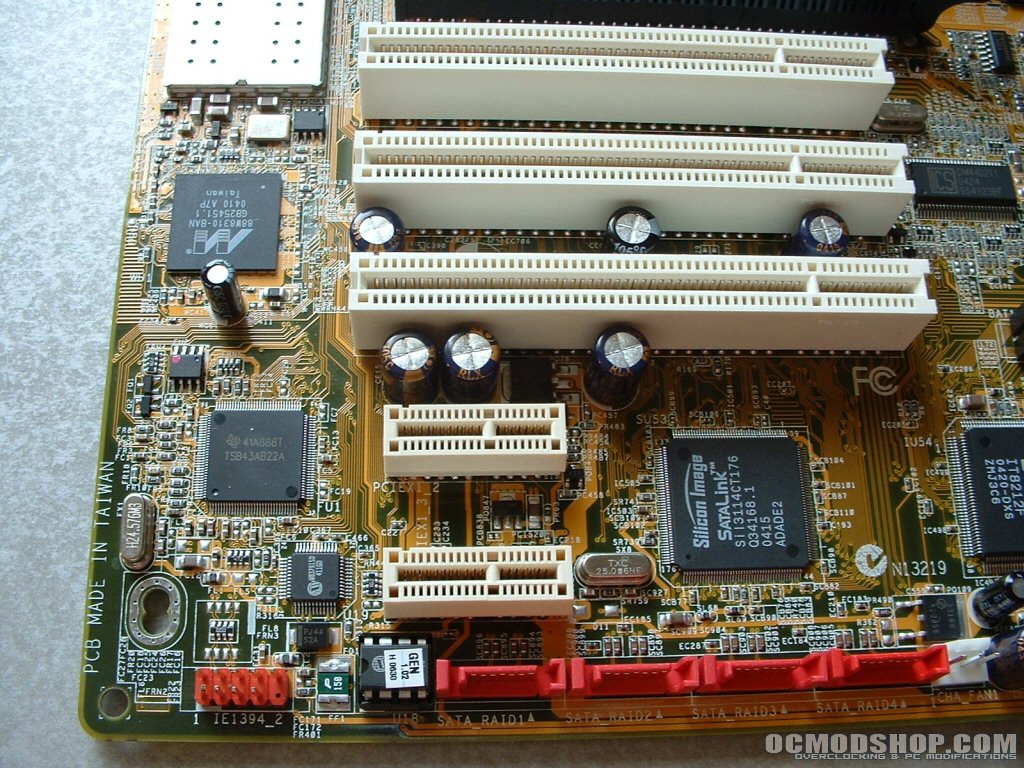
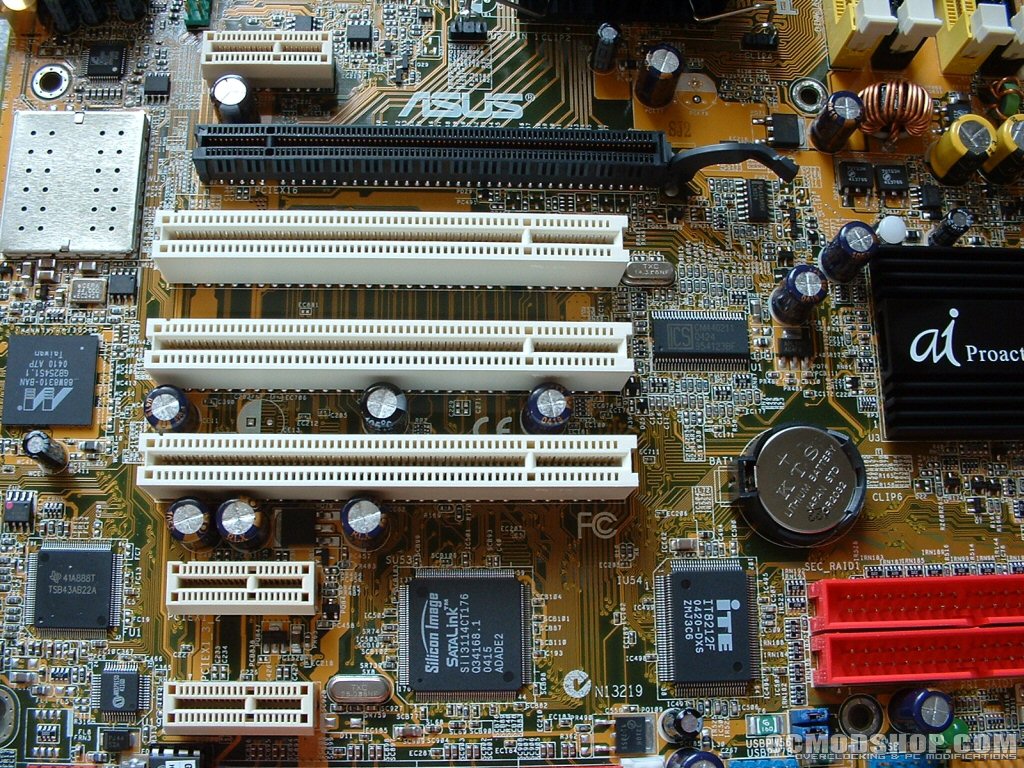
Right below the BIOS is the Winbond W83627EHF I/O chip which provides not only legacy I/O functions but also several new features, such as over-temperature and over-voltage protection for CPU to avoid the danger of CPU damage. PCI has taken over this board with three regular PCI, one x16 PCI express, and three x1 PCI express.
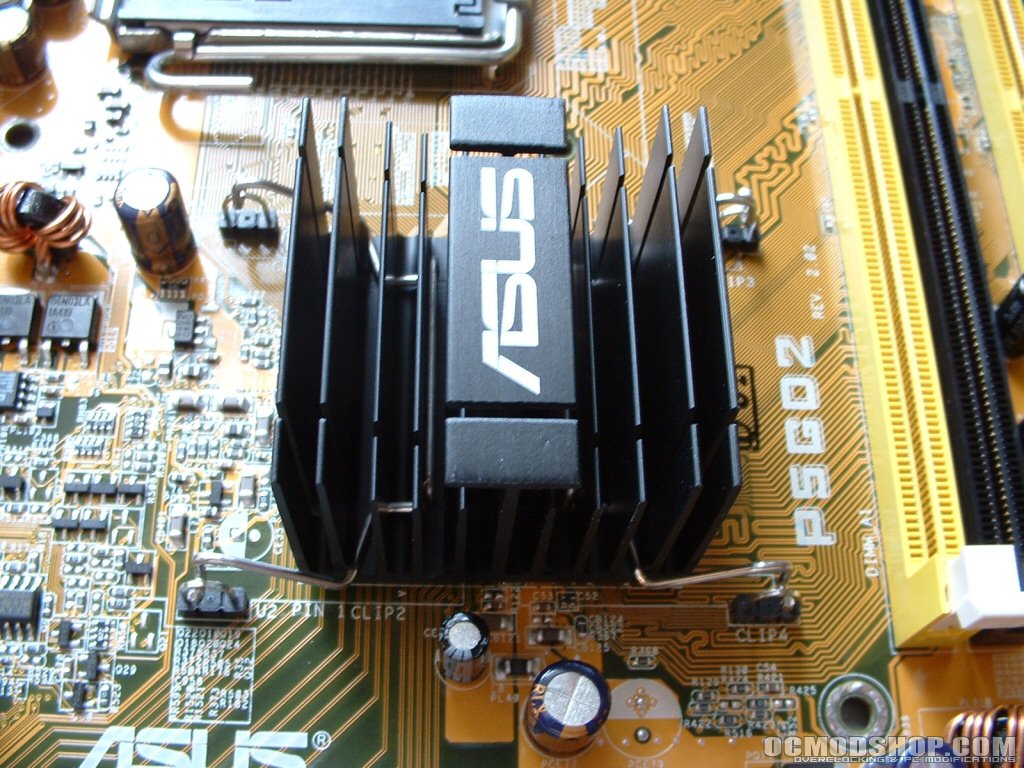
Both the northbridge and southbrige are covered by passive aluminum heatsinks which are necessary to cool them. They both got quite hot but not too hot to touch so they should do an adequate job cooling the chips over time.
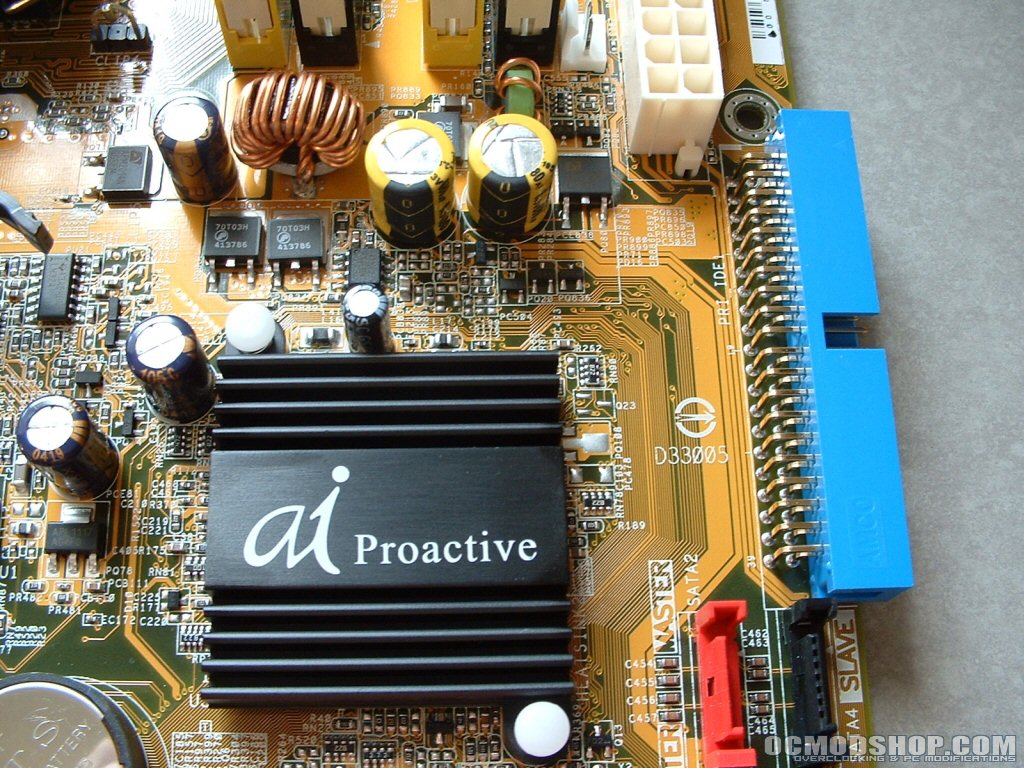
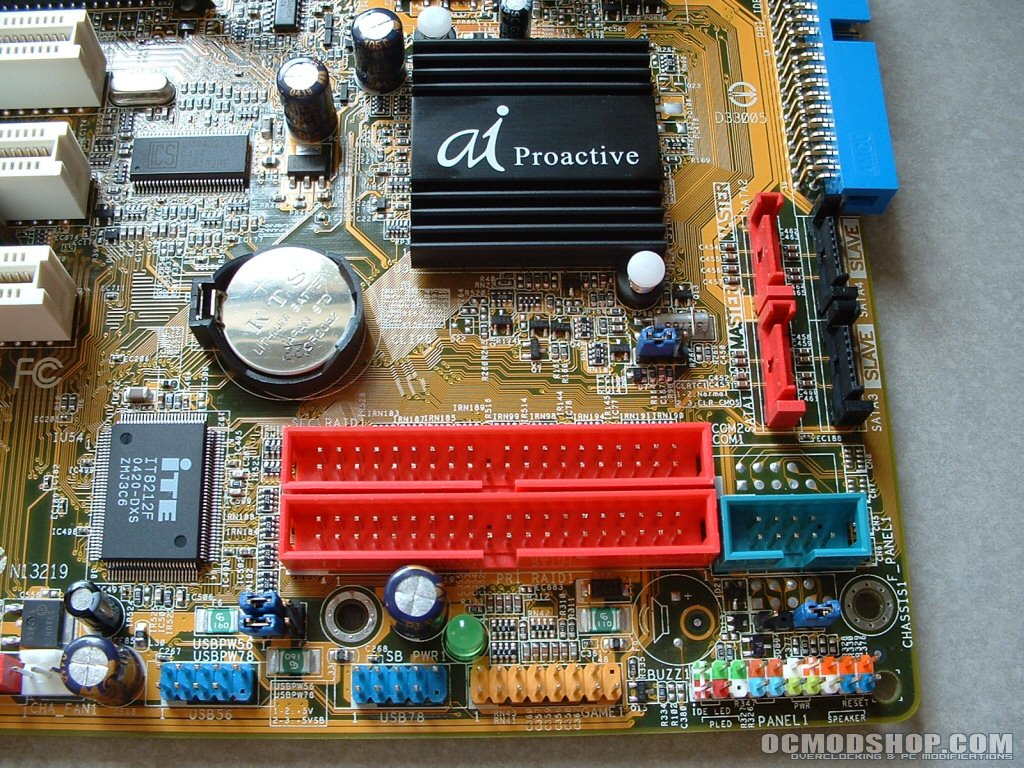
One thing this motherboard does not lack is SATA, just in the bottom left hand corner of the motherboard there are four which can be used for RAID. Along with those four there are four more which are located in-between the three ATA133 slots. With SATA slowly replacing IDE I’m sure you will have more than enough SATA connections for quiet some time. One thing I also really like is that all of the headers are colored coordinated to help you quickly differentiate between all of them and tell what jumper goes to what.