

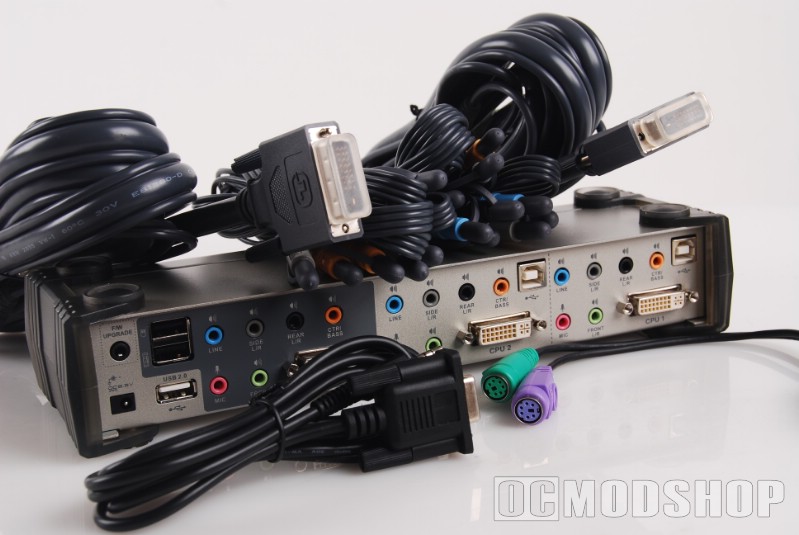
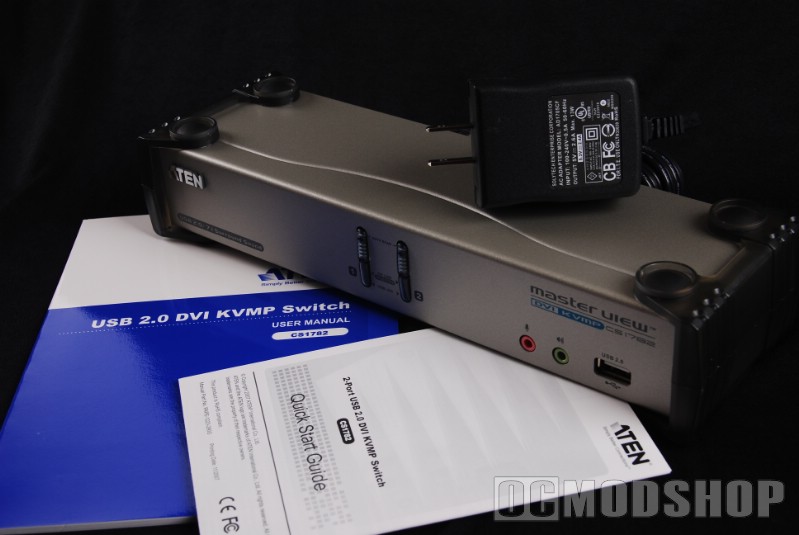
Inside the box are a plethora of cables (two sets of 7.1 audio cables, two sets of DVI/USB/mic/stereo cables, a 9-pin to 1/8″ jack serial cable, a 13W power adapter, a Quick Start Guide, a paper manual, and the KVMP switch itself.
The cables look of great quality, even if they aren’t gold-plated like other premium audio/video gear. The DVI cables are very thick with shielding, and have the USB, microphone, and front speaker lines permanently attached. One end is intended to go to the KVM (the side with the B-type USB connector), and the other end connects to your PC (the side with the more familiar A-type or “flat” USB plug). The other audio cables (blue, grey, black, and orange) are a seperate cable, which is good to keep everything modular. All cables come with end protectors, and the audio cables have grey rubber caps on them (a very nice touch, but tend to make the back a bit cluttered).
The switch is rather attractive, having an aluminum metal housing with tough plastic endcaps. The front of the unit has a set of Computer A and Computer B buttons (which integrade status LEDs), a front microphone jack, a front headphone jack, and a single USB 2.0 port.
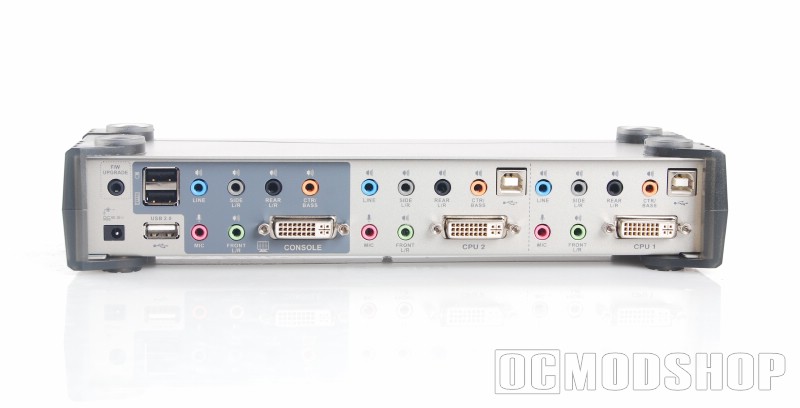
The back of the unit is where most of the unit’s connectivity takes place. Going from left to right, the rear panel has a Firmware Upgrade jack (which takes the included special serial cable), a DC in plug. You probably never need to upgrade the unit’s firmware, but if you do, keep in mind that it must be upgraded using a 9-pin serial port, which do not exist on most modern computers today.
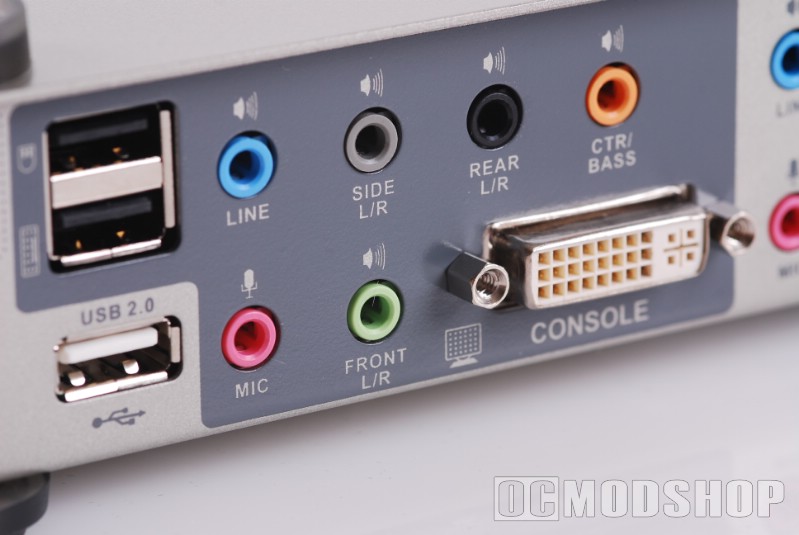
Next is the “Console” section, which you connect the output monitor, speakers, keyboard, mouse, and and any other USB devices that are to be shared across your computers. The top row of this section has blue, grey, black, and orange audio jacks, which correspond to industry-standard coloring of sound cards (line in, side L/R, Rear L/R, Center/Bass). The bottom row has a pink Microphone jack, green Front L/R jack, and DVI connector. The DVI connector is dual-link, so it supports large monitors that have monster resolutions like 1900×1200 and above.
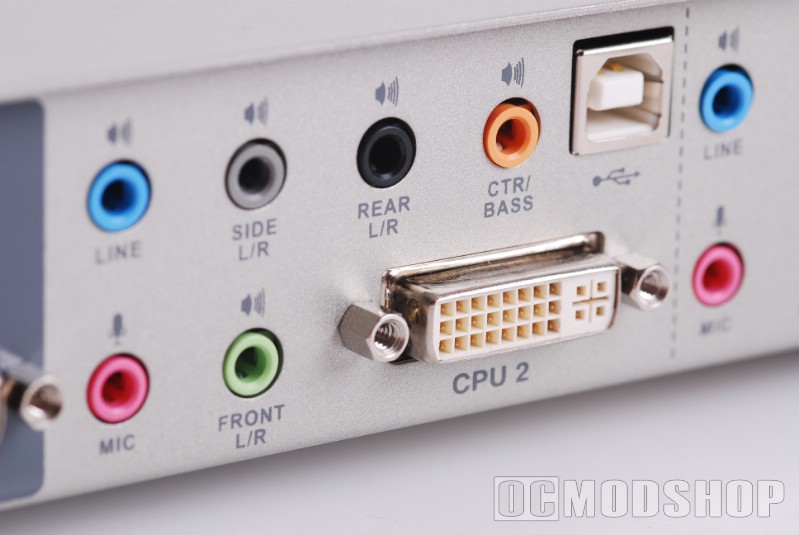
The next section is the CPU-2 area, which is where you connect your secondary computer’s parts. On the top row is a standard set of audio jacks (blue, grey, black, and orange) and a USB 2.0 port (a “B” type port that looks almost squarish). On the bottom row is a pink Mic and green front speaker jack, and a DVI connector. The next section is the “CPU 1” area, which copies the layout of CPU-2.


1 comment
[…] ATEN CS1782 2-port DVI KVMP Switch Review — OCModShop.comDescription : Many PC enthusiasts play video games and do regular computing on the same machine, and we all know that the more software you add, the more cluttered and unstable your computer becomes. Imagine batching up a bunch of videos for …http://www.ocmodshop.com/aten- .. […]
Comments are closed.