

The media features of the CS1782 lend itself towards the PC gamer, but I found that using gaming-grade peripherals have a few caveats when using this KVM switch.
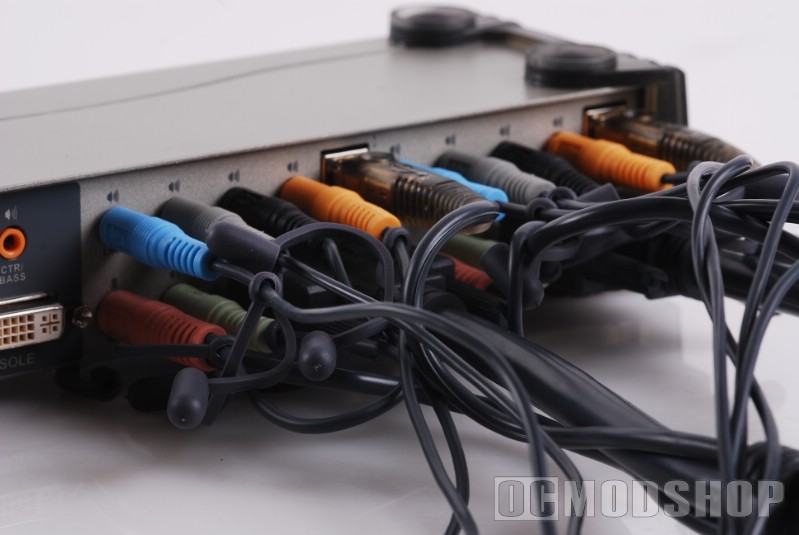
Installing any KVM switch adds a little complication to your setup, and it is easy to become slightly confused. First you need to determine the best location for the KVM switch. Sitting right underneath my 28″ monitor would have been perfect, but the very short 3′ power cord disagreed. Even it the power cord were long enough (or I used an extension), then the relatively short 6′ monitor/USB/audio cables would not reach my computer sitting by the side of my desk, anyway. So, the ATEN switch resides on the right side of my desk, between the monitor and PCs.
Since I already had my main PC connected, it’s best to go ahead and attach these cables to the “out” section of the KVM switch. Once this was done I connected the DVI, USB and mic cables to CPU 1, and then plugged them into my main PC.
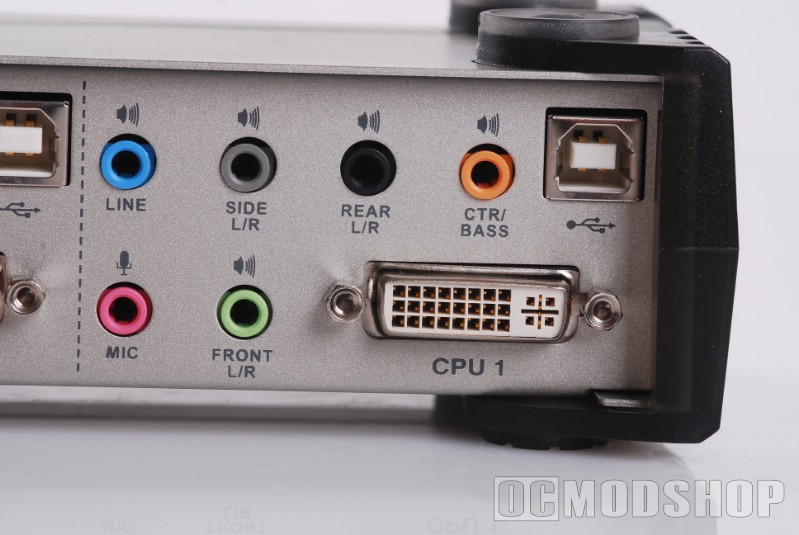
I figured I better make sure the switch was working at this point, else I would be in for some major troubleshooting. I turned my PC and the switch ON, and I could see my BIOS screen! When Windows Booted up, the resolution was set to a standard 1280×1024. No problem, I figured, I’ll just change it back.
My widescreen monitor was not recognized, and therefore I did not have high resolutions available. I went into Display properties and disabled “only show resolutions that this monitor supports”, which did give access to more resolutions, but they were all in the 4:3 aspect ratio. The monitor was detected as a “Generic PnP”. Instead of going through the hassle of installing and tweaking custom monitor-tweaking software, I searched for the INF of my particular monitor, a Hanns-G HG281D. Once I installed the INF, my monitor was detected and all of my resolutions were back and everything worked perfectly.
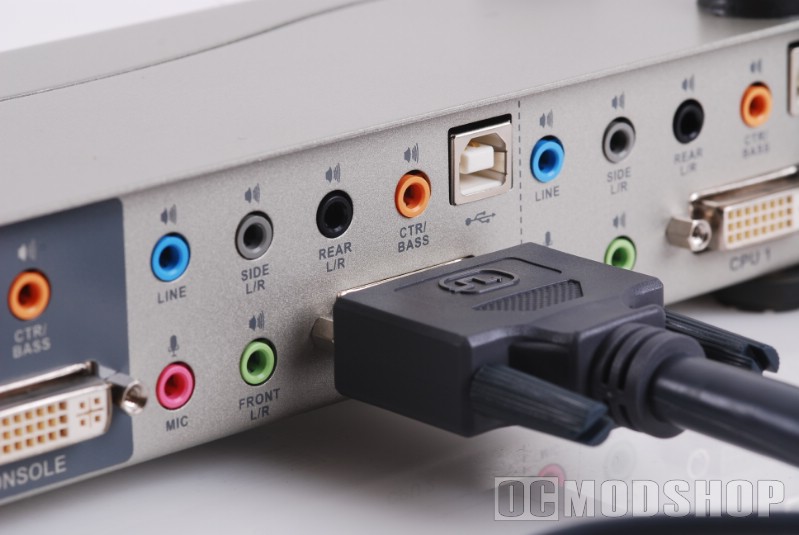
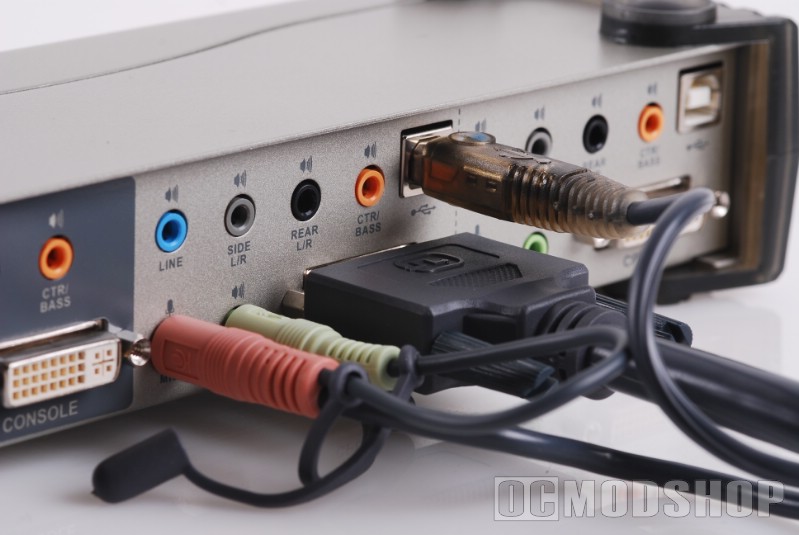
The “out” ports has a USB connection for keyboard, mouse, and “USB” (where other USB devices can be plugged in). I figured USB is USB, so I left my Logitech Wave (reviewed here) and SteelSeries Ikari Laser mouse (reviewed here) connected to my USB hub. Big mistake.
The mouse was now extremely over-sensitive and erratic, and difficult to control. I unplugged and reinserted the mouse, but to no avail. Plugging the mouse into the “mouse” designated port did not help either. From testing the Razer Lycossa keyboard (reviewed here), I knew that the 1000Hz polling rate did not play with with USB hubs, so I figured the 500Hz setting of the Ikari was too much for the switch. I fired up the Ikari configuration tool, but the mouse was not recognized.
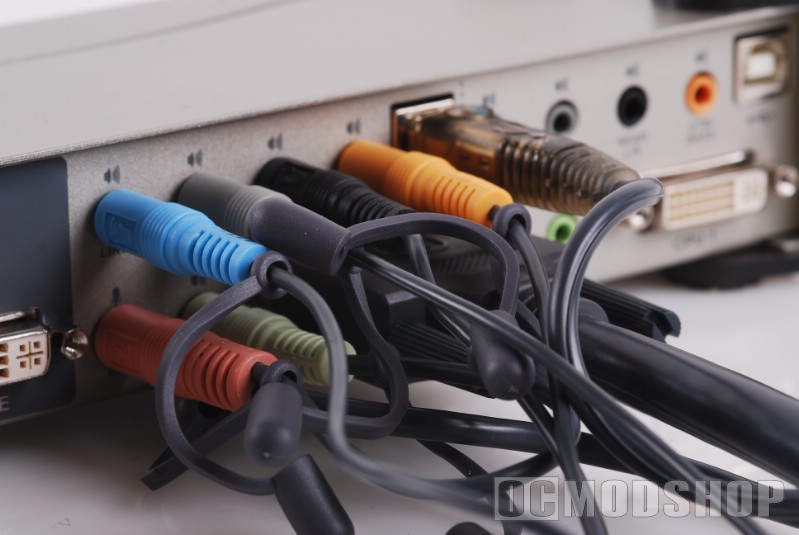
This was all due to the mouse and keyboard emulation technology of the switch, which I needed to disable. I pressed the special keyboard combination to enter “KVM Customization” mode, but nothing happened. I found out that the KVM only listens for these special key sequences on the “keyboard” USB port.


1 comment
[…] ATEN CS1782 2-port DVI KVMP Switch Review — OCModShop.comDescription : Many PC enthusiasts play video games and do regular computing on the same machine, and we all know that the more software you add, the more cluttered and unstable your computer becomes. Imagine batching up a bunch of videos for …http://www.ocmodshop.com/aten- .. […]
Comments are closed.