
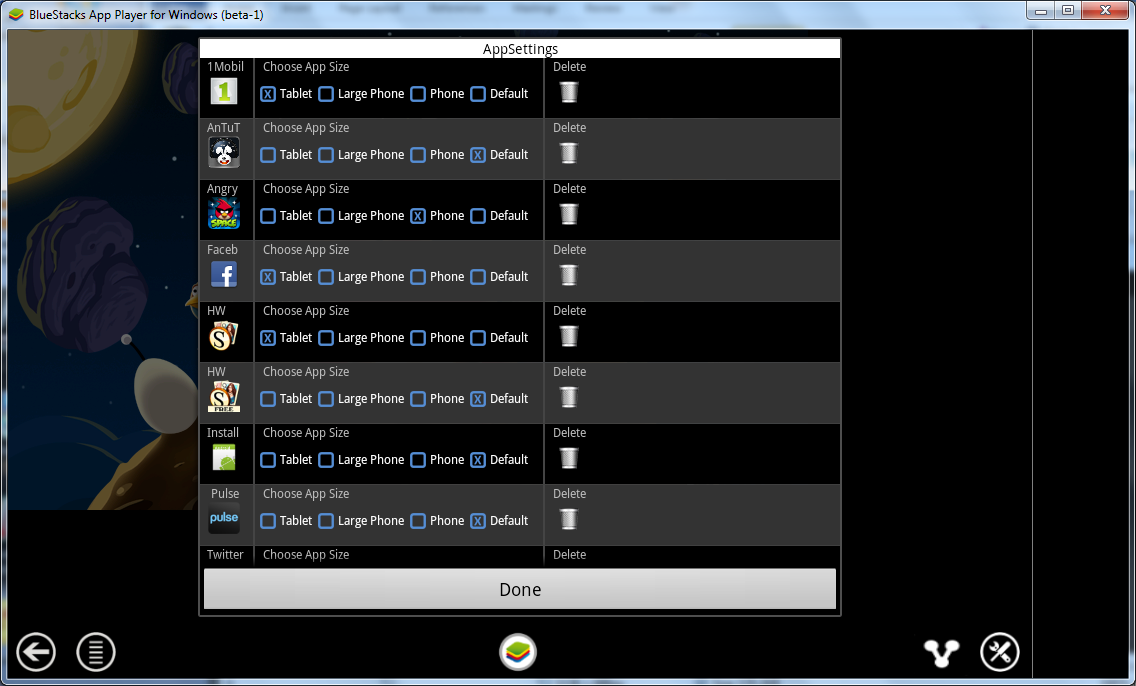
BlueStacks is an Android tablet and phone emulator that lets you run android apps and games on any Windows PC. BlueStacks is currently in its first beta, and there are a few caveats to it, but all-in-all runs much better than expected.
Since you’re emulating on a PC, then apps that use specialized Android hardware will not work properly: such as GPS, microphone, camera and accelerometers. Most games will run fine, which is probably what you’ll want to use an emulator for anyway.
There aren’t a lot of options when installing BlueStacks. The installer is a thin download that downloads more of the application, and then configures it. BlueStacks is currently free, but that will probably change once the program is out of Beta. Since the installer is a thin download, you probably won’t be able to install the beta once the full version is available.
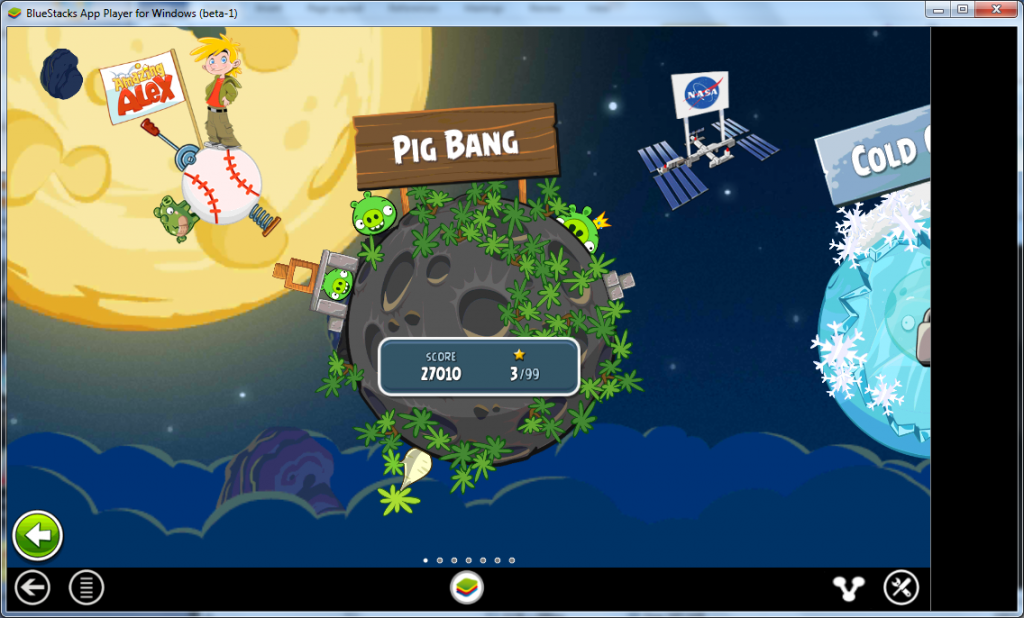
One great thing about both emulators is that Google Play is already installed, which allows you to browse and download thousands of Android applications and games. BlueStacks even has support for other Android stores, such as Amazon’s Android Marketplace, so its app search is much more powerful.
Another great thing about running an application emulator is the ability to take screenshots. The Android platform doesn’t have the ability to take screenshots like an iPhone or iPad does (unless you root your device). With an application emulator like BlueStacks you can take all the screenshots you want, which is what we did for the images in this article.
So how well does it run? That depends…


5 comments
Come to find out that BlueStacks has a bunch of embedded adware. Not only will you see "buy this app" pop up on your desktop, but you'll get redirects to targeted ads when you search in any of your browsers.
I uninstalled BlueStacks and no longer recommend it until they remove their sneaky ad campaigns.
Yeah, I have to test for Google Chrome on Android, but Chrome requires Ice Cream Sandwich (Android OS 4.x). BlueStacks doesn't seem to support this OS yet, so Chrome won't install. Have to use VirtualBox to run Chrome for app testing. I'll upload the image I use for VirtualBox shortly…
so where is the image for virtual box? I downloaded an android image and I can't get it to go past the android logo to load anything. I used the android 4.4.
thanks for this. I have to test my applications for tablets and this makes testing for compatibility easy !
[…] Emulate an Android Tablet on Your PC […]
Comments are closed.