
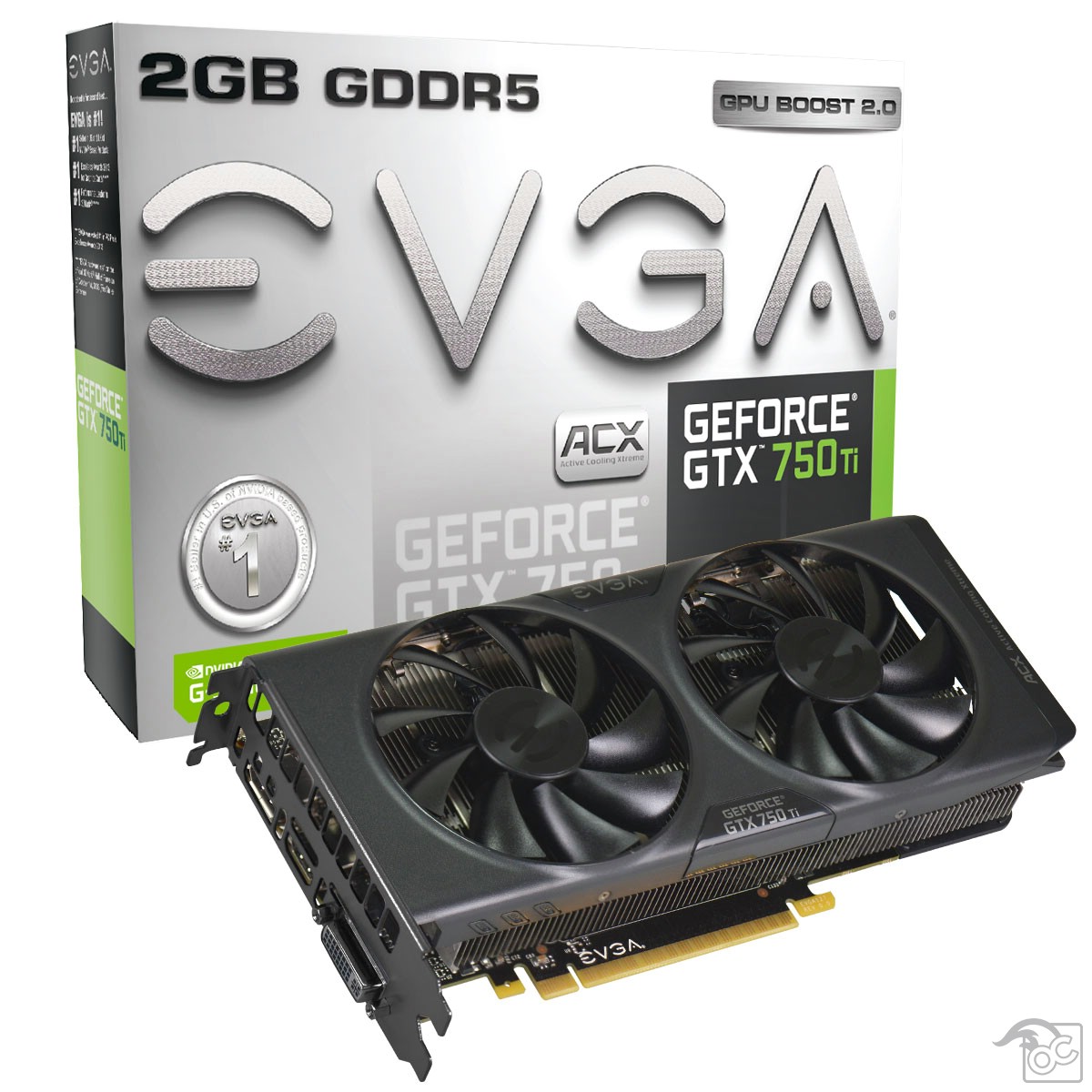
I’d like to make a note on the idle temperature before we begin the tests. I turned on my computer after installation and proceeded to start this review. It had been running for around an hour with nothing running in the foreground. At the end of that hour, she was sitting pretty at 29 degree Celsius (84º Fahrenheit).
3dmark Tests
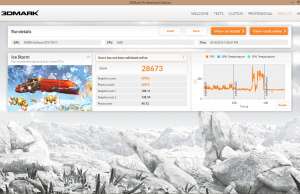
Ice Storm went exactly as I expected it to. The 750 TI blazed through it at 60+ frames per second, and at over 200 frames per second during the secondary graphics tests. But who cares? This is a test that is intended for tablets and whatnot. So I moved on to the Cloud Gate test. A little more stressful than Ice Storm, but the card kept up at around 50-60 frames per second. The secondary tests that focused on graphics came in at 30+ frames, but the physics test is where this particular graphics card started to disappoint me. It got down below 10 frames and stayed there. Oddly enough, all of my screenshots of those tests show 4 frames per second. That’s not accurate by any means. Watch the full videos for accurate frame rates.
Now for the Fire Strike test. I’m going to be completely honest here. I didn’t think the frame rate would get above 10 fps, especially since it took over a minute to load the test. Imagine my surprise when it hovered right around that very number the majority of the time.


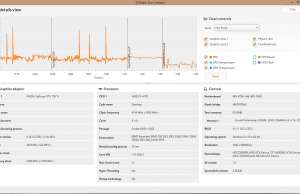
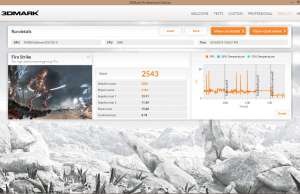
Xbox One killer? Not even close. And I don’t see it pimp-slapping the PS4 anytime soon, but from what I’ve seen so far it’s worth the money. Fire Strike is taxing on most video cards in all price ranges, so I don’t find these results very surprising. In the end it got a score that was on par with many video cards at a higher price range, so I wasn’t entirely disappointed. But running 3D tests isn’t what people generally buy these cards for, so let’s proceed to the gaming portion of our show.
Gaming Tests
I chose Watch Dogs for the gaming test because my last video card wouldn’t play it on high settings without stuttering. I’ve also read a lot of commentary online about people having issues playing this game with Ultra settings while having an enjoyable time. I was thinking I would see 15-20 frames per second, tops. I was wrong.
I loaded up the game and went to the graphics menu to adjust my settings. Most of them were on medium quality, and when I clicked the button to auto adjust my settings, nothing changed. My heart sank. I pretty much admitted defeat then, but loaded up Fraps anyway and proceeded to set all graphics settings to Ultra. At this point I was no longer hoping for 15 frames. I didn’t think it would climb that high. As I said before, I was wrong. Very rarely did the fps counter drop below 30 frames. Only in very graphic-intense areas did I have any issues at all, and it was nothing more than the occasional dropped frame.
As you can see from the video, every available detail is present and accounted for. I noticed little to no noticeable loss of gaming quality during any of the play time. And yes, I know I was running around like a lunatic in the video. I was trying to show as much as possible in as little time as possible.
See those sparks when I courageously ran my stolen 80’s crapbox into the nice whips along the road? That’s 750 TI graphics, baby. And the temperature at the end of all this? 50 degrees Celsius (122 degrees Fahrenheit). Considering that anything below 80º C is considered okay for most cards, I would say that they’ve done a great job of using lower voltage to create beautiful graphics.
Conclusion
All in all, I have to say that I’m more impressed with this card than I anticipated. I still don’t think it’s the console destroyer that everyone claims, but it does what it’s intended to do. And it does it well. I definitely recommend it as an affordable alternative to many high end cards. The GTX 750 TI is a winner in my book.
You can get the 2GB verion cheap right here.



1 comment
[…] EVGA Geforce GTX 750 Ti Video Card Review […]