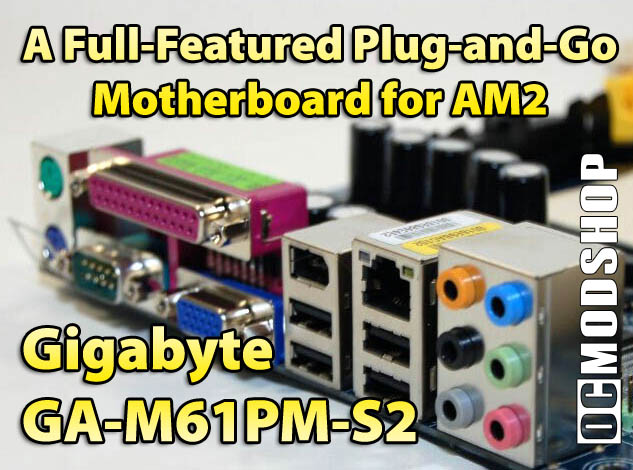
The board is very well designed, with all connectors in convenient locations. Since it is a mini-ATX board, you’re not going to get a whole lot of expansion slots, but since everything is already included, who cares, right? There are a few nice things particularly worth noting.
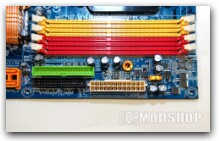
The memory slots are very logical: to run with dual channel memory, you put the RAM in the same colored slots – the manual also states explicitly how to arrange your memory. The chipset is cooled passively with an attractive copper heat sink. That’s great for keeping things quiet, but honestly, that little heat sink does get pretty hot to the touch.
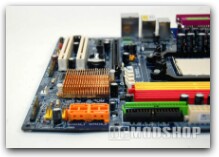
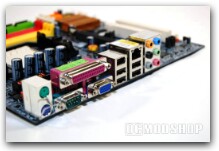
Underneath the heat sink is the GeForce 6100/430 chip itself. It is interesting that this is a single chip solution; there is no northbridge/southbridge. In 2005 when Nvidia first introduced the GeForce 6100 series, there was the 6100 or 6150 northbridge, and the nForce 430 or 410 southbridge.
The 6100 series is essentially equivalent to an nForce 4 with integrated GeForce 6 family graphics. Nvidia has since been revising and adding to the 6100 family, and according to their website you now have the option of the 6100, 6150, or Quadro NVS 210S northbridge, and the 400, 405, 410, or 430 southbridge.
After extensive searching, it seems that both the 6100/430 and 6100/405 combinations have been integrated into a single chip. Maybe this was a cost-saving feature by Nvidia, but at any rate this explains why you may be surprised to see a single chip board when comparing to older 6100 family solutions.
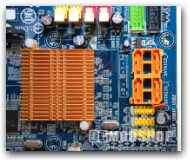
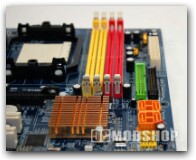
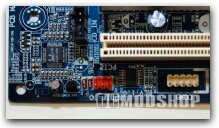
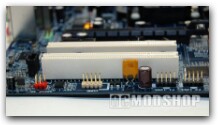
People will notice that there is limited space around the CPU socket, so over-sized cooling solutions may be a tight fit, or possibly not fit at all. Standard heat-sink-fan units will fit just fine though. Another thing that struck me as odd is that there seems to be no BIOS chip. There is actually a silkscreened area that even says, “BIOS,” but where the chip has gone is anybody’s guess. I searched all over, on the back too, but there was no chip, so I was half way expecting to have a dead board on my hands. But lo and behold, the board worked fine. I guess Gigabyte has replaced silicon with magics these days.
The BIOS itself.
As mentioned before, the manual includes very detailed explanations of all available BIOS settings. It is the well known Award BIOS, and every setting you could think of except for any overclocking, expert voltage settings, or any other enthusiast-type settings. Here is a gripe worth noting: the BIOS has USB mouse and keyboard support DISABLED by default – I have seen this time and again with various motherboard makers, and I really wish they would stop! This is horribly frustrating for people who use USB mice and keyboards!
Included Software
Gigabyte includes some nice things on the included CD…
- Norton Internet Security – full version with three months free subscription
- Kaspersky Anti-virus
- EasyTune5
- @BIOS
- and several other programs you may or may not find useful