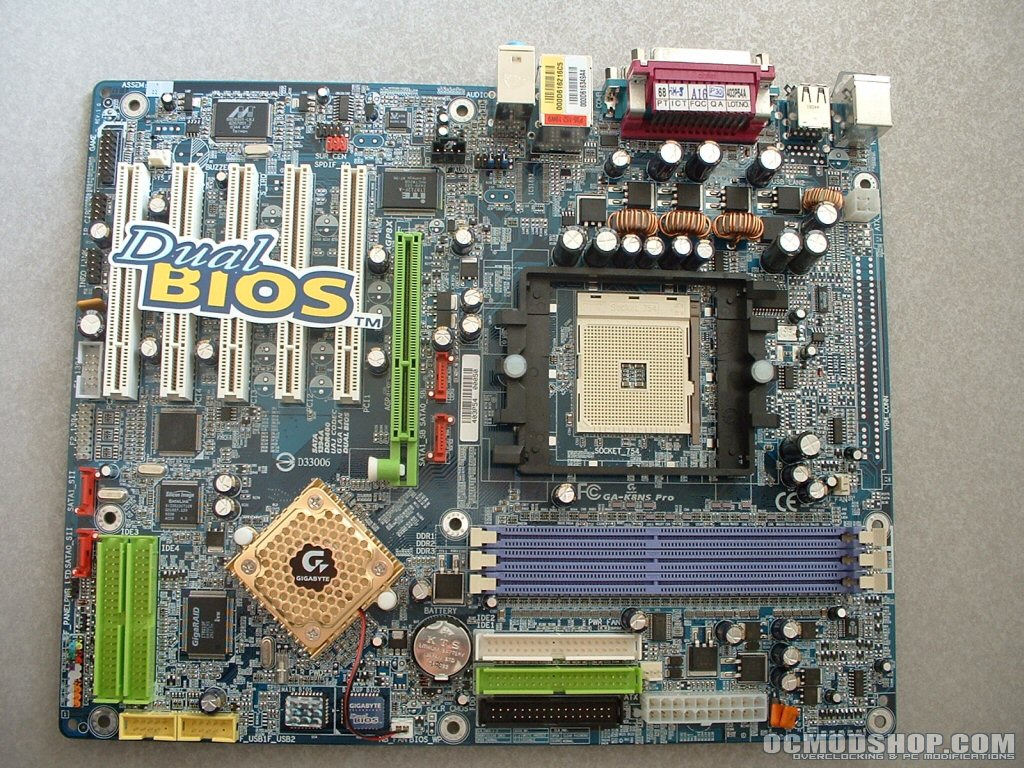
This motherboard uses the popular AWARD BIOS. One thing about the BIOS that you will want to take note of is that you have to press CTRL + F1 to display advanced chipset features. For some reason Gigabyte decided to hide this from users, I don’t really know why they did this but just remember that. From the integrated peripherals section you can enable or disable all of the onboard devices. Since I am not using any legacy ports or SATA I disabled them all.
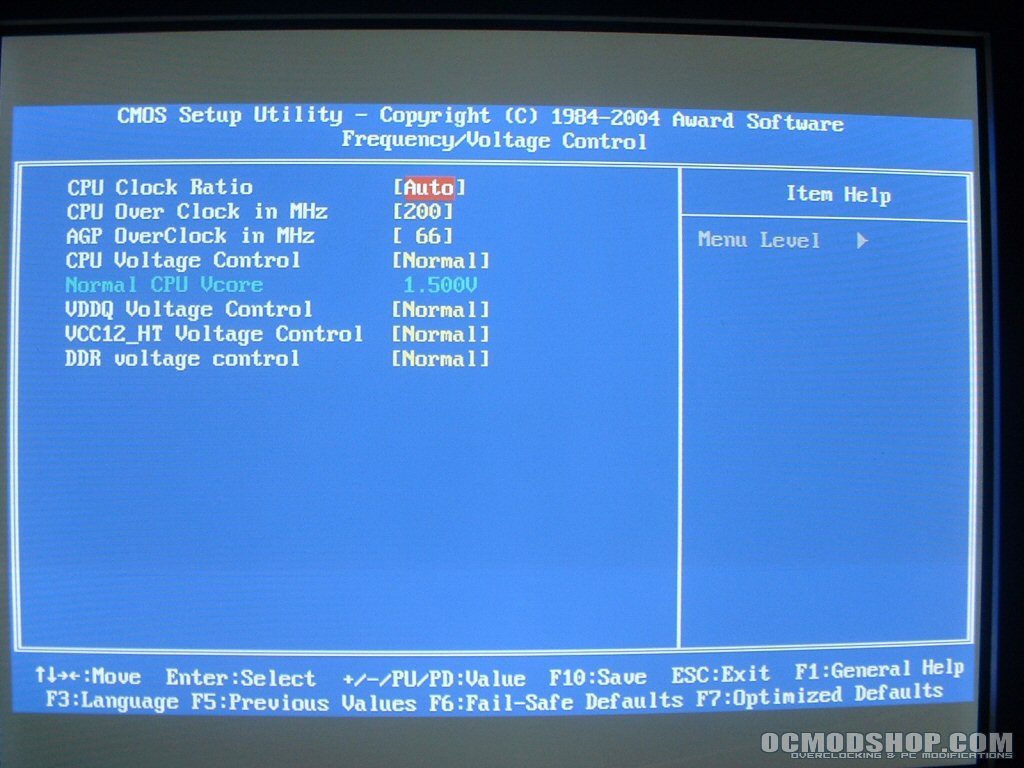
The frequency/voltage control is a bit scarce when it comes to options. You can change your multiplier from 5-25, the FSB from 200-300, and lock the AGP to 66MHz or increase it up to 100MHz. You are able to increase the CPU voltage to 1.700v, VDDQ up +0.3, VCC12_HT up +0.3, and DDR up +0.2 all of which are pretty low. It would have been nicer to see some higher voltages to assist in overclocking. After bringing up the advanced chipset options you are able to control all of your memory timings, HT frequency, AGP settings, and thermal throttling. This section isn’t lacking much, if anything, so hopefully it will make up for the limited frequency/voltage options.

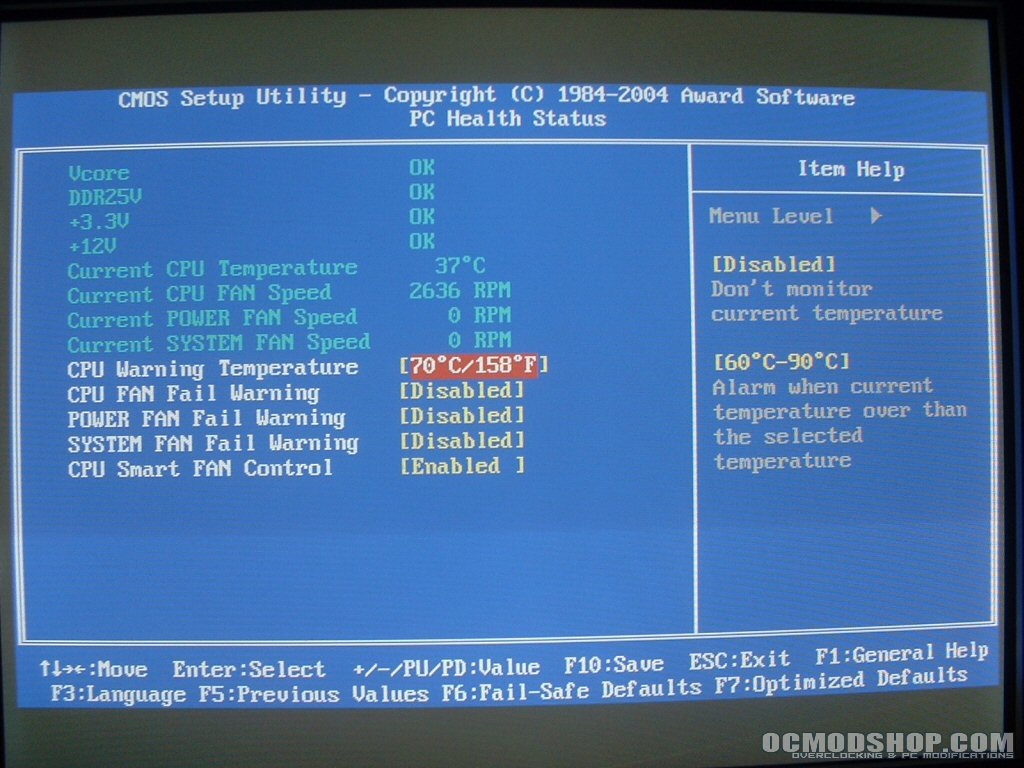
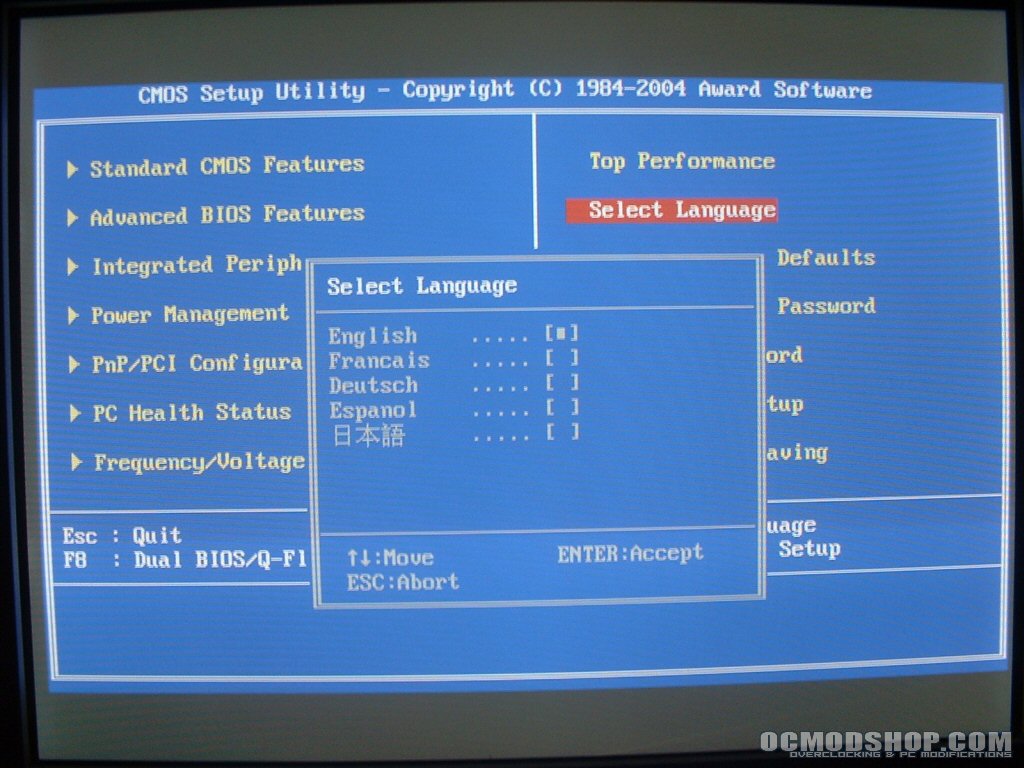
The PC health status section monitors your voltages, CPU temperature, and fan speeds. You are also able to set warnings for the CPU temperature and fan speeds which can save your hardware. I don’t like the fact that that the voltage monitors simply say “OK” I would rather know what the actual voltage is. This BIOS also gives you the ability to choose from English, French, Dutch, Spanish or Chinese.