

The board comes in a standard motherboard box, along with the following accessories: USB 2.0 port connectors, 1x serial ATA cables, 2x serial ATA power adaptors, 2x ATA 133 ribbon cables, 1x floppy ribbon cable, 1x driver CD, quick install guide, I/O back-plate, and Gigabyte case badge.
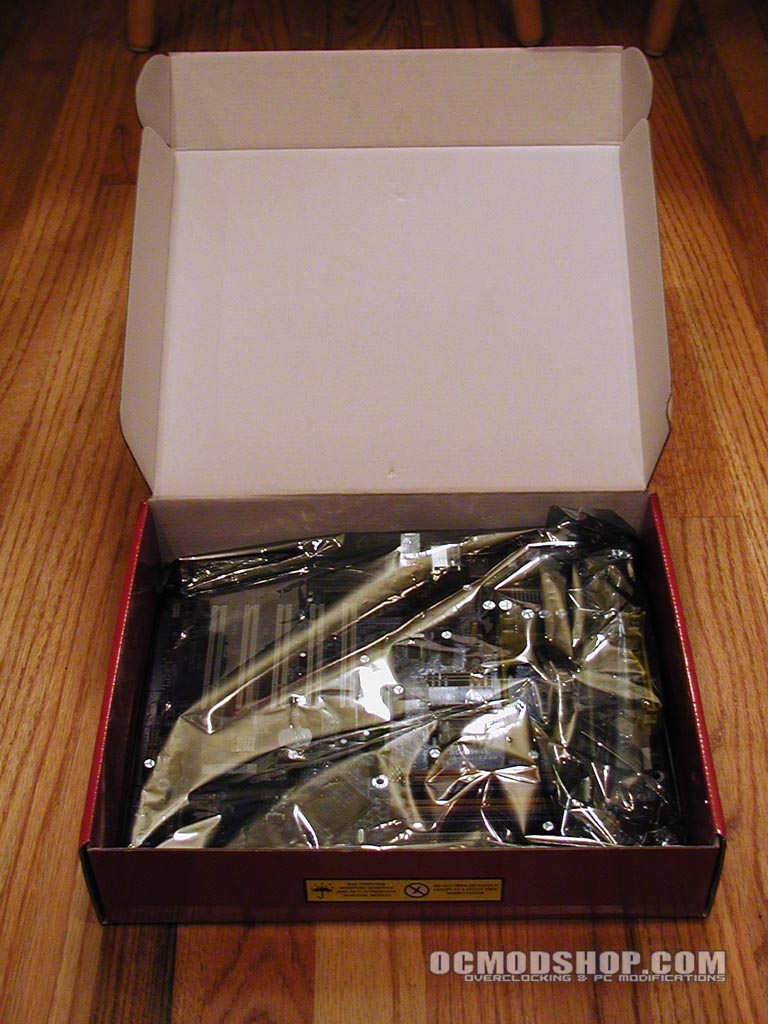
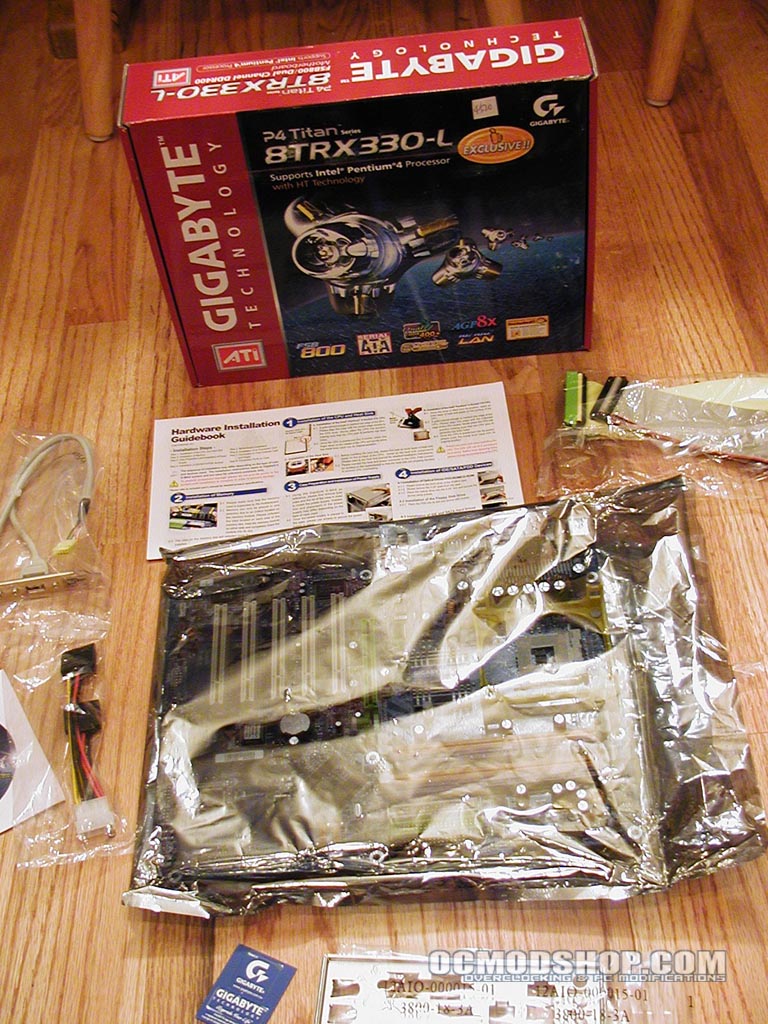
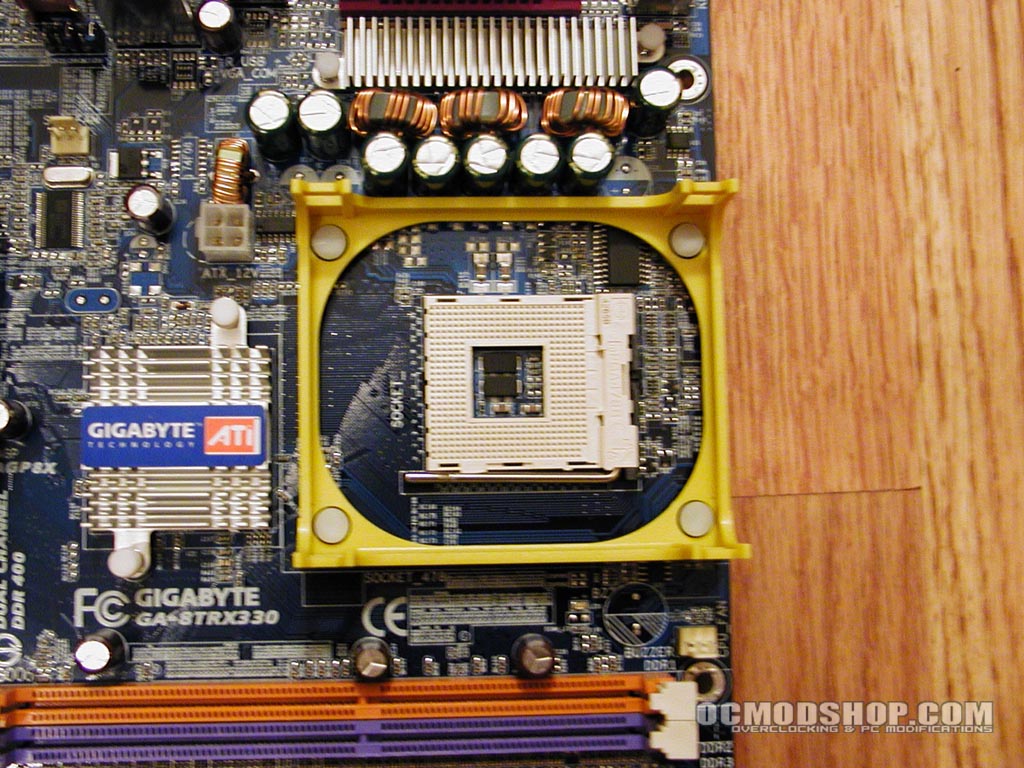
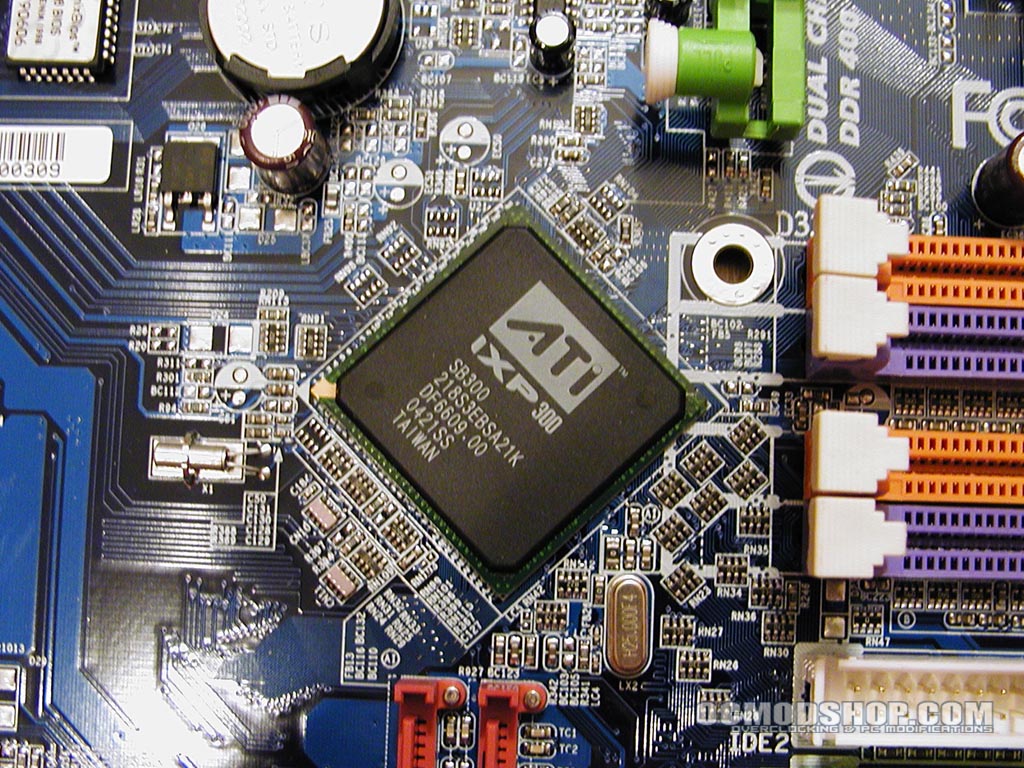
The board is brightly colored, with colors coordinated to function. Each matching DIMM slot is the same color, as are the ATA133 ports. The IO panel’s pins are visually marked as well, making them much easier to identify. The passive aluminum heatsink on the northbridge clearly bears the Gigabyte label. The CPU heatsink housing is a identified with bright yellow plastic. Other chips are clearly marked, such as the BIOS, Realtek Ethernet controller, the southbridge, and audio codec.

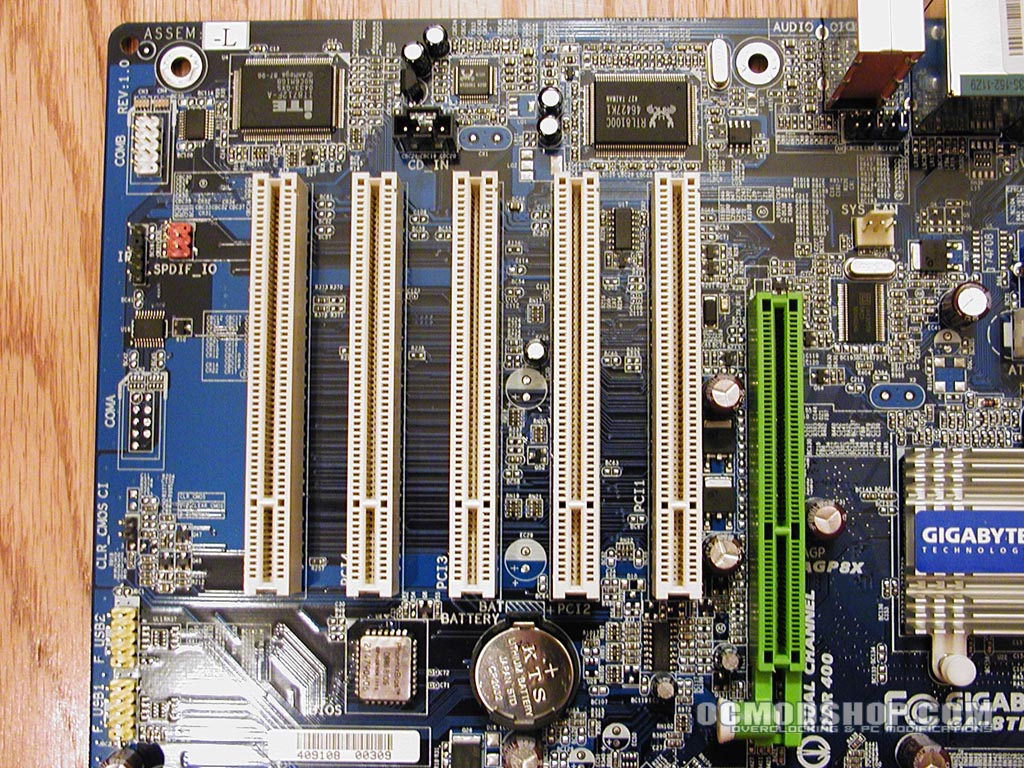
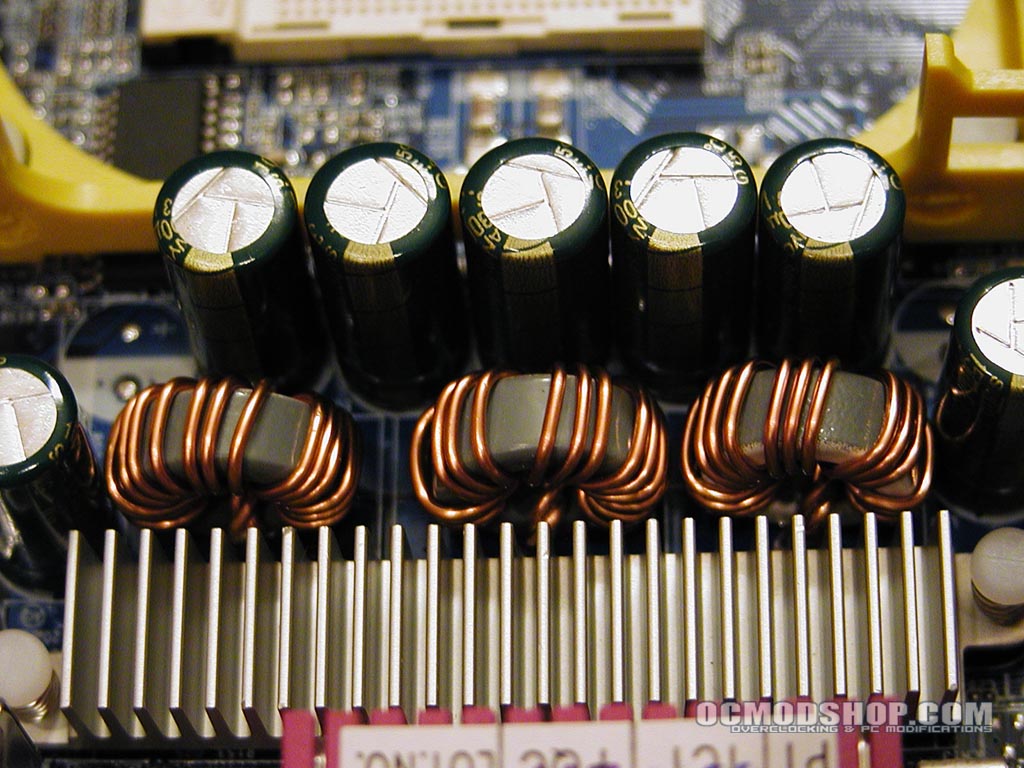
The board is standard ATX size, with 9 holes for screws in the standard “A” arrangement. The AGP port is colored bright neon green, and features a spring loaded pin that secures the AGP card. Five white PCI slots are below this, and on the bottom of the board are the SPDIF headers, USB and front audio connectors. There are only two fan headers, one for the CPU fan and another for the case exhaust. The mosfets are cooled by a passive aluminum heatsink. These transistors regulate the flow of electricity, and can become quite heated with extreme overclocking, especially when upping the voltages.
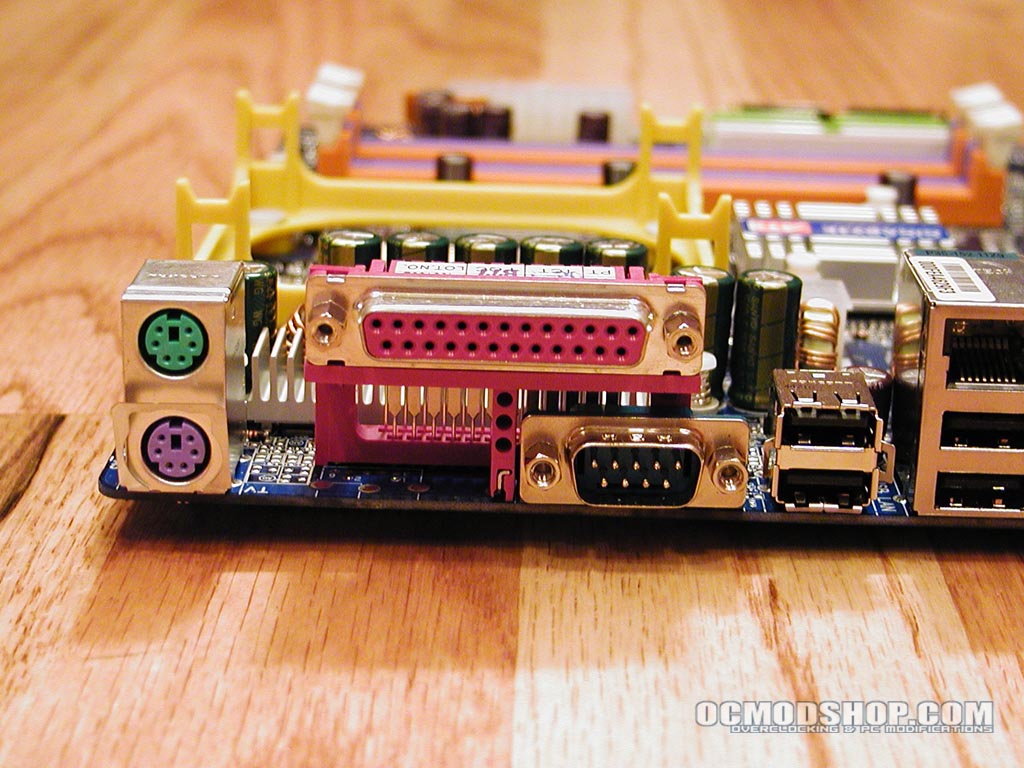
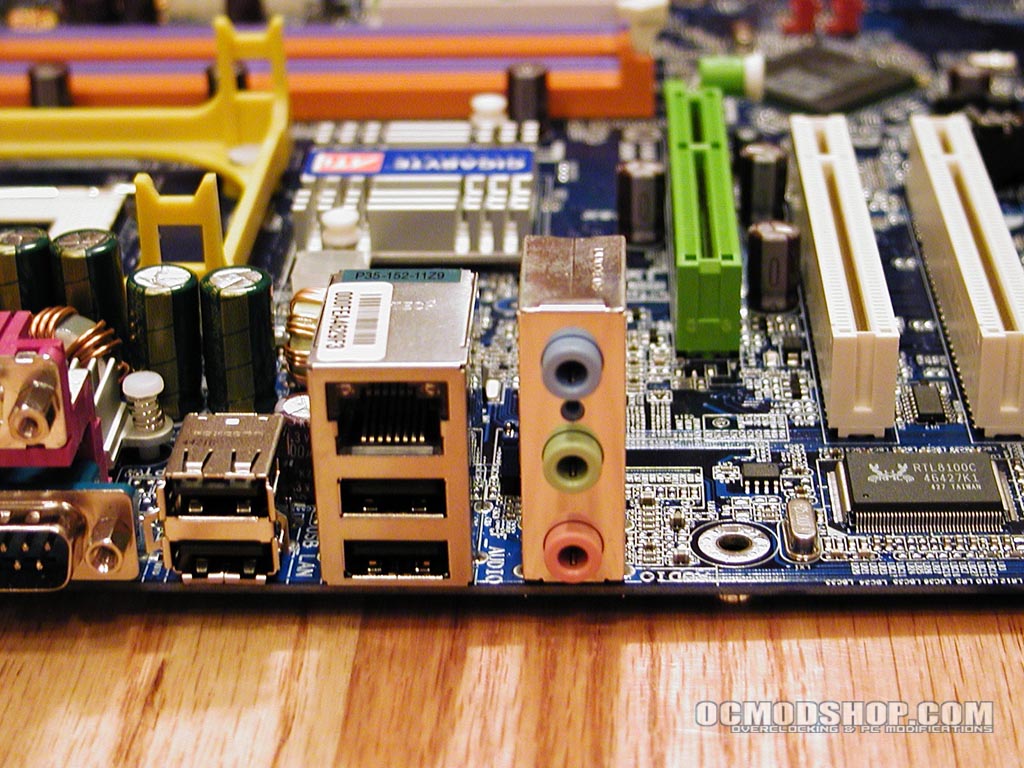
The back panel of the board consists of a standard keyboard and PS2 mouse connector, 1 parallel port, 1 RS-232 serial port, 4 USB 2.0 ports, an RJ45 jack for 100Mbit Ethernet, and 3 configurable analog audio ports. The motherboard lacks any firewire ports or headers, and only has two fan headers. It would have been nice to see a Gigabit Ethernet implementation, but an adequate 100Mbit Ethernet port is provided.
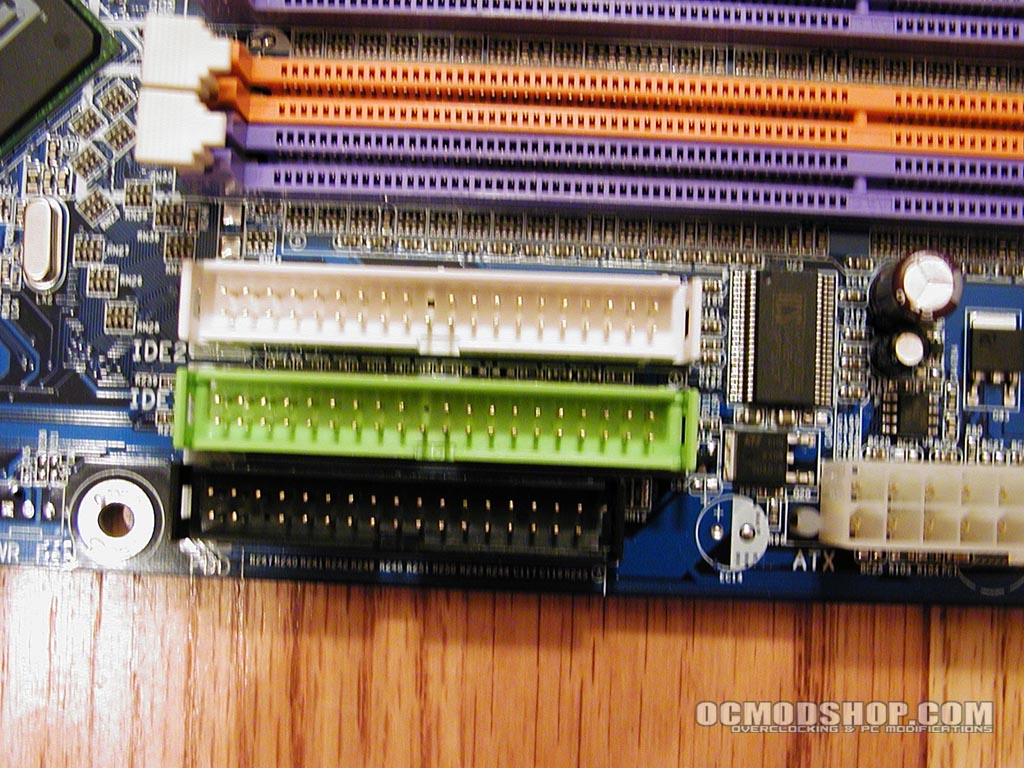
The two parallel ATA ports are colored bright green and white. Below these is the legacy floppy port. To the right of this cluster of legacy ports is the motherboard’s power supply connector, which is on the right side of the board when installed. The southbridge is eschewed 45 degrees in relation to the rest of the board, appearing like a diamond.


1 comment
do you know where I can buy this motherbored?
Comments are closed.