

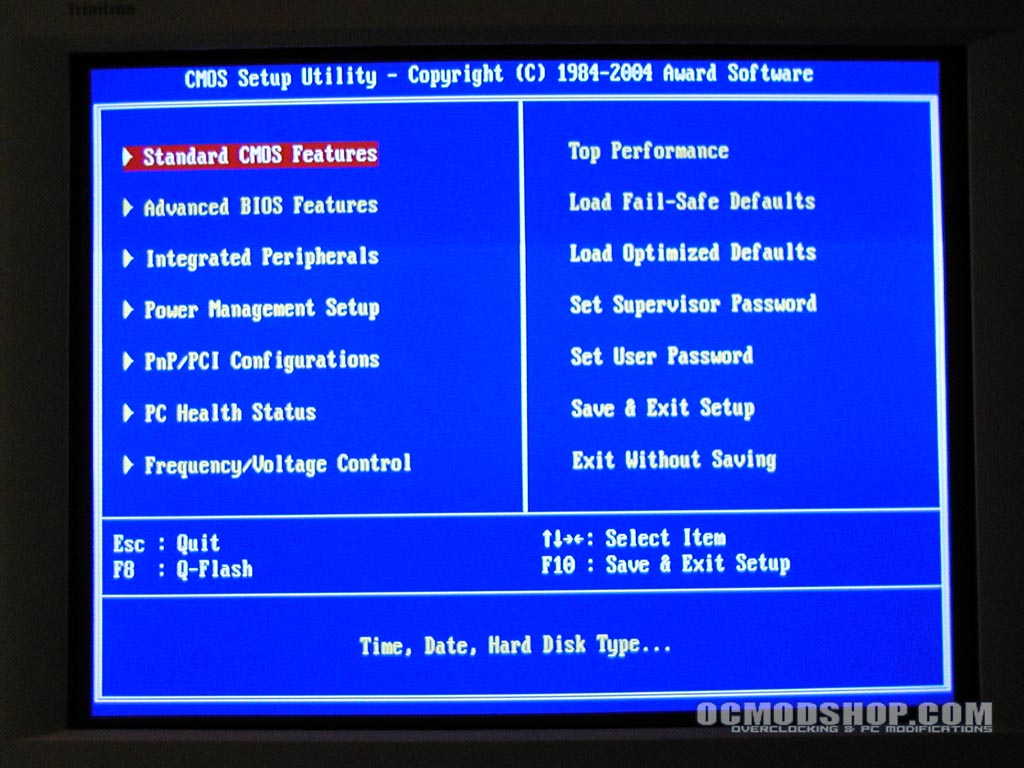
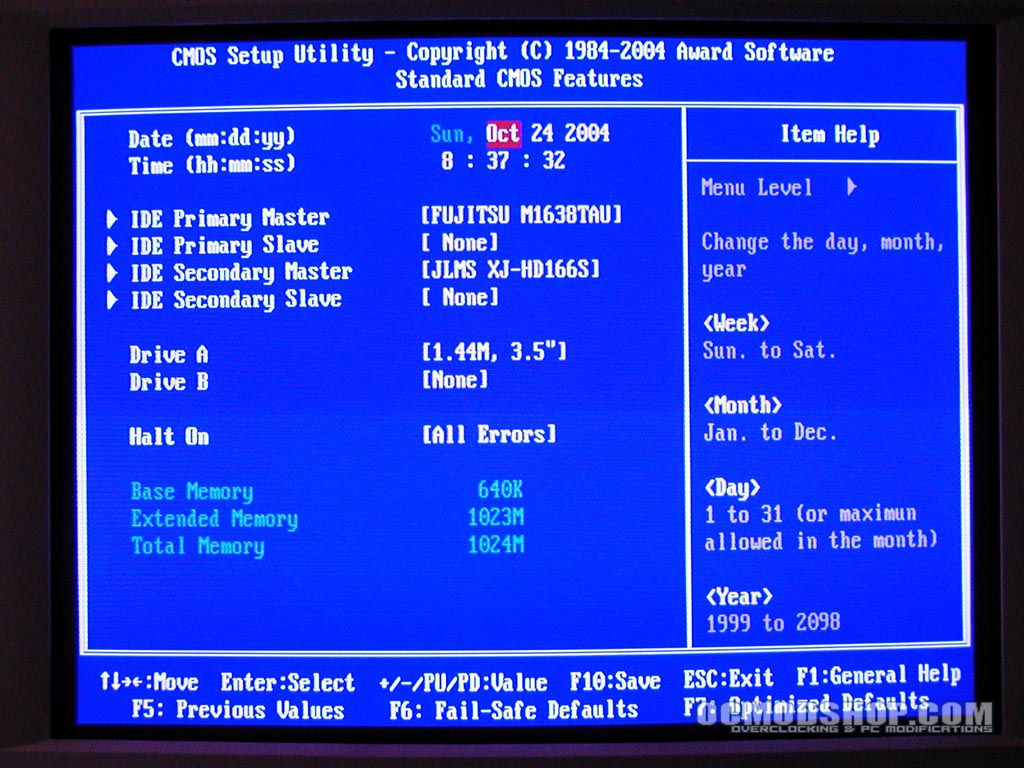
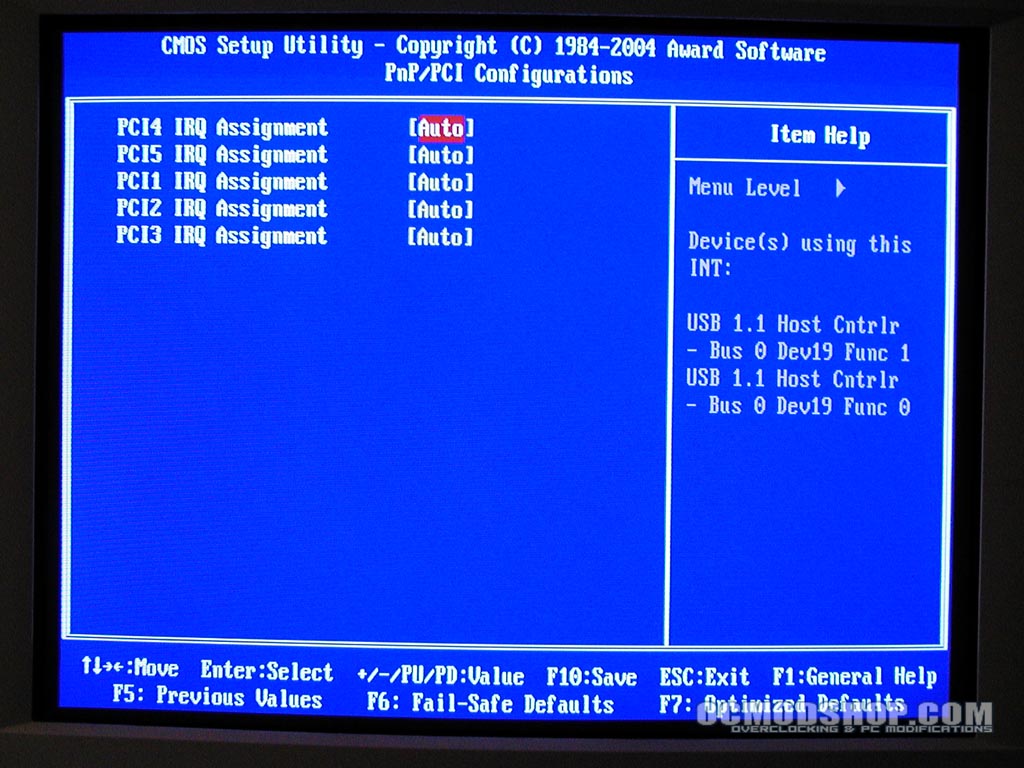
Most of the screens are standard fare as far as other BIOS’s go. You can see the main sections in the following screenshots. The Standard CMOS screen is pretty much like any other BIOS, allowing the user to view drive information and set the time.
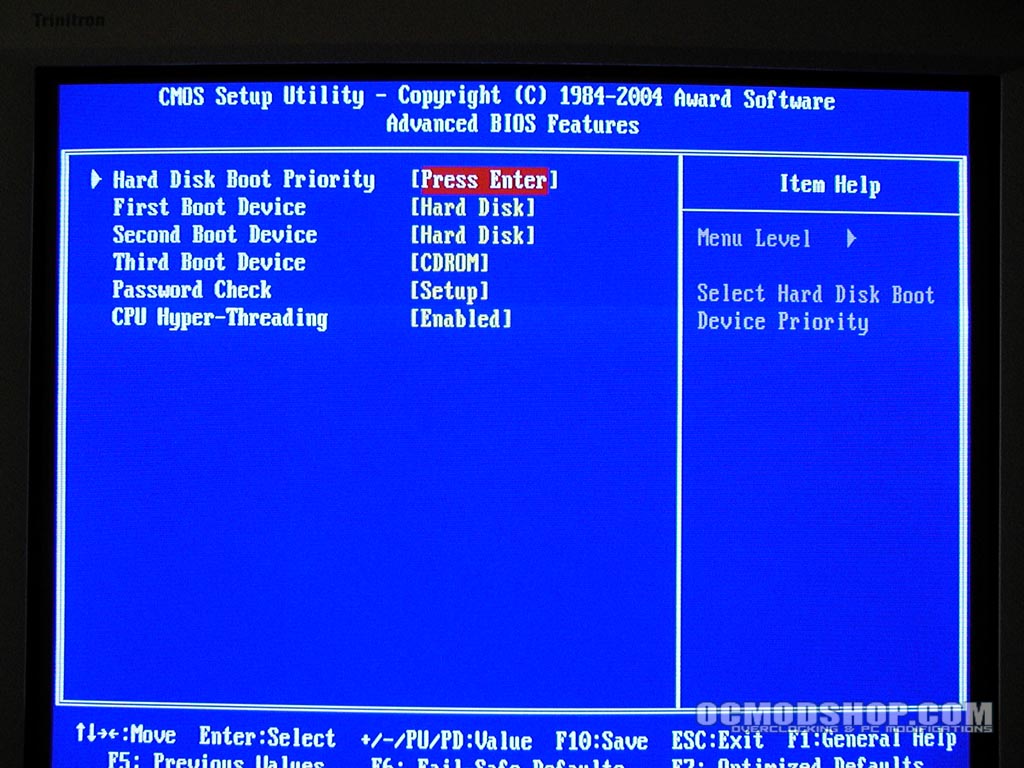
The Advanced BIOS features are also pretty straightforward – users can change the boot priority and setup Hyper-Threading support. The Integrated Peripherals screen allows the user to enable or toggle support for the onboard sound card, PCI controllers, Serial ATA controllers and Ethernet controller.
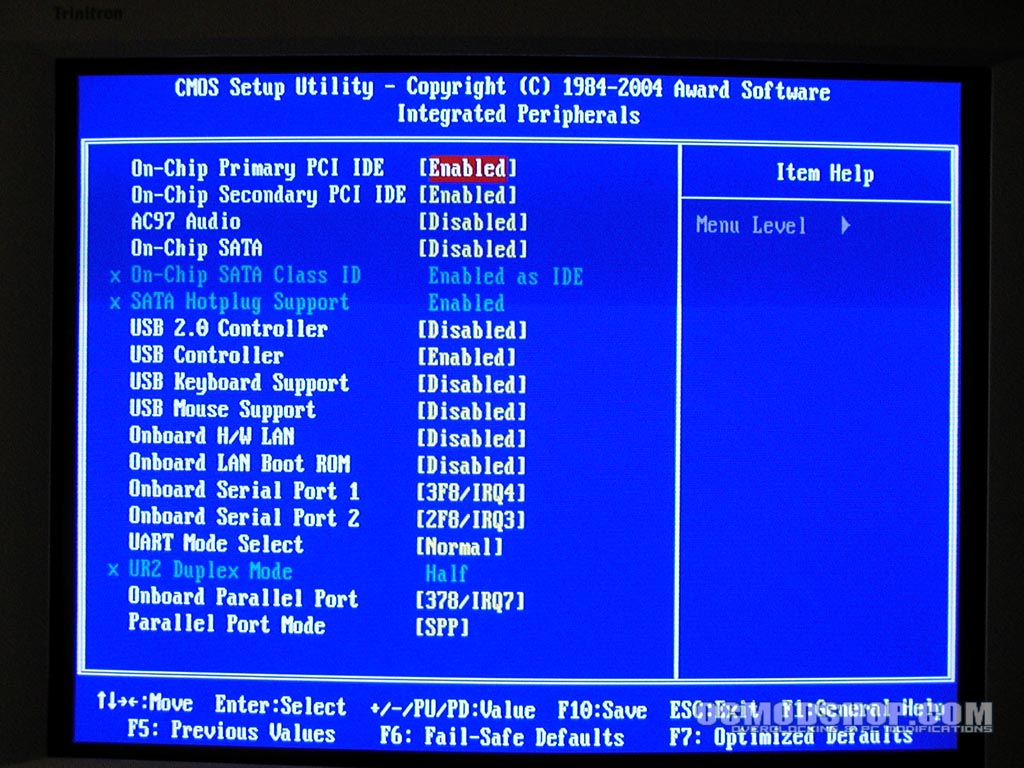
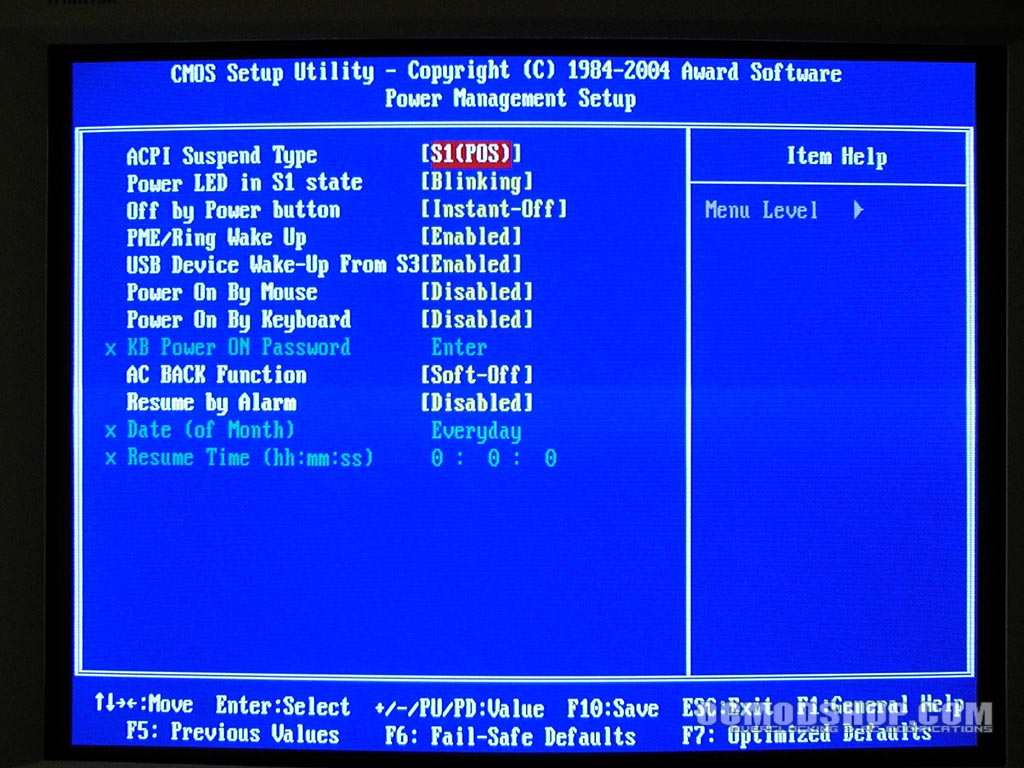
Power options are pretty straightforward. The user can setup what suspend mode the computer will take when pressing the power button, and how the computer indicates sleep mode. By default, the power button will blink while in this state. The Integrated Peripherals screen is pretty straightforward. One can enable and disable onboard features such as LAN support, on-board audio, serial ports serial ATA, and even enable and disable USB keyboard and USB 2.0 support.
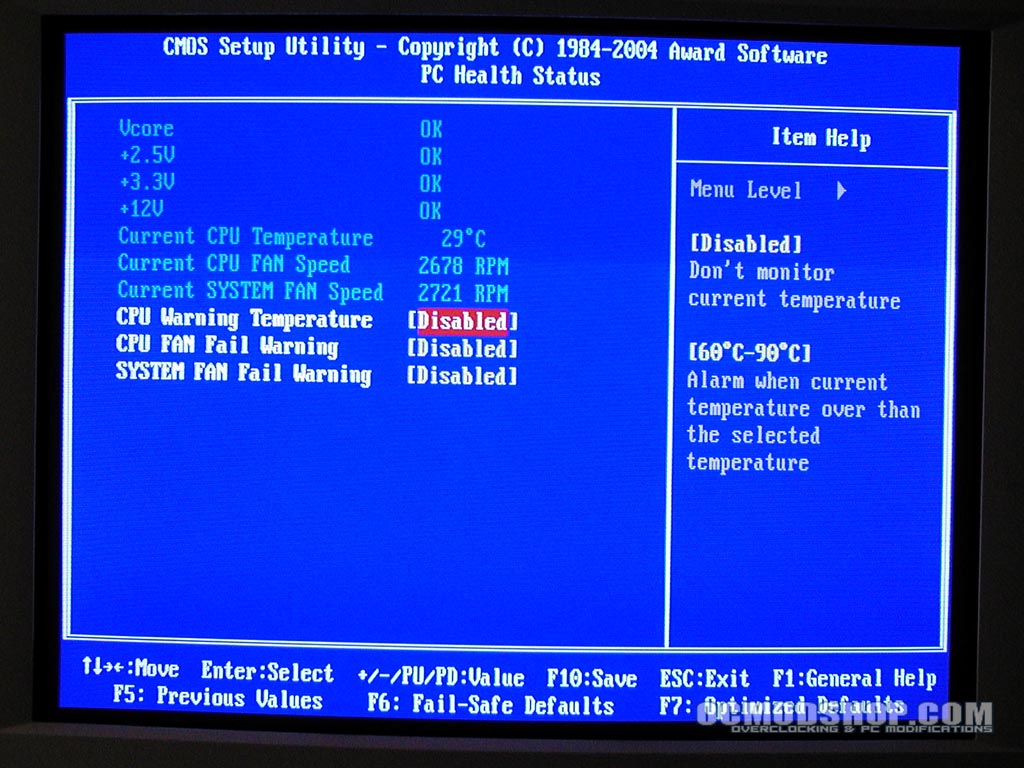
The PC Health Status page pretty much allows one to monitor the current CPU temperature and fan RPMs. A temperature and fan warning can be set at the BIOS level, which is a pretty standard feature these days. Most of the BIOS screens have a small help area on the right that explains a little bit about what each of the settings do.
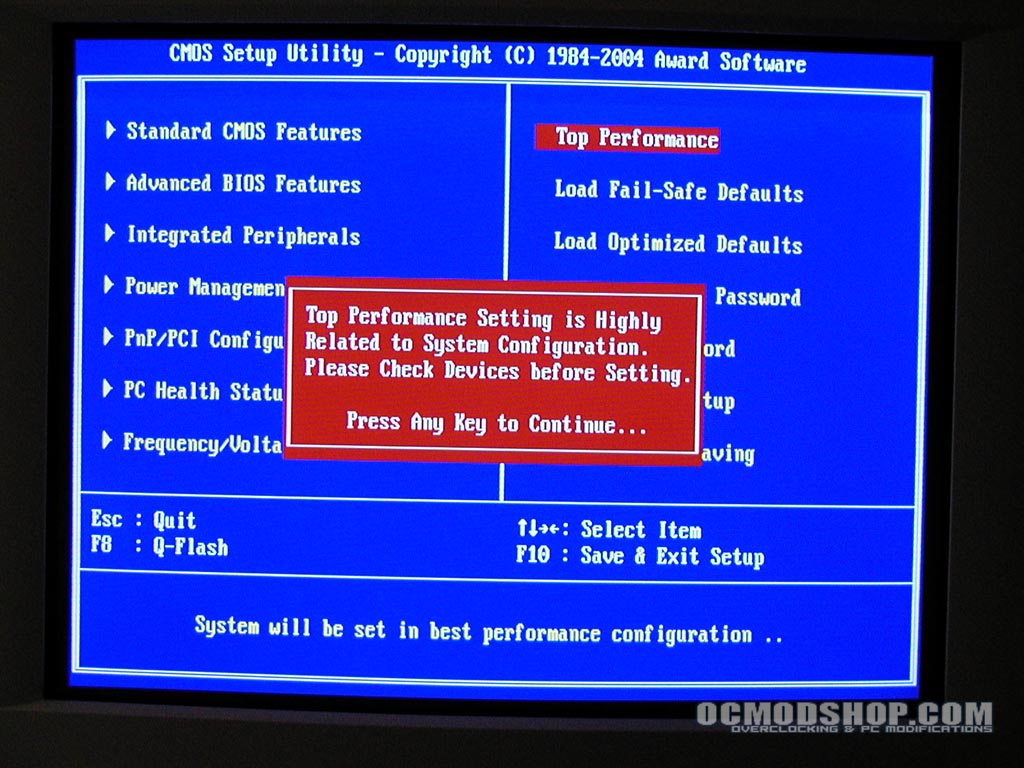
The Top Performance feature does not really explain what it does, and I can only assume it is similar to a “Load Performance defaults” on other BIOSs. This was enabled before doing any of the benchmarks, but there is no indication as to what exactly has been changed.
The Frequency / Voltage Control is the most notable part of the BIOS, not for what it does, but what doesn’t appear there. The only options are the Spread Spectrum and CPU clock fields. There are no options to specify memory ratios, bus dividers, voltages or anything. The only thing that can be modified is the FSB speed, and the maximum supported is 232MHz. If the user enters a FSB frequency higher than 232, the system replaces this number with its maximum.
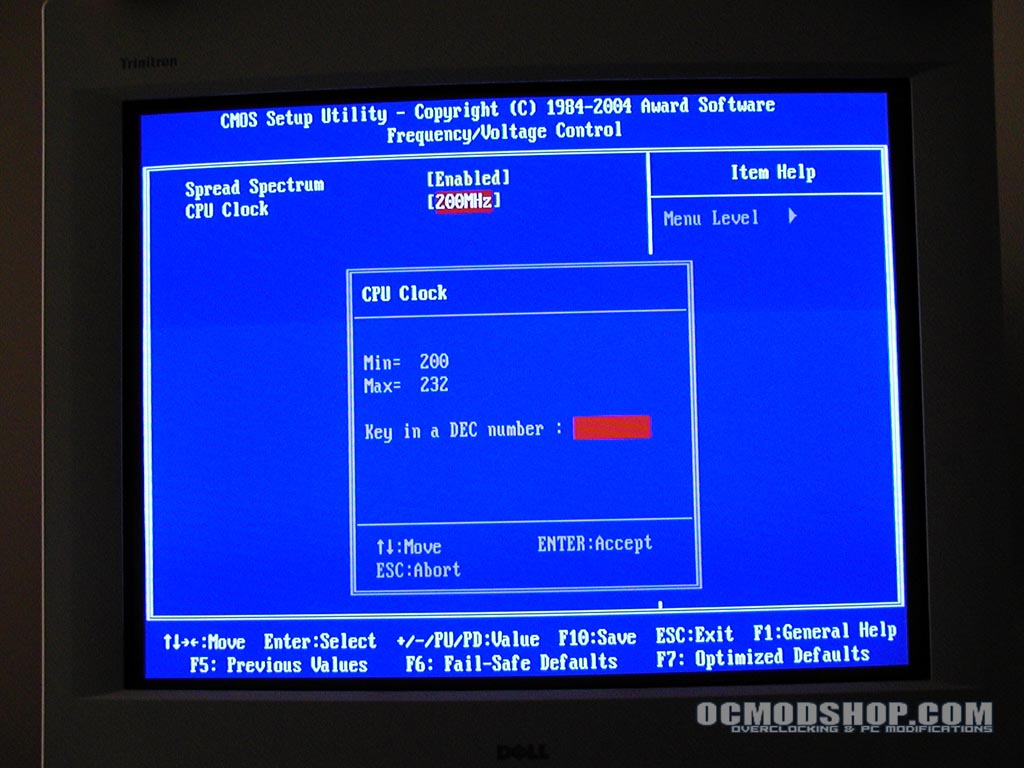
This only allowed my 2.8GHz Pentium 4 to reach 3.2GHz. It is assumed that the memory ratio is locked at 1:1, and the PCI and AGP dividers were automatically adjusted, as no feedback is given when entering new FSB values. It must be mentioned that this board is meant for mainstream users, and not intended for hardcore overclocking.


1 comment
do you know where I can buy this motherbored?
Comments are closed.