

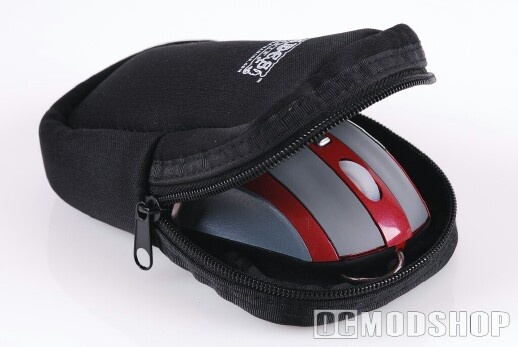
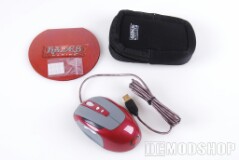
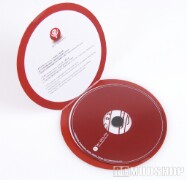
The Hades H1 Gaming mouse comes in a small red box that includes a software CD, an attractive carrying case, eight replacement teflon feet, and the Hades mouse itself. The carying case has two pockets where you can stuff the gold-plated USB cable and teflon feet. If the driver CD used a “mini-CD” form factor, then this might fit in the pocket, too.
Since the Hades mouse is completely driverless, the included CD contains software to manipulate the mouse’s settings and write these settings to the roden’t onboard memory. The mouse can emulate a keyboard, and registers itself as two devices, a “H1 compliant keyboard” and “H1 compliant pointing device”. All of the software only uses 10 megabytes, so you can easily copy them to a flash drive.
The mouse itself has several noteworthy features. For one, its USB cable is gold-plated. While the efficiency gold-plating has on electrical signals is debatable, consumers have come to expect this on professional-grade equipment The mouse also has several LED lights that can be programmable to indicate the mouse’s current settings (or just look cool). The mouse’s PTFE (teflon) feet feel very slippery to the touch and do not scratch easily. The mouse also uses an optical sensor rather than the laser technology that recent mice have adopted.
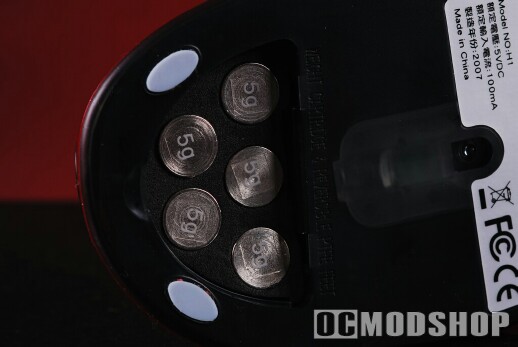
Mimicking Logitech’s gaming mice, the H1 has a weight compartment with five slots. The mouse includes five 5-gram weights, allowing you to customize the feel of the mouse to your liking. The weights must be pulled out with your fingernail, and only 5g weights are supplied. In contrast, Logitech’s G9 has a pull-out weight cartridge and you can mix-and-match 5g and 7g weights.
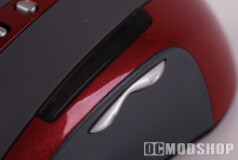
The H1 also includes 8 programmable buttons. The default functions are: left click, right click, center click, forward, backward, dpi up, dpi down, and mode select. There is no horizontal scroll functionality to the mouse wheel, and I doubt this is a feature that many gamers want (although any of the buttons can be remapped to this functionality). Beside the forward/back thumb buttons is an array of 6 LEDs to indicate the mouse’s mode and DPI level. Two red LEDs show which one of two modes are currently selected, and four blue LEDs indicate the current DPI settings.
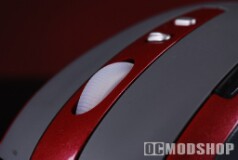
The center mouse wheel also has a red backlit LED. This LED can be adjusted to different illumination levels, and can even be programmed to flash when in macro mode. Below the mouse wheel are what appear to be two buttons, but in fact are actually three. The first button is a rocker switch and by default is used to increase or decrease the mouse’s DPI. You can also put the mouse into “single button DPI mode”, where you can toggle through the entire DPI cycle with one button, leaving the other side of the rocker switch available for other functions.


