
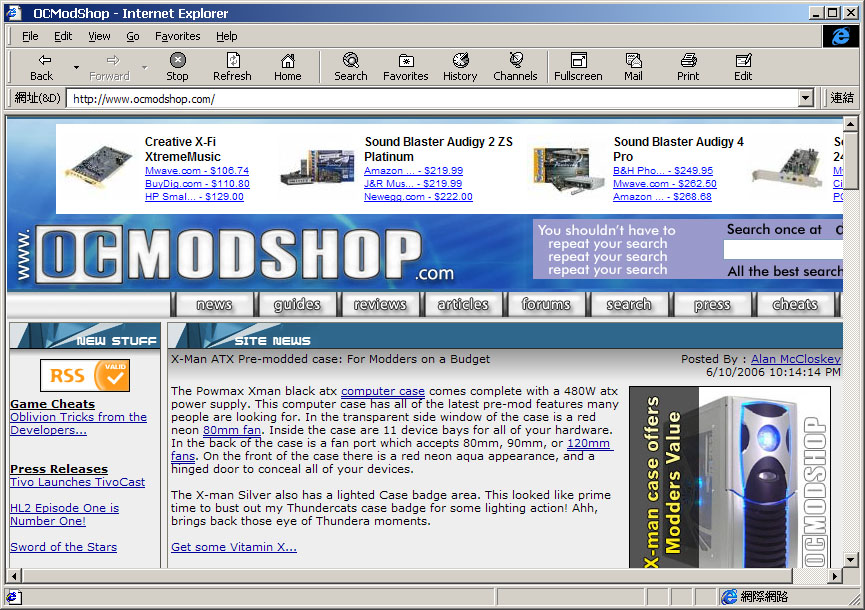
While it is not officially possible to keep multiple versions of Internet Explorer on the same machine, some hackers (Joe Maddalone, Ryan Parman, et al.) successfully separated several versions of Internet Explorer making them standalone applications. These were referred as “standalone” IEs and included versions 3.0 to 5.5 SP2.
 Multiple IEs In Windows Web Design — The web developer Joe Maddalone who found the solution.
Skyzyx.com – Standalone Internet Explorer — The web developer Ryan Parman who made the customized browsers files available. Microsoft has discontinued standalone installers for Internet Explorer to the general public. However, a blogger/web developer/programmer named Liew Cheon Fong has posted a procedure for downloading the complete install package.
Standalone Install Procedure for IE6 SP1
Be aware that unlike previous standalone versions of IE, running IE7 in standalone alongside a normal installation of IE6 may cause severe problems when using IE6 thereafter, owing to the insertion of at least one registry key. Some users have been unable to fix the resulting problems once IE7 has been run. It may be unwise to attempt running IE7 in standalone mode if you are not prepared for the possible consequences. See Jon Galloway’s script for running IE7 more safely:
IE7 Standalone Launch Script
Removal Main article: Removal of Internet Explorer The idea of removing Internet Explorer from a Windows system was first proposed during the United States v. Microsoft case. Critics felt that users should have the right to uninstall Internet Explorer freely just like any other application software. One of Microsoft’s arguments during the trial was that removing Internet Explorer from Windows may result in system instability.
An Australian computer scientist Shane Brooks demonstrated that Windows 98 could in fact run with IE files removed. Brooks went on to develop software designed to customize Windows versions by removing “undesired components”, which is known as 98lite. He later created XPLite to support NT based operating systems. Both of these pieces of software can remove IE after the installation of the operating system.
There are a few popular methods for removing IE from a copy of the Windows install disc so it never touches the user’s hard drive. A method developed by Fred Vorck involves the manual removal of IE from installation discs. nLite, on the other hand, is an automated program that allows users to exclude IE and many other Windows components from installation as desired.
Also, it is not possible to run Microsoft’s Windows Update with any other browser because of its use of ActiveX. Therefore, removing Internet Explorer will cause this to stop working. A popular alternative to Windows Update is known as “WindizUpdate” and works with IE, Firefox, Netscape, and Opera.
 |
 |
 |
||||||||||||||||||
|
Internet Explorer Downloads
|
|
||||||||||||||||||
 |
|
 |
This article is licensed under the GNU Free Documentation License. It uses material from the Wikipedia article “Internet Explorer”.

