If you’ve ever fallen victim to a virus, then you may have noticed that your Windows’ Task Manager is compromised. The virus writers block this and other programs to thwart your attempts to remove it.
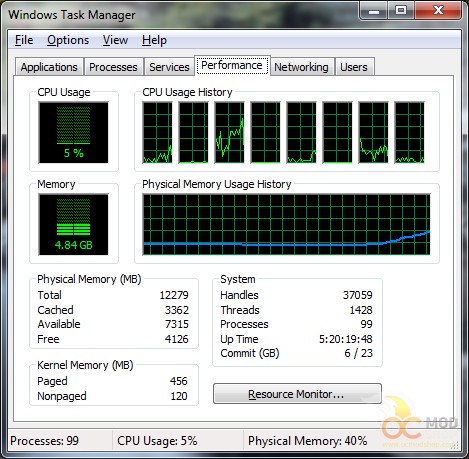
If you’ve ever opened Task Manager in Windows 7 or below, you may have been surprised to see only the graphs of your CPU cores rather than detailed information. You aren’t a victim of a virus, but you simply are in a different view.
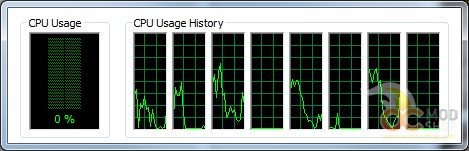
You don’t have to change any Registry settings or anything complicated like that to restore your Task Manager to its full verbosity. Just double-click in any blank (or grey) area of the window. This trick doesn’t work on Windows 8, as it has a completely new Task Manager.