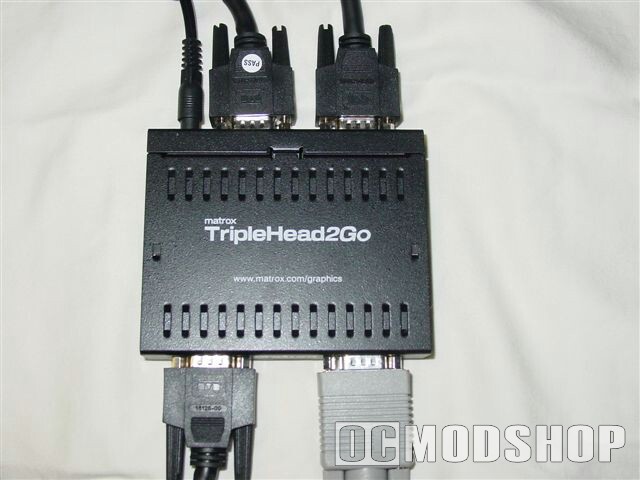
Now depending on your graphics card, you will need to find a resolution that works for you. The screenshots I took for this article were on a 3072 x 768 setting. But still with my configuration I noted that things weren’t as tight as I would have liked them to be. So be aware, you probably should have a really high end, kick butt, don’t mess with me style graphics card. Mine was a Radeon ATI 9550 256mb. Not as butt kicking as I would like but the box does state that both ATI and Nvidia style graphics cards are compatible.
Now the device itself is quite small, about five by three inches. The setup too was easy enough with VGA inputs designating left, center and right with one output to be connected to your graphics card. At this point I will complain about the length of the supplied VGA cords (one is a VGA to DVI cord), which was only about two feet long, and for my setup, just didn’t quite reach comfortably.
The power cord that plugs into it however did feature more then enough length. Still, after assembling my new monitor configuration, the extra mess of cords and the fact that one of them was too short, did not please my wife, of course neither did seeing all three of the house hold monitors on one desk for me to shoot alines with. But, what are you going to do.
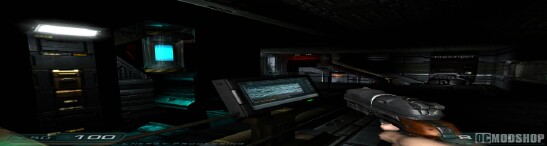
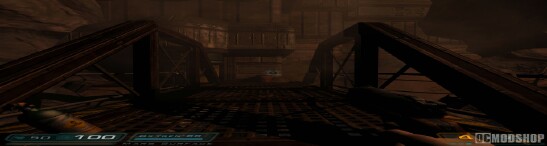
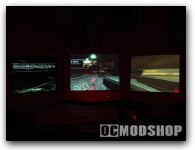
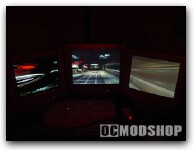
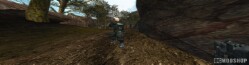

More than just gaming…
In addition, you can actually use this device for what is called surround design, meaning, you can have three monitors independently working, displaying three entirely different desktops, and yet you can still run your mouse across the three screens as easily as you do with one, eliminating window swapping with increased productivity in your newly set up workstation.
Of course this is for programs like CAD, GIS (Geographic Information Systems) and Architecture, Engineering & Construction (AEC), so don’t expect to pick something like this up and hit eBay with $$$ in your eyes. At least not yet. Still, it was nice to see the folks at Matrox looking past the videogame aspect of this new tool.