
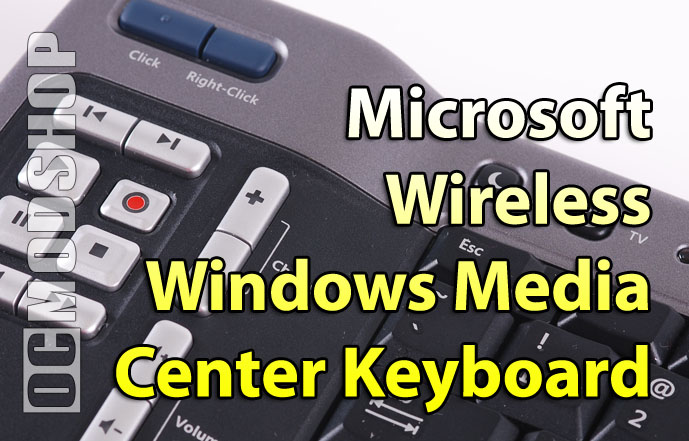
Unfortunately this is where the niftiness of this little device ends.
The mouse implementation is absolutely horrible, for one. To activate the mouse you have to press down HARD on the right analog stick while moving it around. Because the unit is IR, the cursor is very hard to control, and is rather unresponsive. The IR receiver easily becomes saturated with all of the transmitted information, so the cursor stops after a short movement, so you must stop and press the analog stick again to continue movement. Doing this you can get into the general area where you need to click, but nudging the cursor just a few pixels is very frustrating using the stick. You’ll find yourself using keyboard shortcuts wherever possible because the mouse is so unweildy. I know that good IR mouse support isn’t impossible, because the mouse emulation on every iMON-based HTPC I’ve tried works a lot better than this.
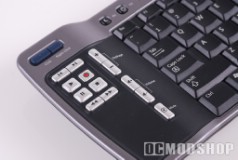
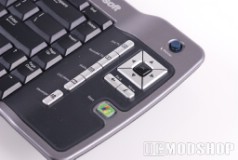
Some of the buttons don’t work properly, either. The volume up/down and TV power buttons can be programmed to control your TV, but by default these buttons control the volume on your PC’s software mixer. In their default mode, the volume down button does not work, and I tried it on two different HTPCs (one with XP MCE and the other with Vista Ultimate).
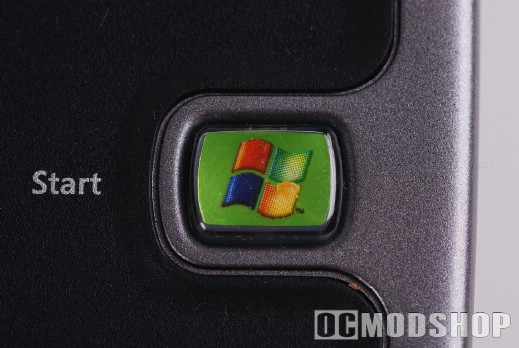
The Green media center “Home” button also turns on your Xbox 360, which is rather annoying if you happen to have your console in the same room as your HTPC. Every time I press home the 360 turns on, spewing heat and noise into the room. I find myself conciously pressing “back” or using the Quick Jump buttons to avoid using the Big Green Button because I don’t want to get up and turn my 360 back off.
The keyboard is IR only, which isn’t a huge problem in and of itself. Line up sight is very important, and the keyboard is alot less sensitive than the standard MCE remote (which will still work even if you point it behind you). Tilting the keyboard up or down slightly decreases sensitivity, which can be observed when using the mouse stick. Input also stops dead when your little rugrats get between the couch and your home theater rack.

The biggest problem with this keyboard is that it is completely useless outside of a fully configured Media Center installation. The keyboard relies on the Media Center IR receiver, which isn’t recognized as a USB keyboard or mouse at the hardware level. This means that if you have to do any maintenance like going into the BIOS, booting into Safe Mode, or any other task outside of Windows then you’ll have to plug up a different keyboard and/or mouse.


2 comments
Um… the home button is right above the backspace…
found just the thing but 10x smaller, look up mini pro wireless keyboard on amazon, bye bye junky keyboards.
Comments are closed.