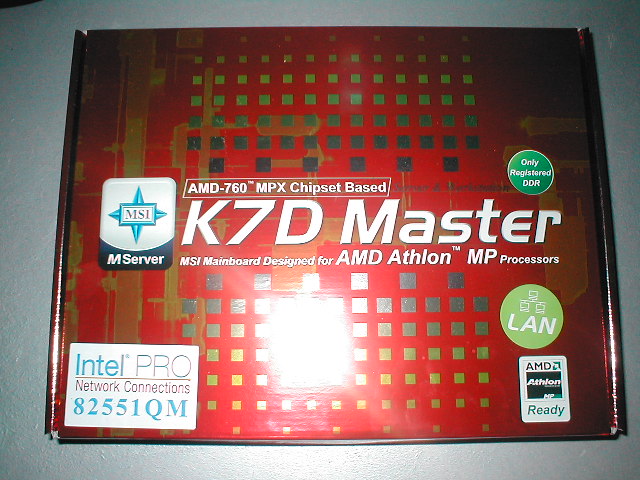
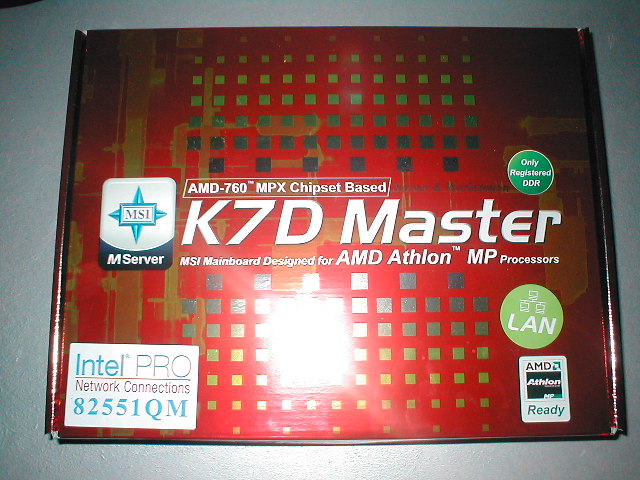
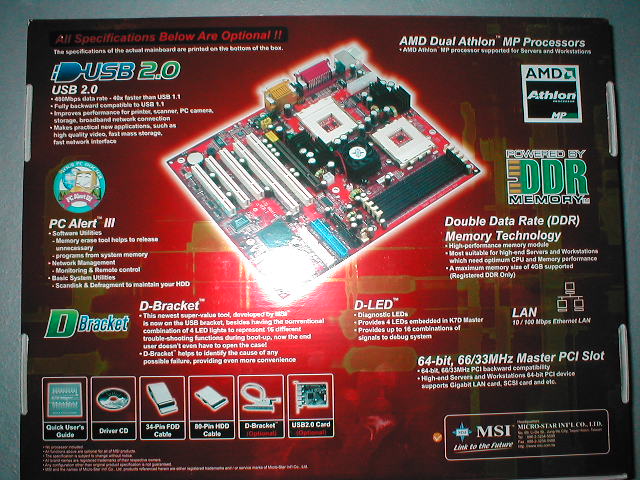
The MSI K7D Master-L comes in a cool box with a lot of specs and features that the motherboard has. Some of the features include USB 2.0, PC alert III, D-Bracket, D-LED, onboard LAN, registered DDR support, and 64-bit PCI slots.
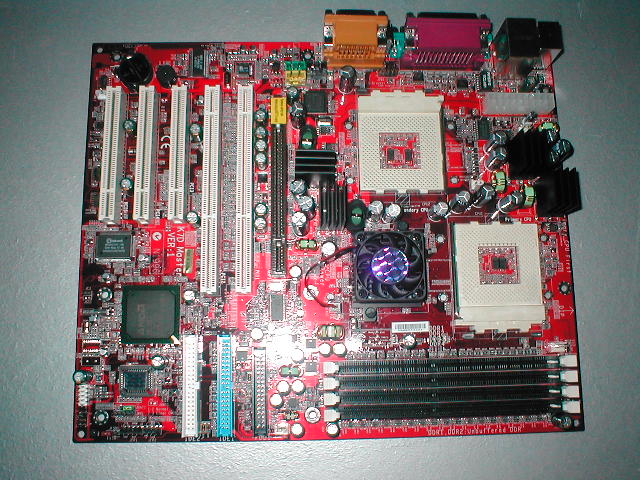
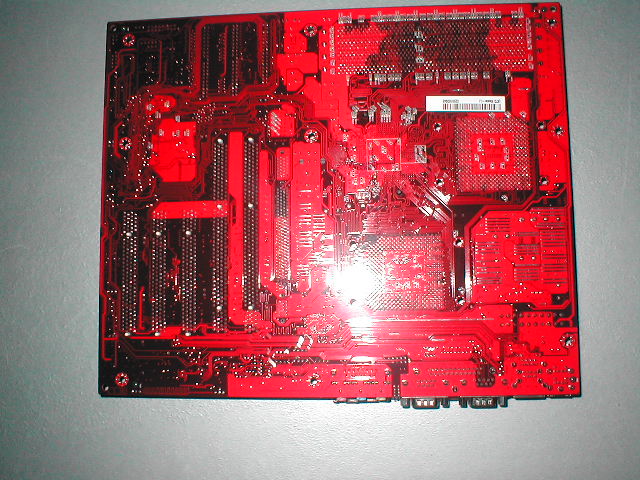
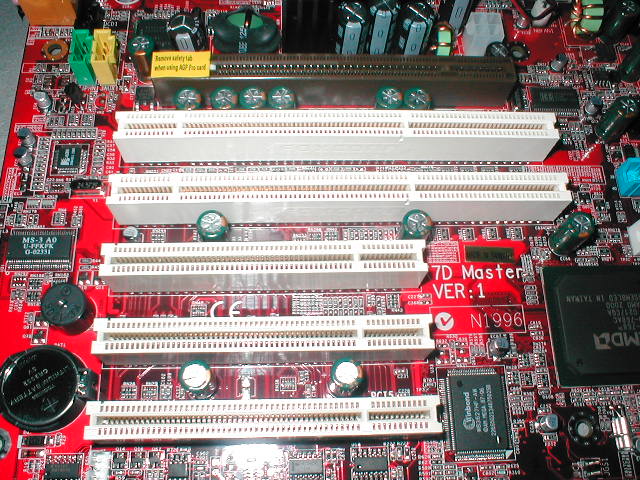
This motherboard has a red PCB which looks really cool. This board has a lot of features which I will look at later but just looking at the board you can see the 2 sockets, 4 DDR slots, 2 64bit PCI slots, 3 32 bit PCI slots, an AGP pro slot. There are four heatsinks on some of the mosfets and a heatsink on the northbirdge.
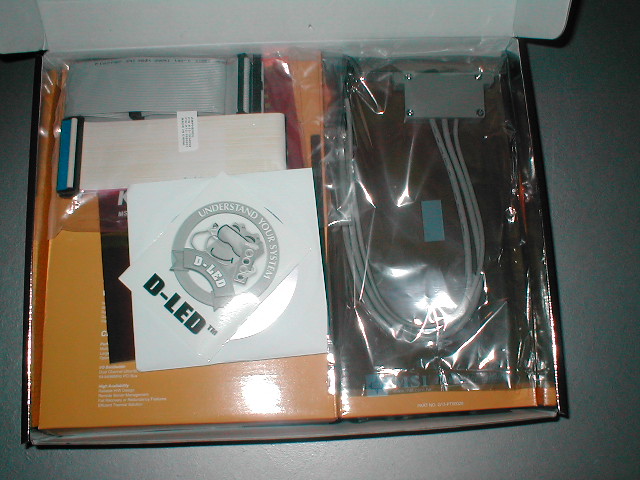
This motherboard comes with a manual, quick user’s guide, driver CD, IDE, and floppy cable, D-LED guide, and MSI D-Bracket which is has two extra USB ports and four diagnostic LEDs which can help you troubleshoot your computer if you are having problems. There are also four LEDs on the motherboard right above the game port that do the same thing. The manual for the motherboard is written very well and is easy to understand. I like that the D-Bracket is included for extra USB and better diagnostics. This motherboard is supposed to come with a USB 2.0 card but I did not receive one with this sample.
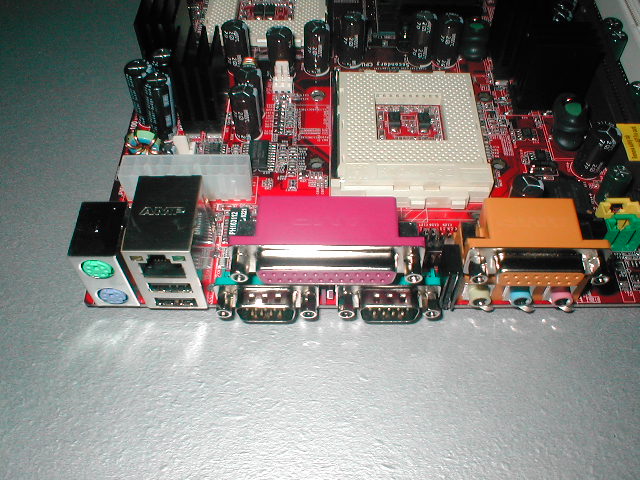
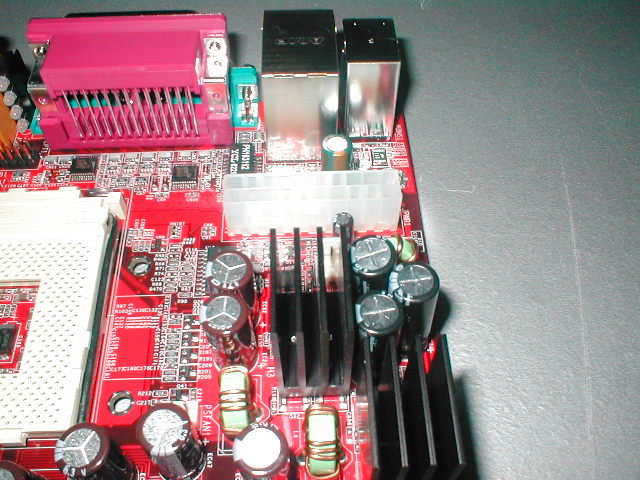
The ATX connector is in a good location at the top of the motherboard near the back so that it is out of the way. This motherboard also uses a 12v connector so that there will be more power to the components for better stability, mainly the RAM. You can also see in better detail the heatsinks on the mosfets in these pictures. I like that these are added to the motherboard because the mosfets will get hot and heat will cause damage.
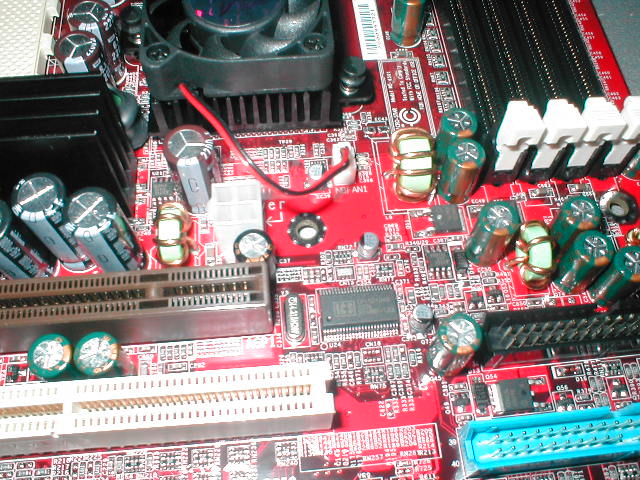
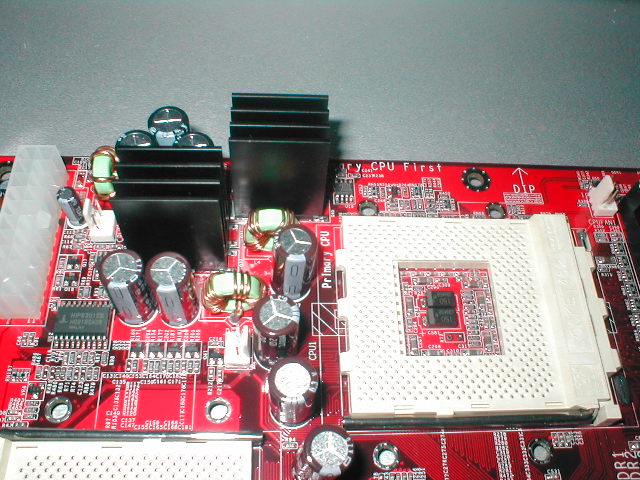
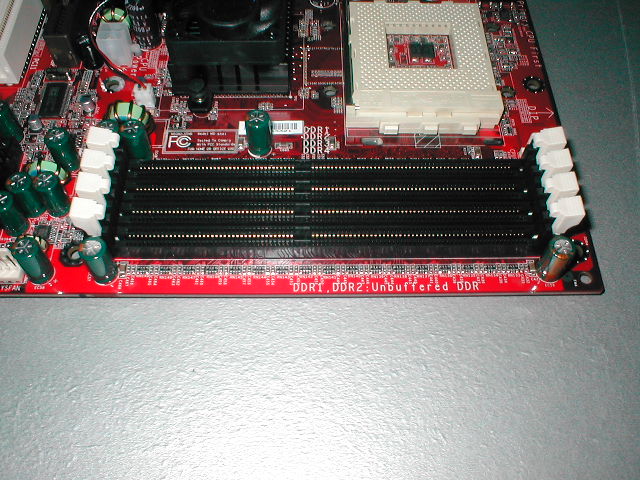
The sockets have very little room around them so you will not be able to use large heatsinks on your CPU. I ended up using two SVC Golden Gate heatsinks which have a very small base. I tried fitting two Vantec Aerocools on and was unable to due to the size. There are four 184 pin DDR slots which will only take registered memory because of the fact that this is a server motherboard and it will work better.
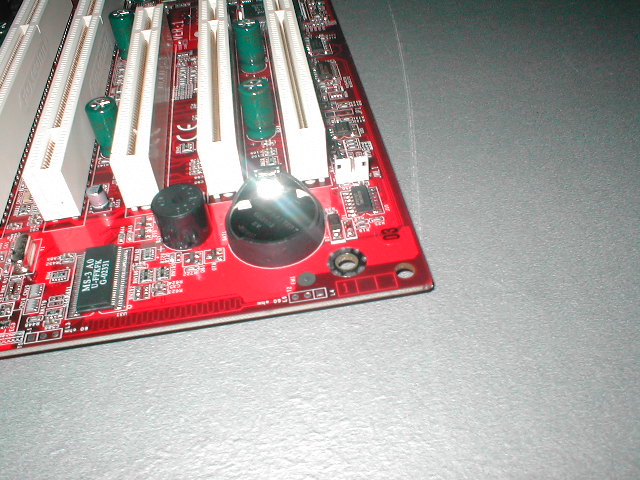
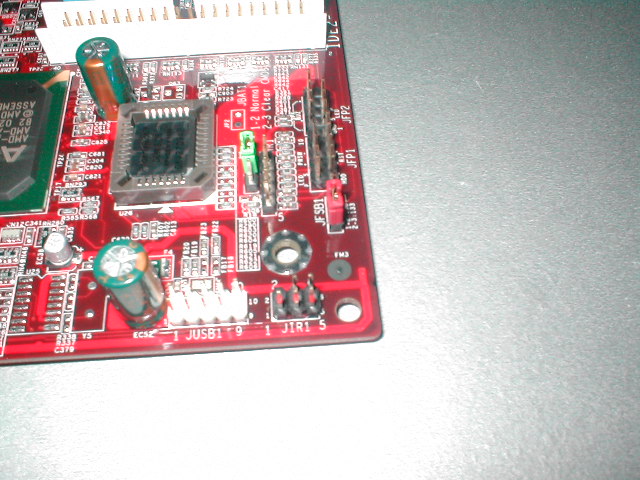
The CMOS battery, PC speaker, and WOL connection are on the bottom of the motherboard toward the back. I like that the board comes with a PC speaker just because they are so small and don’t need to be on a case. The jumpers and the BIOS are on the bottom front of the motherboard and are well laid out so that installation of the jumpers can be quick and easy.
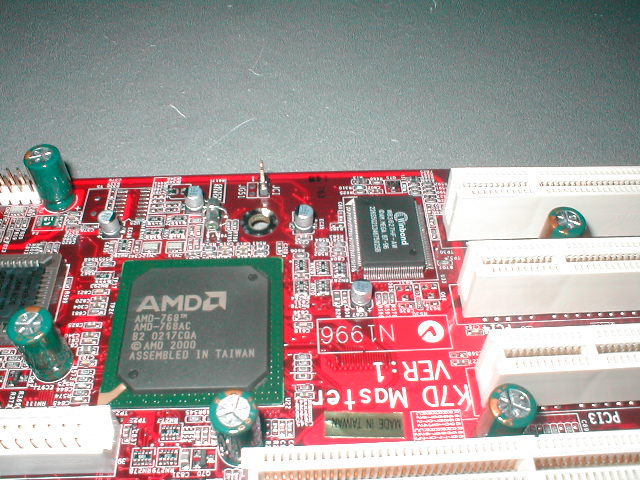
The K7D Master-L uses the AMD-768 southbridge which controls the secondary PCI bus. This board comes has one AGP pro slot, two 64-bit PCI slots, and 3 32-bit PCI slots. I like that the AGP pro and 64-bit PCI slots are on this motherboard because 64-bit PCI slots are used a lot with servers for things like SCSI cards and such.
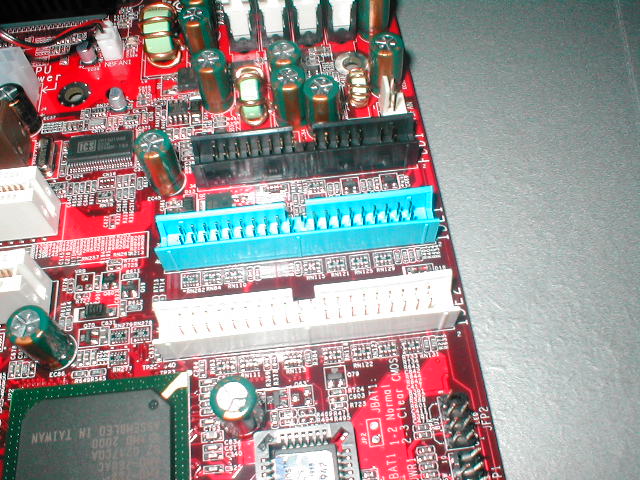
The motherboard has 2 IDE channels and a floppy channel. There is no onboard IDE, SCSI, or SATA RAID on this motherboard which is a little disappointing because RAID is great for server applications. SATA isn’t possible with this chipset but IDE and SCSI could have been added. The I/O panel is pretty standard with all of the normal connections. Onboard LAN comes with the motherboard which is why it is the K7D Master-L model, the L signifies LAN.