
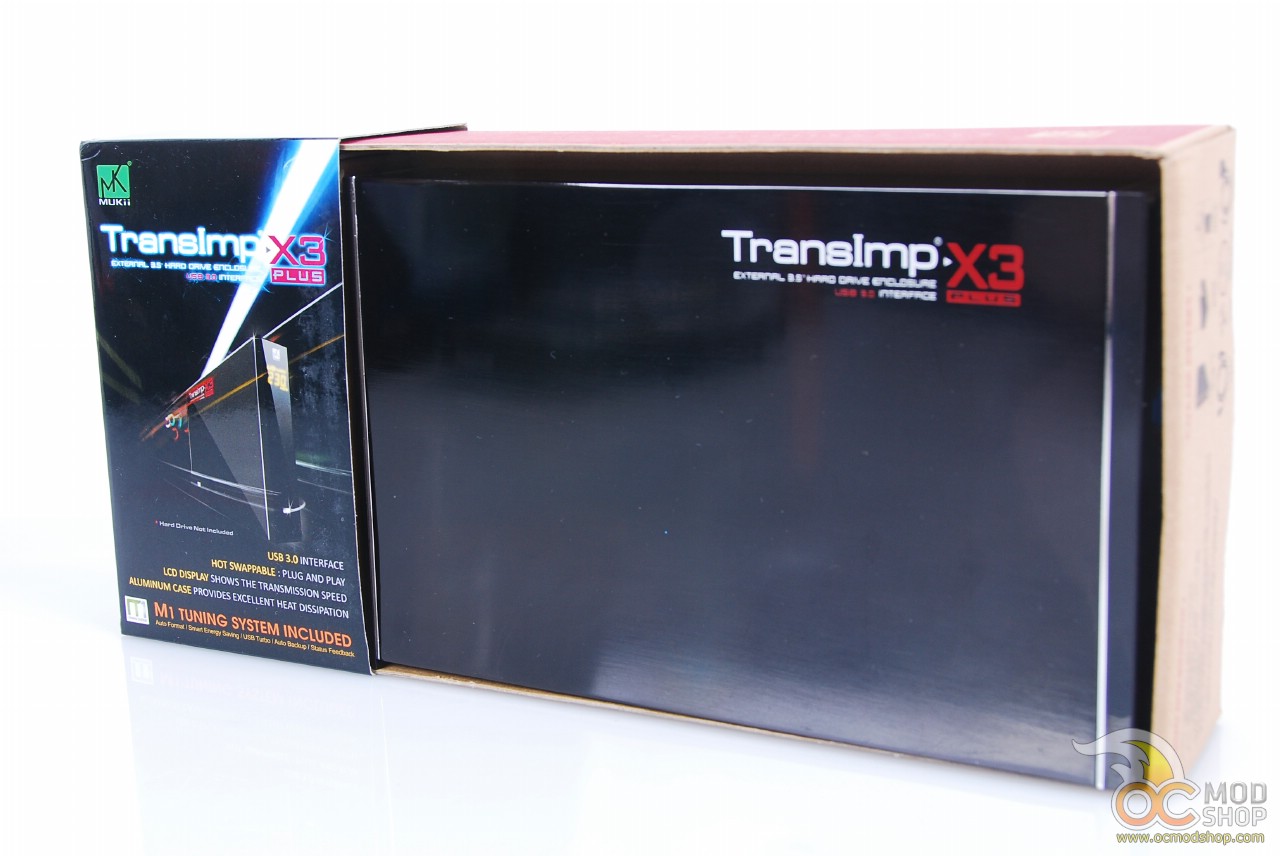
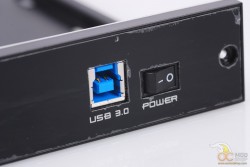
I slid the plastic casing off the cardboard and pulled the X3 out. The aesthetics were nice, a glossy black over brushed aluminum. It had the product name printed on the side in boxy letters. Very professional and straight-forward, not a lot of graphics and details. There was a chrome band that went around the front where the LCD panel is and one at the back where the enclosure comes apart to insert the HDD. The front is also reflective, but not chrome. I would call say it’s more like a dark mirror. The small LCD is right near the top. The rear of the enclosure has a 12V power port, a USB 3.0 port, and the power switch. Once thing I noticed, and was very disappointed about, was that there is no cooling whatsoever. Not even ventilation for heat. I’ve had hard drives fail inside enclosures due to this.
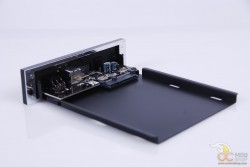
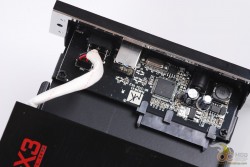
I put the enclosure aside to see what else the box contained. I dug out the package of screws, the power cord, the software CD, the stand, USB 3.0 cable, and the user manual. Nothing more, nothing less. At least they didn’t throw in a bunch of stickers or something. I hate that. Why do companies think we are going to stick their stickers all over our stuff? We’re not that proud of owning your products, people. Stuff your stickers.
On the next page we test the enclosure with USB 2.0 and USB 3.0.


1 comment
[…] MUKii TransImp X3 Drive Enclosure Review @ OCmodshop […]
Comments are closed.