
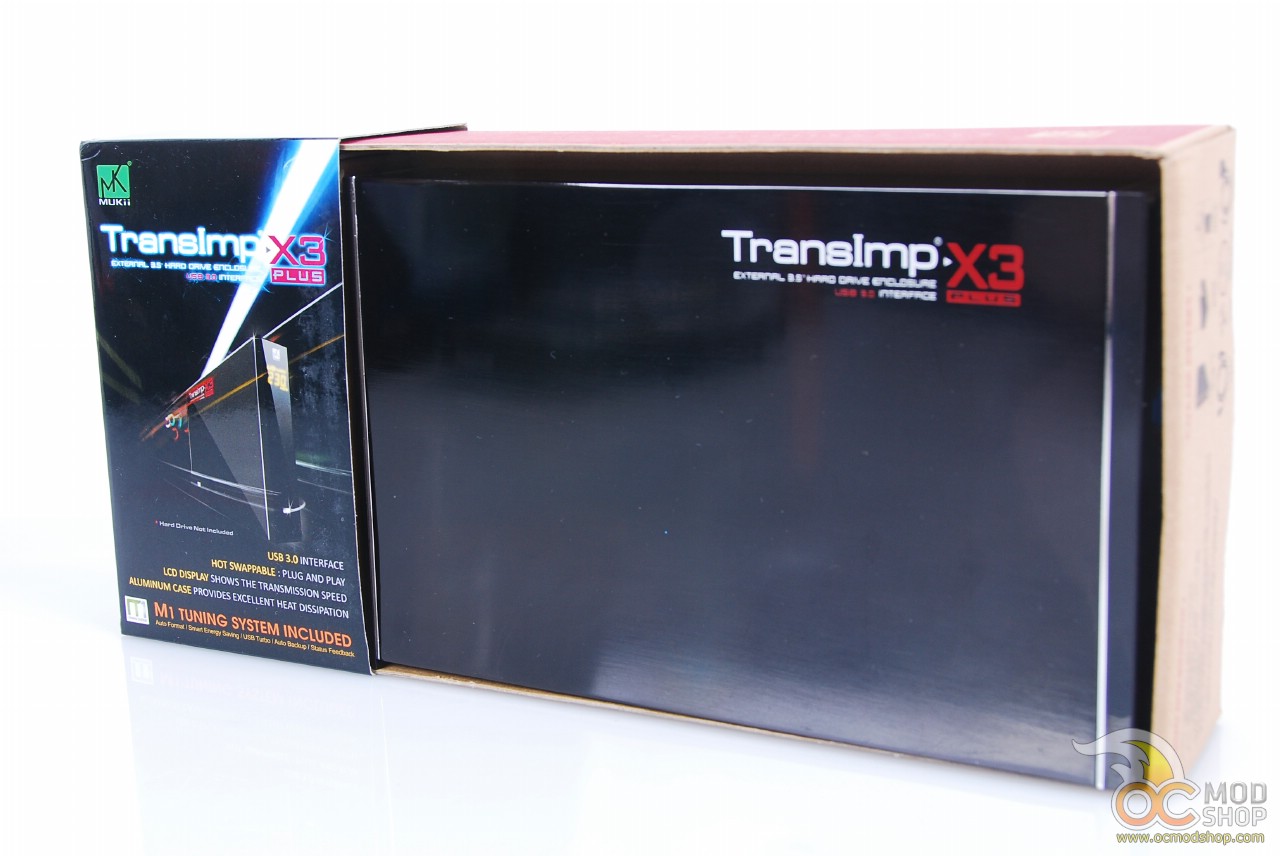
I took the 500GB Seagate I use for extra storage and put it inside the X3. Installation is fairly easy; you pull the tray out, connect the hard drive, and push it back in. Screw in the front screws to keep the thing from coming apart and voila. Ready to accept data. I plugged it into my laptop to test its connection on a USB 2.0 interface. I benchmarked it against four other similar drives. As you can see from the screenshot, it averaged around 32MB/s. About average for an external SATA HDD on a USB 2.0 connection.
Next I plugged it into my desktop computer for the same test with a USB 3.0 interface and ran the same test with SiSandra. For some reason I couldn’t get the software to compare it to any other hard drives on that computer, but I did get a speed test on it. It averaged out at 73MB/s with speeds reaching 79MB/s. Even at the lowest speed it’s still twice as fast as the USB 2.0 test. That’s a pretty nice speed for an external drive.
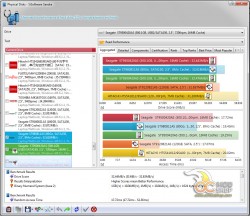
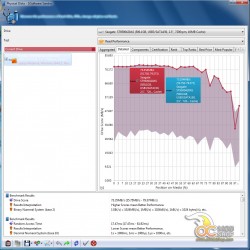
USB 2.0 and USB 3.0 benchmarks
I installed the software that was included with the enclosure. It was supposed to boost the transfer speed using Turbo Technology. However, I saw no significant improvement over the stock transfer speed. It could have been the hard drive I was using, but I honestly don’t think so. Very rarely have I seen software that truly speeds up a USB connection. USB is what it is, even the 3.0 version. But I’m okay with 73MB/s for a transfer speed. It’s nice not sitting and waiting for an hour to transfer a huge amount of data.


1 comment
[…] MUKii TransImp X3 Drive Enclosure Review @ OCmodshop […]
Comments are closed.