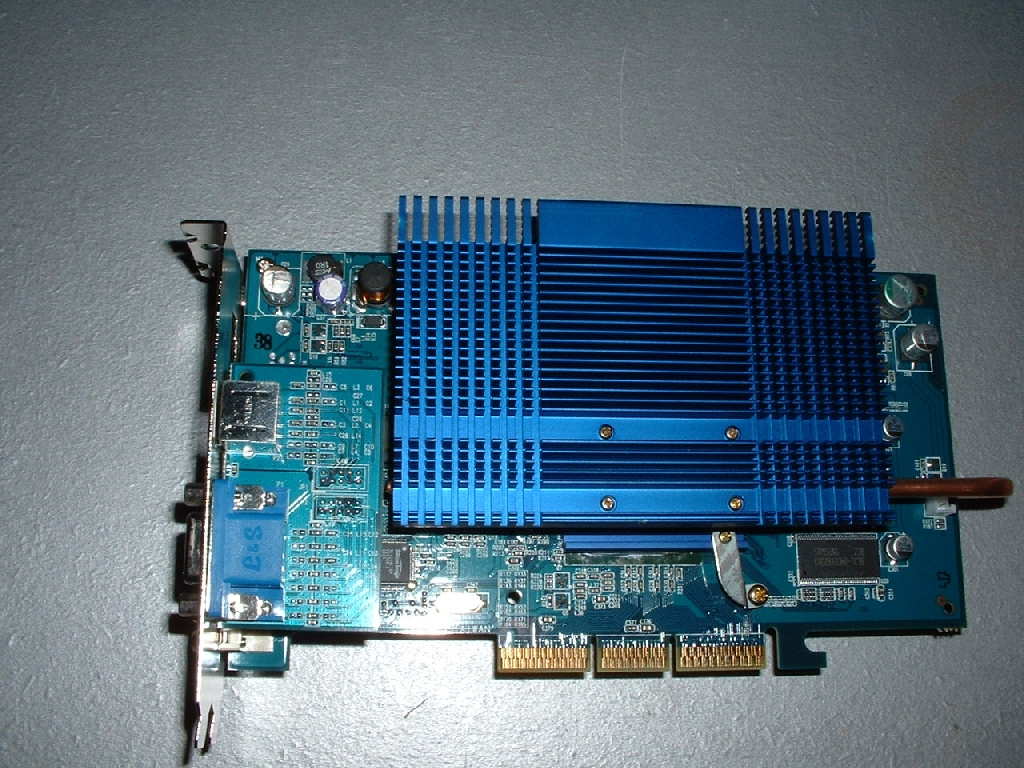
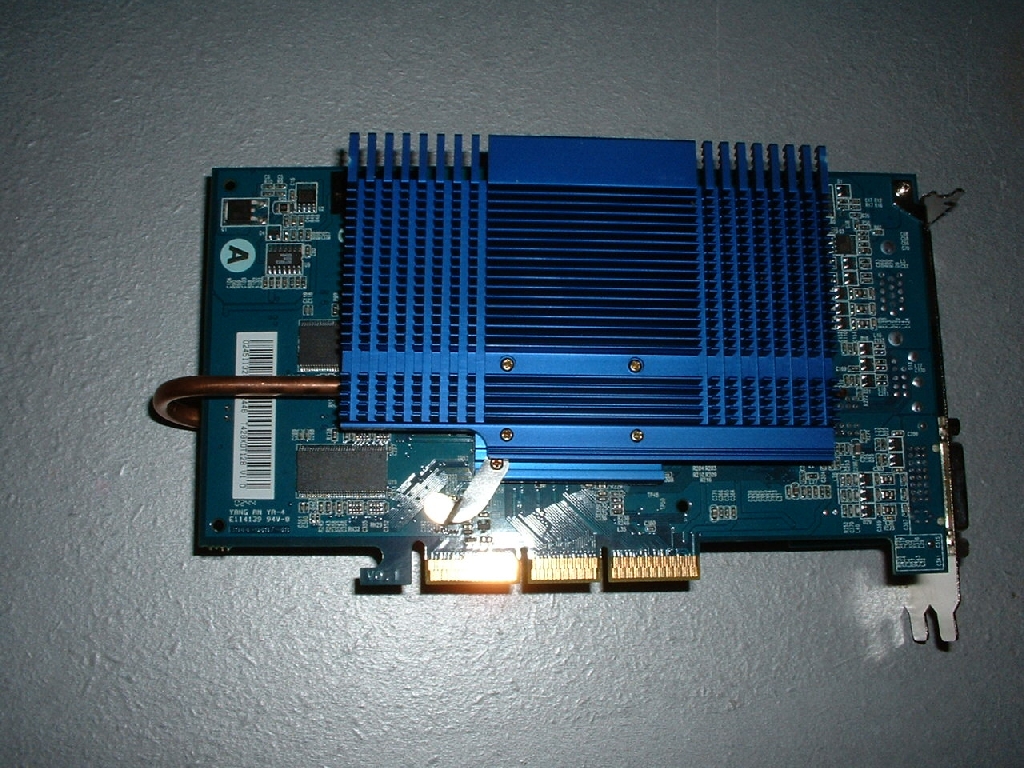
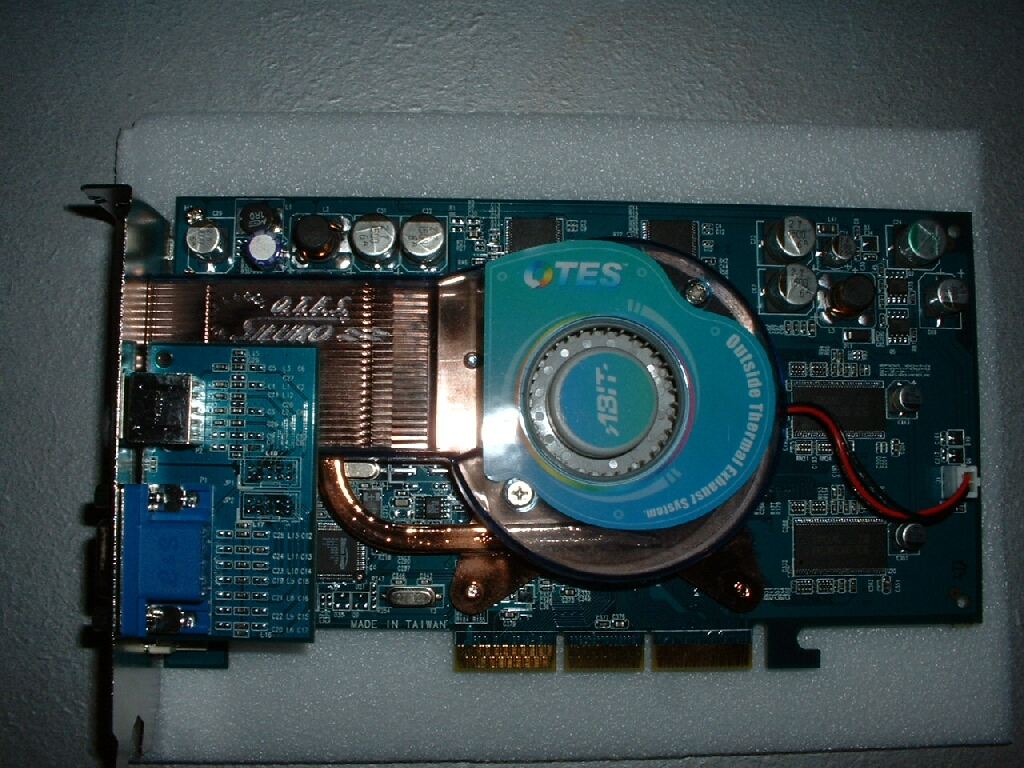
This Abit Geforce 4 Ti4200 OTES 8x AGP 128MB video card is the perfect candidate for this VGA MAXX because the cooler that comes with the card stock is really loud. The heatsink on the video card is designed to be superior cooling so that the card can overclock better compared to the standard cooling. Well I don’t like my computer to be noisy at all so I can tell you that the sound coming out of the 7,000 RPM blower was much too much.
The first thing that I did was take the Abit Geforce 4 Ti4200 OTES and remove the stock cooling from it which was done by removing the four screws on the heatsink plate. The card came with generic thermal compound originally but when I reviewed the video card I used a new thermal compound from Arctic Silver. I went ahead and cleaned off the thermal compound and was ready to install the VGA MAXX.
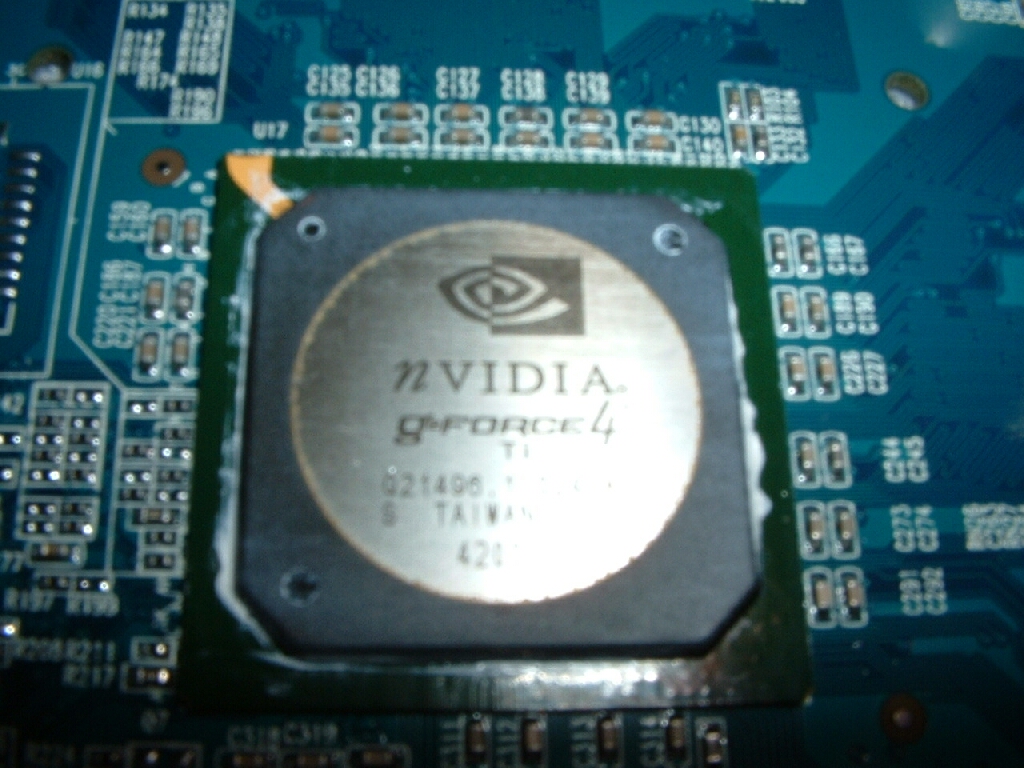
The VGA MAXX comes with generic thermal compound but I used Arctic Silver 3 because it is much better. After applying thermal compound to the core I took the larger block that says front on it and aligned the arms on it so they would fit in the holes on the video card. The small block will work on a lot of video cards but if you have a Geforce 4 you are going to probably have to use the larger one.
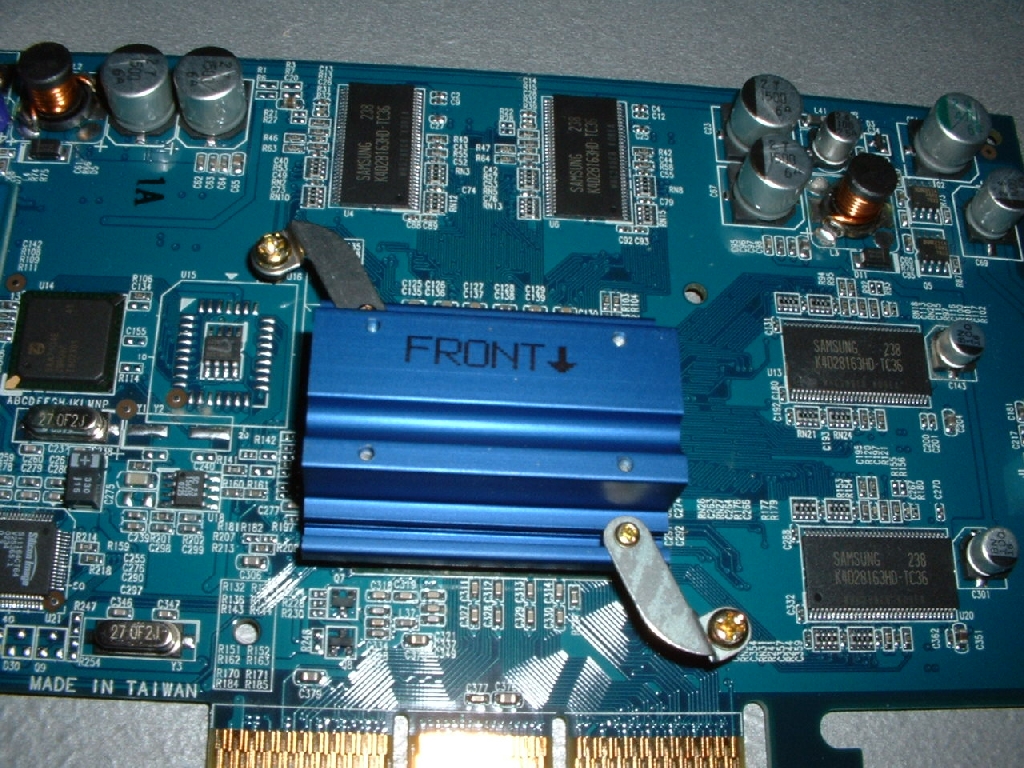
After installing the front block flip the video card over and you will need to put a rubber grommet on each screw from the front block then screw on both brass nipples. After you have both of those little things installed you will need the matching block that says back on it. If you used the small block on the front use the small one for the back and use the large back if you used the large front. Align the arms on the back block so that the block is level with the card and so that the holes on the arms fit over the screws from the front block. After you have it all lined up take a nut and screw one on each nipple that is protruding from the holes in the back block.
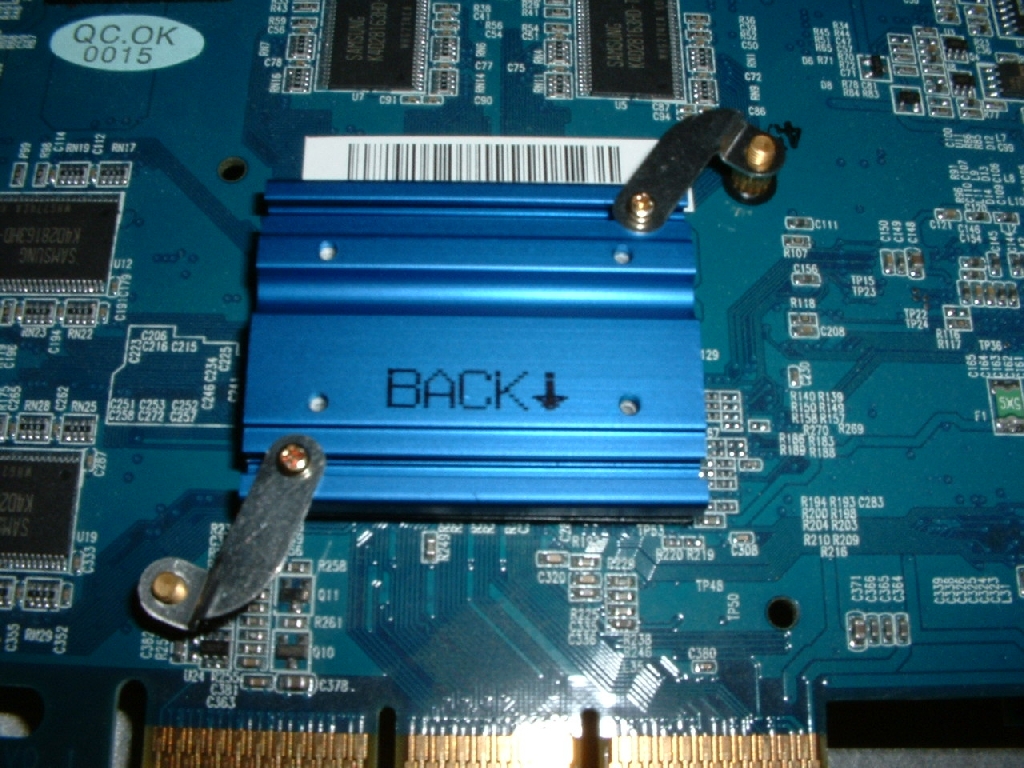
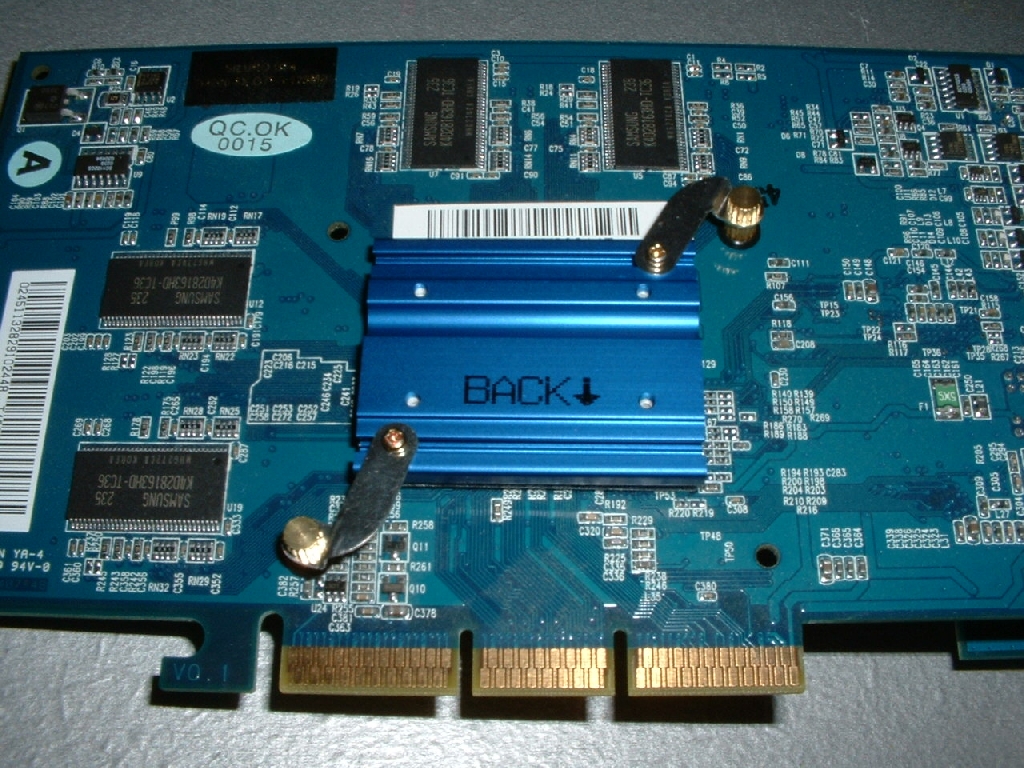
Now that you have the blocks connected to the video card you will need to put thermal compound on the appropriate locations. Instead of using the thermal compound provided I used Arctic Silver 3 because it is better. The front block needs thermal compound in the grove and on top of it in the middle area. The back block only needs thermal compound in the grove which will be used for the heatpipe.
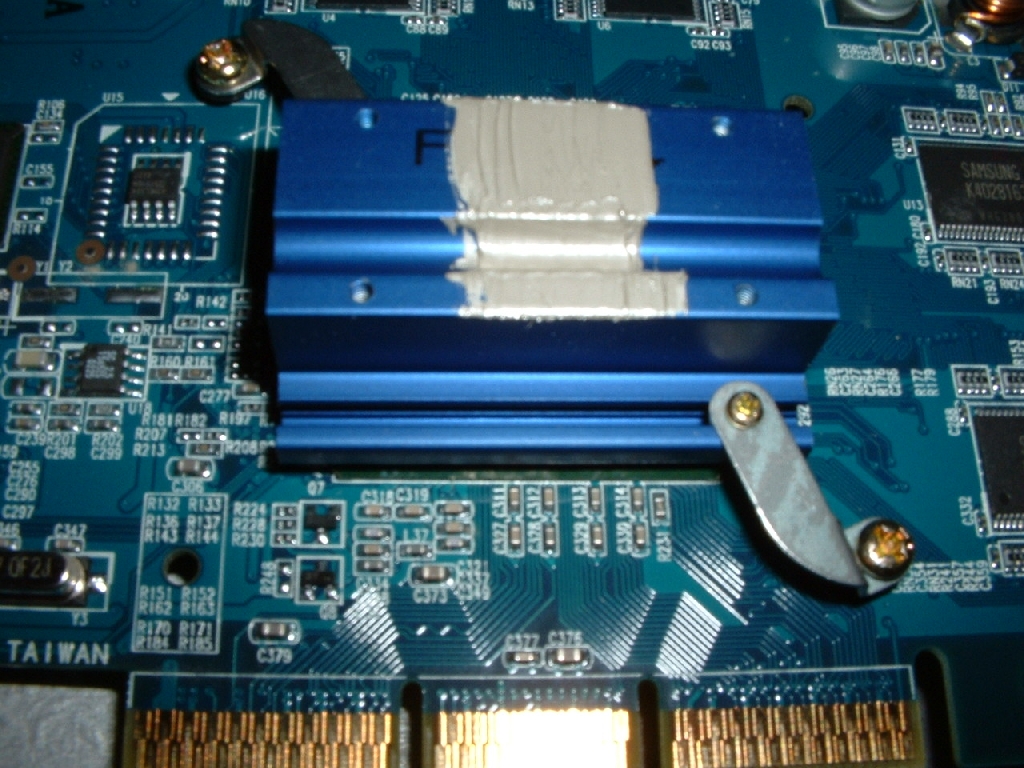
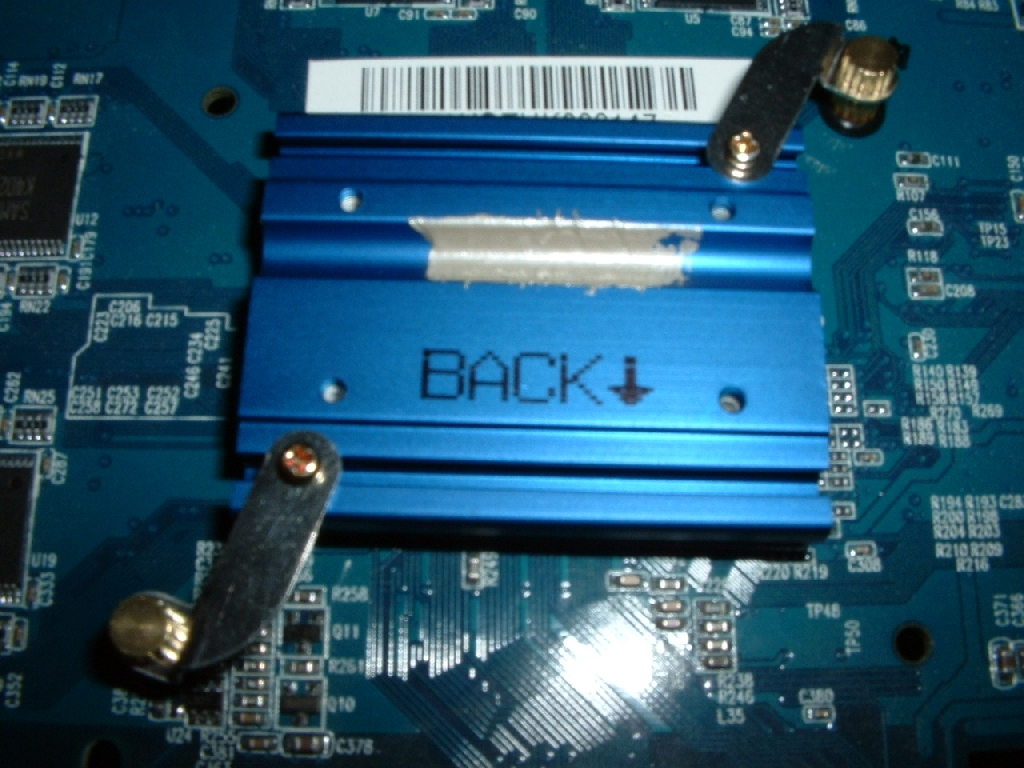
After putting the thermal compound on the blocks you can slide the heatpipe into place. You will then need to put thermal compound on the large front and back heatsink for the cooler. You only need a little bit of it in the grove on both heatsinks. I put the appropriate amount in the location that the manual told me to and that was that.
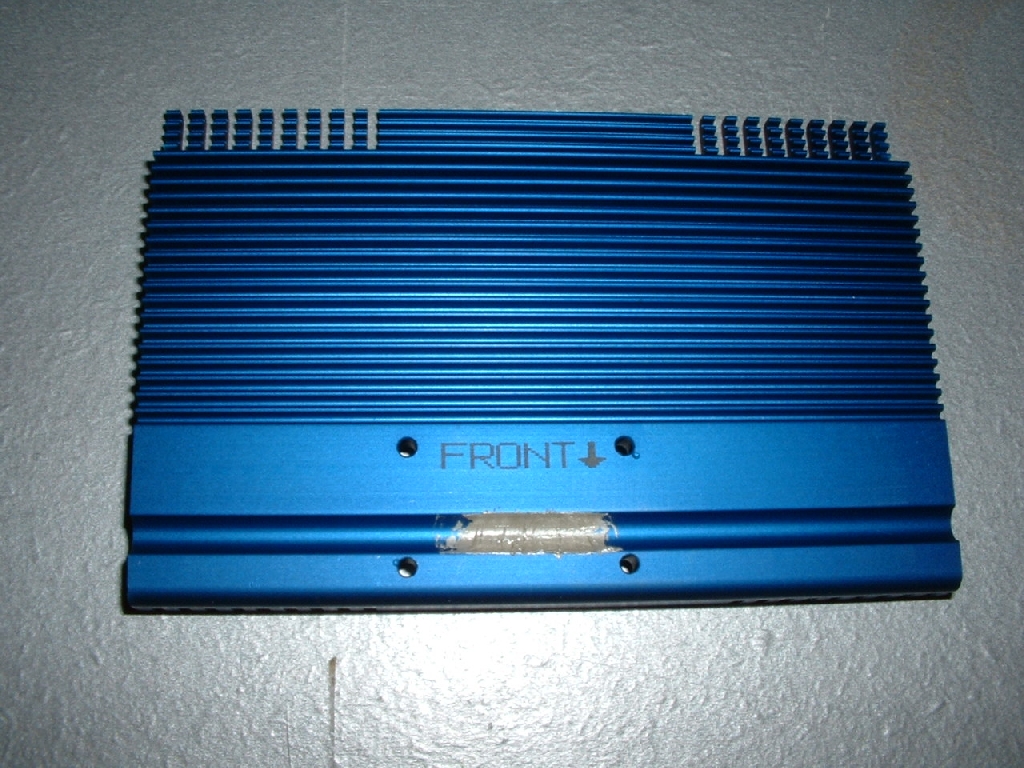
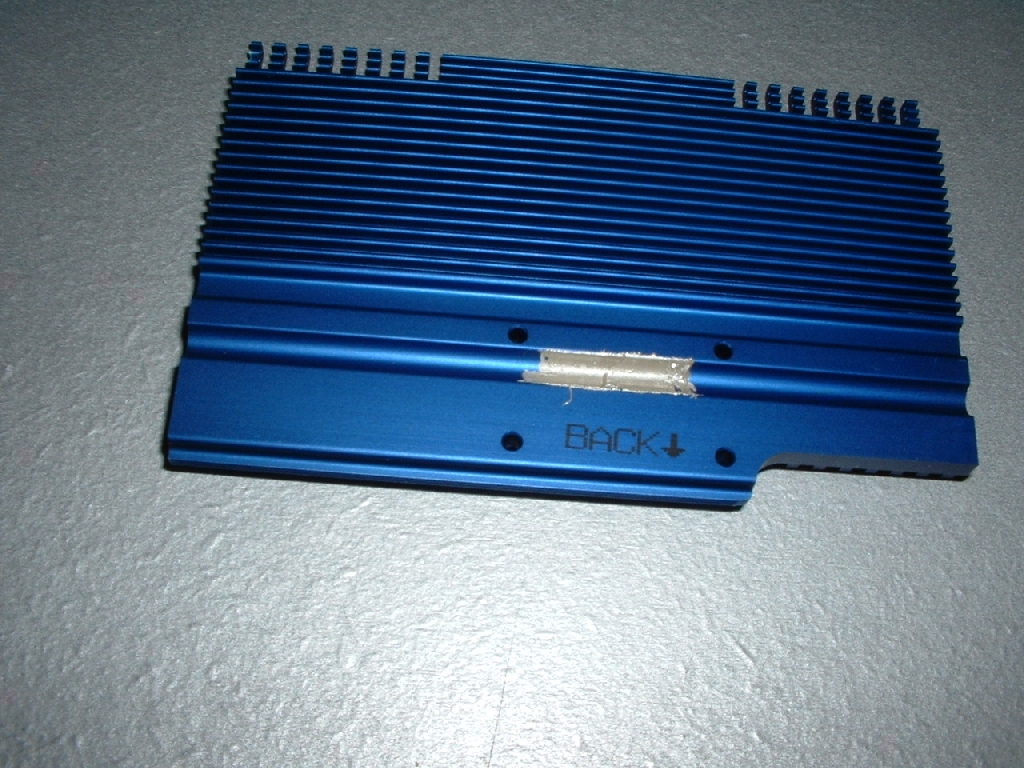
After applying all the thermal compound all that was left to due was to install the heatsinks to the blocks. Each heatsink has four holes which you line up with the holes on the front and back block. I lined up both the front and the back blocks with the heatsinks and screwed them down. This Abit Geforce 4 Ti4200 OTES has a riser board for the VGA and S-Video because of the cooling system it used. The VGA MAXX just barely fit on this card but it did and looks really cool. Most video cards won’t have anything in the way that could block it so installation would be much easier.