4.1 – IS THE PS3 BACKWARD COMPATIBLE WITH THE PS1 OR PS2?
All PS3 models have software-based backward compatibility with the PS1. That includes both the “PlayStation Classics” games sold on the PS Store, and disc-based games.
The PS3’s backward compatibility with the PS2 varies a bit. Some models have full hardware backward compatibility with the PS2, some have software backward compatibility, and some don’t have it at all. See 1.4 above for details on which models have it and which don’t.
The models that don’t have PS2 backward compatibility will **not** be updated to have it at any point in the future, since the PS3 does not have the power to emulate both the PS2’s CPU and GPU in software.
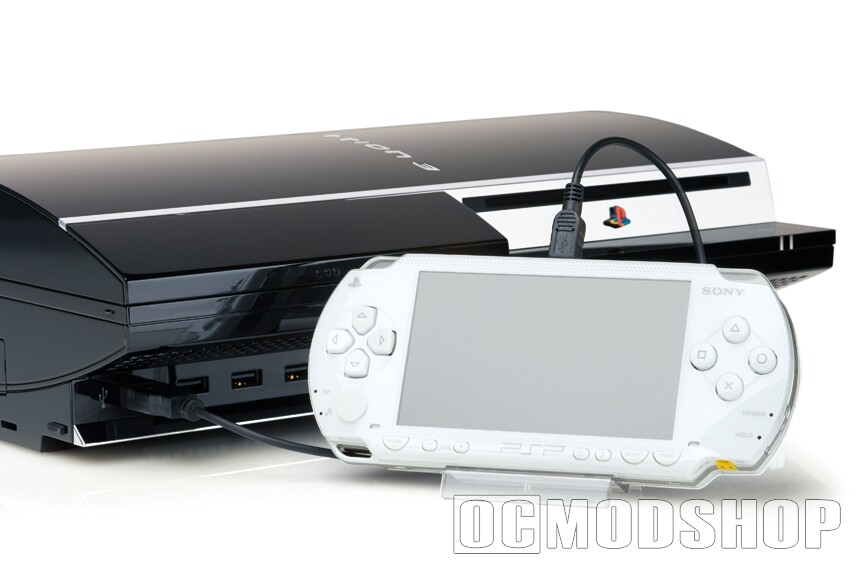
The difference between software and hardware PS2 backward compatibility can be significant. PS3 models that feature hardware backward compatibility have full support for every PS2 game that met Sony’s technical requirements for PS2 games. Software emulation PS3s are considerably less compatible with PS2 games. If you have such a PS3, then do not be too surprised if the PS2 games you play on it are glitchy.
Additionally, many PS1 games that had backward compatibility problems on the PS2 will have backward compatibility problems on the PS3.
The PS3 supports graphic smoothing in PS1 games, much like the PS2 did, but it does **not** support the faster PS1 disc loading feature that the PS2 had, since it broke compatibility with many games. Many PS1 games were heavily optimized for the slow (300 KB/s) disc read speed of the PS1’s CD drive, and tend to freak out if the drive loads faster than expected.
4.2 – WHAT PS1 AND PS2 GAMES WORK IN THE PS3?
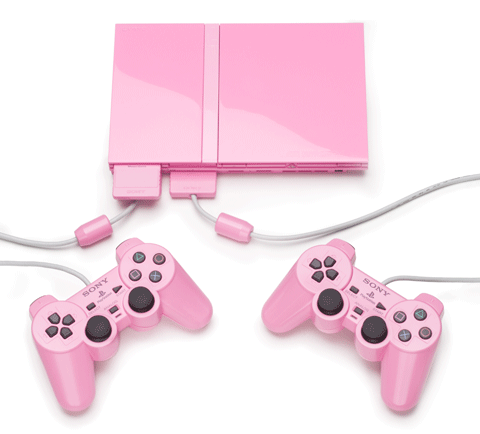
Almost all of them, although a few have glitches when played on a PS3. Sony has an online form where you can check for games’ backward compatibility status here:
4.3 – WHAT PS1 AND PS2 PERIPHERALS WORK IN THE PS3?
The PS3 is not backward compatible with PS1 peripherals at all, except for video connectors.
The PS3 is only backward compatible with PS2 peripherals that used the PS2’s USB connectors. All other PS2 peripherals (except, of course, for video connectors and the optical cable) will not work in the PS3. This means that non-USB peripheral-based PS2 games, such as “Guitar Hero”, won’t work that well on the PS3.
Any standard USB “web camera”, as well as Sony’s PlayStation Eye, will work with PS2 EyeToy games. Also, any Bluetooth headset will work with headset-enabled PS2 games.
4.4 – WHY DOESN’T MY SIXAXIS/DUAL SHOCK 3 CONTROLLER WORK IN MY PS1 GAME?
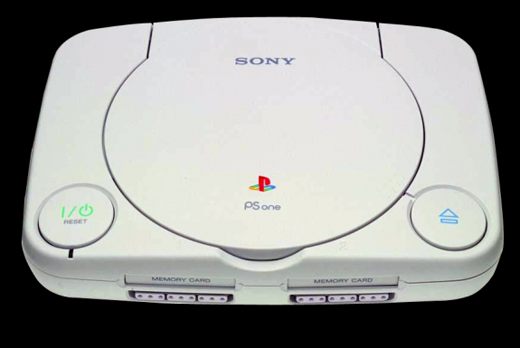
Many PS1 games made prior to 1998, including such blockbusters as “Tomb Raider” and “Final Fantasy VII”, did not support the analog controller, and would behave as if a controller was unplugged if an analog controller was plugged in and the joysticks were turned on.
The PS1 and PS2 dealt with this situation by including an “analog” button on the controller that enabled or disabled the analog joysticks in games.
The PS3 is smart enough to figure out whether a game needs analog support turned on or off per game, but every once in a while, it gets things wrong. If this happens, then you’ll need to press the PS button on the controller, and manually disable (or enable) analog controls in your game.
4.5 – DOES THE PS3 SUPPORT PS2 GAMES THAT USED THE NETWORK ADAPTER OR HDD?
As of the latest firmware update, it supports both. Previous firmware versions didn’t support PS2 games that used the hard disk.
4.6 – HOW CAN I IMPORT MY PS1/PS2 SAVED DATA INTO MY PS3?
Sony makes a USB-based memory card reader for the PS3. With it, you can either copy the memory cards onto the PS3’s hard disk, or if you wish (and you’ve got a recent firmware version), you can have your games directly read from and write to PS1/PS2 memory cards.
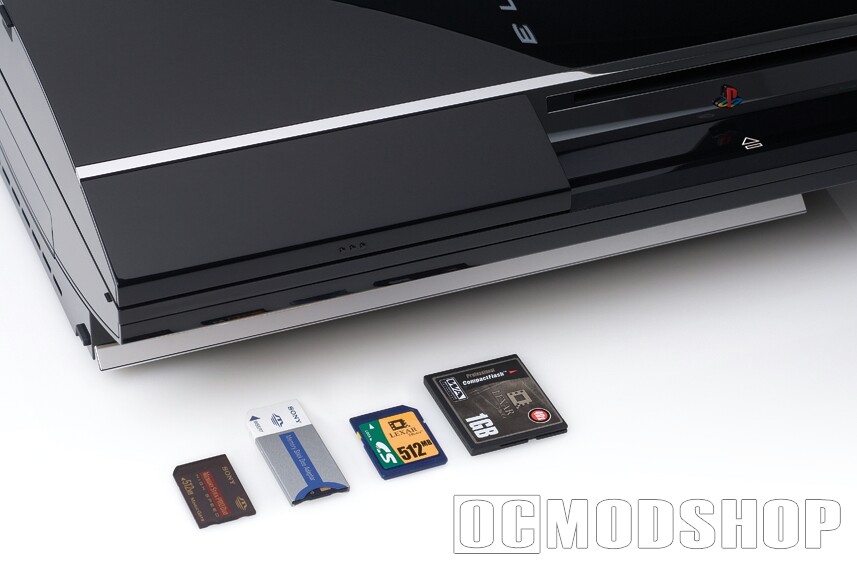
4.7 – HOW CAN I EXPORT MY PS1/PS2 SOFTWARE MEMORY CARDS TO REAL MEMORY CARDS?
As of the latest firmware version, you can use the XMB to transfer PS1 or PS2 saved data back to PS1 or PS2 memory cards if you have the memory card reader described above. If you don’t get the option to do this, then you need to update the firmware.
4.8 – HOW DO ADVANCED VIDEO MODES WORK WHEN PLAYING PS1 OR PS2 GAMES?
As of the latest firmware update, if you have a component, VGA, or HDMI cable plugged into your PS3, and you have turned on video modes other than 480i in the XMB video settings, then PS1 and PS2 games will be upscan-converted to the highest video mode supported by your monitor.
The PS1 predates support for progressive scan and high definition video modes. However, some PS2 games support progressive scan, such as “Shadow of the Colossus” and “God of War”, and a few even supported high definition video, such as “Gran Turismo 4”. If progressive scan or HD support is turned on in one of these games, then that video mode will override the PS3’s upscan converter.
4.9 – HOW DO ADVANCED AUDIO MODES WORK WHEN PLAYING PS1 OR PS2 GAMES?
The PS1 predated the addition of digital audio. Despite this, all PS1 games played over a digital audio cable or HDMI will work as if they were played over analog cables.
Advanced audio modes are exactly the same on the PS2 as they are on the PS3. Games that support AC-3 or DTS will work with AC-3 or DTS, etc. However, PS2 games had to be explicitly written to use the digital audio output port. With the exception of “Gradius III & IV”, all shipping PS2 games support the digital audio output port.
4.10 – WHY DID MY PS1 GAME SUDDENLY BECOME A LOT LESS RANDOM?
The basic answer is because the PS1 didn’t have a system clock, so it depended on other means of seeding a random number generator.
In order for computer software to properly generate random numbers, the random number generator must be “seeded” with a number that will always be different each time it is seeded. Traditionally, this is done by getting the system time.
But since the PS1 didn’t have a system clock, and PS1 games cannot read the PS3’s system clock, many PS1 games seeded the random number generator by using some other pseudo-different number, which was usually the amount of time spent playing the game. Unfortunately, a lot of PS1 games tended to top out at 99:99:99 on the clock. So if, for example, you’re playing “Final Fantasy VII” and you suddenly cannot breed gold chocobos after maximizing the game clock, then now you know why…
PS2 games don’t have this problem, since the PS2 had a system clock.
4.11 – WHY DOESN’T FORCE FEEDBACK WORK ON MY DUAL SHOCK 3 IN MY PS1 GAME?
A small handful of PS1 games, such as “Lunar: Silver Star Story Complete”, only enable force feedback if the controller’s analog mode is turned on, even if force feedback is on in the game’s preferences. Try turning on analog mode in the PS menu and see what happens.
4.12 – CAN I STORE PS1 OR PS2 GAME DISCS ON MY PS3 HARD DISK?
No, for obvious copyright reasons. The exceptions are the “PlayStation Classics” games that are sold at the PS Store. But it is not possible to make your own.
4.13 – WHEN WILL PS1 GAME XYZ BE RELEASED AS A PLAYSTATION CLASSIC?
The answer, my friend, is blowing in the wind (thank you Bob Dylan).
Sony can only publish games that it has the legal right to make available onthe PlayStation Store. Unlike Nintendo, they have never announced the imminent release of any of their back-catelog of games, so it’s anyone’s guess as to what they do make available & when they decide to publish it.
Also, Sony has yet to acquire the rights to publish PS1 games which they do not have the rights to publish, and it is unlikely that any such third-party games will be published in the future. Sorry, but this means that games like “Xenogears” and “Persona” will most likely never be published on the PS Store.
Also, all of the games that have been released so far have been single-disc games. It’s possible to speculate that multi-disc games would require are-tooling from their original developers in order for them to be published online, which is why it’s not likely that “Colony Wars” or “Final Fantasy VII” will be published online any time soon.
It’s also highly unlikely that Sony will ever make outdated team sports games available online, so if you really wanted to get “NFL Gameday ’98” online, well, sorry.
The bottom line is, if you’re looking for old PS1 games, and the games aren’t available as PlayStation Classics, then your best bet is to go to eBay, or a pawn shop, or some other marketplace for used stuff. Good luck.