
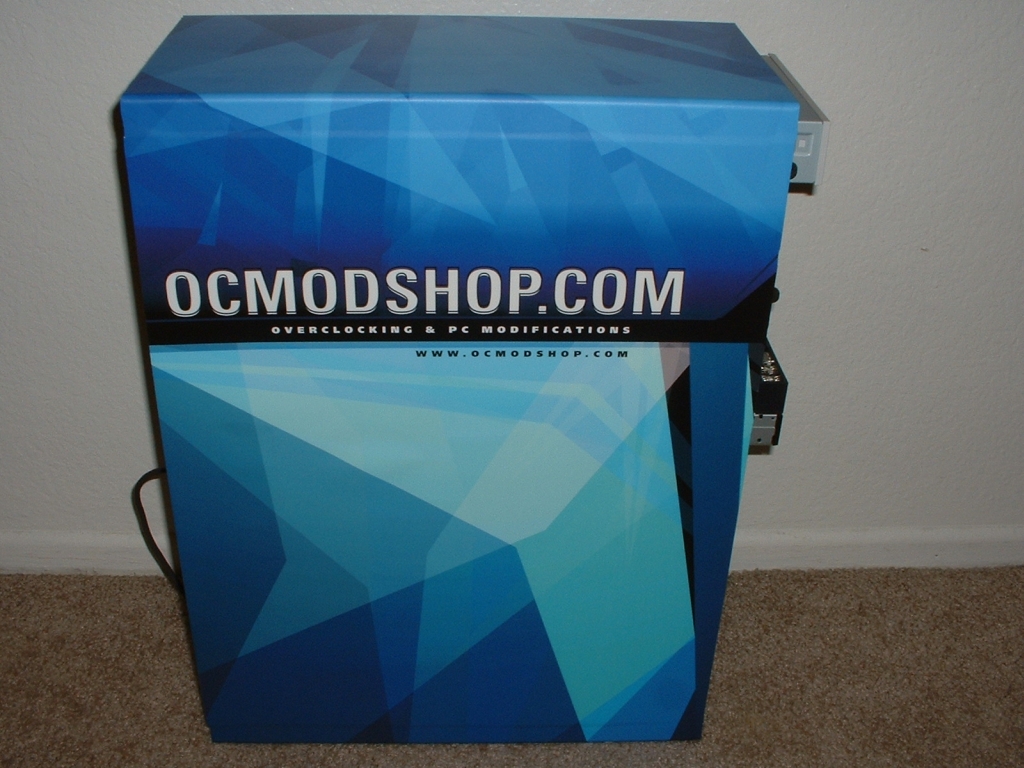
The case that I am using has a handle on each side panel as well as a blowhole. You can see the outline of both of these in the left hand picture. Taking care of the blowhole is simple by just using an razor blade and cutting out the circle. Because the handles are concave the skin will not just stick without some coaxing. To get the skin to conform to the handle you will need a hair dryer or heat gun.
Before you start heating up the skin poke a small hole in it so the air that is trapped can get out. You can try without poking the hole however in most cases you will need a small one. Start heating up the area and using your hand or the applicator to push the skin into the handle. Continue to heat and push the skin in until it is finished.
Unfortunately I was unable to get it to sick in the deepest part of the handle however you can’t tell unless you are up close and examining it. You will also need to run your razor blade across the case where the side panels disconnect. Once you cut the top and bottom of each side panel you can then remove them like you could without the skin.

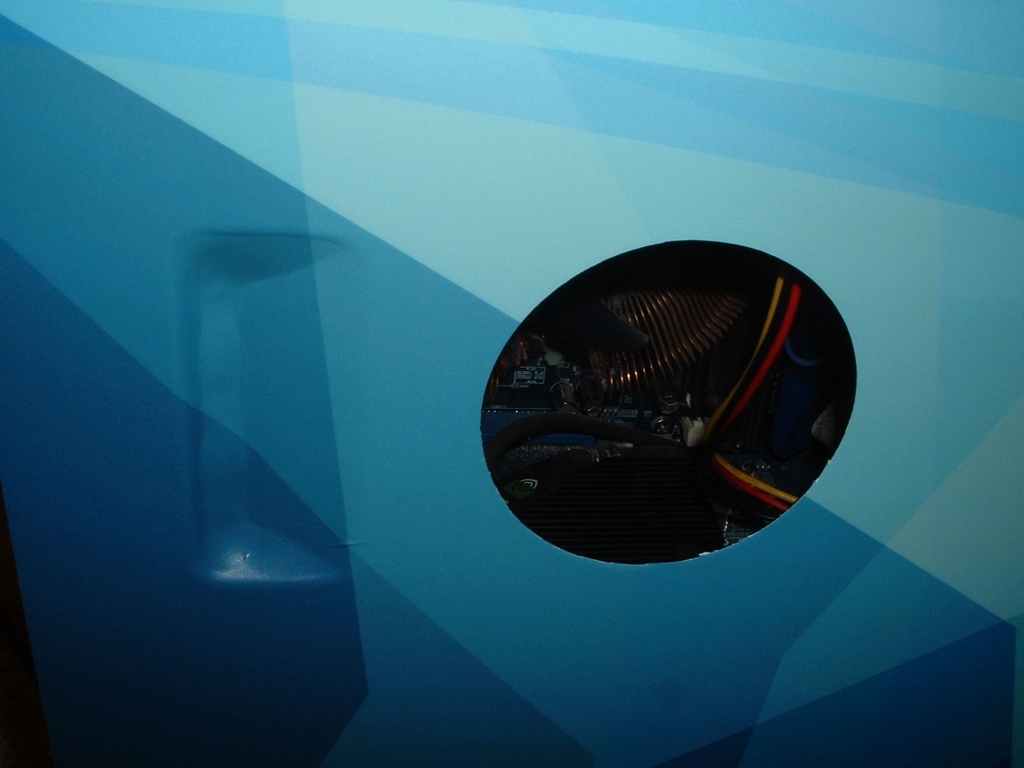
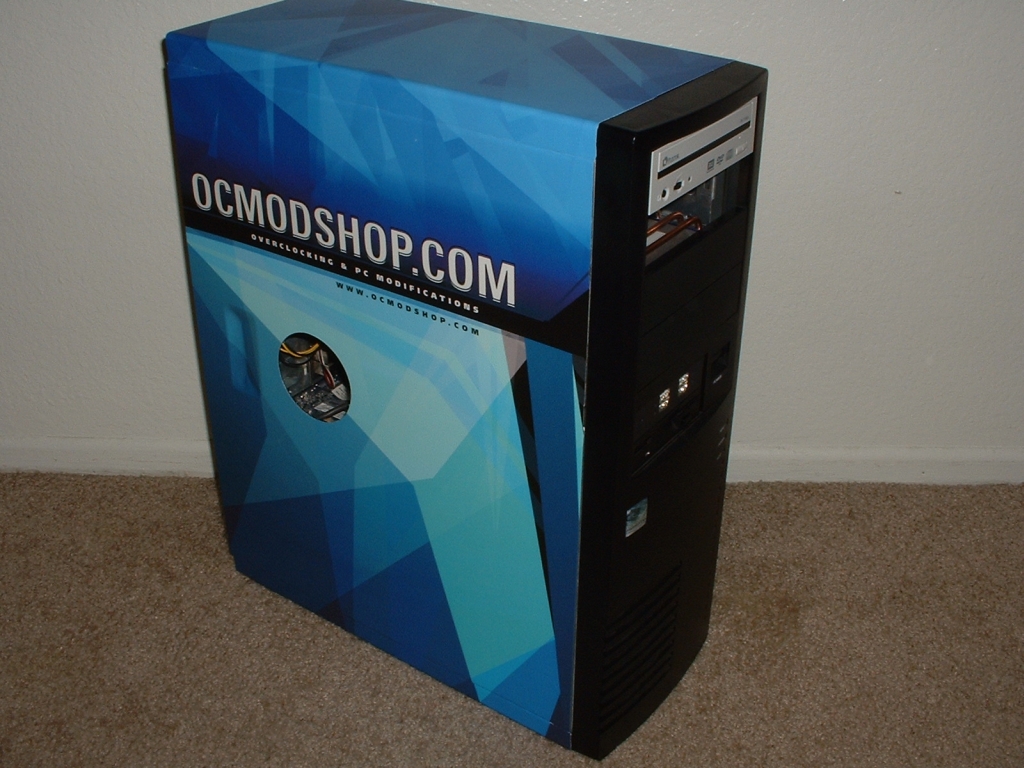
Once I finished cutting and molding the skin to fit and work everywhere I put the front bezel on. The case skin looks great and I am very impressed with the transformation. Not only does it look great but it covered up all the scratches that the paint had. I had not used the blowhole in the past but I figured with the new look I should add one to finish it off.
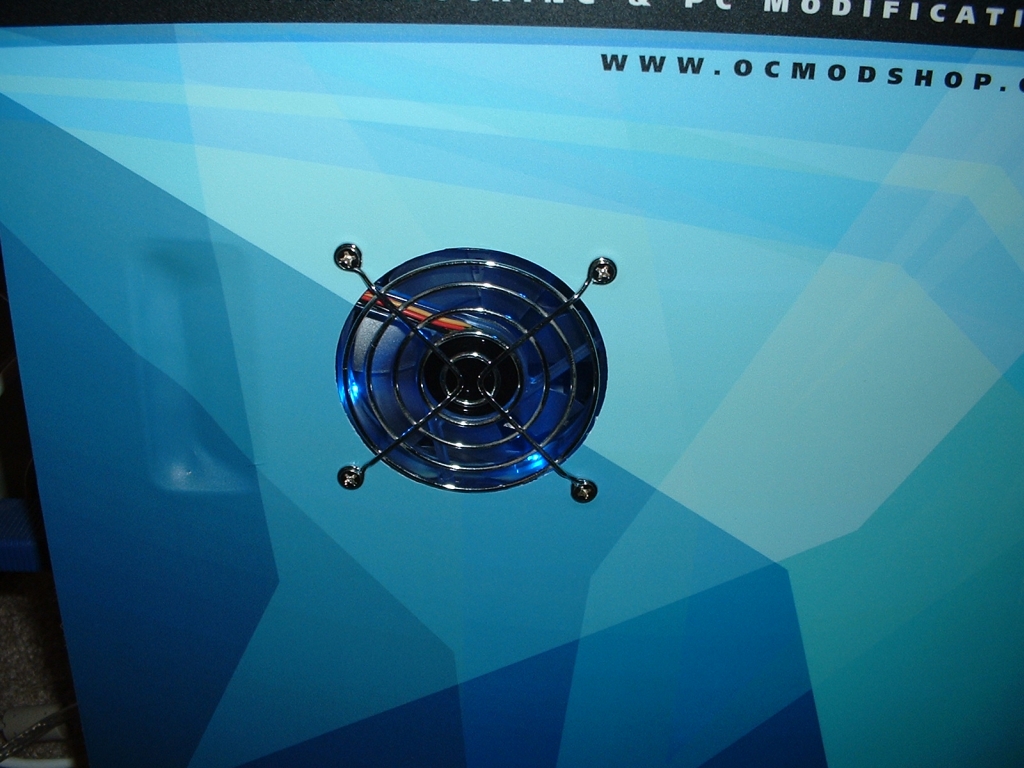
I got a blue LED fan that I had and installed it to the hole. Since my camera doesn’t take pictures of light so well I used the flash on my camera. You can somewhat see the blue coming out of the fan but in person it completes the entire look.
Conclusion:
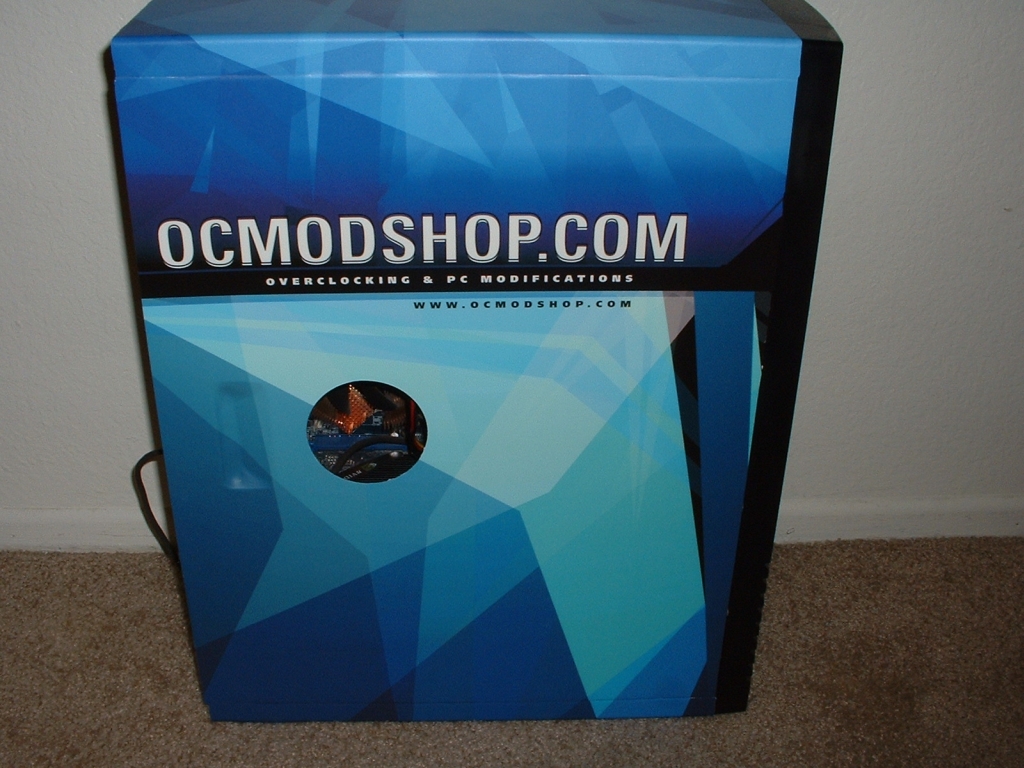
Having a plain case is something I normally like, but I needed something new. I was actually thinking about buying a whole new case until this case skin came along. This skin completely changed the look of my case to a design that is stunning.
Due to my lacking art skills I could never airbrush anything let alone something this nice. PolyGFX has a great product and even offers custom skins when you submit your own art. The thing that did surprise me is how little these cost considering what you are getting.
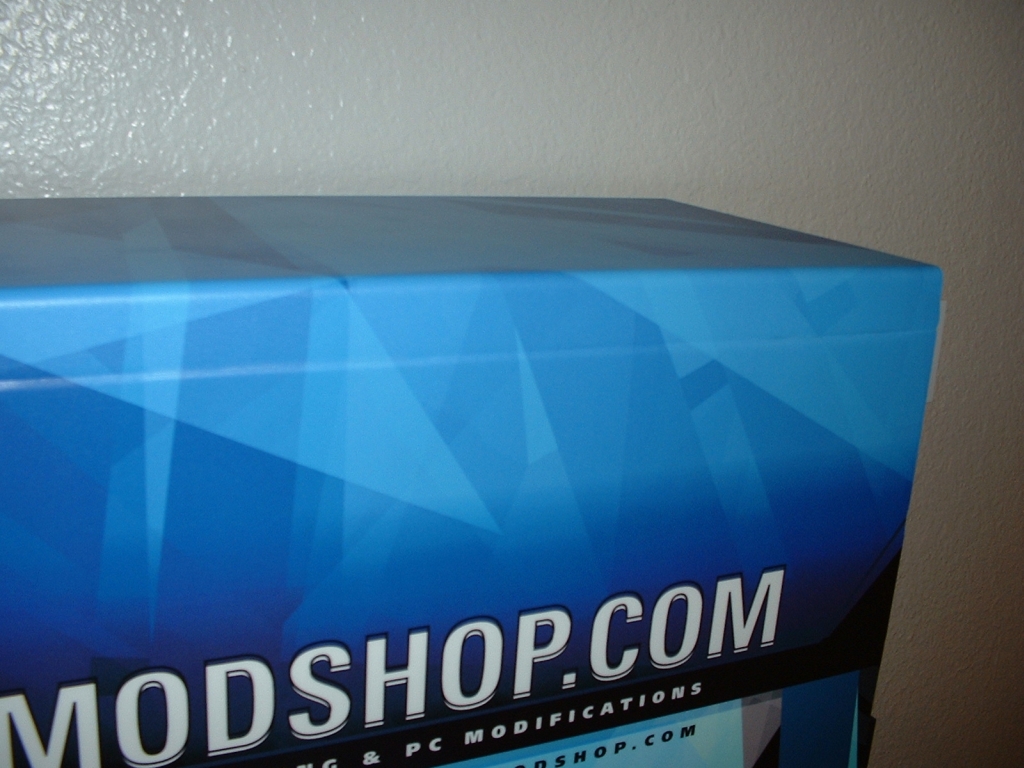
After using the skin for about a week I did notice that on the top edge of the case it did come unstuck a few times but pressing it back on and working it did help. This probably happened from my installation where I may have not applied as much pressure as needed originally but I wanted to just point it out.
Overall I am more than pleased with this product and am going to give it a 9.5/10. I would really like to thank PolyGFX for their design work and sending this over. Go to their website buy one of their designs or get your own made. Remember they also have skins or mouse pads, laptops, modding gear, and even your household appliances!
Pros

- Looks amazing
- Simple to install
- Tons of designs
- Ability to order a custom skin
- Skins for laptops, mouse pads, even appliances
- Great installation documentation and videos
- Low price for a great product
Cons
- Did not stick to certain areas over time
