

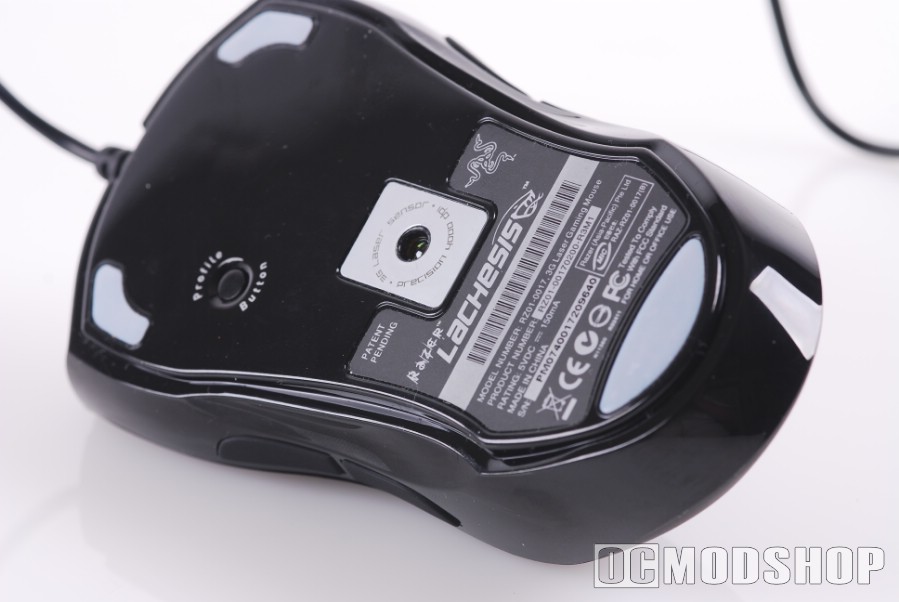
You can toggle up and down through multiple DPI points, but I’ve found that this high granularity works best for desktop work. When you’re actually in the middle of a game, clicking a button 3 times to get to the right amount of control wastes precious time, and leaves you vernerable for a few seconds. I much prefer the “high/low” toggle of the SteelSeries Ikari laser mouse (reviewed here) . You can achieve a similar effect with the Razer, but the toggle buttons are much harder to push.
There’s no denying that the Lachesis has a very unusual shape. It is very narrow at the bottom (where your palm rests) and very wide at the top (where your fingers rest). The bottom also has a steep slope, which forces your palm back, making you control this mouse with your fingertips.
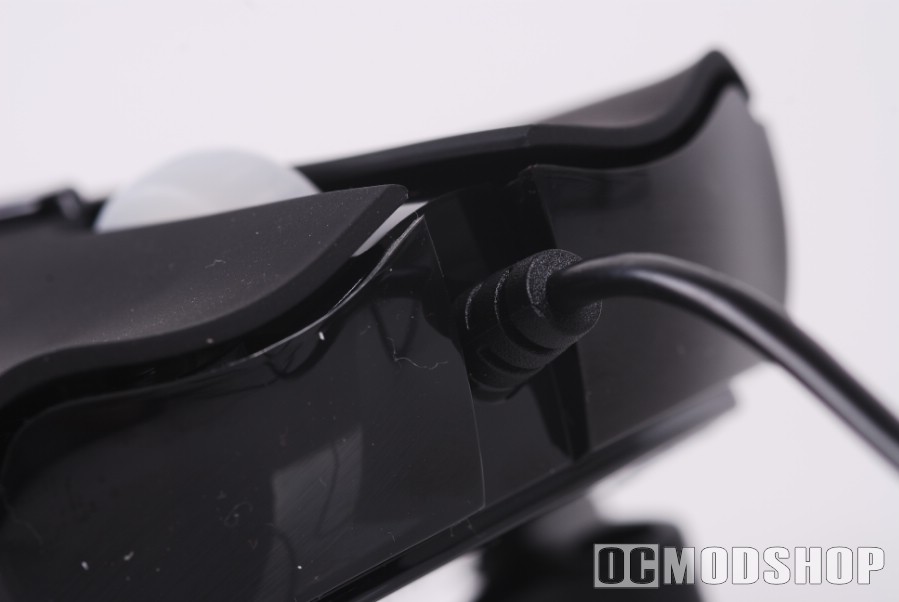
If you grip the mouse the way you grip every other mouse, then you’ll find that many of the buttons are difficult to press. Trying to press the secondary side buttons with your ring finger takes a lot of force and feels awkward, which also has the tendancy to move the mouse. The same thing happens when you use the DPI up or down buttons… reaching to use the buttons feels unnatural and moves the mouse in an awkward way.
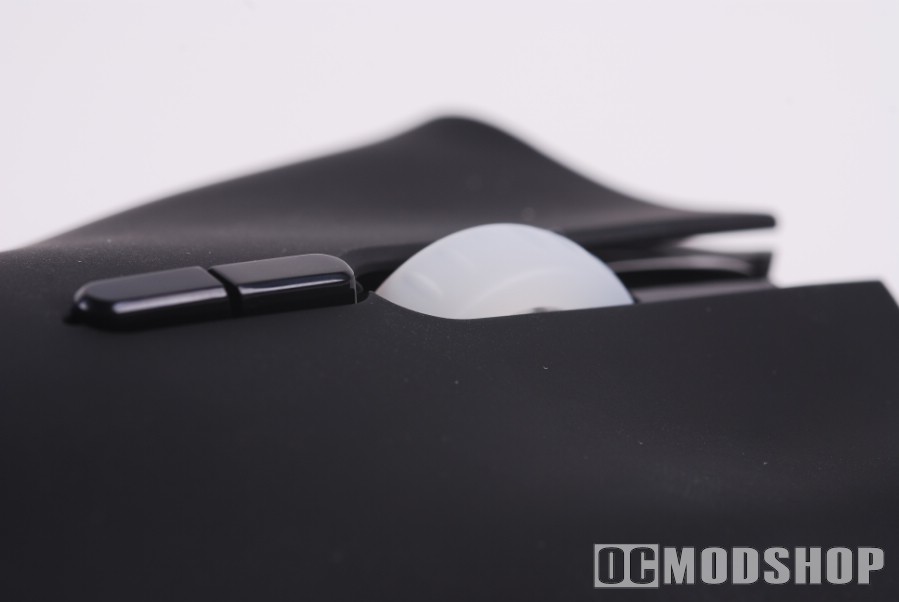
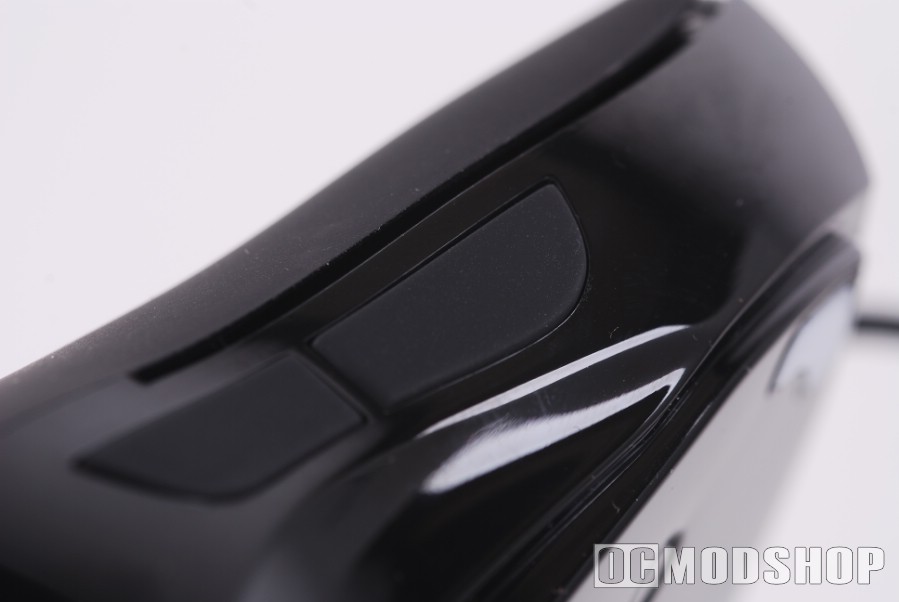
The way to rectify this awkwardness is to grip the mouse in a “symmetrical” way. Place you middle finger on the scroll wheel and your ring finger on the second mouse button. You are now gripping the sides of the Lachesis with your thumb and pinky finger. Now your pinky rests directly on the alternate side buttons, and your middle finger can easily reach the DPI buttons while still maintining control of mouse movement. This “paradigm shift” of how you hold your mouse takes a little getting used to, but greatly improves the rodent’s usability from awkward to awesome.
The mouse wheel is notched and has a very good feel for gamers. Since most PC games use the mouse wheel for changing weapons, the tactile feel of the notches is just about perfect.
Although this mouse uses a laser sensor, it wouldn’t track on the SteelSeries SP mousepad (reviewed here). It will track on just about anything else, however, including reflective acrylic.
Although the mouse boasts a 1000Hz polling speed, I could not get the computer to recognize anything faster than 500Hz. I used MouseRate and DirectInput Mouse Rate, and none of them showed a difference between 500Hz and 1000Hz. The test application did report 125Hz when that mode was selected, however.

2 comments
I'd love to see and try this one, though I have seen similar cool gaming gadgets at [link removed].
Nice try, Christopher. If that company wants their products promoted, then they can submit some samples for review. I contacted them at PAX and they blew me off.
Comments are closed.