

The box is pretty standard, although rather long for a video card box. Opening the box reveals that the card is lovingly caressed in cut grey foam. When you pull out the card you can see just how long it is, which is full length and is longer than even the largest motherboard. Below the grey foam is a thin cardboard box that contain all the accessories. Included is a DVI to HDMI adapter, DVI to VGA adapter, HDTV component cable, two power adapters, driver CD, Ruby Rom (extras) CD, and a quick install guide.
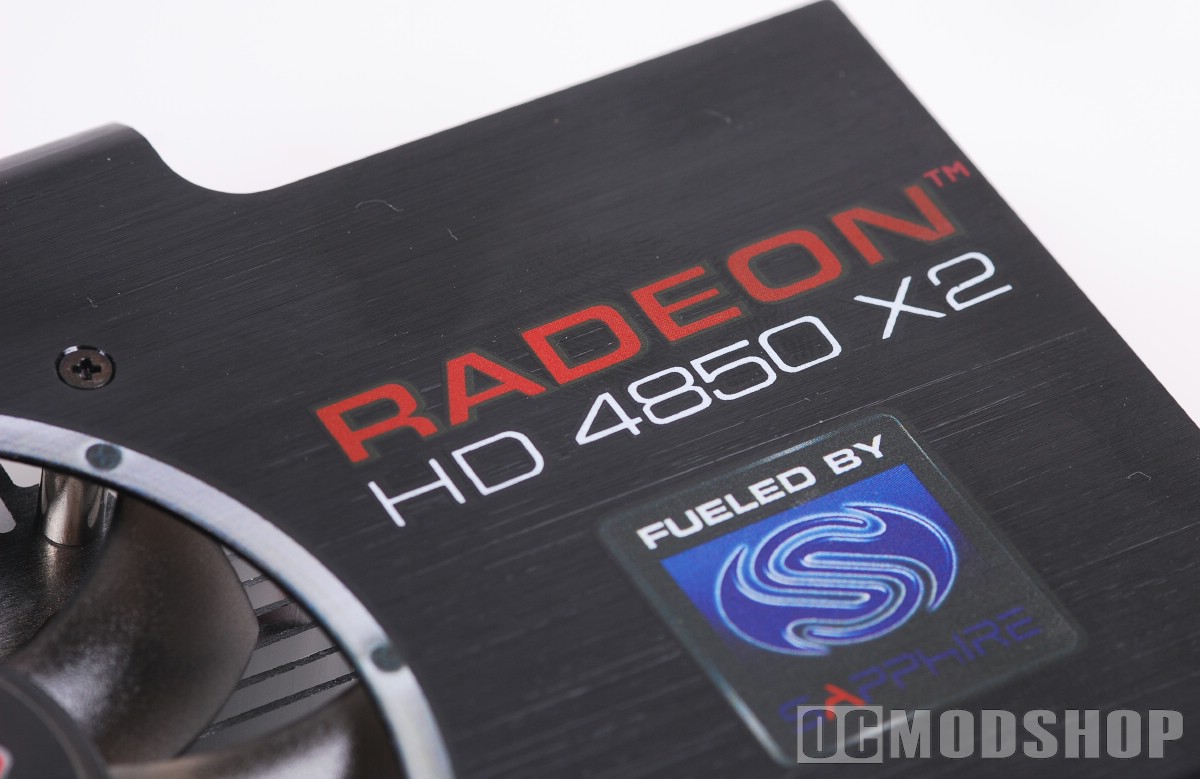
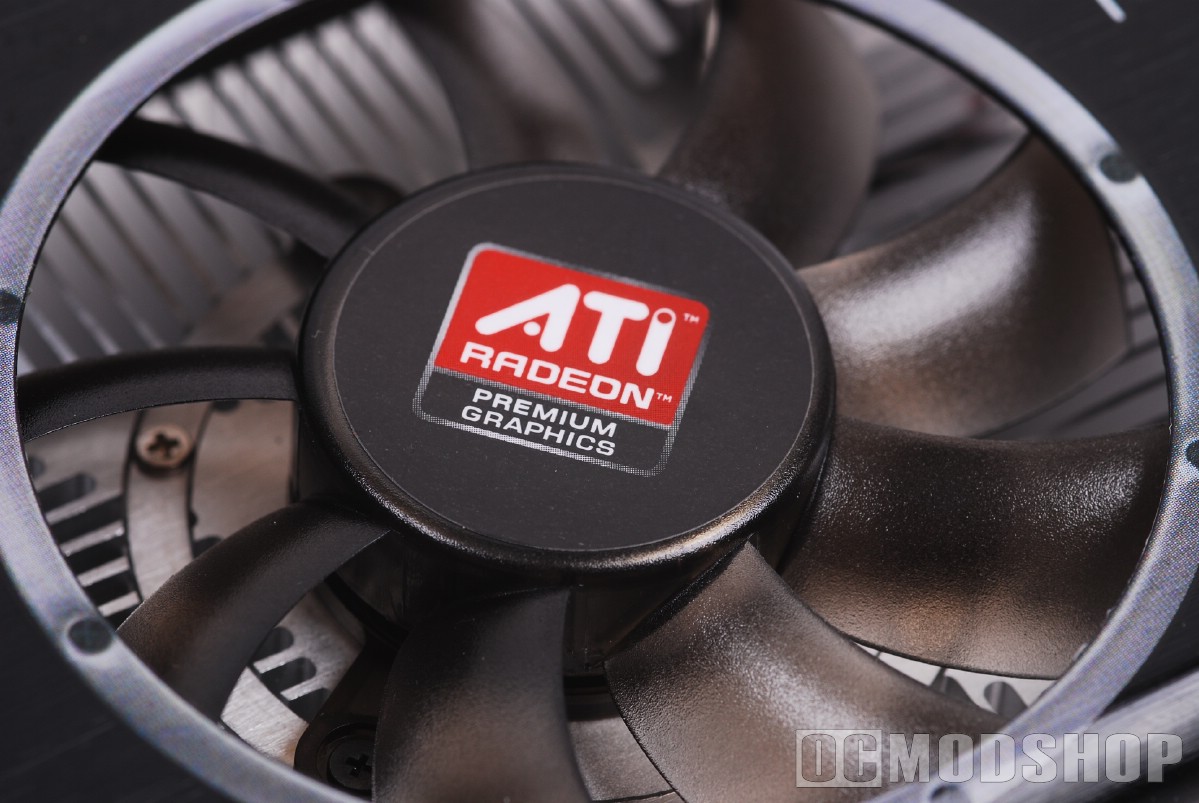
The card itself is a thing of beauty. The board is colored blue, and the heatsinks are covered with an anodized aluminum plate, which adorns the Sapphire and 4870 X2 logos. The plate has a hole in the top which allows hot air to escape, in addition to the natural exhaust properties of the left and right. Two thin 80mm fans are exposed through the metal plate, which blow air on two aluminum heatsinks. Two PCIe power inputs appear at the end of the card (one 8-pin and one 6-pin). I’m not sure why these power inputs are mixed, and will surely cause frustration for some users depending on their power supply. Because the card is so large, the power connectors are also tilted at a 90 degree angle. Otherwise users may not be able to squeeze the power cables between the card and their case.
The rear of the card has four DVI adapters and one S-Video/component jack. Many cards have an exhaust vent so the heatsink can blow hot air directly outside the case, but since the extra DVI connectors take up this room, heated air is recycled in the case and must be removed through the case’s normal exhaust methods. Normally this isn’t a big deal, as I’ve only measured a 4 degree increase in case temperature when heat from a video card is introduced back into the case.
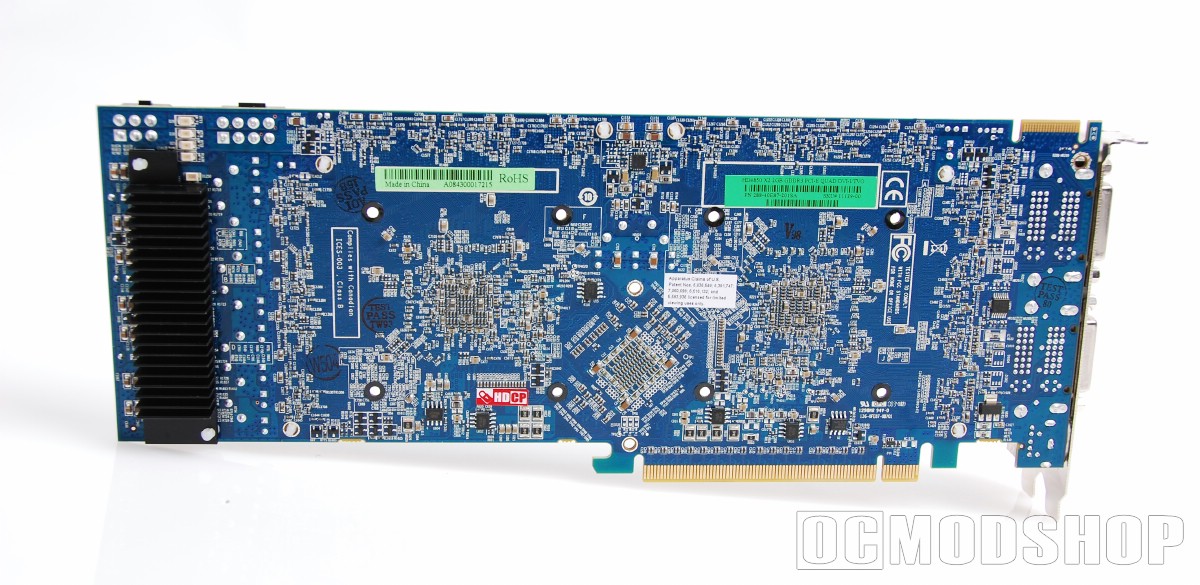
The card only has one Crossfire connector, so you can connect another ATI 4xxx video card. You can upgrade your system to four GPUs if you slap in another 4850 X2, but you can also use a 4870 or 4850 for 3GPU support. Really any card from the 48xx line will work in CrossfireX, but you’ll get better results using an identical card.
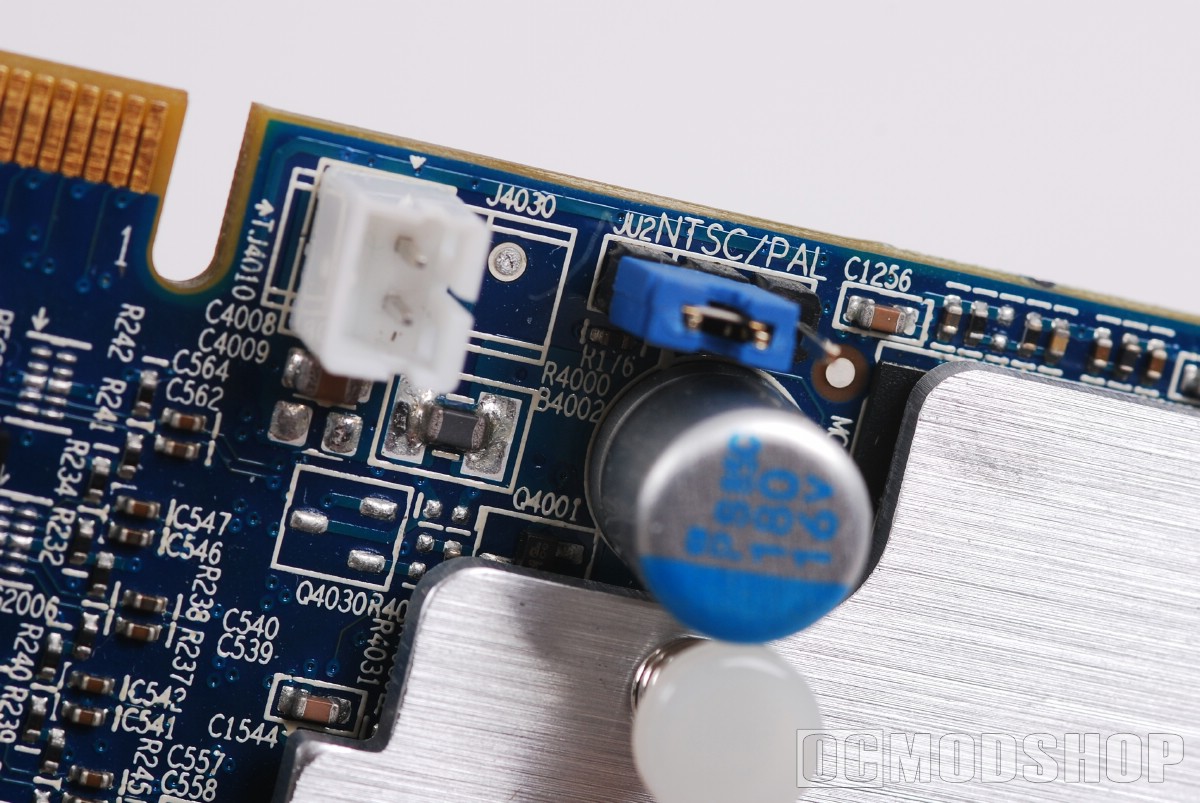
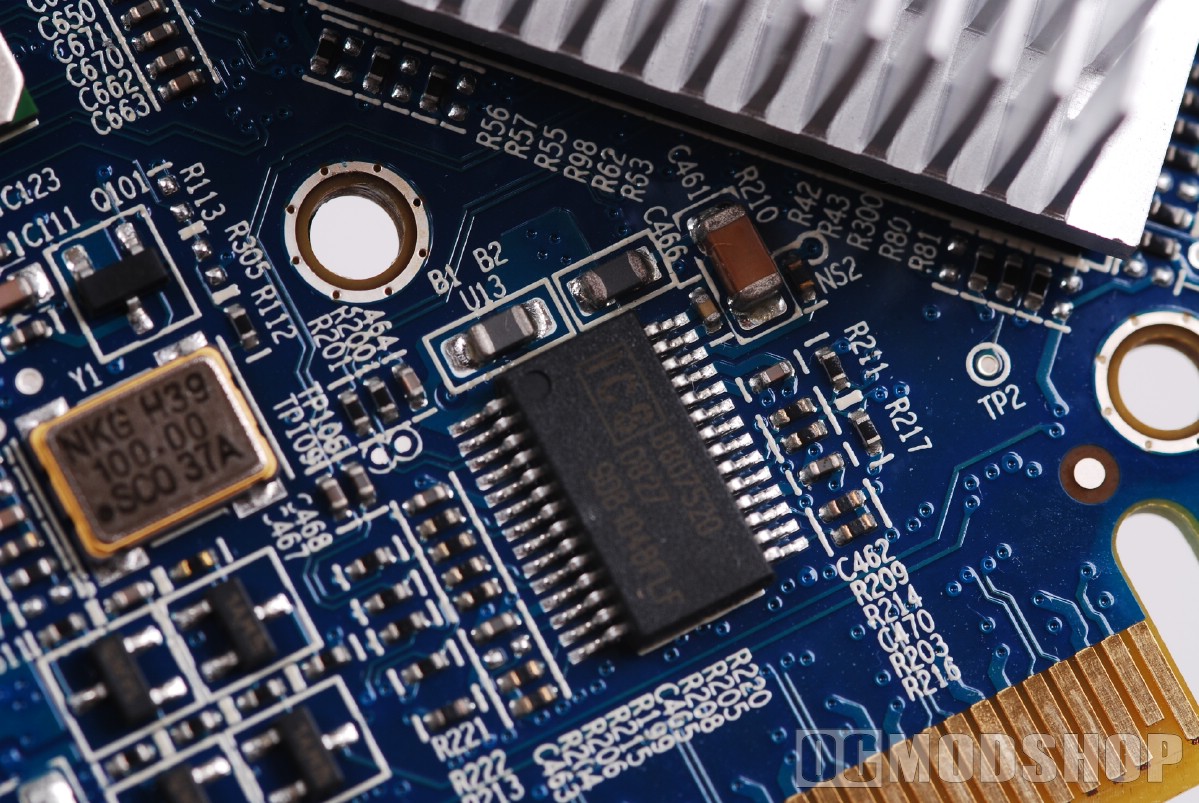
The power mosfets have two heatsinks on them (one on the top and another on the back of the card) to help expel heat generated from the 6-phase conditioning of the PCIe power connectors. All capacitors are solid-state and the board also has power detection and overheat protection to help prevent accidental damage.
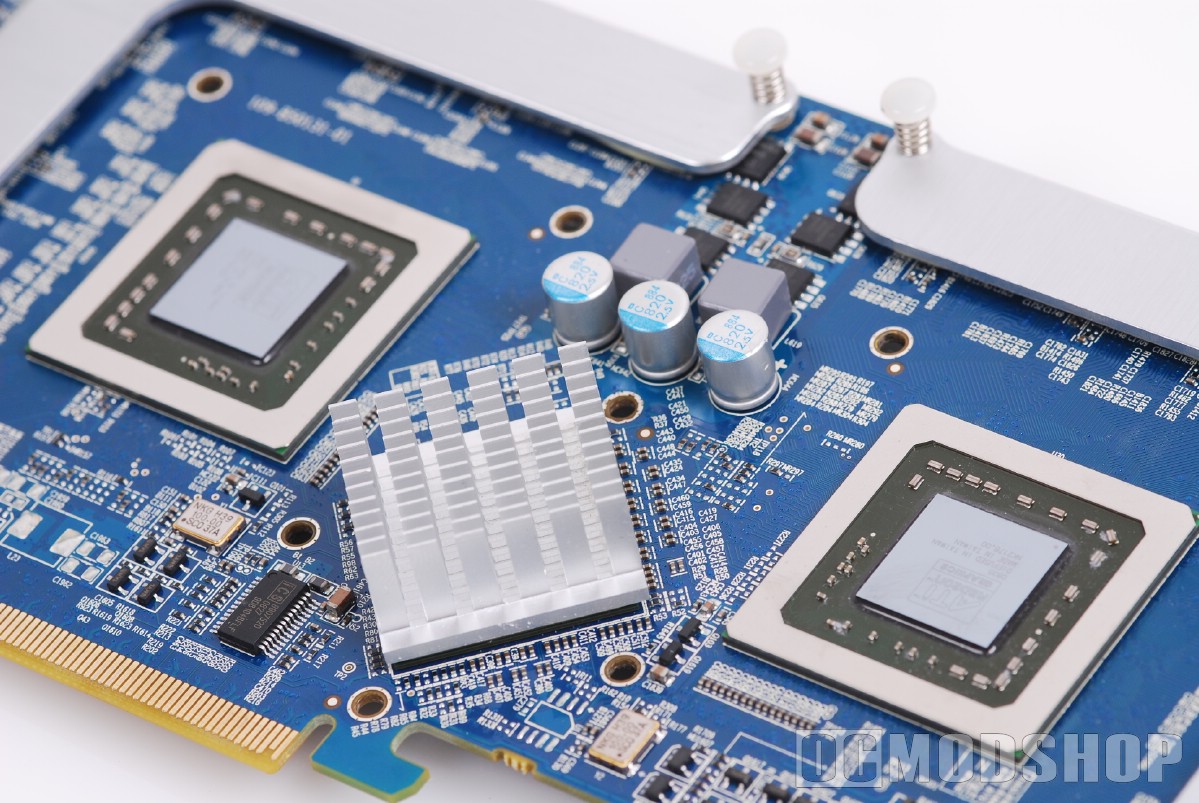
Removing the heatsink is rather easy. The heatsinks and fans are secured by eight spring-loaded screws on the rear of the board (four around each GPU). Once these are removed, the aluminum plate can be pulled off, which reveals the card underneath. After swabbing off the silver thermal compount, two 4850 chips are easily identified, and a bridge chip sits between them, which is what provides your computer with Crossfire capability.
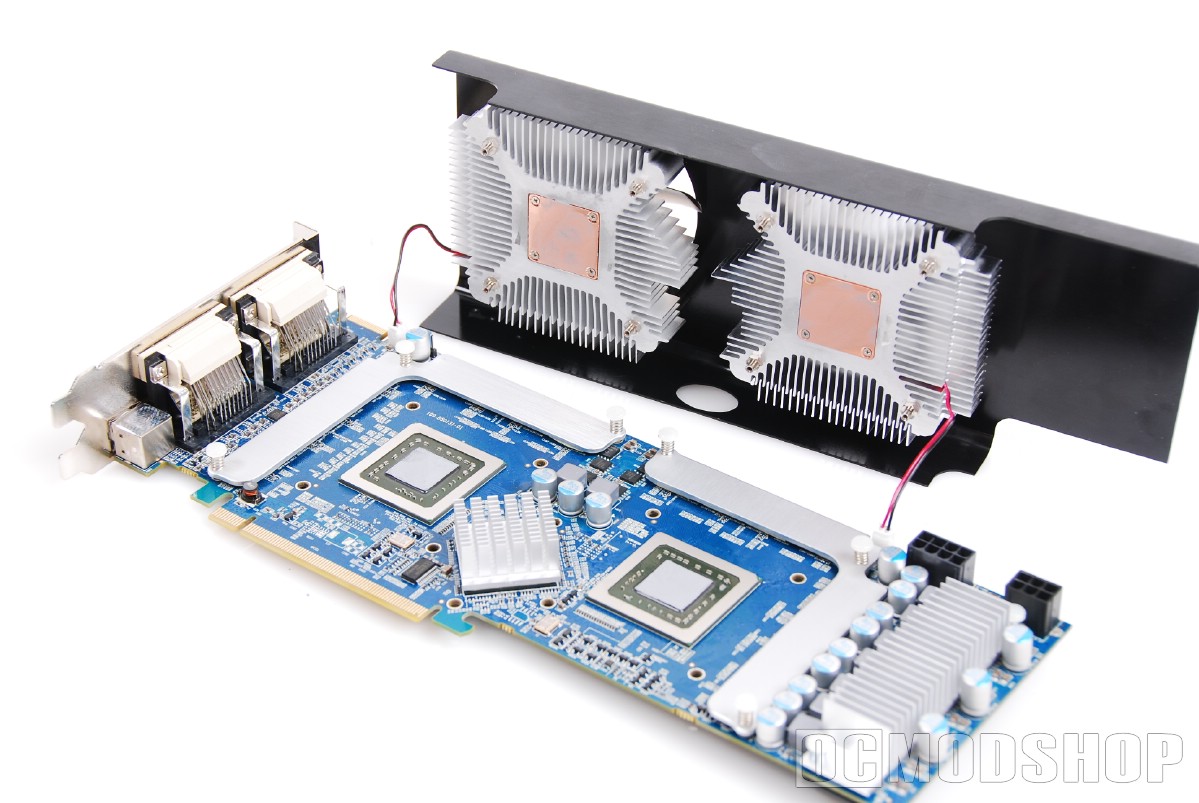
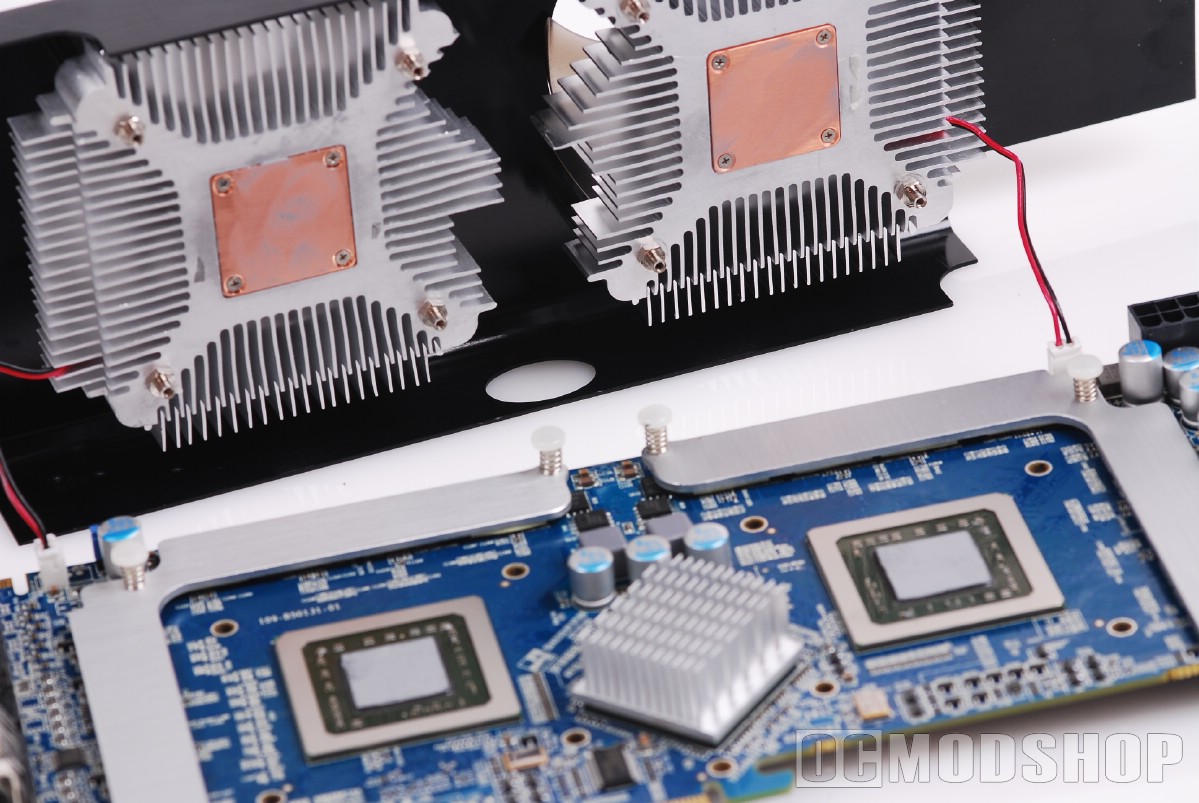
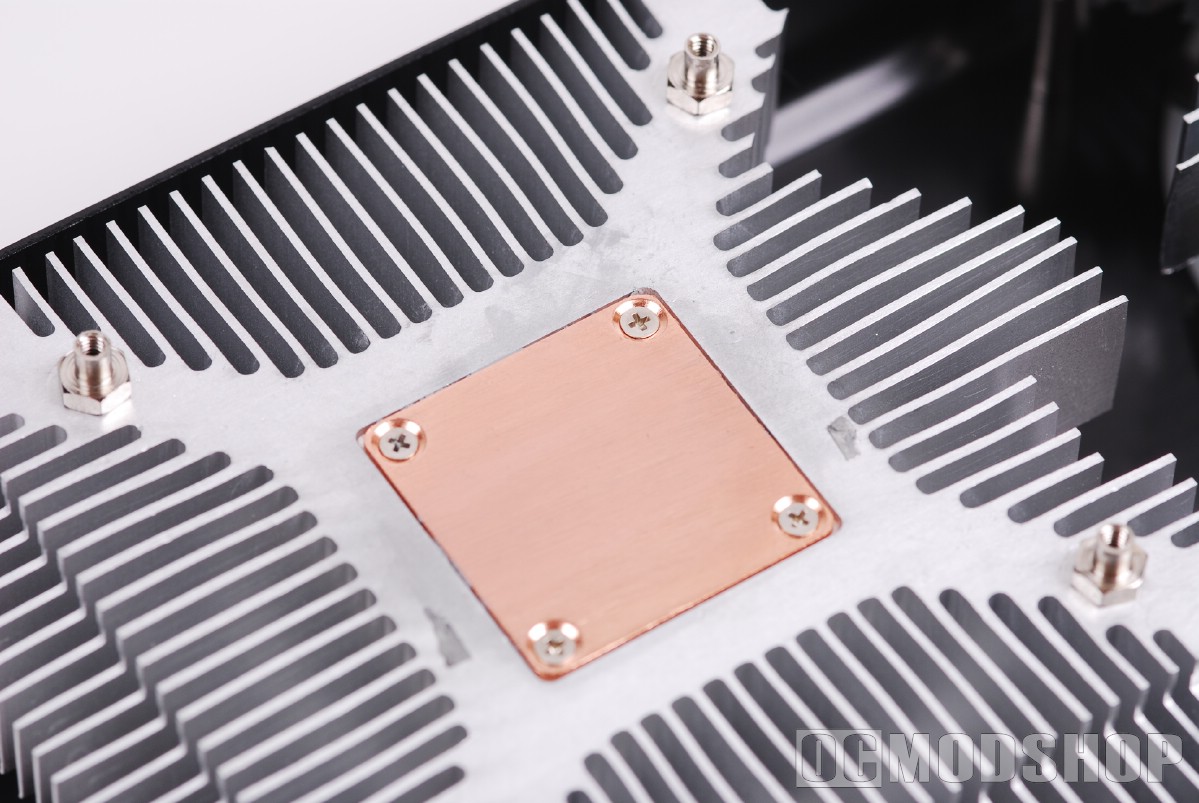
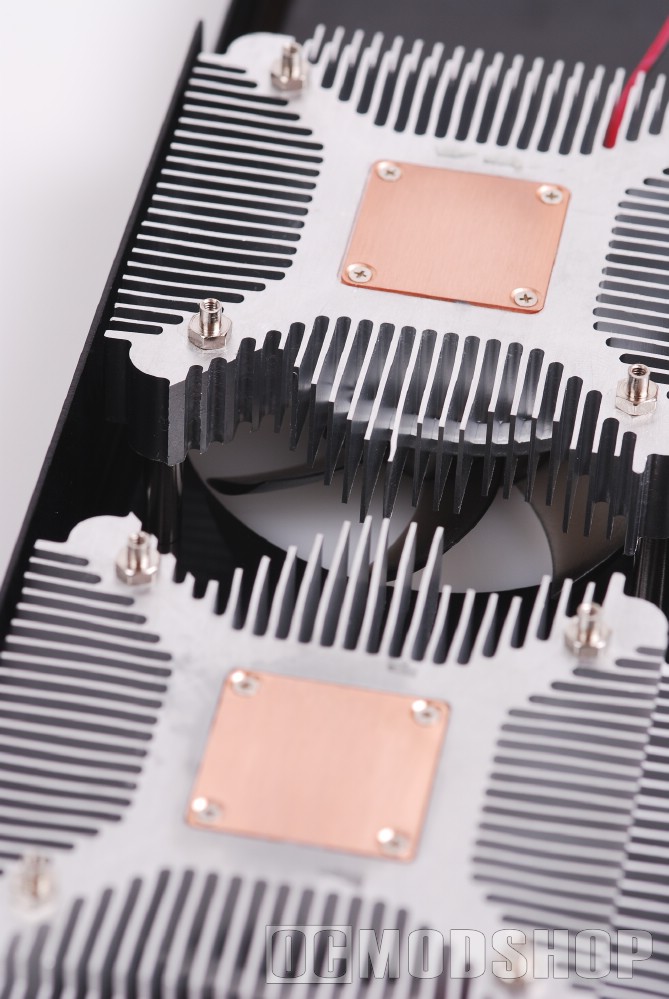
The heatsinks have a copper core (which are lapped completely smooth), and aluminum fins. The two heatsinks are shaped to make room for the bridge chip, which is positioned 45-degrees from the GPUs to appear like a diamond. This configuration may make it more difficult to find third-party heatsinks that will fit properly. My first choice would be a pair of Zalman Fatal1ty FC-ZV9 coolers (reviewed here).
Each GPU is surrounded by 1GB of GDDR3 memory (for a total of 2GB on the card). The memory chips are 1.0ns GDDR3 with 2.256-bit memory interface running at 993Mhz. The memory chips have an L-shaped aluminum plate with thermal tape to help dissipate the heat. The GPU heatsinks are positioned on top of these plates, and the airflow from the fans also blow across the memory plates.


2 comments
r4i software
Best-performing card in the $300 price range four DVI outputs let you connect up to four LCDs.
The thing is, I know very little of power supplies. So my question to you is: what would be the best power supply for this graphics card? I read that it has to be at least 650W, but besided that, I don't know what to look for.
dsi r4
Comments are closed.