

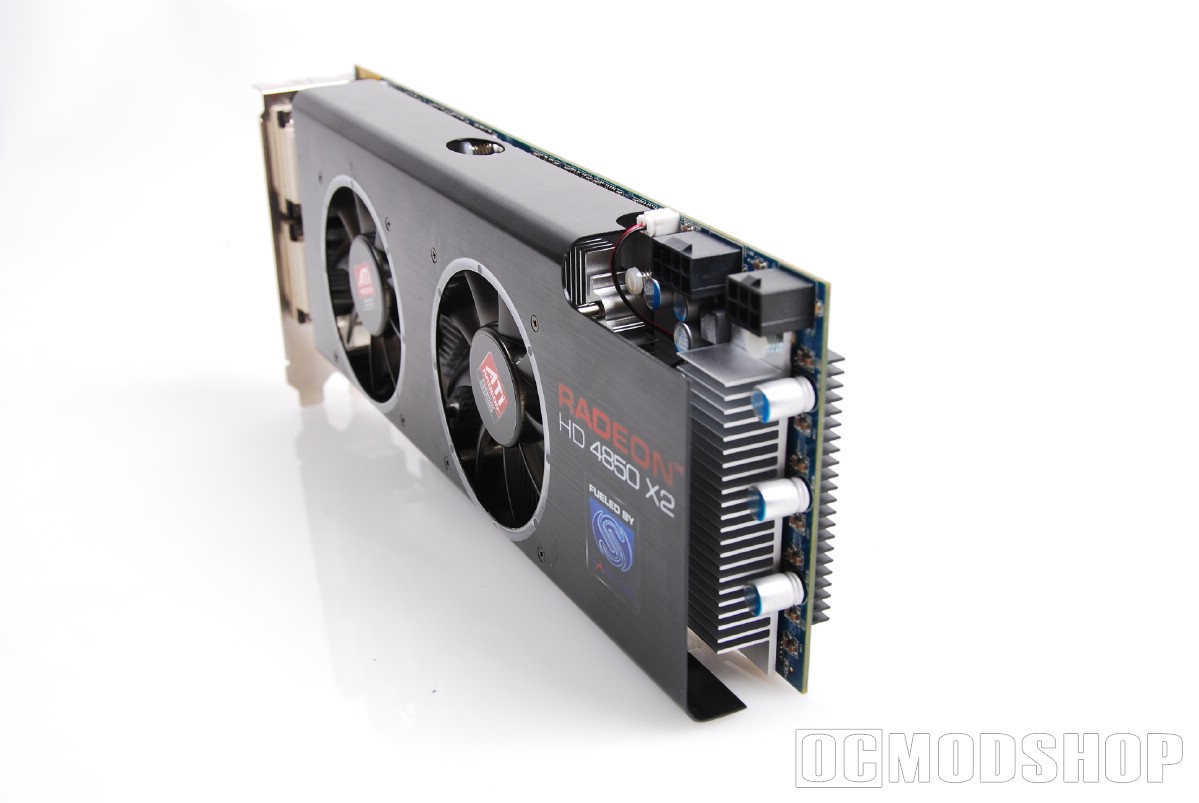
Since the HD 4850 X2 is such a large beast, it can take a little finagling to get the card mounted. Because the card is full length (probably longer than your motherboard), special considerations had to be taken into account in the board’s design. Namely, the PCI-e power inputs.
Normally these plugs appear on the far end of the card, facing parallel to the board. To make sure there is enough room for your cables, the PCIe power connectors have been flipped 90 degrees, so they are perpendicular to the board surface. This means that instead of your power cables extending from the side of the card, they will connect either above or below (depending on where your computer’s power supply is located).
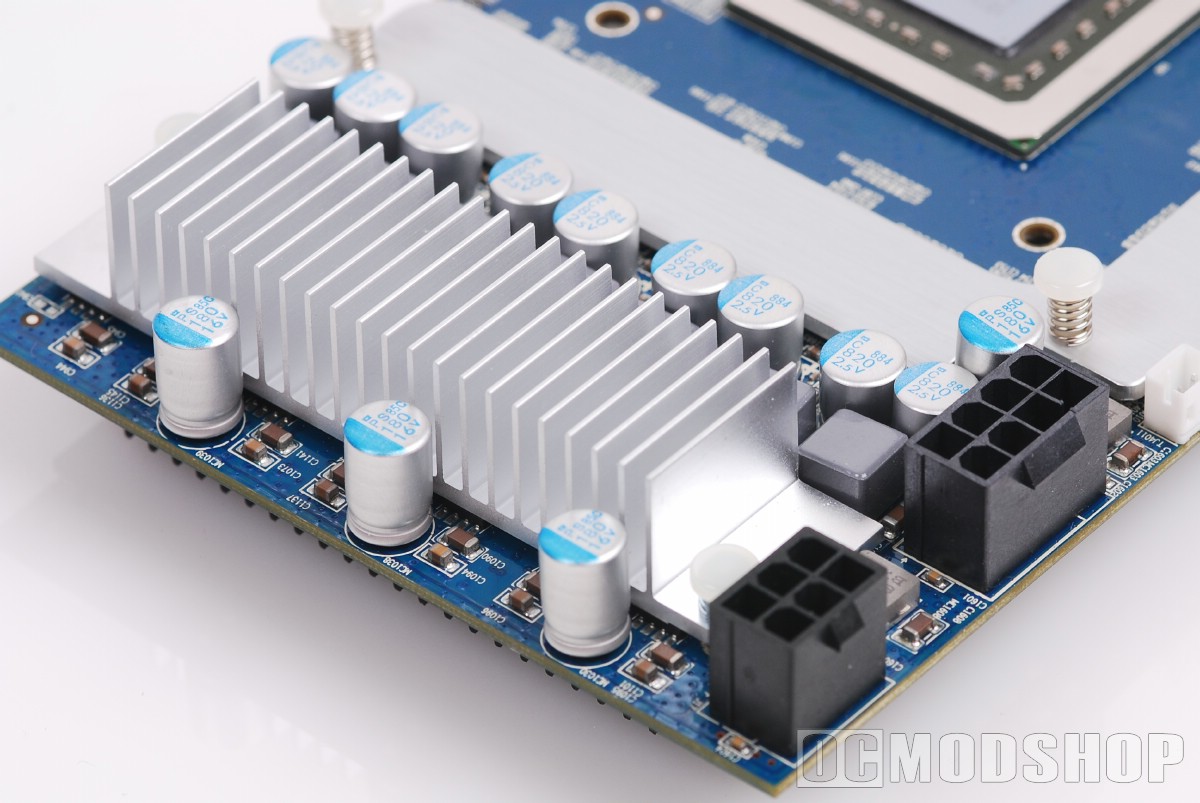
The board also features two different types of power connectors: one 8-pin PCIe and one 6-pin PCIe. Many newer power supplies are starting to come with 8-pin cables, but this may confuse and confound the user at first. A 4-pin molex power adapter is included just in case your PSU doesn’t have the necessary connections, however.
Once the power connections are hooked up, we installed our new dual-GPU video card. The card takes up two slots, so be sure to remove both slot covers. Once the card is seated in a single 16x PCI-e slot, it can be secured with two case screws.
We turned on our PC, and the computer POSTed. We booted into Windows Vista 64-bit, and were greeted with a default 800×600 resolution. We previously had Catalyst 8.10 drivers installed, but these drivers could not recognize the new HD 4850 X2. We installed the driver from the included CD, which has a pre-release version of Catalyst 8.53. Once the new Catalyst drivers were installed, the system rebooted and everything worked just fine.
We now had an extra option that wasn’t present when testing other ATI cards: the Crossfire option. A single checkbox allows Crossfire to be enabled or disabled. Normally you can keep this enabled all the time, but there are a few times when you may need to switch to a single GPU. For one, some games do not play well with Crossfire (or nVidia’s SLI for that matter), and you may get better performance with CF disabled.
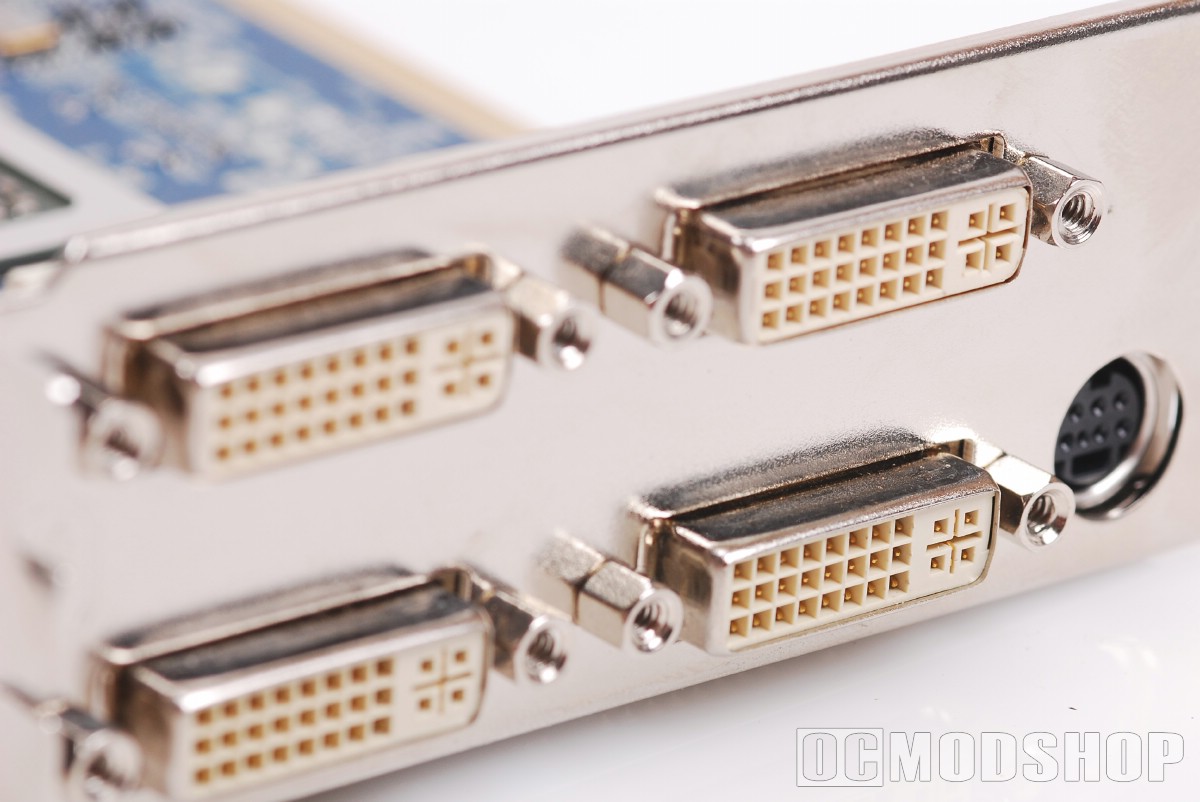
The HD 4850 X2 has a whopping 4 DVI ports, which allows you to have an extreme desktop. Unfortunately, you cannot drive all four monitors with Crossfire enabled. If you have a multi-monitor setup, then you may have to toggle back and forth between Crossfire when playing games. The average PC enthusiast has only one computer which they use to play games as well as office tasks. If you have a dedicated gaming or Home Theater PC then you won’t have to bother with switching Crossfire around.
For the most part, everything works very smoothly. Usually any bleeding-edge technology comes with a few caveats, but we didn’t have to jump through any hoops or pray to the technology gods to make this card work. Everything was rock-solid stable and just worked.
ATI is working on new drivers to address these issues. Not only is multi-monitor support better (dual monitor support behaves much better), but hardware physics support (via the Havok engine) and is promised in newer driver releases. ATI also works with game developers to release patches for better Crossfire support.


2 comments
r4i software
Best-performing card in the $300 price range four DVI outputs let you connect up to four LCDs.
The thing is, I know very little of power supplies. So my question to you is: what would be the best power supply for this graphics card? I read that it has to be at least 650W, but besided that, I don't know what to look for.
dsi r4
Comments are closed.