The tubes on the side of the case change colors every few seconds, the colors are: red, green, light blue, purple, dark blue, and yellow. The colors look pretty cool and I like the overall effect for the most part. The thing I do not like about the light setup is there is no switch to turn it off, you could always attach one or unplug the Molex but it would have been nice to have a stock switch. You are able to pick the color you want with the button that is next to the front firewire port the only bad part about this is that when you power off then back on it starts to rotate again until you pick the color you want. (Thanks to Inder for pointing this out).
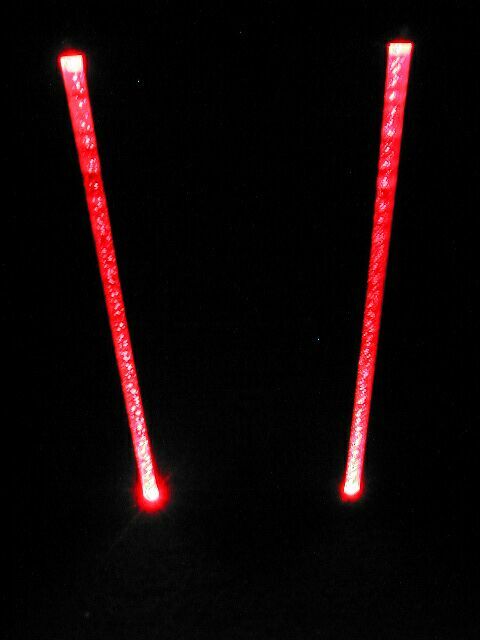
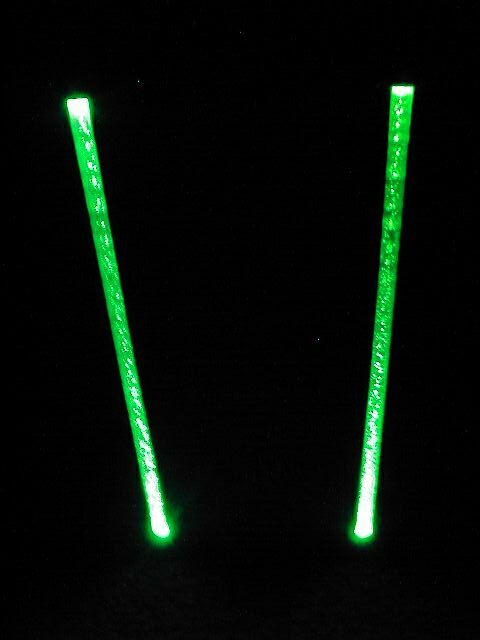
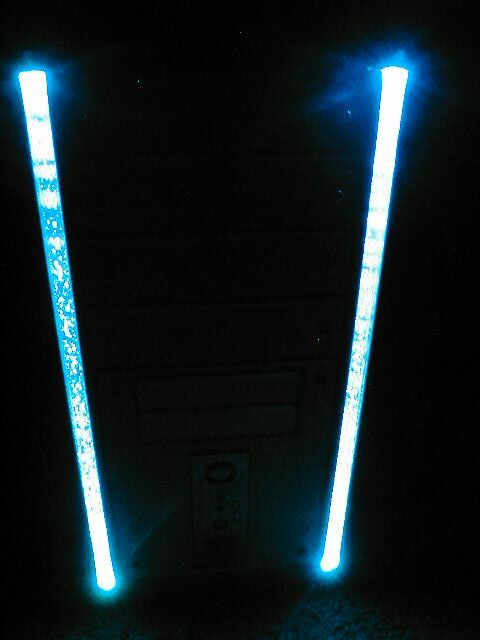
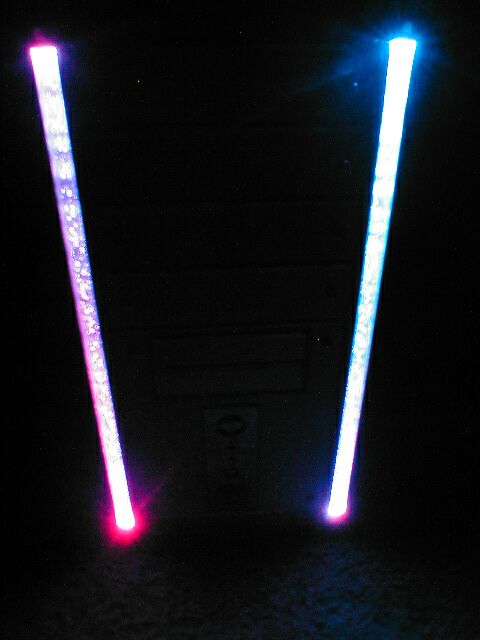
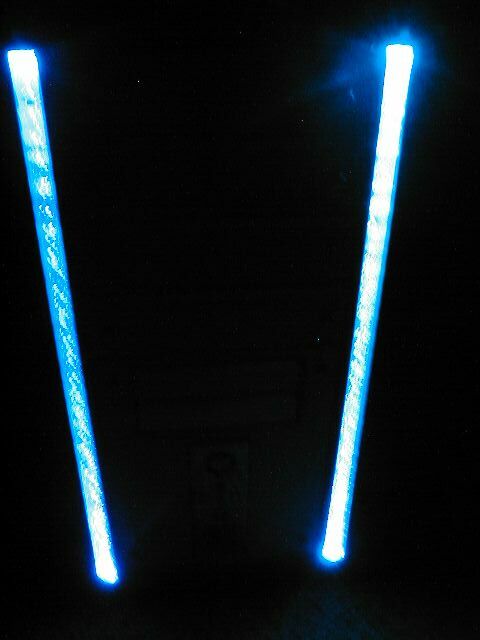
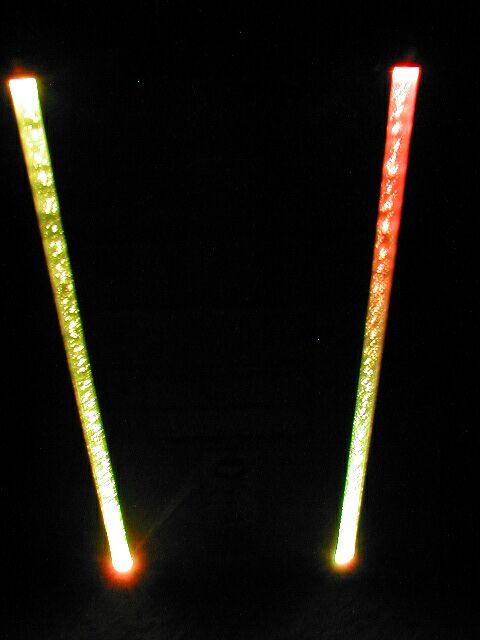
I made a shot little video clip of the light changing color with my digital camera. The quality isn’t the best on the video because it was made with a digital camera not a camcorder but it gives you a good idea of how it looks. This movie file is a 1.1MB Quicktime .MOV file so you will probably need Quicktime to watch it. Click here to watch the movie.
Conclusion
SkyHawk USA has made another fine case which has some cool features and a pretty good overall design. The front light tubes on the case are pretty cool but you are going to probably want to install a switch for it if you get this case so you can turn them off.
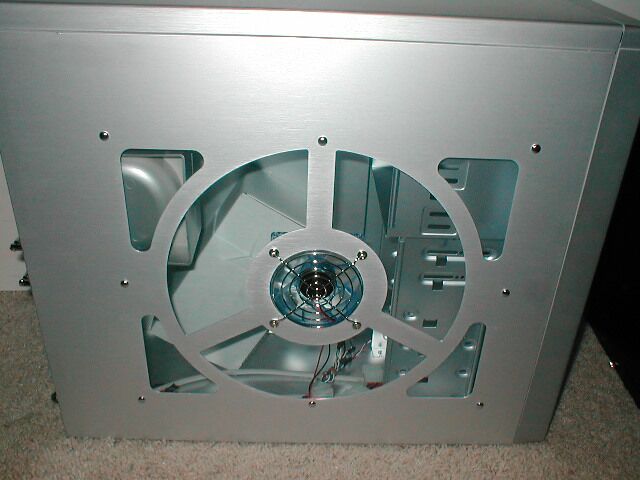
I really like the side window of the case, especially the design and the fact that there is an 80mm fan in the middle. The thumbscrews and handles for the side panels make it easy to in and out of the case easily and quickly which is good. I always give praise to cases with front ports and this case has front USB, firewire, and audio which is nice because most cases only have USB if any.
The case does not come with a power supply which is a little disappointing because you will have to buy one if you need one. The thing that I was hoping to see changed about this case was the power supply issue because it mounts upside down.
If you are going to get this case and have a power supply with a fan on the bottom of it you will probably want to drill holes so that you can mount it the correct way. I was also hoping to see a motherboard tray and reusable expansion slot covers but there is no remoable motherboard tray and there are only two extra expansion slot covers.
The SkyHawk Galaxy case would be a good case for someone who doesn’t want to modify their case and wants something that looks cool and doesn’t mind the few minor issues that it has. Overall I am going to give this case a 7/10, I would like to thank SkyHawk USA for providing me with this case, they have a list of places where you can purchase this case from on their website.
Pros
- Stock side window
- Looks awesome
- Fan duct included
- Thumbscrews included
- Side panel handles
- Lightweight
- Front USB, firewire, and audio
- Instructions included
Cons
- No power supply
- Power supply mounts upside down
- No removable motherboard tray
- Non-reusable expansion slot covers
- No switch for the lights