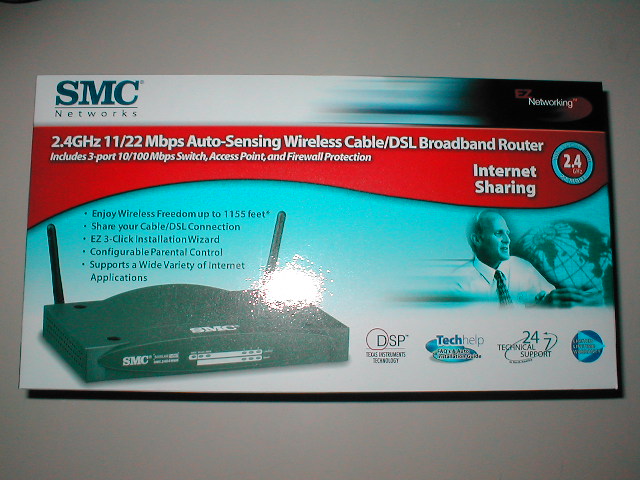
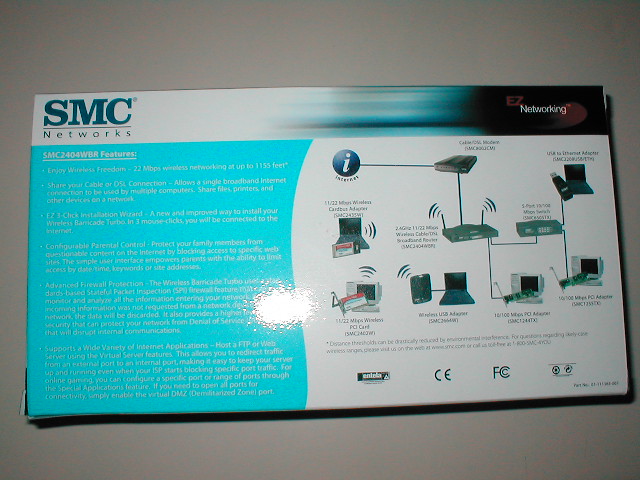
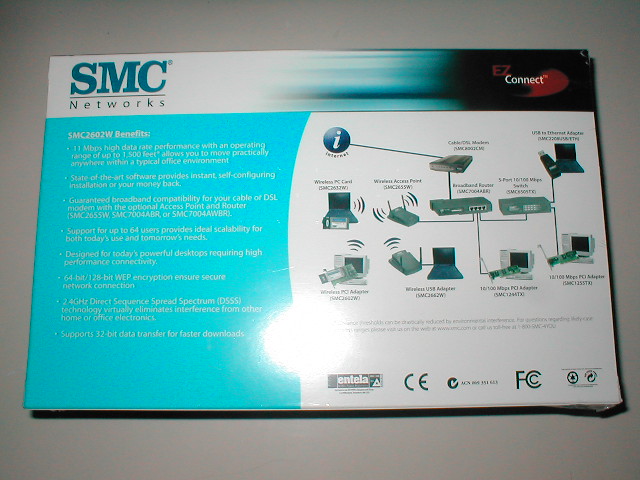
The box of the router is your standard box really, it just tells you what you have and some specs of it. The back of the box has some more information about the product so that when you are in the store you can get the information needed.
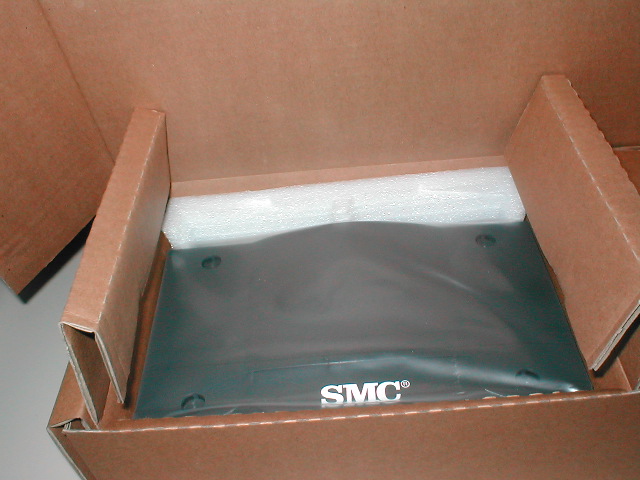
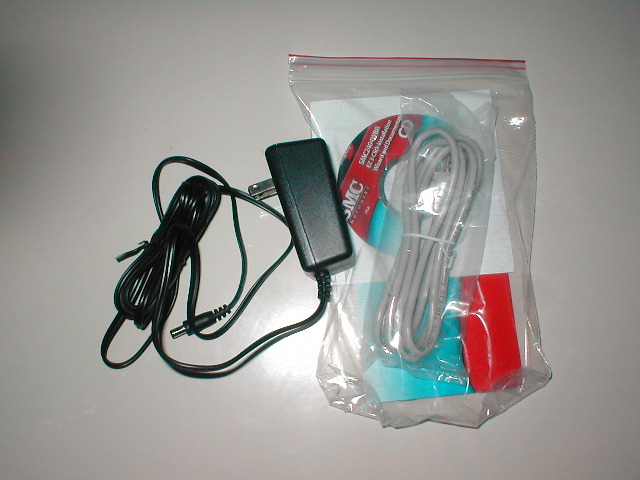
The router comes packed well so that it wont be damaged during shipping. It comes in a plastic bag so that it doesn’t get scratched and has some foam around it so that it wont get broken. Along with the router you get a manual, driver CD, cat5e to connect your router to your cable modem, and a power plug. The driver CD has a 3 click install program which allows you to install and configure the router to your system so that you can be online in minutes.
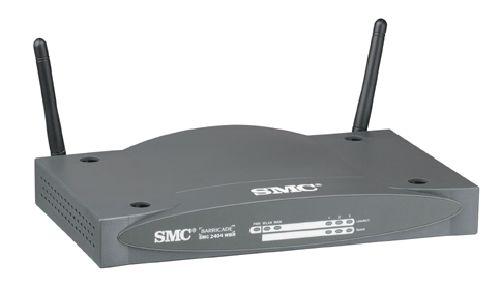
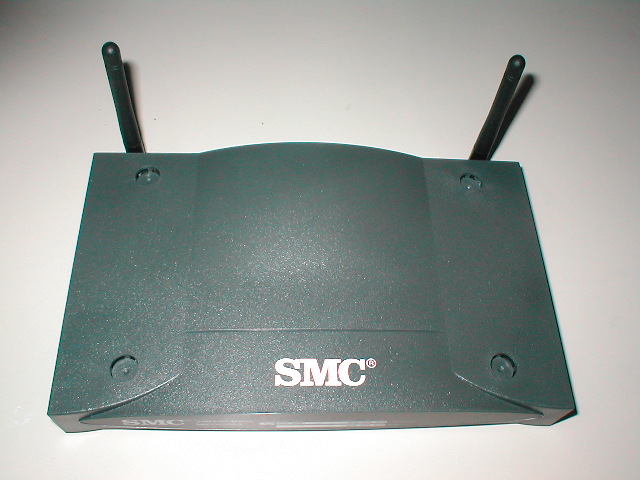
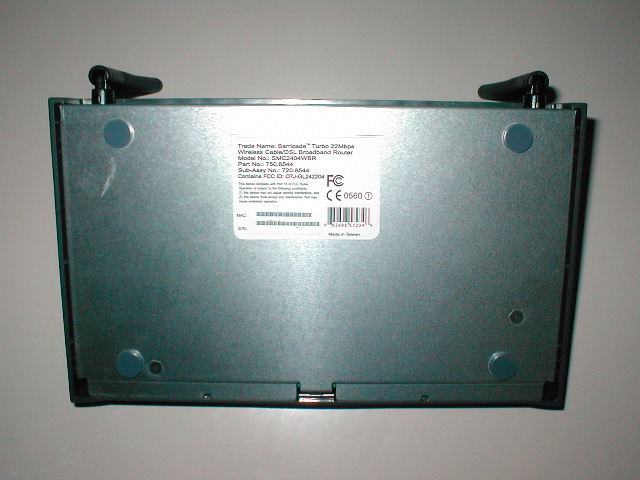
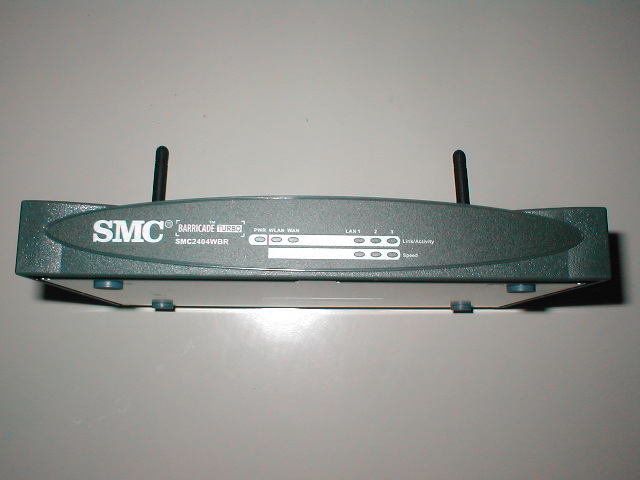
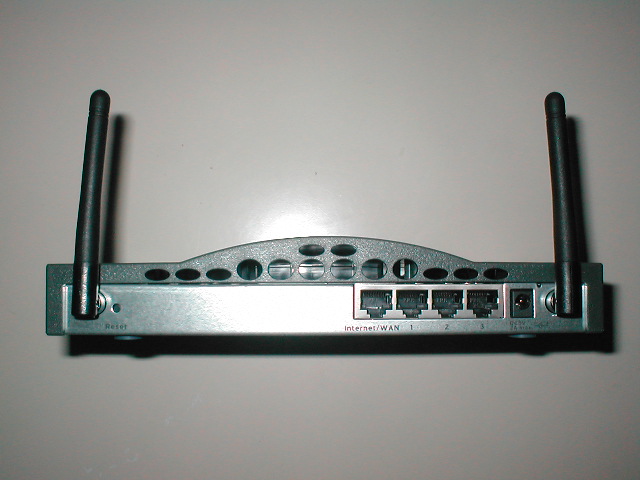
The router is a gray color and from the top view you can see the two antenna which are used to pick up the wireless signal. The bottom of the router has four spots where you put little feet so that your router wont slide around. The front of the router has the model number of the router along with some LEDs. There are LEDs for power, WAN, link, and speed. The back of the router has a WAN connection which goes to your cable or DSL modem. There are also three rj-45 ports for hardwired computers that want to get on the network. There is also the plug for the power so that you can actually use the router.
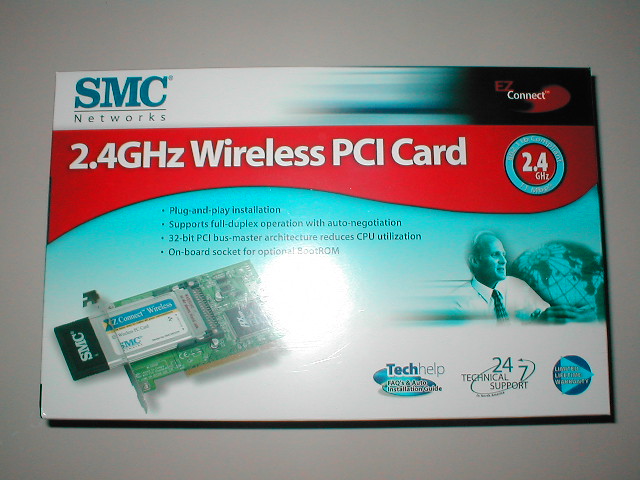
The box for the PCI card has the same layout as the router basically with the same guy and everything. Within the box the PCI card is inside an antistatic bag and encased in foam so that it doesn’t get damaged. The PCI card comes with a driver disk, utility disk, and manual which does a pretty good job explaining everything.
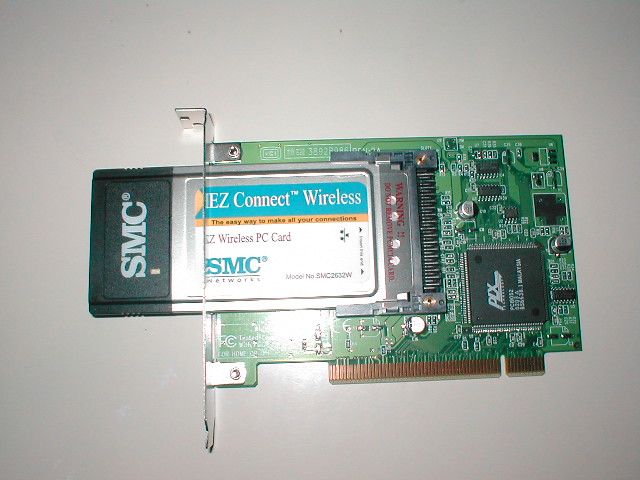
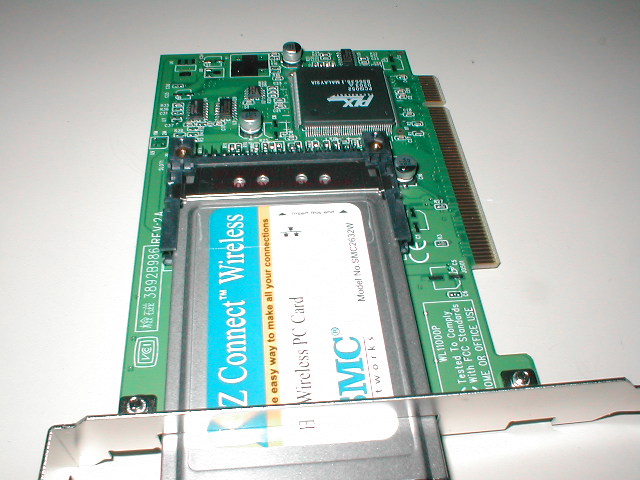
This revision of the PCI card is the 11Mbps one rather than the 11/22. SMC does have the 11/22Mbps PCI card however at the time they did not have it in stock so I went for the 11Mbps one. This revision of the PCI card is basically a PCI card with a PCMCIA card stuck into it. The downfall to this is that there is no antenna and will hinder reception range and strength. On the end of the PCMCIA there is a LED which is for connectivity so that you know when you are connected.
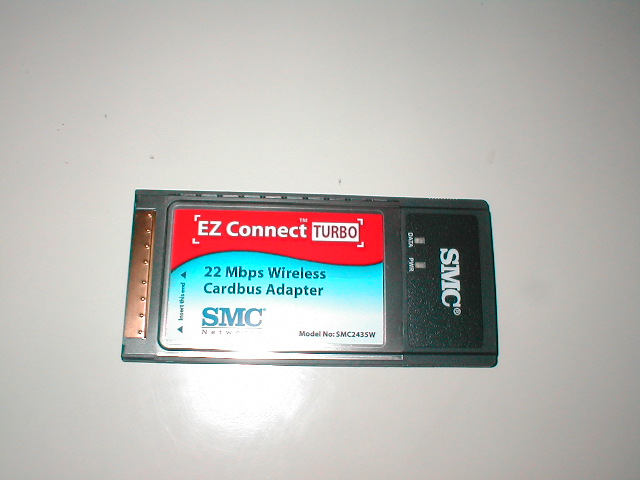
The box for the PCMCIA cardbus is also the same as the router and the PCI card. Again it has the same guy on it and most of the same information and pictures. The wireless card is sealed within an antistatic bag and held in place by cardboard. Because the card is so light and compact there isn’t really much chance for it to be damaged during shipping which is why it isn’t wrapped in foam or anything fancy.
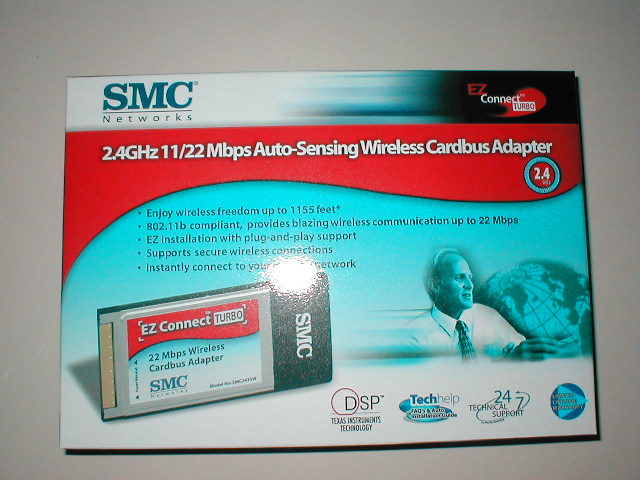

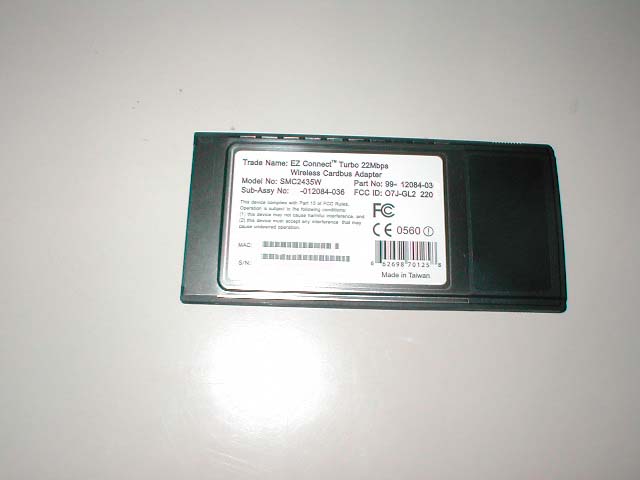
The cardbus is pretty small, only a little bigger than a credit card. This card will fit in any type II PCMCIA slot and is compatible with Windows 98/ME/2000/Xp. It is supposed to have a range of 1,155 feet which is a good distance and should be more than enough for most houses. The cardbus comes with a driver CD which also has the same utility as the PCI card and a manual which also explains things pretty well.