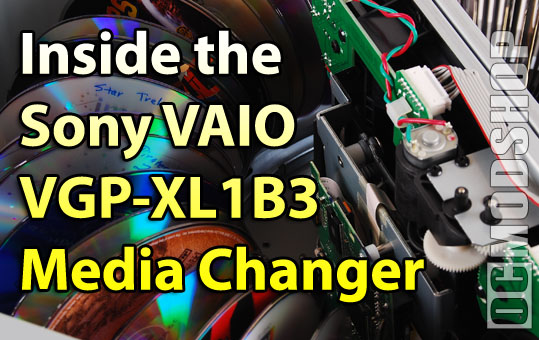
First off, this unit is very large. It is the same width as most Home Theater PCs, but is much deeper and taller than even the largest HTPC case, so it may not easily fit in an enclosed media cabinet. The unit requires no cooling and in fact has no air vents or fans of any kind. It is completely sealed to help prevent dust from getting into the system, making this unit suitable for archival purposes.

From the outside there really isn’t alot to this unit, which is made from shiny reflective black plastic to match Sony’s VAIO line of Home Theater PCs. The only notable things are the power button, green power LED, Load and Eject buttons, and the two I-link (Firewire) ports on the back. It is very easy to connect this unit to any PC: just match up the plugs and wires the only way they’ll fit.
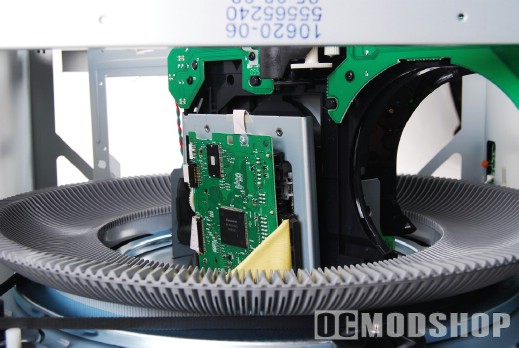
Opening the unit up is rather simple. The U-shaped cover is held in place with eight small screws: four in to top, and two on either side. Once the top is slid off we can see how the unit really works. There is a clear molded plastic cover underneath the case, which should help keep settling dust from getting onto the discs themselves.
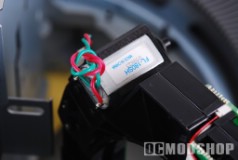
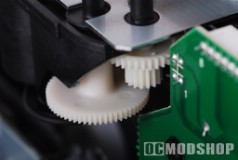
The changer consists of a central DVD burner surrounded by a ring with slots for 200 discs. There are several motors that assit in loading and organizing the media. One motor at the front slot moves a lever that ejects the current disk, and also gently places any inserted disc. Another motor moves a toothed rubber belt which actually moves the media ring, which is the major source of this unit’s noise. A third motor actualy loads media into the central DVD player, and a fourth motor clamps the drive down onto the disc.
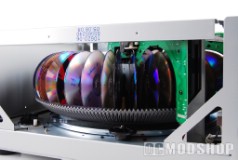
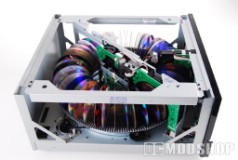
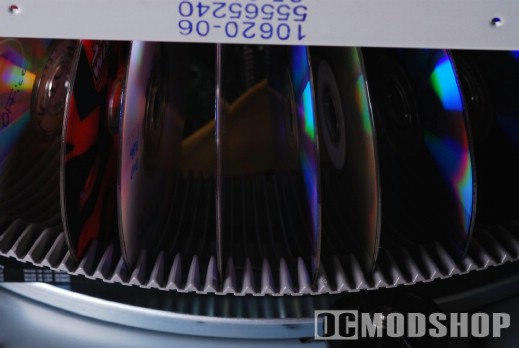
The Media Ring looks sortof like the ring gear in a ring a pinion set. DVD media is gently placed into each groove. The ring spins around to evenly distribute the media’s weight around; so even though you may load your media sequentially, it is placed all around the ring. It really doesn’t matter where the discs are phyiscally positioned because the Media Center software manages your disc library. The unit’s memory just knows that there is a disc inserted in slot X.
We tried to fool the unit by removing all the discs that we had loaded, and the unit still thought that discs existed. We had to keep pressing the “eject button”, and the unit would spin around to an empty slot and the ejector arm would move up to expel the nonexistant media. Pressing the eject button would prompt no action from the unit once it thought there were no more discs left.