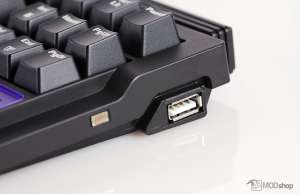
The keyboard integrates a USB 2.0 hub into the keyboard, with one standard USB port on both the left and right sides of the keyboard. The keyboard has a detachable mini-USB port for input and includes a 6-foot braided USB cable for this purpose.
An additional USB-to-DC cable is included to supply an additional 500ma of power for the USB hub. This DC cable is much shorter than the braided cable, which makes taking power from the same source -impractical. Thankfully most devices should not require additional power; the ones that may need extra juice are mechanical 2.5” hard drives.
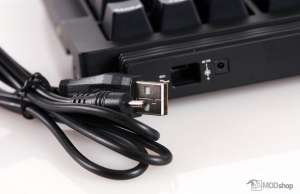
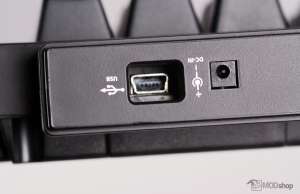
I really like that this keyboard can use two USB devices over one cable. Other keyboards only have one USB port, and some even require their own dedicated plug (like the Corsair K70 and K95). We tested throughput with USB thumb drives, and did not notice any notable issues (other than any USB 3.0 SuperSpeed devices step down to USB 2.0 Hispeed transfer rates).
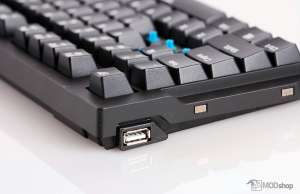
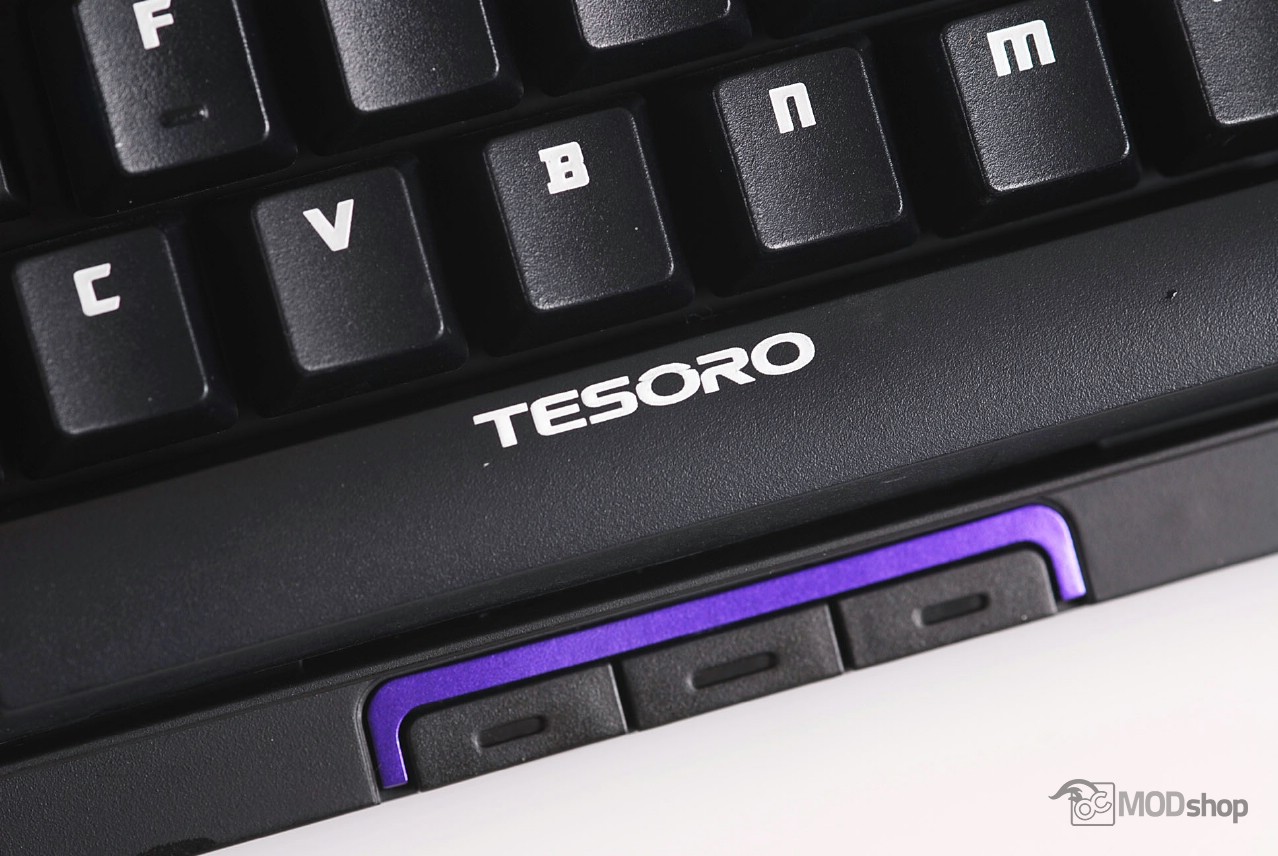
The Tesoro Tizona looks a lot like another keyboard we reviewed, the Cooler Master QuickFire Stealth. The keyboard is a compact mechanical keyboard without the additional 10-key keypad (which we review here).
Because of its reduced footprint, additional functionality is achieved through the use of a Function “Fn” key, which replaces the right “Windows” key on most other keyboards. Holding down the “Fn” key plus these other keys toggle different features:
| Fn + F1 – F6 | Fn + F12 | Fn + Ins | Fn + Del |
| Media Functions | PC / Gaming Mode | G mode (6-key rollover) |
K mode (full n-key rollover) |
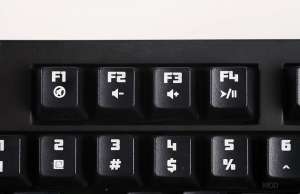
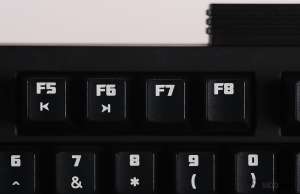
The different modes of this keyboard are a little confusing at first. There is no included paper manual, nor is there any information about using the keyboard on the Tesoro website. What I’ve learned was through my own tinkering. All of the other review websites that cover this product have neglected this feature, as well, which would directly affect the rating had they paid attention to it.
PC Mode, N-Key mode, and G Mode
The Tesoro Tizona mechanical keyboard can be put into two different modes: “PC mode” and “G” mode. In addition, you can put the keyboard in “N” mode or “G” mode.
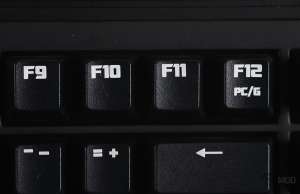
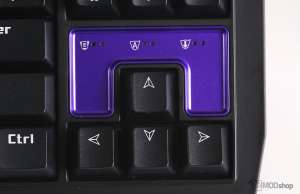
G mode is toggled with Fn + F12 (left) G light indicator above arrow keys (right)
If you press Fn + F12, then the keyboard toggles between “PC” and “Gamer” mode. In G mode, the “G” light turns on, and the thumb buttons change:
| PC Mode | Gamer Mode | |
| Thumb 1 | Browser | / |
| Thumb 2 | ? | * |
| Thumb 3 | – | |
| Windows Key | normal | disabled |
| Context (right-click) Key | normal | disabled |
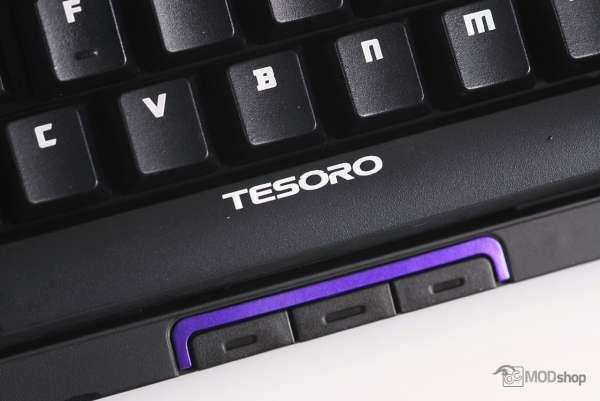
Niether of these modes changes the n-key rollover mode, which is toggled separately. In regular mode “G’ mode (Fn + Ins), there is a maximum of 6-key rollover. When the keyboard is toggled into “N” mode (Fn + Del), then the keyboard has full n-key rollover. In this mode, we achieved over 42 keys at the same time! This is more than any other keyboard we’ve ever tested, including the Corsair K70 and K95.

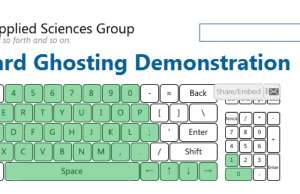
6-key N-rollover in N mode (left). Full n-key rollover in G mode