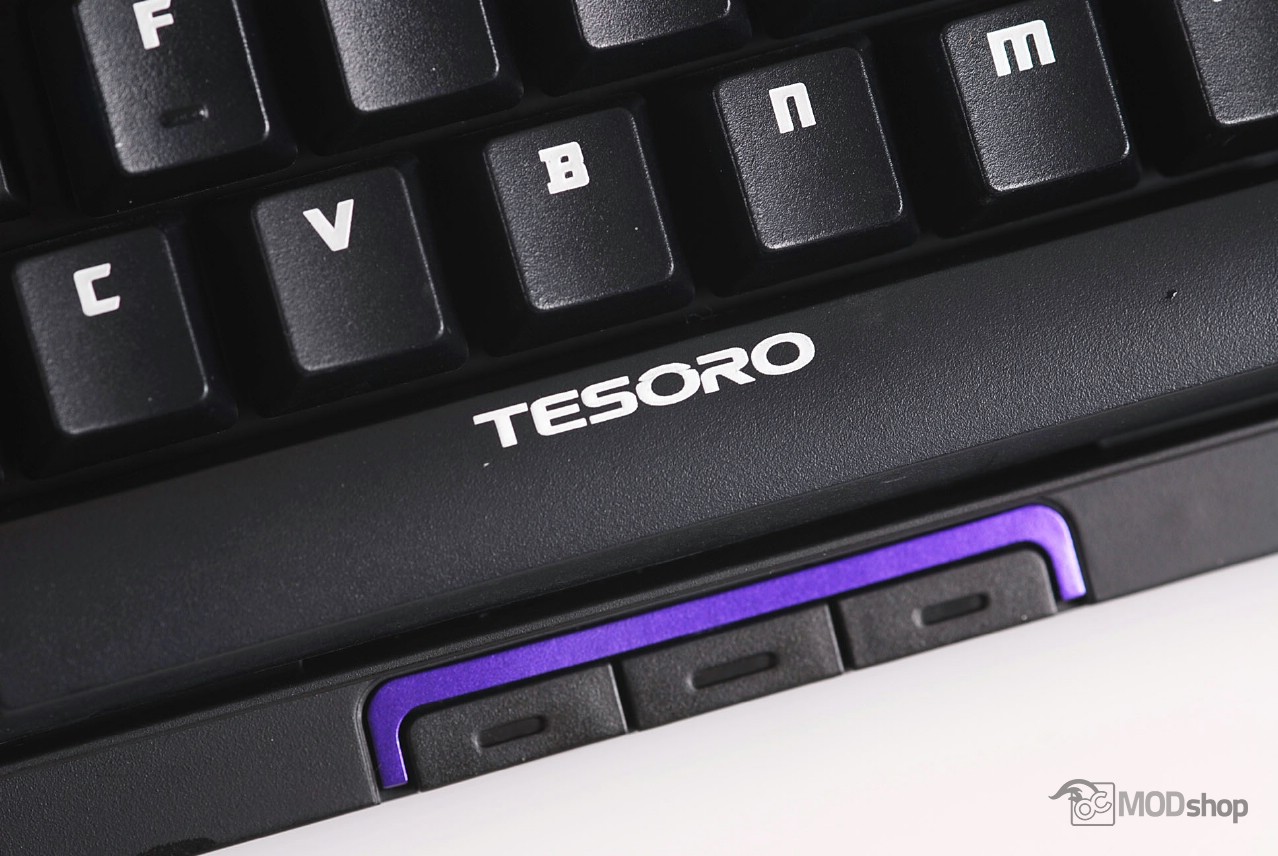
One of the main reasons you might be interested in the Tesoro Tizona is its small footprint, as it can easily be placed in a laptop bag or backpack. This can also be a boon if you have limited desktop space or need to maximize space for your mouse.
Because there is no right keypad, I found myself fudging for arrow keys and the Insert/Delete bank by feel alone. Fortunately, there is an optional 10-key keypad that can be attached to the left or right of the keyboard (reviewed here).
The keyboard uses cheaper Kailh switches, which is not bad in and of itself, but since the switches cost less, the keyboard should not cost the same as one implemented with more expensive Cherry MX switches.

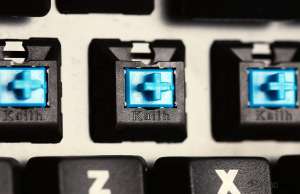
When I pulled off the keycaps to take photos, I noticed that some of the switches were Cherry MX switches. UPDATE 9/22/2014: Tesoro acknoledged that this happened because it is a pre-release board and the production units are fine. This type of thing happens with pre-production units.
The overall layout of the keyboard is good and the keyboard has a good feel and offers a satisfying click, but the typing experience would be more comfortable with a wrist rest.
The Tesoro Tizona is very close to the Cooler Master QuickFire Stealth, It differs from Cooler Master’s offering considering the cheaper switches and the absence of replacement keycaps but pulls ahead when you consider the two USB ports, thumb buttons, and an expandable 10-key numpad.
The things that annoyed me with the QuickFire are also present with the Tizona. The secondary Windows key is replaced by an annoying Fn key, and the thumb buttons are practically useless. If you attach the optional 10-key numpad, then the Tesoro Tizona is as large as the Corsair K95.
This keyboard could be a good backup mechanical keyboard, especially if space in your bag or backpack is an issue. The two powered USB ports and expandability make it an interesting consideration.