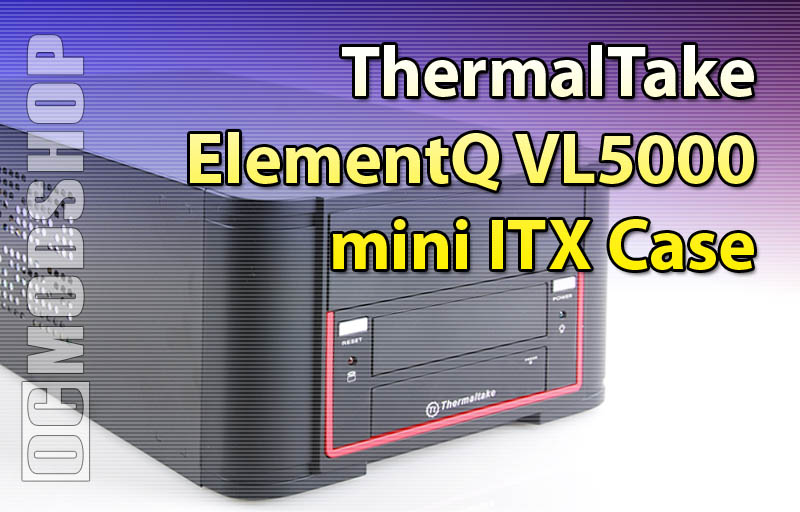
Since there is very limited space, you must pop the front bezel from the front, which is easily done by pressing your thumb against four plastic tabs at each of the bezel’s corners. It is highly recommended to remove the power supply and install the motherboard first, attach cables, then drives, and then power.
Mini-ITX boards only have a limited number of screw holes, and the motherboard tray has been pre-formed to accept these screws, so there is no need to install any brass standoffs. Install the I/O panel and motherboard, and then screw into place.
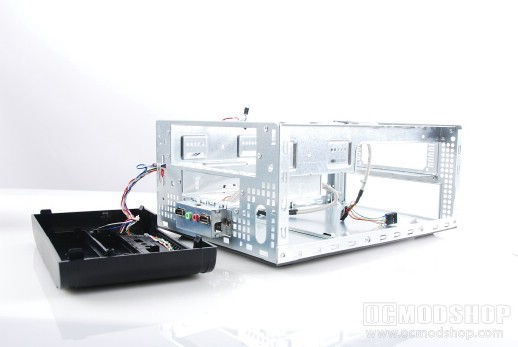
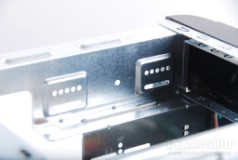
The front drive bays must be loaded from the front (hence the reason the front panel is temporarially removed. With the case top off, you easily have access to both sides of the drive, and can attach mounting screws. Attaching another hard drive is relatively easy with the included plastic drive rails. Attach these rails to a standard 3.5″ hard drive, and line them up with the screw holes at the top, and make sure the plastic rails fit into the metal groove on the bottom.
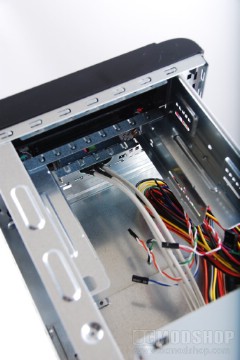
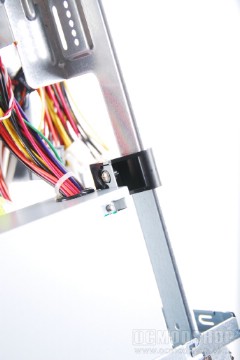
It must be noted that there is no positive air pressure included with this case. The only active heat exhaust the case experiences will be from the power supply. Since the case only has room for a single-slot video card it is unlikely that you’ll be using a GPU heatsink with seperate exhaust. The only fresh air the case receives is from the ventillation holes on the front, sides, and back.
Once the hardware is installed, attaching all of the cables can be tight, but there is a decent amount of room underneath the drive bays to stuff cables. Since room is tight it is very important to route your cables and tie them up so they don’t obstruct airflow or any CPU fans. Once your hardware is installed, don’t expect to mess with it too much, as the room is tight, which requires practially taking everything apart just to do something simple like removing dust.
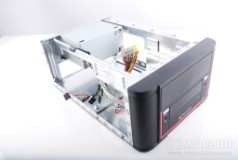
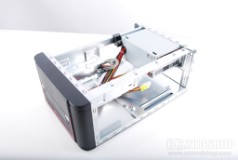
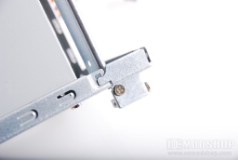
The small SFX power supply isn’t the best thing in the world, but does feel pretty heavy for its size. Besides, what do you expect from a PSU that comes with a case, especitally when that case is under $100? In practical use, however, many cheap power supplies are fine if you don’t use over 60% of their rated load. The included power supply works just fine with the 90W load we put on it, and the heat exhast from the PSU ranged from 81 to 86 degrees F, and the fan was practically silent. Most people that get a case this small will probably use a motherboard with integrated graphics, and I would be wary recommending a high-power video card monster in this setup.
So what do we really think? Read on the next page…